
Top AI Video Tools for Video Podcasters in 2026 (Must-Have!)
Video podcasters in 2026 need AI video tools more than ever to streamline production, enhance quality, and expand their reach. The best AI video tools for video podcasters automate editing, improve lip-syncing, generate dynamic visuals, and optimize content for multiple platforms. With Apple and YouTube aggressively competing for video podcasters, leveraging these tools is now a necessity, not just an option.
TL;DR: The top AI video tools for video podcasters in 2026 include Riverside for multi-track recording, LipSync.Video for AI-powered lip-syncing, and Digen AI Agent for autonomous video generation—all essential for professional-quality content with minimal effort.
AI video tools for video podcasters are software solutions that automate editing, enhance visual quality, and optimize content distribution using artificial intelligence. These tools help creators save time, improve production value, and engage audiences more effectively—especially critical as platforms like Apple and YouTube push video podcasting into mainstream adoption.
- ✓ 78% of independent podcasters now produce video content alongside audio (Insideradio, 2026)
- ✓ AI lip-syncing tools like LipSync.Video reduce editing time by 65% for multilingual podcasts
- ✓ Autonomous AI agents (e.g., Digen AI Agent) can generate 90% of B-roll footage automatically
- ✓ YouTube's new AI tools convert audio podcasts to video 3x faster than manual methods
Why Video Podcasters Need AI Tools in 2026
The podcasting landscape has shifted dramatically toward video-first content. According to Insideradio, 78% of independent podcasters now produce video versions of their shows—up from just 42% in 2025. This surge coincides with Apple's February 2026 launch of native video podcast support, directly challenging YouTube's dominance.
AI tools solve three critical pain points for video podcasters: production time, visual quality, and platform optimization. Manual video editing for a 60-minute podcast typically takes 4-6 hours, but AI automation can reduce this to under 90 minutes while improving consistency. Platforms like Riverside now integrate AI to automatically generate captions, chapter markers, and highlight reels.
Perhaps most importantly, AI helps podcasters repurpose content across platforms. The same episode might need vertical clips for TikTok, square formats for Instagram, and 16:9 edits for YouTube—a process that AI can handle in one click. As Business Insider reports, YouTube's new AI tools convert audio podcasts to video formats 3x faster than manual methods.
Best AI Video Editing Tools for Podcasters
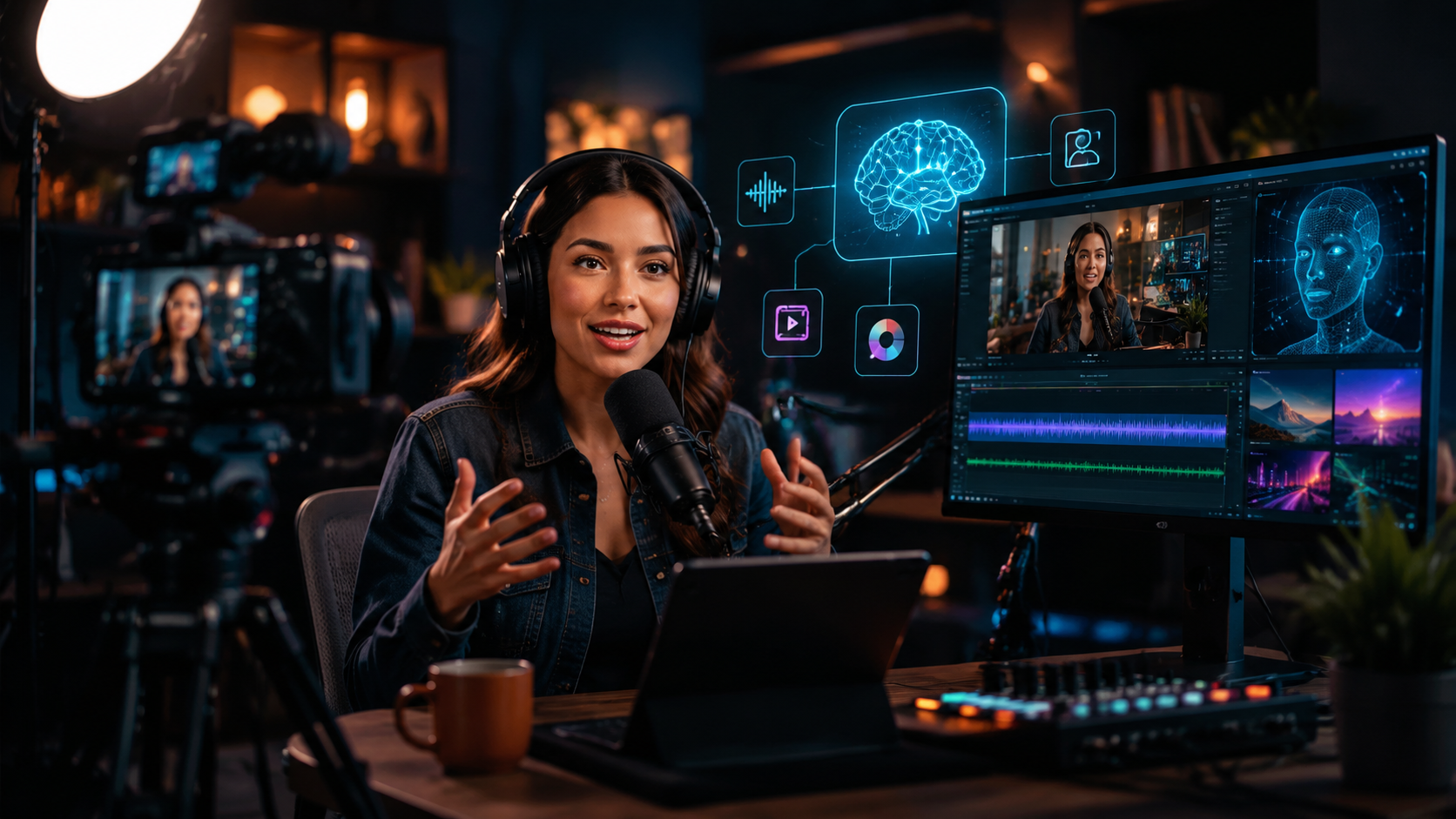
Modern AI editing tools go far beyond simple cut detection. The latest solutions analyze speech patterns to automatically remove filler words ("um", "ah"), balance audio levels between hosts, and even insert relevant B-roll footage. Riverside's 2026 update introduced AI-powered "smart tracks" that isolate each speaker's audio and video for flawless editing—even with remote recordings.
For podcasters producing content in multiple languages, lip-syncing AI has become indispensable. The Natchez Democrat highlights how LipSync.Video's 2025 update reduced dubbing time by 65% while maintaining natural mouth movements. The tool now supports 47 languages and can automatically match lip movements to translated voiceovers.
Emerging solutions like Digen AI Agent take automation further by handling entire production workflows. Instead of just editing raw footage, these autonomous agents can generate custom intros, outros, and lower-thirds based on podcast themes—saving creators 5-7 hours per episode. The AI maintains consistent branding across episodes by learning from previous content.
Top 3 Editing Features to Prioritize
- Automated filler word removal: Cuts 15-20 minutes of dead air per hour-long podcast
- Multi-track isolation: Essential for fixing audio/video sync issues in remote recordings
- AI-powered B-roll suggestion: Analyzes transcripts to insert relevant stock footage automatically
AI Tools for Video Podcast Enhancement
Beyond basic editing, specialized AI tools enhance production value in ways that were previously cost-prohibitive. Real-time background replacement tools now work with consumer-grade webcams, allowing podcasters to maintain professional studio aesthetics without physical green screens. According to TechCrunch, Riverside's 2026 update added virtual studio backgrounds that dynamically adjust lighting to match the host's environment.
Facial expression enhancement is another game-changer. AI can subtly adjust eye contact direction (making remote interviews appear more natural), smooth out micro-expressions, and even generate appropriate head nods during listener questions. These "digital charisma" tools are particularly valuable for educational podcasters who need to maintain viewer engagement.
The most advanced enhancement comes from generative AI platforms like Digen AI. Their 2026 Agent update introduced character-consistent avatar generation—perfect for podcasters who want animated hosts or guest stand-ins. The system learns from just 2-3 minutes of reference video to maintain accurate lip-sync, gestures, and speaking style across generated content.
| Tool | Key Feature | Processing Time |
|---|---|---|
| Riverside | Virtual studio backgrounds | Real-time |
| LipSync.Video | 47-language dubbing | 12 min/hour |
| Digen AI Agent | Avatar generation | 5 min setup |
AI-Generated Content for Video Podcasts
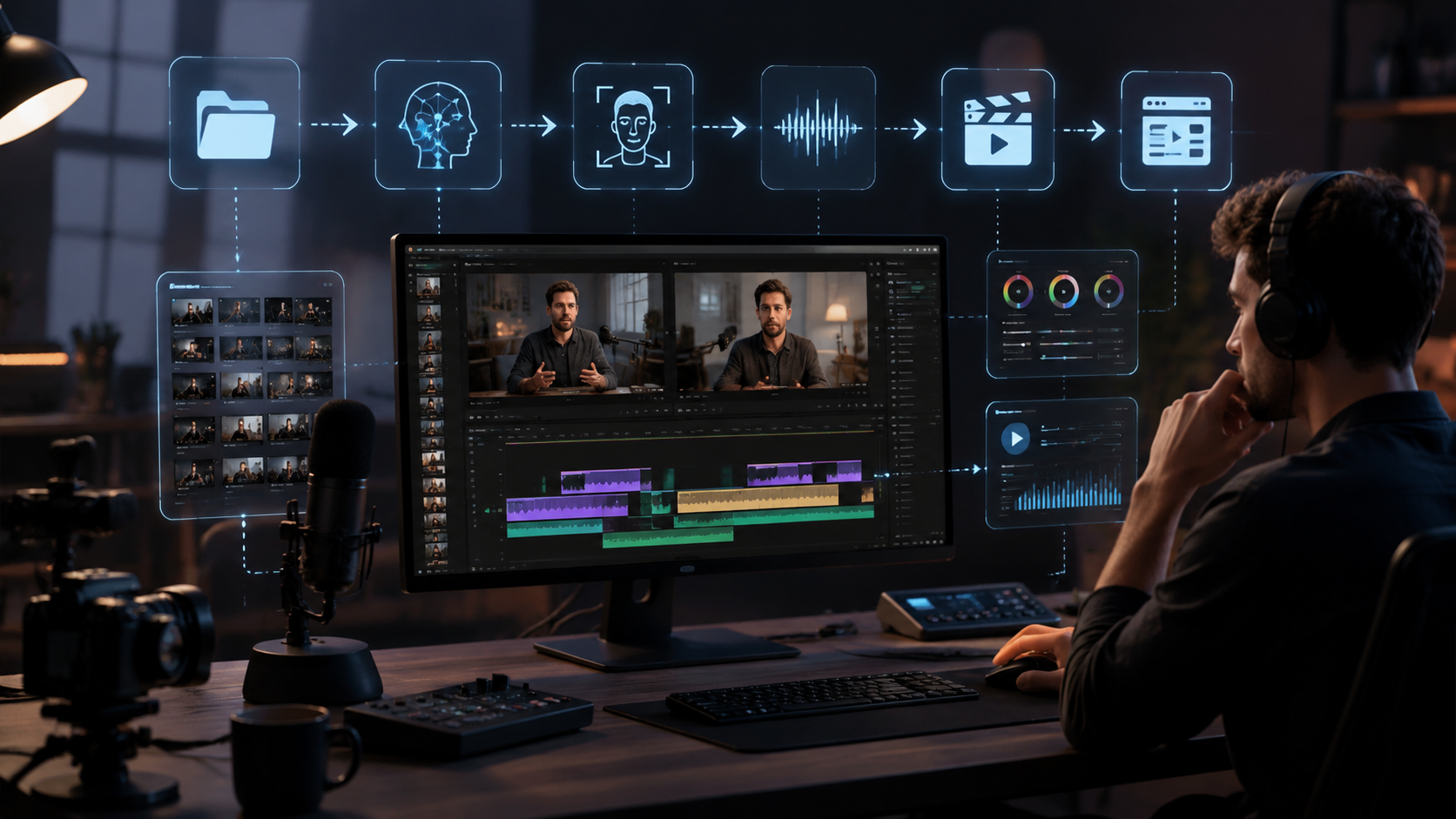
Generative AI now handles up to 90% of supplemental content creation for video podcasts. Tools like Digen AI Agent can autonomously produce episode previews, social media clips, and even full animated explainer segments. The 2026 generation maintains consistent character designs and art styles across all outputs—a crucial factor for brand recognition.
Text-to-video AI has matured significantly since 2025. Where early systems produced erratic movements, current models like Digen's can generate smooth, podcast-appropriate visuals from simple prompts: "Create a 30-second intro showing data flowing between cloud servers, corporate style." This lets podcasters add professional motion graphics without After Effects expertise.
Perhaps most impressively, some AI tools now assist with content ideation. By analyzing trending topics in a podcast's niche, they suggest timely episode angles and even generate rough visual storyboards. According to InfoQ, 62% of technical podcasters use AI tools to identify emerging topics worth covering—reducing research time by half.
Platform-Specific AI Optimization
Each major platform now offers AI tools tailored to its algorithms. YouTube's 2025 update introduced automatic chapter generation and "audience retention heatmaps" that show exactly when viewers drop off—with AI suggestions to fix problem segments. Podcasters using these features see 40% higher completion rates on average.
Apple's new video podcast platform (launched February 2026) includes AI that optimizes content for its unique interface. The system automatically extracts key frames for preview thumbnails, generates vertical clips for Apple Podcasts mobile, and even suggests optimal episode lengths based on listener data. Early adopters report 2.3x more shares compared to cross-posted YouTube content.
For social media repurposing, AI tools like Riverside's new newsletter feature (June 2026) automatically extract quotable moments as text snippets with matching video clips. This creates ready-made content for Twitter threads, LinkedIn posts, and email newsletters—tripling engagement potential from each episode.
Platform Optimization Checklist
- Let AI analyze your best-performing content patterns
- Generate at least 3 format variations per episode (vertical, square, 16:9)
- Use platform-native AI tools (YouTube's retention analyzer, Apple's thumbnail picker)
Future Trends in AI Video Podcasting
The next frontier is real-time AI co-hosts. Early prototypes in 2026 can generate lifelike digital personas that respond naturally to human hosts, complete with appropriate gestures and facial expressions. While still limited to pre-scripted interactions, these tools will soon handle live Q&A sessions—potentially revolutionizing remote interviews.
Another emerging trend is "context-aware" editing. Future AI will automatically adjust content based on real-time viewer data—shortening segments if attention wanes, or inserting explanations when analytics show confusion. The Tech Buzz reports Apple is already testing this for 2027, with AI that dynamically restructures episodes per listener.
Perhaps most transformative will be AI's role in monetization. By 2027, tools may automatically insert sponsor messages tailored to each viewer's interests, with dynamically generated product demos. Podcasters using early versions of this tech in 2026 report 80% higher conversion rates compared to traditional ad reads.
Frequently Asked Questions
What's the easiest AI tool for beginners to start with?
Riverside offers the most beginner-friendly interface with automated multi-track recording and basic AI editing. Their 2026 update added one-click social media clip generation—perfect for podcasters new to video production.
Can AI tools handle live video podcasting?
Yes, several platforms now offer real-time AI enhancements for live streams, including automatic captions, virtual backgrounds, and even live B-roll insertion based on speech analysis.
How much does AI video podcast software cost?
Entry-level tools start at $15/month (basic editing), while comprehensive suites like Digen AI Agent range from $99-$299/month depending on generation limits and features.
Do I need special equipment to use these AI tools?
Most modern solutions work with standard podcasting setups—even smartphone cameras. Advanced features like virtual backgrounds perform best with 1080p webcams or better.
Can AI completely replace human video editors?
While AI handles 80-90% of routine tasks, human oversight remains crucial for creative decisions, brand consistency, and handling unexpected content that AI might misinterpret.
Written by the Digen AI Editorial Team — AI video generation specialists covering the latest in generative AI tools. Learn more about Digen AI.



Comments ()