
10 Best AI Video Tools for Non-Designers in 2026
The best ai video tools for non designers in 2026 are intuitive, browser-based platforms that leverage agentic workflows to transform text prompts or static assets into professional-grade video content. These tools, such as the latest iterations of Canva and the new Claude Design, allow users without technical video editing skills to generate high-quality marketing clips, social media reels, and prototypes in seconds. By automating the timeline management and asset generation process, these platforms have effectively democratized visual storytelling for small business owners and content creators.
AI video tools for non-designers are software applications that use generative artificial intelligence to automate video production tasks like scriptwriting, scene composition, and animation. In 2026, these tools focus on "agentic design," where the AI acts as a co-worker to handle complex editing sequences, allowing users to focus on creative direction rather than technical execution.
- ✓ Agentic AI tools now act as "ultra-fast coworkers," handling 90% of the manual editing workflow.
- ✓ Integration between LLMs like Claude and design platforms has streamlined the path from prompt to prototype.
- ✓ Real-time collaboration is now standard, with AI agents assisting multiple users simultaneously.
- ✓ Accessibility has reached a peak, with "text-to-video" features now supporting complex brand-consistent styling.
How to Use AI Video Tools for Non Designers: A Step-by-Step Guide
Getting started with video production no longer requires a degree in motion graphics. The current landscape of ai video tools for non designers is built around natural language processing, meaning if you can describe it, you can create it. The shift toward agentic design—as seen in recent updates from Figma and Anthropic—means the AI understands the context of your project better than ever before.
- Define Your Concept: Start by inputting a detailed prompt into your chosen AI tool. Specify the tone, target audience, and key message.
- Select an Agentic Template: Choose a framework that matches your goal, whether it's a product demo or a social media story.
- Refine with AI Suggestions: Use the "coworker" feature to let the AI suggest transitions, background music, and color palettes based on current 2026 trends.
- Edit via Dialogue: Instead of dragging clips on a timeline, type instructions like "make the transition smoother" or "change the background to a sunset."
- Export and Optimize: Save your video in the required format for your specific platform (e.g., TikTok, LinkedIn, or YouTube).
The Evolution of Design: Why 2026 is the Year of the Non-Designer
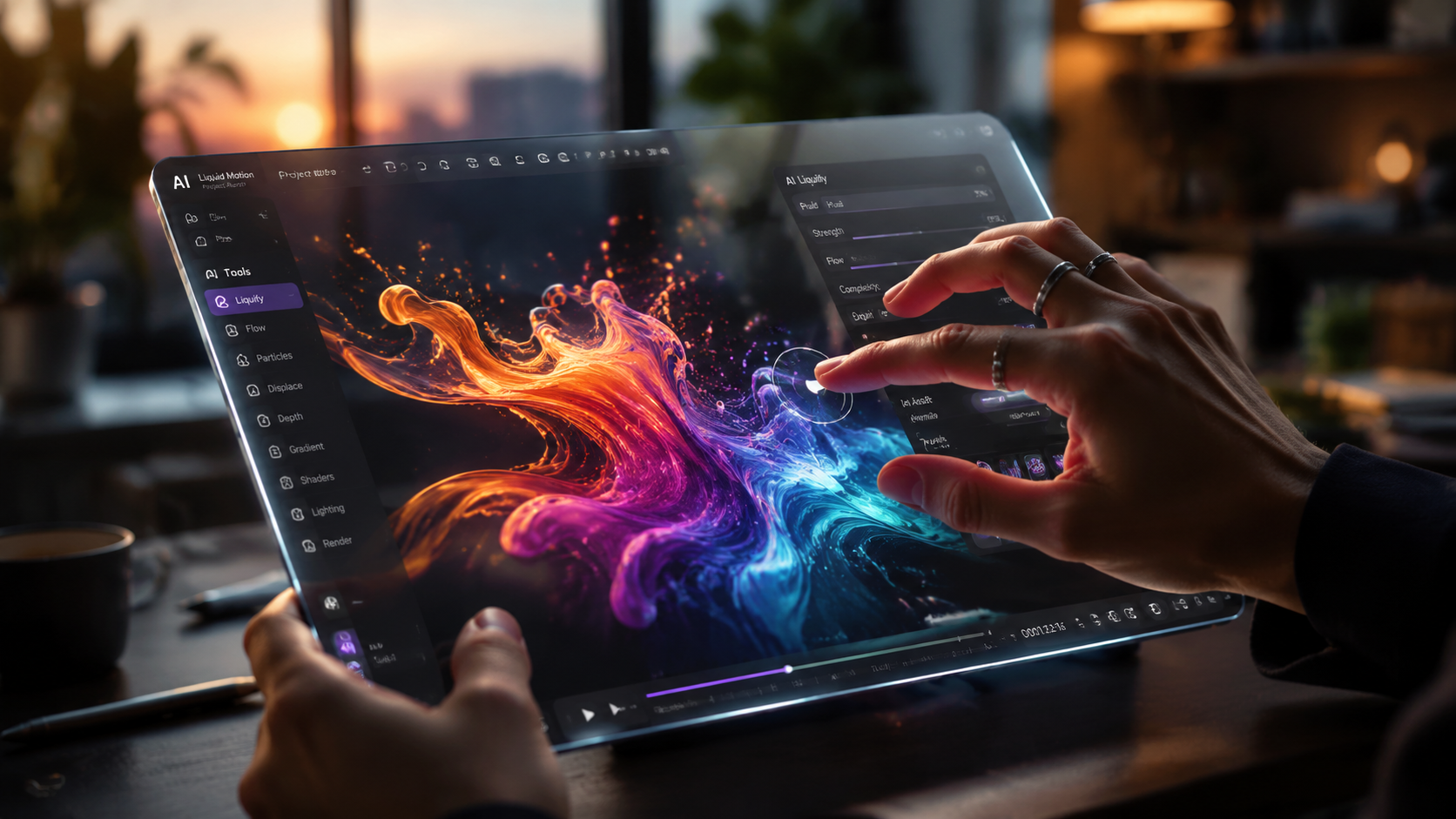
The design world underwent a massive shift in early 2026. According to VentureBeat, the launch of Claude Design by Anthropic in April 2026 challenged traditional incumbents by turning simple prompts into complex visual prototypes. This move toward visual workflows allows anyone to bridge the gap between a written idea and a finished video product without touching a single keyframe.
Furthermore, Fast Company reports that Figma’s new agentic design tool functions like an "ultra-fast coworker," significantly reducing the time spent on repetitive tasks. For non-designers, this means the software is no longer just a canvas; it is an active participant in the creative process. This evolution ensures that ai video tools for non designers are more about "directing" than "editing."
The Rise of Agentic Video Creation
Agentic AI refers to systems that can plan and execute multi-step tasks autonomously. In the context of video, this means the tool doesn't just apply a filter; it researches the topic, selects appropriate stock footage, generates a voiceover, and syncs the music to the beat of the cuts. This level of autonomy is what makes these tools so powerful for those without formal training.
Top 10 AI Video Tools for Non-Designers in 2026
Choosing the right platform depends on your specific needs, whether you are creating high-fidelity prototypes or quick social media updates. Below are the leading ai video tools for non designers that are dominating the market this year.
| Tool Name | Primary Feature | Best For | Skill Level |
|---|---|---|---|
| Canva (2026 Edition) | Magic Media Studio | Social Media Content | Beginner |
| Claude Design | Prompt-to-Prototype | UI/UX & Product Demos | Intermediate |
| Figma Agentic | AI Coworker Workflow | Collaborative Projects | Intermediate |
| Runway Gen-4 | Cinematic Text-to-Video | High-End Marketing | Advanced (Non-Pro) |
| InVideo AI | Automated Scripting | YouTube Creators | Beginner |
| HeyGen Pro | Avatar Synthesis | Corporate Training | Beginner |
| Synthesia 3.0 | Multilingual Avatars | Global Communication | Beginner |
| Descript Video | Text-Based Editing | Podcasters | Beginner |
| Adobe Express AI | Firefly Integration | Brand Consistency | Intermediate |
| Sora (Public Release) | Hyper-Realistic Video | Storytelling | Beginner |
1. Canva: The All-in-One Powerhouse
As of May 2026, Built In highlights that Canva remains the gold standard for accessibility. Its "Magic Media" suite has evolved to include full-scale video generation that maintains brand consistency across all frames. For a non-designer, Canva’s biggest strength is its massive library of pre-licensed assets combined with an AI that understands "vibe" and "aesthetic."
2. Claude Design: From Prompt to Motion
Anthropic’s Claude Design, launched in April 2026, has revolutionized how we think about "designing" video. As noted by CMSWire, this tool focuses on visual workflows, allowing users to describe a user interface or a sequence of events and watch as the AI builds the motion graphics in real-time. It is particularly effective for tech startups needing to showcase their software through video.
3. Figma’s Agentic Video Workflow
Figma is no longer just for UI designers. With its 2026 agentic updates, non-designers can use Figma to stitch together complex video prototypes. The AI acts as a partner, suggesting improvements to the flow and automatically adjusting the timing of elements to ensure the video feels professional and polished.
Key Features to Look for in AI Video Tools for Non Designers
When evaluating ai video tools for non designers, you should prioritize features that reduce "friction." In 2026, the best tools are those that require the fewest clicks to get to a finished product. According to Designmodo, the most effective AI tools for designers and non-designers alike are those that offer seamless integration with existing workflows and provide high-fidelity outputs from low-fidelity inputs.
Text-to-Video Synthesis
The ability to turn a paragraph of text into a 60-second video is the baseline for 2026. Look for tools that don't just provide generic stock footage but generate unique, AI-rendered visuals that are tailored to your specific prompt. This ensures your content doesn't look like everyone else's.
Automated Voiceovers and Subtitles
Accessibility is a major trend in 2026. The best AI video tools automatically generate accurate subtitles and offer a range of human-like AI voices in multiple languages. This is essential for reaching a global audience without the cost of hiring voice talent or translators.
The Impact of AI on Creative Workflows
The integration of AI into video production has changed the productivity landscape. G2 Learn Hub's recent testing of AI generators in May 2026 suggests that the speed of content production has increased by over 400% for the average marketing team. This allows for more experimentation and rapid A/B testing of video content on platforms like Instagram and TikTok.
However, the human element remains vital. While ai video tools for non designers handle the heavy lifting, the "creative spark"—the strategy, the unique perspective, and the emotional resonance—still comes from the user. The AI is the brush; you are still the painter.
What are the best ai video tools for non designers in 2026?
The top choices include Canva for general social media, Claude Design for prototypes, and Figma for collaborative agentic workflows. These tools focus on ease of use and rapid generation through natural language prompts.
Is Claude Design better than Figma for video?
Claude Design is superior for turning text prompts into visual prototypes quickly, while Figma offers more robust collaborative features for teams. Both tools now feature agentic AI that assists in the creative process.
Do I need a powerful computer to run these AI video tools?
No, most 2026 AI video tools are cloud-based. The heavy processing is handled on the provider's servers, meaning you can create high-quality videos on a standard laptop or even a tablet.
Are AI-generated videos copyright-free?
In 2026, most major platforms like Canva and Adobe provide clear licensing terms that grant users rights to the content generated, though it is always important to check the specific terms of service for each tool.
How long does it take to make a video with AI?
With agentic design tools, a professional-looking 30-second video can be generated in under five minutes, including the time taken for prompt refinement and final rendering.
In conclusion, the barrier to entry for video production has officially collapsed. Whether you are using Canva’s latest features or experimenting with the agentic capabilities of Figma and Claude Design, ai video tools for non designers have made it possible for anyone to be a visual storyteller. As we move further into 2026, the focus will continue to shift from "how to use the tool" to "what story do you want to tell."



Comments ()