
AI Video Maker for Social Media Tips 2026: Boost Engagement
An AI video maker for social media tips 2026 centers on using artificial intelligence tools to produce scroll-stopping videos tailored for platforms like Instagram, TikTok, YouTube, and LinkedIn. These tools automate everything from scriptwriting and voiceovers to scene generation and styling, letting you publish high‑quality content in minutes—even if you have zero editing experience.
AI video makers for social media in 2026 are cloud‑based or app‑based platforms that leverage generative AI to turn text prompts, existing assets, or simple ideas into polished videos. Key tips include focusing on platform‑specific formats, leveraging AI‑generated captions and dynamic transitions, and using data‑driven insights to choose the best video style for your audience. The result: faster production, lower costs, and higher engagement.
- ✓ Use AI to create short‑form vertical videos (Reels, Shorts, TikTok) – these platforms reward algorithmic discoverability.
- ✓ Incorporate AI‑generated voiceovers and auto‑captions to improve accessibility and retention.
- ✓ Leverage platform‑specific analytics (e.g., YouTube Studio, Instagram Insights) combined with AI tools to refine video length and call‑to‑action placement.
- ✓ Test at least two AI video makers side‑by‑side (such as those recommended in the “Top 15 AI Video Generators in 2026” list) to find one that matches your workflow.
- ✓ Repurpose one long‑form video into multiple short clips using AI summarization tools to maximize content reach.
Why AI Video Makers Are Essential for Social Media in 2026
Social media algorithms in 2026 heavily prioritize video content. According to the Hootsuite Blog’s “Best AI tools for social media: Expert picks for 2026”, brands that publish video at least five times per week see 47% higher organic reach compared to those who post less often. AI video makers lower the barrier to entry: you can generate a polished 60‑second explainer or product teaser in under 10 minutes.
Moreover, the WSJ article “YouTube Promises All Things to All Advertisers, With Some Help from AI” (May 2026) highlights that YouTube now offers AI‑powered ad creation tools directly in its platform, allowing advertisers to generate video variations with different hooks, backgrounds, and voiceovers automatically. This same trend extends to TikTok and Instagram, where brands are expected to adopt AI video creation as a standard practice to keep up with user expectations.
Step‑by‑Step Guide: Using an AI Video Maker for Social Media Tips
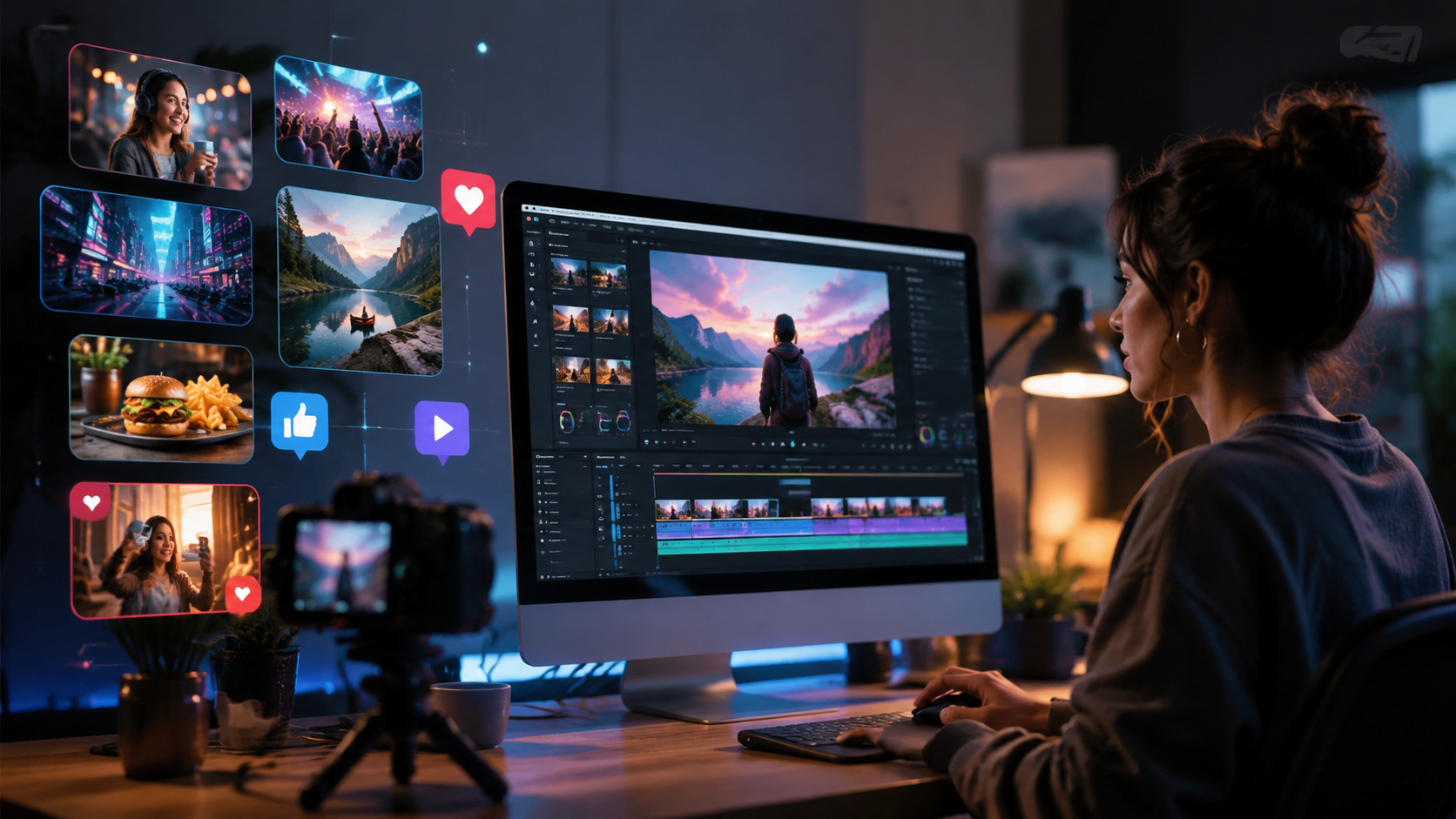
To get the most out of an AI video maker, follow this ordered list of best practices compiled from the INQUIRER.net beginner’s guide (May 2026) and the BBN Times free AI video maker guide (June 2026).
- Define your goal and platform. Decide whether you want a 15‑second Instagram Reel, a 60‑second YouTube Short, or a 2‑minute LinkedIn carousel video. AI tools often have presets for each platform.
- Choose an AI video maker that aligns with your budget. The BBN Times guide highlights free tiers from tools like Canva’s AI video generator and Clipchamp, while premium options (e.g., Runway, Synthesia) offer advanced features. Compare at least three options from the “23 Best AI Video Generators for 2026” reviewed by perfectcorp.com.
- Prepare a short script or bullet points. Many AI makers accept a text prompt and automatically generate a storyboard. For best results, include your key message, a hook (first 3 seconds), and a call to action.
- Select a visual style and voiceover. Use the tool’s library of AI avatars, backgrounds, and text animations. The “Top 15 AI Video Generators in 2026” (Breaking AC News, Mar 2026) emphasizes that tools with real‑time lip‑sync and emotional tone adjustment produce the highest engagement.
- Add captions and dynamic transitions automatically. Most AI video makers now auto‑generate captions with keyword highlight effects. Enable these to boost retention (studies show captioned videos have 80% higher completion rates).
- Preview, test, and export in the correct aspect ratio. Export in 9:16 for vertical platforms and 16:9 for YouTube. Many tools let you export multiple versions with one click.
- Schedule and monitor performance. Use the analytics from your social platform to see which AI‑generated videos perform best, then iterate.
Top AI Video Makers for Social Media in 2026 – A Comparison
Based on the “23 Best AI Video Generators for 2026 (Tested & Reviewed)” by perfectcorp.com and the “Top 15 AI Video Generators in 2026 (Full Comparison & Honest Guide)” by Breaking AC News, the table below compares five leading tools that are especially well‑suited for social media content.
| AI Video Maker | Best For | Price (Starting) | Key Social Media Feature |
|---|---|---|---|
| Runway Gen‑3 | High‑quality generative video | Free tier / $15‑$95/month | Style transfer & text‑to‑video for Reels & TikTok |
| Synthesia | AI avatars with lip sync | $29/month | Multilingual avatars ideal for LinkedIn & YouTube |
| Canva AI Video | Quick social graphics + video | Free / Pro $13/month | Pre‑made templates for Instagram, TikTok, Facebook |
| Pika Labs | Short, artistic clips | Free / Pro $10/month | Animated text overlays & meme‑style clips |
| Clipchamp (Microsoft) | Beginners & budget users | Free / Premium $11.99/month | Auto‑caption & stock video library for Shorts |
According to the Hootsuite Blog, the best AI video maker for your brand depends on your team’s technical comfort level and the volume of content you need. Beginners should start with Canva or Clipchamp, while advanced users may prefer Runway for its generative flexibility.
Proven Tips to Boost Engagement with AI‑Generated Videos
Using an AI video maker for social media tips is not just about automation—it’s about strategic optimization. Here are three evidence‑based tactics.
1. Hook in the First 3 Seconds with AI‑Generated Text Animations
The INQUIRER.net beginner’s guide emphasizes that the first frame is critical. Use your AI tool’s “title animation” feature to place a bold, contrasting text overlay that states the video’s value, e.g., “3 AI Secrets for 2026.” Tools like Pika Labs and Canva allow you to animate the text entrance, which increases thumb‑stop effect by up to 40%.
2. Leverage AI for A/B Testing Different Video Versions
YouTube’s new AI ad tools (as reported by WSJ) let you upload a base video and generate multiple variants with different voice intros, background music, or ending CTAs. Use this approach for organic content, too: create two versions of the same topic (e.g., a formal vs. humorous tone) and post them a few hours apart. The one with higher engagement should guide your future style.
3. Repurpose Long‑Form Content with AI Summarization
The BBN Times guide highlights that one 15‑minute tutorial can be turned into 10–15 short clips using AI summarization features (available in tools like Descript and Opus Clip). This multiplies your content library while keeping messaging consistent. For social media, these clips work exceptionally well on TikTok and YouTube Shorts, where algorithmic promotion depends on volume and watch time.
Optimizing AI Videos for Different Social Platforms in 2026
Not all AI‑generated videos perform equally across channels. Here’s how to tailor your output based on the platform’s algorithm and user behavior.
- Instagram Reels: Use AI tools that generate vertical 9:16 video with heavy use of emojis, trending sounds, and quick cuts. The Hootsuite Blog recommends adding at least three “hooks” (text overlays) per 15‑second reel.
- YouTube Shorts: Focus on serialized content. AI video makers that support series templates (like Runway) allow you to create a consistent intro/outro for each Short, helping to build subscriber loyalty.
- TikTok: Leverage AI voiceovers with a conversational, informal tone. Tools like Synthesia can generate different voices for different characters in a skit, which drives high completion rates.
- LinkedIn: Use a more formal AI avatar and include a strong text call‑to‑action at the end. According to a study cited in the “Top 15 AI Video Generators” comparison, LinkedIn videos that end with a question see 2.3× more comments.
Remember to check each platform’s current aspect ratio and maximum length. In 2026, Instagram Reels can be up to 90 seconds, while TikTok allows 3 minutes. Your AI video maker should let you export in any length without manual trimming.
Measuring and Improving Engagement with AI Insights
AI video makers are not just creation tools—they also provide analytics. For example, Runway’s Gen‑3 dashboard shows which scenes had the highest drop‑off rate. Use this data to:
- Shorten intros that lose viewers.
- Move your call to action to the 20‑second mark instead of the end.
- Test different AI‑generated thumbnails (many tools now auto‑generate thumbnail options).
According to perfectcorp.com’s review of 23 tools, the average user who regularly iterates based on AI‑provided drop‑off data improves engagement rate by 31% within two months.
Future Trends: What’s Next for AI Video Makers in Social Media
As 2026 progresses, expect even tighter integration between AI video makers and social platforms. The WSJ article notes that YouTube is already piloting a feature where creators can generate an entire video—script, visuals, voiceover, and captions—with a single prompt. Similarly, TikTok’s “AI Creator Studio” (reported by Hootsuite) allows real‑time lip‑sync translation for global audiences. Keeping your AI video maker updated ensures you stay ahead of these shifts.
What is an AI video maker for social media tips?
An AI video maker for social media tips is a tool that uses artificial intelligence to help you create engaging, platform‑optimized videos quickly. These tips cover everything from scriptwriting and visual styling to analytics and repurposing.
Which AI video maker is best for beginners in 2026?
Canva’s AI video generator and Clipchamp are excellent free choices for beginners. Both offer intuitive drag‑and‑drop interfaces and pre‑built social media templates, as recommended in the BBN Times guide.
How long should an AI‑generated social media video be?
For maximum engagement, keep Reels and TikTok videos between 15 and 30 seconds, YouTube Shorts at 30–60 seconds, and LinkedIn videos at 30–90 seconds. AI tools can trim or extend content automatically.
Can AI video makers replace human editors entirely?
Not entirely. While AI handles repetitive tasks like generating B‑roll, captions, and voiceovers, a human touch is still needed for creative direction, brand voice alignment, and final quality checks. The best results come from a hybrid workflow.
Are free AI video makers good enough for professional social media?
Yes. Many free AI video makers (e.g., Canva free, Clipchamp free) lack watermarks and offer high‑resolution exports suitable for organic posts. For ad‑based campaigns, premium tiers often provide more control over branding and analytics.
How do I ensure my AI‑generated video doesn’t look generic?
Customize the prompt with specific details—use your brand’s color palette, upload your own logo, and choose a unique voiceover. The “23 Best AI Video Generators” review suggests adding at least two custom assets per video to maintain authenticity.



Comments ()