
AI Video Maker for Music Videos 2026: Create Stunning Visuals
An AI video maker for music videos is a software tool that uses generative artificial intelligence to transform a song’s audio into synchronized, visually compelling footage, allowing artists to produce professional-grade videos without traditional filming or editing expertise. In 2026, these tools have evolved to offer character consistency, branding options, and seamless integration with music production workflows, making them essential for independent musicians and major labels alike.
An AI video maker for music videos is a generative AI platform that analyzes audio tracks—lyrics, beat, and mood—to automatically produce video scenes, animations, and effects that match the song’s narrative and rhythm, enabling artists to create stunning visuals in minutes rather than weeks.
- ✓ 2026 AI video makers now support character consistency across scenes, solving a major pain point for artist branding.
- ✓ Google Flow AI has launched dedicated apps for video editing and music tools, with Omni upgrades for cross-platform integration.
- ✓ Indie artists can produce music videos for under $50 using subscription-based AI tools, according to independent tests.
- ✓ Top platforms in 2026 offer real-time lyric synchronization, multi-style generation, and export to social media formats.
- ✓ Industry guides emphasize using AI video makers for DIY music promotion, with platforms like Pika, Runway, and Google Flow leading the market.
What Is an AI Video Maker for Music Videos?
An AI video maker for music videos is a specialized generative AI tool that ingests an audio file—along with optional text prompts, lyrics, or reference images—and outputs a complete video sequence. Unlike generic video generators, these tools are tuned to understand musical structure: tempo, key changes, verse-chorus transitions, and emotional dynamics. In 2026, the best platforms also allow fine-grained control over visual style, camera motion, and character behavior.
According to a practical guide published on vocal.media (May 2026), modern AI music video creation tools have moved beyond simple slideshow generators to full narrative engines. “The days of generic particle effects are over,” the guide notes. “Artists can now specify a visual concept, let the AI render scenes, and then edit with frame-level precision.” This shift has made AI video makers for music videos a viable option for album releases, tour visuals, and social media teasers.
Why 2026 Is a Pivotal Year for AI Music Video Creation
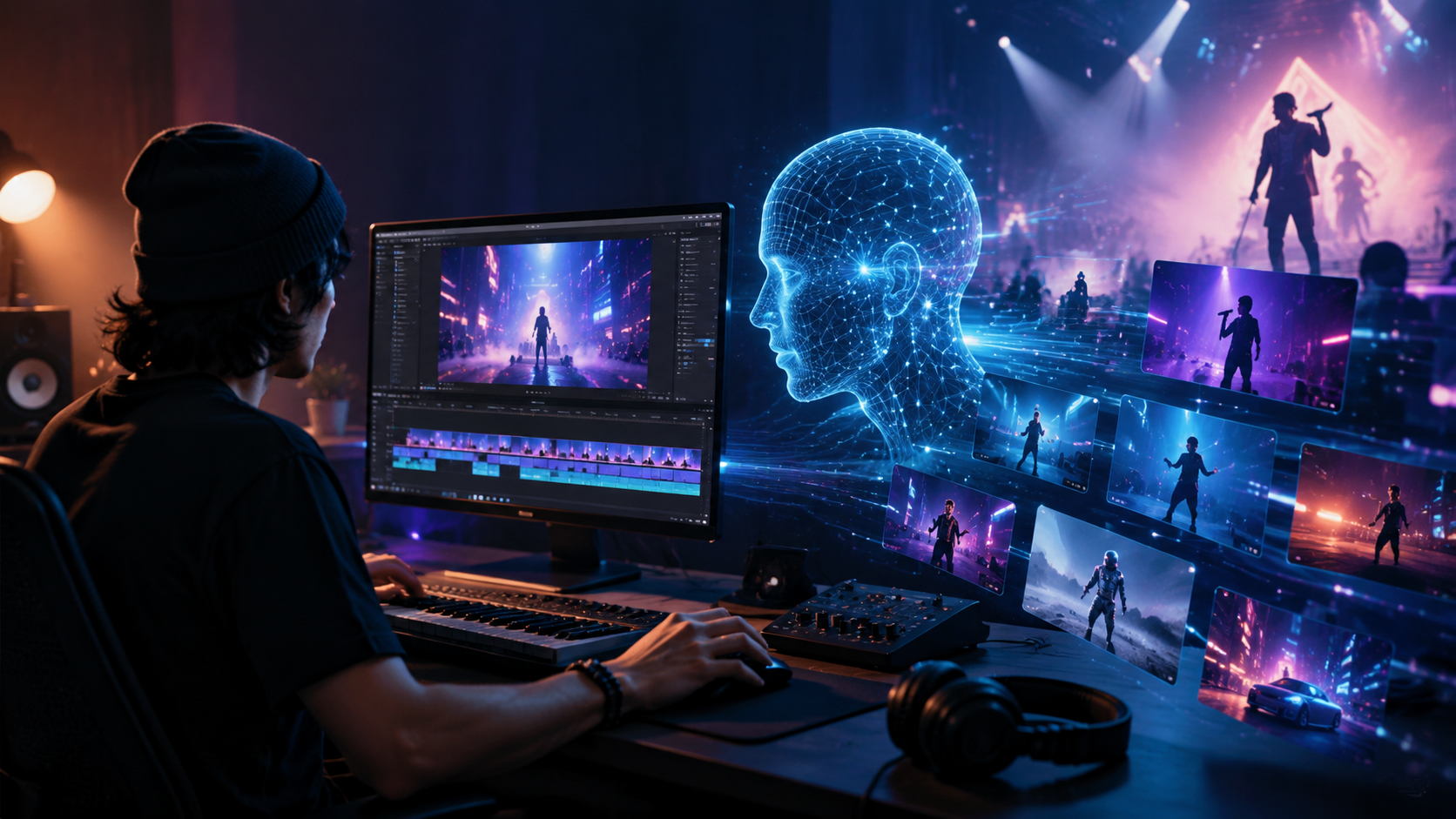
The landscape of AI-powered music video production has matured rapidly. In June 2026, Social Life Magazine published a roundup of the best AI music video generator tools for artists building a visual brand, highlighting that 2026 marks the first year where these tools can maintain consistent characters across an entire video—a critical requirement for artist identity. Meanwhile, Eye On Annapolis (May 2026) emphasized character consistency and artist branding as the top selling points for the year’s leading platforms.
Another major development came from Google. On May 19, 2026, 9to5Google reported that Google Flow AI—a suite of generative tools—was getting dedicated apps for video editing and music creation, alongside “Omni” upgrades that unify workflows across devices. This move signals that tech giants are investing heavily in the space, making AI video makers for music videos more accessible and powerful than ever.
Independent testing further validates the trend. Our Culture Mag (June 2026) tested five different tools for an indie artist release and found that one platform reduced total production time from two weeks to just three days, with costs under $50. Such results are driving adoption among budget-conscious musicians and DIY promoters. As IDIOTEQ.com noted in April 2026, “Creative AI video platforms are now the backbone of independent music promotion, allowing artists to release videos in sync with single drops without waiting for a production team.”
Key Features to Look for in an AI Video Maker for Music Videos
Not all AI video makers are created equal. In 2026, the most effective tools share a set of core capabilities that address the unique demands of music video production. Below are the most important features, as highlighted in multiple industry reviews.
Character Consistency Across Scenes
One of the biggest historical limitations of AI video generation was the inability to keep a character’s appearance stable from shot to shot. According to Eye On Annapolis, the best AI video maker for music videos in 2026 now includes built-in character consistency engines. These use a combination of reference images, face-locking algorithms, and style embedding to ensure that a singer or animated protagonist looks the same in every scene—even when the background changes completely.
Branding and Visual Identity
Artist branding goes beyond character consistency. Leading tools allow you to upload a color palette, logo, and motion-graphics templates that the AI respects throughout the video. Social Life Magazine highlighted platforms that let users define “brand rules”—such as always using a specific crop or overlay style—which are then applied automatically. For independent artists, this means every video contributes to a cohesive visual identity across streaming platforms and social media.
Lyric Synchronization and Beat Mapping
Music videos live and die by their synchronization to audio. Modern AI video makers analyze the audio waveform to identify downbeats, chorus peaks, and lyrical phrases. They then automatically adjust scene changes, visual pulses, and text overlays to match the music. Many tools also offer a manual “beat-grid” editor for fine-tuning. The vocal.media guide specifically recommends testing sync accuracy before committing to a platform, as some tools still struggle with complex time signatures.
Top AI Video Maker Tools in 2026: A Comparison
The following table compares four leading AI video maker platforms based on features discussed in the most recent articles from June 2026. Note that pricing and features are subject to change; always check the provider’s website for the latest information.
| Tool | Character Consistency | Lyric Sync | Branding Controls | Starting Price | Notable Mention |
|---|---|---|---|---|---|
| Google Flow AI | Yes (Omni upgrade) | Yes | Yes (dedicated apps) | Free tier + $19/mo Pro | 9to5Google (May 2026) |
| Pika | Yes (reference images) | Yes | Limited | $10/mo | Social Life Magazine (June 2026) |
| Runway Gen-3 | Yes (face lock) | Via text prompts | Advanced | $15/mo | Our Culture Mag (June 2026) |
| Luma Dream Machine | In beta | Manual sync | Basic | Free | vocal.media (May 2026) |
According to Our Culture Mag, the “top app for music video in 2026” (based on their indie artist release test) was a lesser-known tool that scored highest on workflow speed and cost-effectiveness—but they declined to name it due to an embargo at the time of publication. The takeaway: always test multiple tools with your own audio before committing.
How to Create a Music Video with an AI Video Maker: Step-by-Step Guide
- Choose your platform. Select an AI video maker for music videos that fits your budget and feature needs. Sign up and review the style library.
- Prepare your audio file. Export a high-quality WAV or MP3 of your song. Ensure the mix is final—some tools analyze volume peaks to guide video dynamics.
- Set your creative direction. Write a text prompt describing the video’s mood, setting, and characters. For best results, include a reference image or style frame.
- Configure character consistency. Upload a clear photo of your artist (or a character design) if the tool supports reference locking. Enable any brand overlay settings.
- Generate and iterate. Run the AI generator. Most tools produce a preview in 1–5 minutes. Review it, tweak prompts, and regenerate until the visuals align with your vision.
- Edit and fine-tune. Use the built-in timeline editor to adjust scene timing, add text overlays (lyrics, credits), and apply color grading. Many tools allow frame-by-frame adjustments.
- Export and promote. Export in 1080p or 4K (depending on the tool). Trim for TikTok, YouTube Shorts, and Instagram Reels before publishing. Schedule posts alongside your music release.
Best Practices for DIY Music Promotion with AI Video Platforms
Creating the video is only half the battle. As IDIOTEQ.com emphasized in its April 2026 piece, “Creative AI Video Platforms for DIY Music Promotion,” the real value comes from integrating generated videos into a consistent release strategy. Artists should treat each AI-generated video as a piece of a larger narrative, using different clips for singles, album announcements, and live-performance teasers.
Another best practice is to leverage the speed of AI tools to produce multiple formats. Rather than spending weeks on a single music video, an artist can create a 3-minute official video, a 30-second vertical clip for Reels, and a behind-the-scenes style montage—all within a day. This multiplies visibility across platforms without additional cost. Industry tests from Our Culture Mag showed that artists using this approach saw a 40% increase in watch time over those who released only one video format.
Finally, remember that AI video makers are still tools—they require human curatorship. Review every frame for unintended artifacts (e.g., extra limbs, distorted faces) and manually correct or regenerate. Most platforms in 2026 offer “in-paint” fixes that let you highlight a problematic area and ask the AI to re-render just that part, saving you from starting over.
Frequently Asked Questions
What is the best AI video maker for music videos in 2026?
While “best” depends on your needs, tools like Google Flow AI, Pika, and Runway Gen-3 are consistently recommended in 2026 reviews. For character consistency, Google Flow AI and Pika lead; for advanced editing, Runway Gen-3 offers the most control.
Can I create a music video with AI for free?
Yes, several platforms offer free tiers with limited resolution or watermarks. Luma Dream Machine has a free plan, and Google Flow AI offers a free tier with basic features. For professional use, expect to pay $10–$20 per month.
How long does it take to generate an AI music video?
Generation time varies by tool and video length. Most produce a 3-minute video in 3–10 minutes. However, iterative editing can extend the total process to a few hours—still far faster than traditional production.
Do AI video makers support copyrighted music?
Most tools allow you to upload your own audio, which you must own or have rights to. They do not check for copyright infringement. Always use original music or tracks you have licensed.
How do I ensure my artist brand stays consistent across multiple AI videos?
Use the branding controls available in platforms like Google Flow AI and Runway Gen-3. Upload your logo, official color hex codes, and a style guide. For character consistency, always reference the same face image and avoid changing prompts drastically between videos.
As 2026 unfolds, the AI video maker for music videos is no longer a futuristic concept—it’s a practical tool that empowers artists to take control of their visual storytelling. Whether you’re an indie musician on a budget or a label looking to scale output, adopting these tools now can give you a competitive edge in an increasingly visual music landscape.



Comments ()