
Best AI Video Generators for Beginners in 2026: A Full Guide
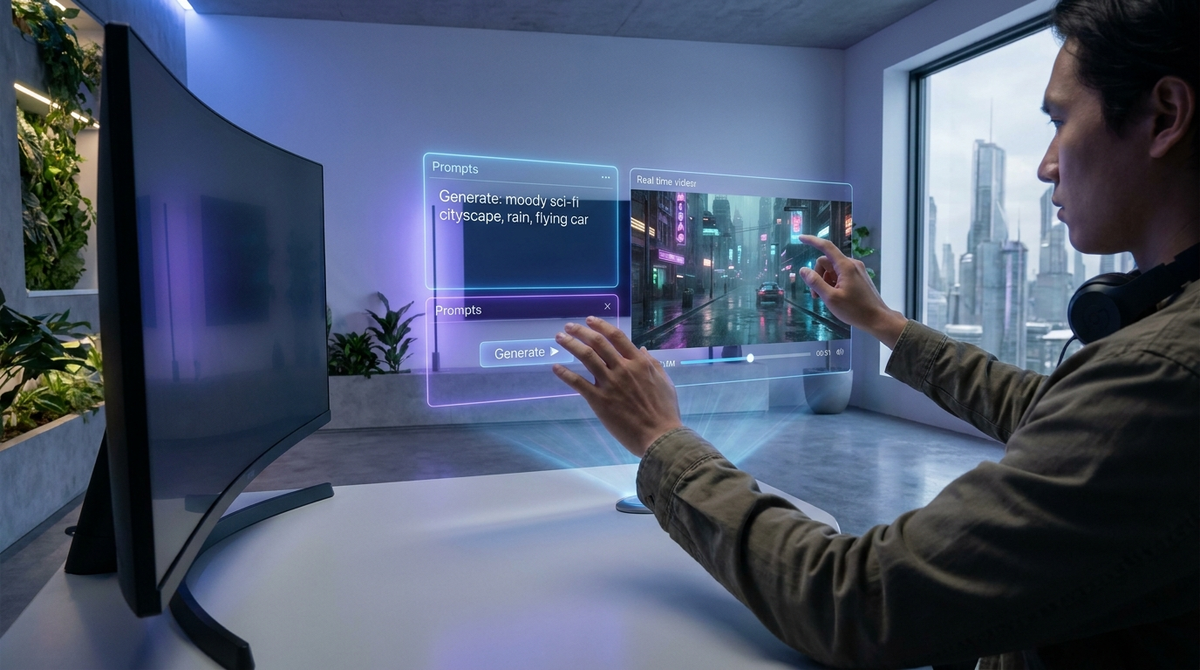
The landscape of content creation has undergone a seismic shift as we move through 2026. For those just starting their creative journey, the barrier to entry has never been lower. Using ai video generators for beginners is no longer about struggling with complex timelines or expensive camera gear; it is about the power of the prompt and the clarity of your vision. Today’s generative engines have evolved to understand nuance, lighting, and physics, allowing anyone with a laptop or smartphone to produce studio-quality visuals in minutes.
AI video generators for beginners are intuitive software platforms that use generative artificial intelligence to transform text, images, or basic scripts into high-quality video content. In 2026, these tools prioritize user-friendly interfaces, automated editing, and realistic physics, enabling non-professionals to create marketing clips, social media posts, and educational content without prior technical training.
- ✓ Modern AI video tools in 2026 now offer "one-click" styling for consistent cinematic branding.
- ✓ Beginners can leverage "AI Twins" and talking photos to create personalized avatars for social media.
- ✓ Real-time rendering has reduced production time from hours to mere seconds.
- ✓ Free-to-use models like Grok AI have democratized access to high-end video synthesis.
The Evolution of AI Video Generators for Beginners in 2026
As we look at the current state of technology, the distinction between professional and amateur video production is blurring. According to CNET in their April 2026 review, the best AI video generators have reached a level of "temporal consistency" that was previously impossible. This means that characters and environments no longer "glitch" or change shape between frames, a common frustration for early adopters in previous years. For a beginner, this translates to a much smoother learning curve and a more professional end product.
The shift in 2026 is largely driven by the integration of multimodal LLMs (Large Language Models). These systems don't just follow instructions; they understand the context of a scene. If you ask for a "melancholic rainy day in London," the AI understands how light reflects off wet pavement and how the color grading should shift toward cool blues. This level of automated artistry is what makes these tools the perfect starting point for hobbyists and small business owners alike.
Top 3 AI Video Generators for Beginners Recommended This Year
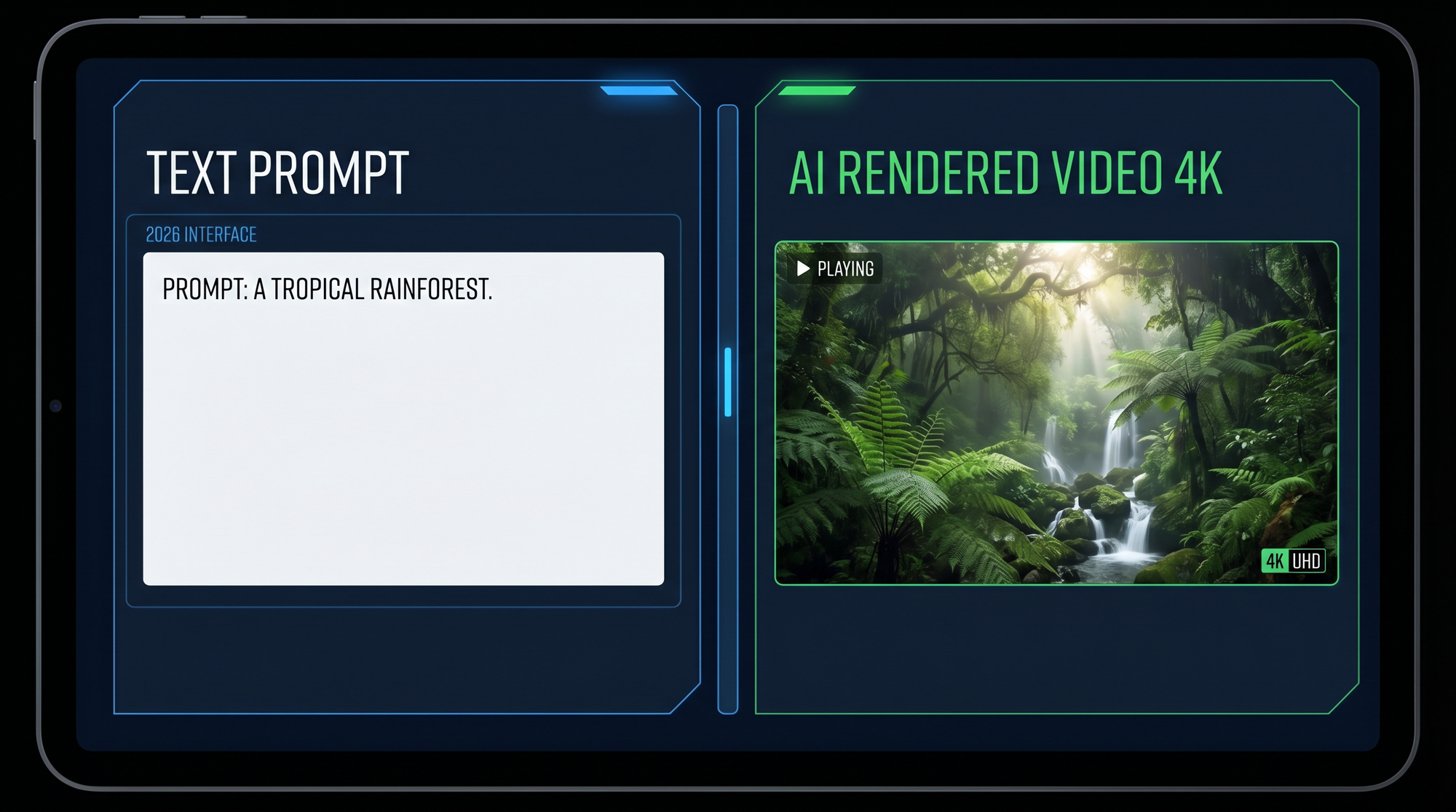
Navigating the crowded market of creative software can be daunting. However, recent industry evaluations have identified clear leaders for those just starting out. According to Tech Times (April 2026), the top three platforms currently dominate the beginner space due to their balance of power and simplicity. These tools focus on reducing the "blank canvas" anxiety by providing templates and guided prompt builders.
1. The All-in-One Creative Suite
The most popular choice for beginners in 2026 offers a seamless transition from text to video. Users can input a simple paragraph, and the engine automatically selects appropriate background music, generates voiceovers, and renders high-definition footage. This platform is particularly noted for its "Style Transfer" feature, which allows users to upload a single image and have the entire video mimic that specific aesthetic.
2. Grok AI Video: The Free Entry Point
For those on a budget, the FinancialContent report from April 2026 highlights the Grok AI Video Generator as the best free online option. It provides an honest entry point for beginners to experiment with video synthesis without upfront costs. While it may have some limitations in monthly render credits, its ability to handle complex physics—such as fluid dynamics and hair movement—is unparalleled in the free tier of 2026 software.
3. AI Twin and Avatar Generators
Personal branding has shifted toward the use of digital doubles. Programming Insider recently ranked the top AI Twin generators of 2026, noting that beginners are increasingly using these to create "faceless" YouTube channels or personalized sales videos. These tools require only a few minutes of footage to create a digital avatar that looks and speaks exactly like the user, allowing for infinite content production without ever stepping in front of a camera again.
Key Features to Look for in Beginner-Friendly Tools
When selecting your first AI video generator, you should prioritize features that automate the most difficult parts of filmmaking. In 2026, the industry standard for beginner tools includes "Prompt Assistance," where the AI suggests improvements to your text to ensure better visual output. This acts as a built-in tutor, teaching you how to communicate with generative models as you work.
Another critical feature is the inclusion of a robust stock library integration. Even the most powerful AI sometimes needs a hand, and being able to blend AI-generated sequences with high-quality real-world footage is a hallmark of the best 2026 platforms. According to perfectcorp.com, which tested 22 different generators this year, the highest-rated tools are those that offer "hybrid workflows," allowing beginners to edit AI content using simple drag-and-drop interfaces.
| Feature | Entry-Level Suite | Grok AI (Free) | AI Twin Platforms |
|---|---|---|---|
| Best For | General Content | Social Media Clips | Personal Branding |
| Learning Curve | Very Low | Low | Moderate |
| Max Resolution | 8K Ultra HD | 4K | 4K |
| Key Advantage | Prompt Assistance | No Cost | Realistic Avatars |
How to Start Using AI Video Generators for Beginners
Starting your first project is simpler than it was even a year ago. The first step is defining your objective: are you making a short for TikTok, a corporate presentation, or a creative film? Once you have a goal, you can select a tool that fits your specific niche. Most beginners find success by starting with "Talking Photo" generators. As The AI Journal noted in April 2026, these are the easiest way to dip your toes into AI, requiring only a single portrait and a script to create a compelling spokesperson video.
After selecting your tool, focus on mastering the "Iterative Prompting" technique. Instead of trying to get the perfect video in one shot, generate a 5-second clip, analyze what worked, and refine your prompt. In 2026, most AI video generators for beginners allow you to "lock" certain elements of a scene—like a character's face or the color of a car—while changing the background or action. This modular approach to creation is the secret to professional-looking results.
Optimizing Your Workflow
Efficiency is key in 2026. Many beginners make the mistake of trying to do everything at once. Use the AI to handle the heavy lifting of visual generation, but don't forget the importance of a good script. Even the most stunning 8K AI video will fail to engage an audience if the story isn't clear. Use integrated AI writing assistants to polish your narrative before you hit the "generate" button.
Ethical Considerations and Best Practices in 2026
With great power comes great responsibility. As a beginner in the AI video space, it is important to understand the ethical landscape of 2026. Most major platforms now automatically include digital watermarks or C2PA metadata to identify content as AI-generated. This transparency is crucial for maintaining trust with your audience, especially when using realistic AI Twins or deep-learning voice clones.
Furthermore, always ensure you have the rights to the prompts and styles you are using. While AI models are trained on vast datasets, the most successful creators in 2026 are those who use AI to enhance their original ideas rather than simply copying existing styles. Staying informed through reputable sources like The AI Journal will help you navigate the evolving copyright laws surrounding generative media.
Are AI video generators for beginners expensive in 2026?
No, many platforms offer robust free tiers or "pay-as-you-go" models. While premium features like 8K rendering require a subscription, beginners can start creating high-quality content for free using tools like Grok AI or basic versions of major creative suites.
Do I need a powerful computer to run these tools?
No, most AI video generation in 2026 happens in the cloud. You only need a stable internet connection and a standard web browser or mobile app, as the heavy processing is handled by the provider's remote servers.
Can I use AI-generated videos for commercial purposes?
Yes, but it depends on the platform's terms of service. Most paid tiers in 2026 include full commercial rights, allowing you to use the videos for advertising, YouTube monetization, and client work.
What is an AI Twin video generator?
An AI Twin generator is a tool that creates a digital replica of a real person. By capturing a few minutes of video and audio, the AI can then generate new footage of that person saying or doing anything based on a text script.
How long does it take to generate a video in 2026?
Due to advancements in processing power, a standard 15-to-30-second high-definition clip typically takes between 30 seconds and 2 minutes to render on most leading beginner platforms.
Conclusion: Embracing the Future of Creation
The world of ai video generators for beginners is more accessible, powerful, and exciting than ever before in 2026. Whether you are looking to become a social media influencer, a more efficient marketer, or simply a digital storyteller, these tools provide the wings for your imagination. By starting with the right platforms—like those reviewed by CNET and Tech Times—and focusing on the fundamentals of prompting and storytelling, you can produce content that stands out in an increasingly digital world. The future of video isn't just about watching; it's about creating, and the tools to do so are now at your fingertips.

Comments ()