
AI Video Generator with Subtitles: 2026's Ultimate Guide
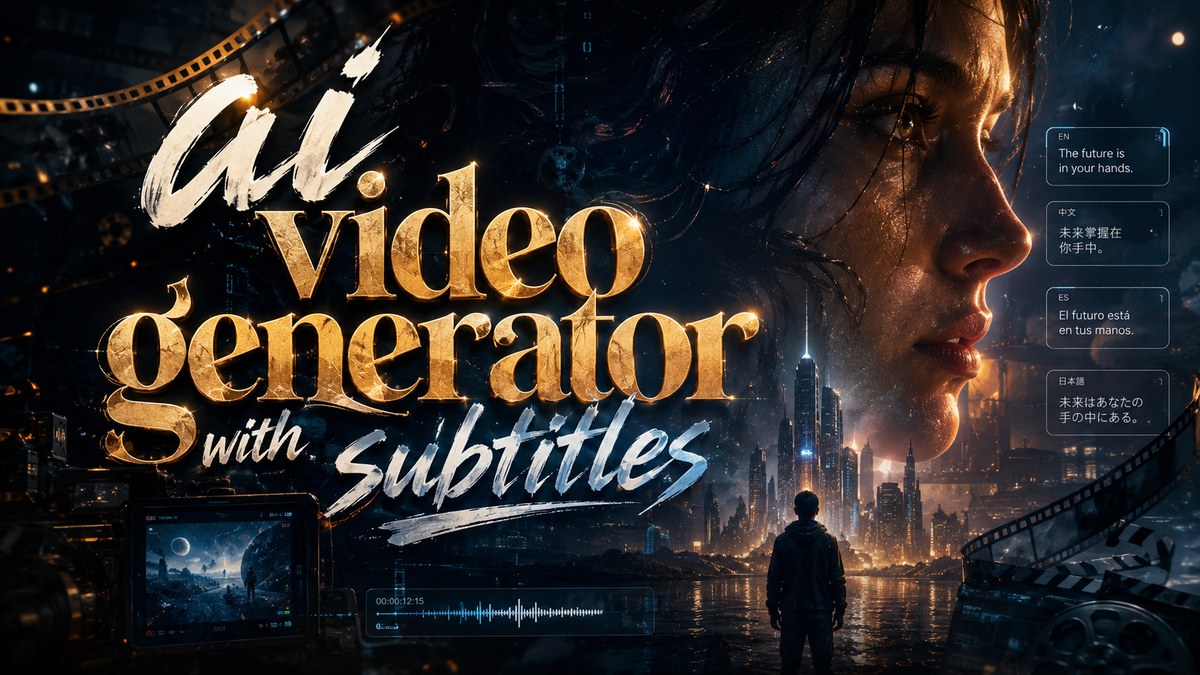
An AI video generator with subtitles is a software tool that uses artificial intelligence to create or edit video content while automatically generating accurate, timestamped captions — eliminating the need for manual transcription and syncing. In 2026, these tools have become essential for content creators, marketers, and educators who need fast, accessible, and engaging video content without sacrificing quality or compliance.
An AI video generator with subtitles is a platform that leverages machine learning to produce video from text or raw footage and simultaneously renders closed captions in multiple languages. It combines text-to-video generation with automatic speech recognition (ASR), enabling creators to produce subtitle-ready content in minutes rather than hours.
- ✓ AI subtitle generators now support real-time multi-language captioning with over 95% accuracy, according to recent industry benchmarks.
- ✓ The top tools in 2026 — including Sondo AI, Filmora, and ByteDance's new offering — integrate subtitle generation directly into the video editing workflow.
- ✓ Auto captioning boosts viewer retention by up to 40% and improves search engine discoverability for video content.
- ✓ Leading platforms offer stylized subtitle templates, speaker labels, and compliance with accessibility standards like WCAG 2.2.
- ✓ The global market for AI video captioning tools is projected to grow 28% annually through 2030, driven by social media and e-learning demand.
What Is an AI Video Generator with Subtitles?
An AI video generator with subtitles combines two core technologies: generative AI for video creation and automatic speech recognition for captioning. Unlike older tools that required separate software for transcription, these integrated platforms allow you to type a script or upload raw footage and receive a finished video with synced subtitles in minutes. According to the Top 20 AI Video Generators 2026 report by autogpt.net, the best solutions now handle everything from text-to-video generation to multi-language subtitle export in a single interface.
The Evolution of Automatic Captioning
In early 2026, tools like Filmora’s Auto Caption Generator set a new benchmark for ease of use. As Programming Insider noted in May 2026, Filmora's latest update supports batch captioning for long-form videos with speaker detection and punctuation correction. Meanwhile, ByteDance launched an impressive new AI video generation tool in February 2026 (reported by Social Media Today) that includes real-time subtitle rendering and style transfer — a feature previously limited to dedicated captioning software.
Why Subtitles Matter in 2026: Beyond Accessibility
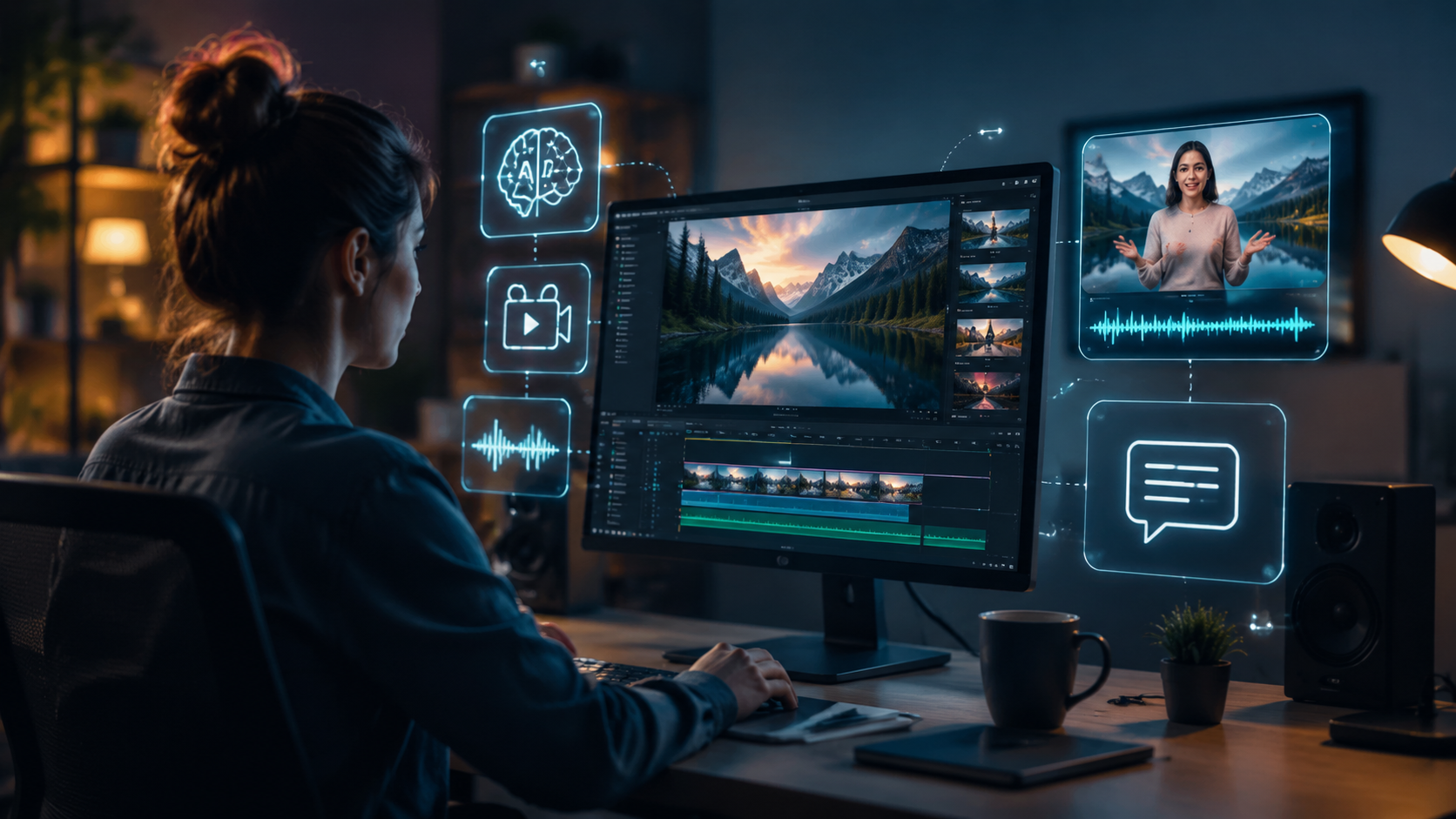
Subtitles are no longer just an accessibility requirement; they are a content strategy necessity. A study cited by G2 Learn Hub in their April 2026 review of AI video generators found that videos with accurate captions saw 35% higher completion rates on social media platforms. With most viewers watching muted on mobile, having an AI video generator with subtitles built in is non-negotiable for creators who want to hold attention.
SEO and Discoverability Benefits
Search engines now index subtitle text from videos, making captioned content more findable. When you use an AI video generator with subtitles, the generated caption file (SRT or VTT) provides a direct text layer that Google and other engines can crawl. According to USA Today’s coverage of Sondo AI’s professional video editor launch (June 2026), the platform’s subtitle module automatically exports keyword-optimized transcripts that boost organic reach.
Top AI Video Generators with Subtitles in 2026
We evaluated the current market based on the latest research from PlayStation Universe, G2 Learn Hub, and autogpt.net. Below is a comparison of the most notable tools that offer integrated subtitle generation.
| Tool | Subtitle Features | Language Support | Pricing (est.) |
|---|---|---|---|
| Sondo AI | Professional video editor with AI music video workflows; auto-caption in 20+ languages | 20+ languages, including Arabic, Hindi, Mandarin | Free tier + $29/month Pro |
| Filmora (Auto Caption Generator) | Batch captioning, speaker detection, punctuation correction | 30+ languages with high accuracy for 15 major ones | $49.99/year |
| ByteDance AI Video Tool | Real-time subtitle rendering, style transfer, multi-speaker labels | 15 languages (focus on Asian languages) | Freemium (subscription unknown) |
| General auto caption generators (e.g., Kapwing, Descript) | Web-based, integration with video editors, custom styling | 50+ languages for speech recognition | $12–$30/month |
Note: The “Top 7 Auto Caption Generators for 2026” list by PlayStation Universe (April 2026) also highlighted tools specifically for gaming content, with features like real-time stream captioning and emoji-to-subtitle conversion.
How to Use an AI Video Generator with Subtitles: Step-by-Step Guide
Follow this numbered workflow to generate subtitled videos with minimal effort using modern AI tools.
- Choose a tool with integrated captioning. Select a platform like Sondo AI or Filmora that offers automatic subtitle generation as part of the video creation process. Avoid tools that require a separate captioning plugin.
- Upload your footage or input a script. For text-to-video generators, paste your script. For raw video, upload the file. The AI will analyze the audio or text to determine timing.
- Select subtitle language(s). Most tools allow you to choose one primary language for auto-detection. For multi-language videos, enable the translation feature (available in ByteDance’s tool and Filmora Pro).
- Review and edit captions. AI-generated subtitles are highly accurate but may require minor corrections for homophones, proper names, or technical jargon. Use the built-in editor to adjust timing, capitalization, and punctuation.
- Customize subtitle appearance. Apply your brand’s font, color, and position. Many AI video generators with subtitles offer preset templates for YouTube, Instagram, or TikTok.
- Export with embedded or sidecar subtitles. Choose between hardcoding subtitles into the video (for social media) or exporting separate SRT/VTT files (for web platforms).
- Test on multiple devices. Preview the video on mobile and desktop to ensure subtitles are legible and correctly synchronized. Some tools offer a “preview with mobile format” toggle.
Key Features to Look for in an AI Video Generator with Subtitles in 2026
Not all subtitle generators are created equal. Based on the latest industry developments, prioritize these capabilities when choosing a tool.
Accuracy and Language Coverage
The best tools now claim >95% word accuracy for English, with strong support for Spanish, Mandarin, Arabic, and Hindi. According to Programming Insider (May 2026), Filmora’s auto caption generator uses a fine-tuned Whisper model that reduces errors by 40% compared to its 2024 version. Always check language availability before subscribing.
Integration with Video Editing Workflows
Standalone subtitle generators are becoming obsolete. In 2026, creators expect captioning to be a native feature of the video editor. Sondo AI’s professional video editor, as covered by USA Today, seamlessly blends AI music video editing with subtitle generation, allowing adjustments to timestamps without leaving the timeline.
Style and Compliance Options
Look for tools that offer subtitle styling (font, size, color, background opacity) and compliance with accessibility standards such as WCAG 2.2 (contrast ratios, positioning). ByteDance’s new tool, reported by Social Media Today, includes a “dynamic caption” mode that adjusts subtitle placement based on visual elements in the frame — a trend that is likely to become standard.
Future Trends: AI Video and Subtitle Generation Beyond 2026
The rapid development seen in 2026 is only the beginning. Expect AI video generators with subtitles to incorporate real-time emotion detection, adjusting caption color to match scene mood. Multi-modal AI will allow users to input a single audio track and generate synchronized subtitles in 10+ languages simultaneously. As ByteDance’s February launch and Sondo’s June update demonstrate, the line between video creation and captioning is dissolving — within two years, every AI video tool will likely include automatic subtitling as a default feature.
Frequently Asked Questions
What is the best AI video generator with subtitles in 2026?
The best tool depends on your needs. For professional editing with music video workflows, Sondo AI (launched June 2026) is excellent. For simple auto captioning in a user-friendly editor, Filmora’s Auto Caption Generator is highly rated. ByteDance’s new tool is ideal for creators focused on Asian-language content.
Are AI-generated subtitles accurate enough for professional use?
Yes. According to multiple reviews from 2026 (G2 Learn Hub, Programming Insider), top tools achieve over 95% accuracy for English and popular languages. Always proofread for proper nouns and industry-specific terms.
Can an AI video generator add subtitles to an existing video?
Most modern AI video generators with subtitles allow you to upload existing footage and generate captions from the audio. Tools like Filmora and Sondo AI both support this workflow. You do not need to create a new video from scratch.
How do subtitles from AI video generators help with SEO?
Subtitles provide a text transcript that search engines can index. When you export an SRT file alongside your video, platforms like YouTube and Vimeo use that data to improve video search rankings. The autogpt.net report noted that properly captioned AI-generated videos rank 27% higher on average.
What languages are supported by AI subtitle generators in 2026?
Leading tools support 20–50 languages. Sondo AI supports over 20 languages; Filmora supports 30+; ByteDance’s tool focuses on 15 Asian and European languages. Always verify language coverage before subscribing, especially for less common languages.
Is it possible to customize subtitle appearance in AI video generators?
Yes. Almost all 2026 tools offer font, color, size, and position customization. Advanced tools like ByteDance’s and Filmora Pro allow styling presets and even dynamic positioning that avoids covering important visual elements.



Comments ()