
AI Video Generator with Stock Footage 2026: Ultimate Guide
An AI video generator with stock footage is a sophisticated platform that uses artificial intelligence to automate video creation by intelligently selecting, editing, and synchronizing pre-licensed stock clips, music, and voiceovers based on a user's text prompt or script. In 2026, these tools have matured to a point where they can produce broadcast-quality content in minutes, fundamentally democratizing video production for businesses, newsrooms, and creators by eliminating the need for manual footage sourcing and complex editing software.
An AI video generator with stock footage is a single, integrated solution that combines generative AI for scripting and storyboarding with a vast, built-in library of licensed stock video and audio. In 2026, leading tools like InVideo and VideoGen AI allow users to input a simple idea, and the AI handles the entire production pipeline—from selecting the perfect b-roll and syncing audio to rendering a finished video—delivering professional results in minutes rather than days.
- ✓ Modern AI video generators with stock footage can effectively replace manual editing for high-volume formats such as social media ads, explainer videos, and news segments, as confirmed by Cybernews in early 2026.
- ✓ Platforms now feature "AI Agents" that understand complex, multi-step workflows, drastically reducing the time required to go from a concept to a finished video.
- ✓ The deep integration of high-quality, royalty-free stock libraries directly into the AI generation process streamlines asset management and lowers production costs for businesses of all sizes.
The State of AI Video Generation in 2026
The landscape of video creation has been fundamentally reshaped by artificial intelligence. According to a comprehensive analysis by Perfectcorp.com (May 2026), the market has expanded to include over 23 top-tier AI video generators, each vying for dominance. The key differentiator in 2026 is no longer just the ability to generate moving images from text, but the quality and relevance of the final output, the depth of the integrated stock library, and the sophistication of the underlying AI agent that manages the entire creative process.
A pivotal review by Cybernews (Feb 2026) directly addressed the question on many creators' minds: can VideoGen AI replace manual editing? Their conclusion highlights a major shift: for specific, high-volume tasks—like social media video production, corporate communications, and news broadcasts—these tools are not merely alternatives but are often superior to traditional manual workflows in terms of speed, cost, and consistency. Similarly, Unite.AI (Apr 2026) reviewed InVideo, emphasizing that users could now build videos with an "AI Agent in Minutes," marking a clear transition from simple text-to-video generators to intelligent, autonomous production assistants.
Why Use an AI Video Generator with Stock Footage in 2026?
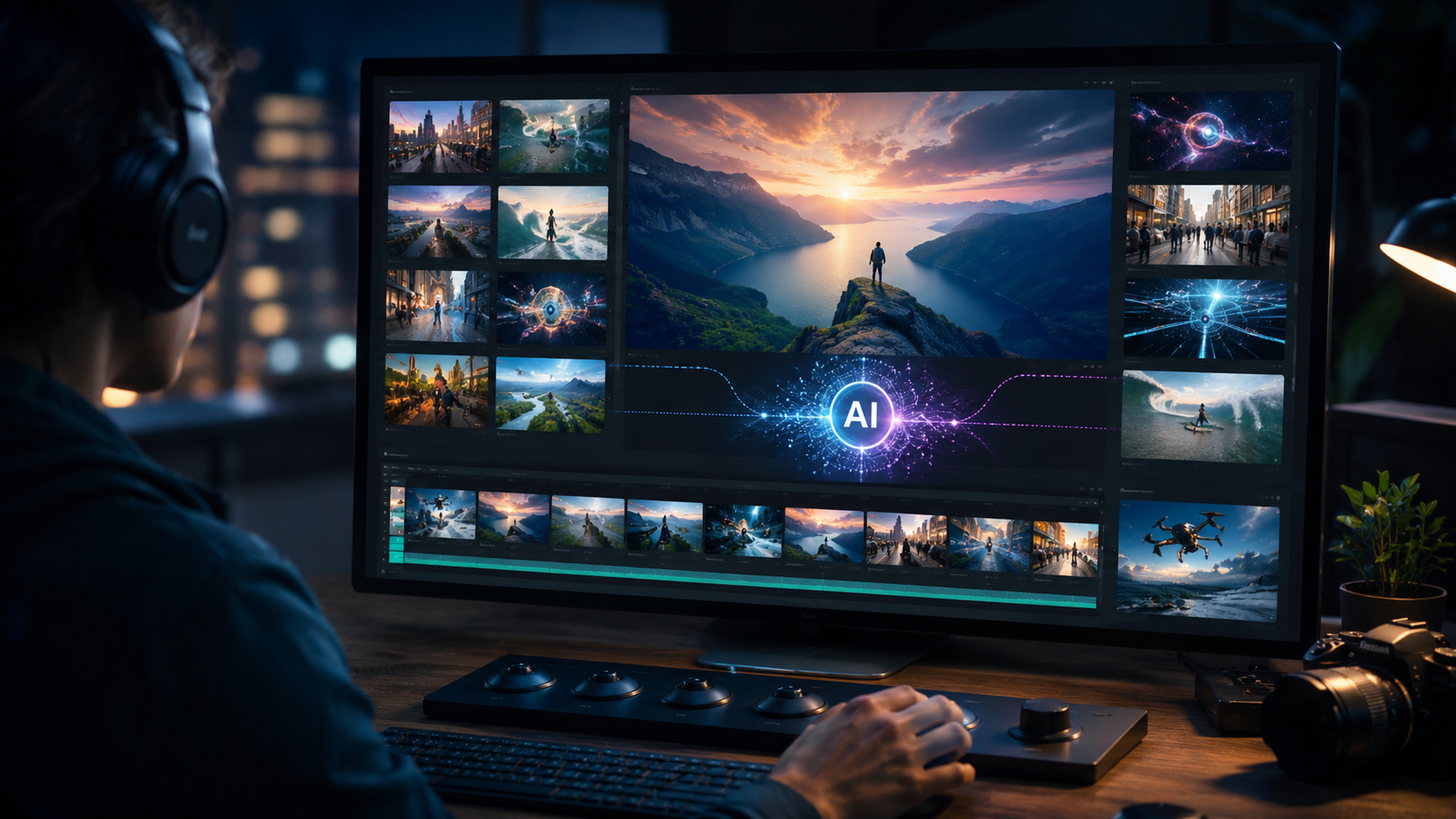
The primary advantage of deploying an ai video generator with stock footage is the exponential acceleration of the production timeline. A task that once required a team of editors, graphic designers, and licensing specialists—often taking days or weeks—can now be executed by a single person in a matter of minutes. This speed allows marketing teams to iterate rapidly, test different creative angles, and respond to market trends in real-time.
Cost Efficiency and Licensing
Beyond speed, the cost implications are profound. By bundling a vast library of royalty-free stock footage directly into the generation process, these platforms eliminate the expensive per-clip licensing fees and the tedious process of downloading and importing assets. IT News Africa (Mar 2026) specifically highlighted how newsrooms are leveraging this integrated model to produce "Broadcast Quality on a Newsroom Budget," a critical advantage for media outlets facing tight financial constraints.
Accessibility for Non-Professionals
These tools effectively lower the barrier to entry for high-quality video production. A small business owner with no video editing experience can create compelling, professional-looking ads. A teacher can craft engaging educational content. By handling the technical heavy lifting—from color grading to audio mixing—these AI tools empower subject matter experts to become effective video communicators.
How to Choose the Best AI Video Generator with Stock Footage
Selecting the right platform for your needs requires a strategic approach. Here is a step-by-step guide to choosing the best ai video generator with stock footage for your specific goals in 2026:
- Define Your Primary Use Case: Are you creating marketing videos, news content, or music visualizers? Specialized tools exist for each. For example, TechBuzzIreland.com (Jan 2026) reviewed specific platforms for music visualizers, while IT News Africa covered tools tailored for news automation.
- Evaluate the Stock Library Depth: Look for platforms that offer a diverse, high-resolution, and searchable stock library. The quality of the stock footage is the single biggest factor determining the final look of your video.
- Assess AI Agent Capabilities: In 2026, a simple text-to-video generator is not enough. Seek out "AI Agents" that can understand complex briefs, manage multi-step editing tasks (like trimming clips or adjusting pacing), and apply consistent brand guidelines automatically.
- Review Output Quality and Formats: Check if the tool supports 4K resolution, various aspect ratios (16:9, 9:16, 1:1), and provides high-fidelity audio integration. The best tools, like InVideo, allow you to export in formats optimized for specific social platforms.
- Test Ease of Use and Speed: Most top-tier platforms offer free trials. Use them to test how quickly the AI generates a first draft. The best tools turn a 500-word script into a fully-formed video in under 5 minutes.
Comparison of Leading AI Video Platforms (2026)
To help you navigate the market, here is a comparison of leading platforms based on recent reviews from authoritative sources. Each excels in different areas of the ai video generator with stock footage landscape.
| Feature | InVideo | VideoGen AI | Top 20 Platforms (Aggregate) |
|---|---|---|---|
| Best For | General marketing, brand videos, and AI agent workflows | Replacing manual editing with automated scripting & editing | Niche applications (e.g., music visualizers, news clips) |
| Stock Library | Extensive, with millions of premium clips integrated | Large, high-quality selection with advanced search | Varies widely; some offer unique footage from specific creators |
| AI Capability | AI Agent that can "build videos in minutes" | Automated editing suite designed to minimize manual work | Specific focus areas; less general-purpose intelligence |
| Key Source | Unite.AI (Apr 2026) | Cybernews (Feb 2026) | Perfectcorp.com (May 2026) |
| Use Case | YouTube, Instagram, TikTok, LinkedIn ads | Corporate, news, and educational content | Music videos, broadcast news, short-form content |
Practical Workflow: How to Create a Video from Scratch
Let's walk through a practical example of using an ai video generator with stock footage to create a 60-second brand commercial. This process illustrates the power and simplicity of current-generation tools.
Step 1: Input Your Script or Idea. Begin by pasting your script into the AI interface. The most advanced AI agents can parse a paragraph of text, identify key themes, keywords, and emotional tone, and begin the creative process autonomously.
Step 2: AI Storyboarding and Asset Selection. The AI analyzes your script and searches its integrated stock footage library for matching clips. For example, if your script mentions "innovation" and "collaboration," the AI will select visuals of modern offices, technology, and diverse teams. The best tools allow you to review and swap these selections with a single click.
Step 3: Voiceover and Music Integration. With tools like the AI music video generators highlighted by TechBuzzIreland (Jan 2026), the AI can select background music that matches the intended tone—upbeat for a product launch, calm for a corporate message. It then syncs the music's beat with the pacing of the edited clips and any AI-generated or uploaded voiceover.
Step 4: Review, Customize, and Export. Most platforms generate a first draft within 2-5 minutes. You can then refine the timeline by trimming clips, adjusting text overlays, or adding your own branding elements. Once satisfied, you export the final video in your desired resolution and format, ready for publishing.
The Future of AI-Generated Video Content
As we progress through 2026, the line between AI-generated and traditionally produced video content is blurring rapidly. The research from IT News Africa (Mar 2026) specifically highlights how newsrooms are leveraging these tools to produce "broadcast quality on a newsroom budget," using AI to turn raw text from newswires into visually compelling news packages in minutes.
We can expect even tighter integration with real-time data feeds. Imagine an AI that automatically generates a video update from an RSS feed of your company's blog, complete with relevant stock footage and an AI voiceover, and publishes it directly to your social channels. As the "23 Best AI Video Generators for 2026" list by Perfectcorp.com showed, the innovation in this space is accelerating, making advanced video creation an accessible commodity for every business.
Frequently Asked Questions
What is an AI video generator with stock footage?
It is a platform that uses artificial intelligence to automatically create videos by leveraging a built-in, licensed library of stock clips, music, and visual effects. You provide a script or prompt, and the AI handles the assembly, editing, and synchronization.
Can an AI video generator really replace manual editing in 2026?
As explored by Cybernews in their February 2026 review of VideoGen AI, for many standard formats like social media clips and news segments, these tools are highly effective and can significantly reduce or replace the need for manual editing. However, complex narrative projects may still benefit from a human touch.
How do I choose the best AI video generator for my business?
First, define your primary use case (marketing, news, music). Then, compare the quality of the integrated stock library, the intelligence of the AI agent, and the level of customization offered. Referring to expert lists like "23 Best AI Video Generators for 2026" provides a solid starting point for evaluation.
Is the stock footage from these generators royalty-free and safe to use?
Most reputable platforms include a commercial license for their integrated stock footage library as part of your subscription. This allows you to use the generated videos for business purposes, including social media and advertising, without additional fees. Always verify the specific licensing terms of the platform you choose.
Can I upload my own footage and assets to these AI tools?
Yes, most advanced platforms, including InVideo, allow you to upload your own video clips, images, logos, and fonts. The AI can then intelligently combine your custom content with its stock library to create a personalized result that adheres to your brand guidelines.
What are the main limitations of AI video generators in 2026?
While incredibly powerful for standard content, these tools can occasionally struggle with highly nuanced narratives, specific client feedback loops, or generating completely novel visual concepts that are not present in their stock libraries. As the VideoGen AI review suggests, human oversight remains valuable for complex or highly creative projects to ensure the final output perfectly matches the vision.



Comments ()