
AI Video Generator with Green Screen: Future of Editing (2026)
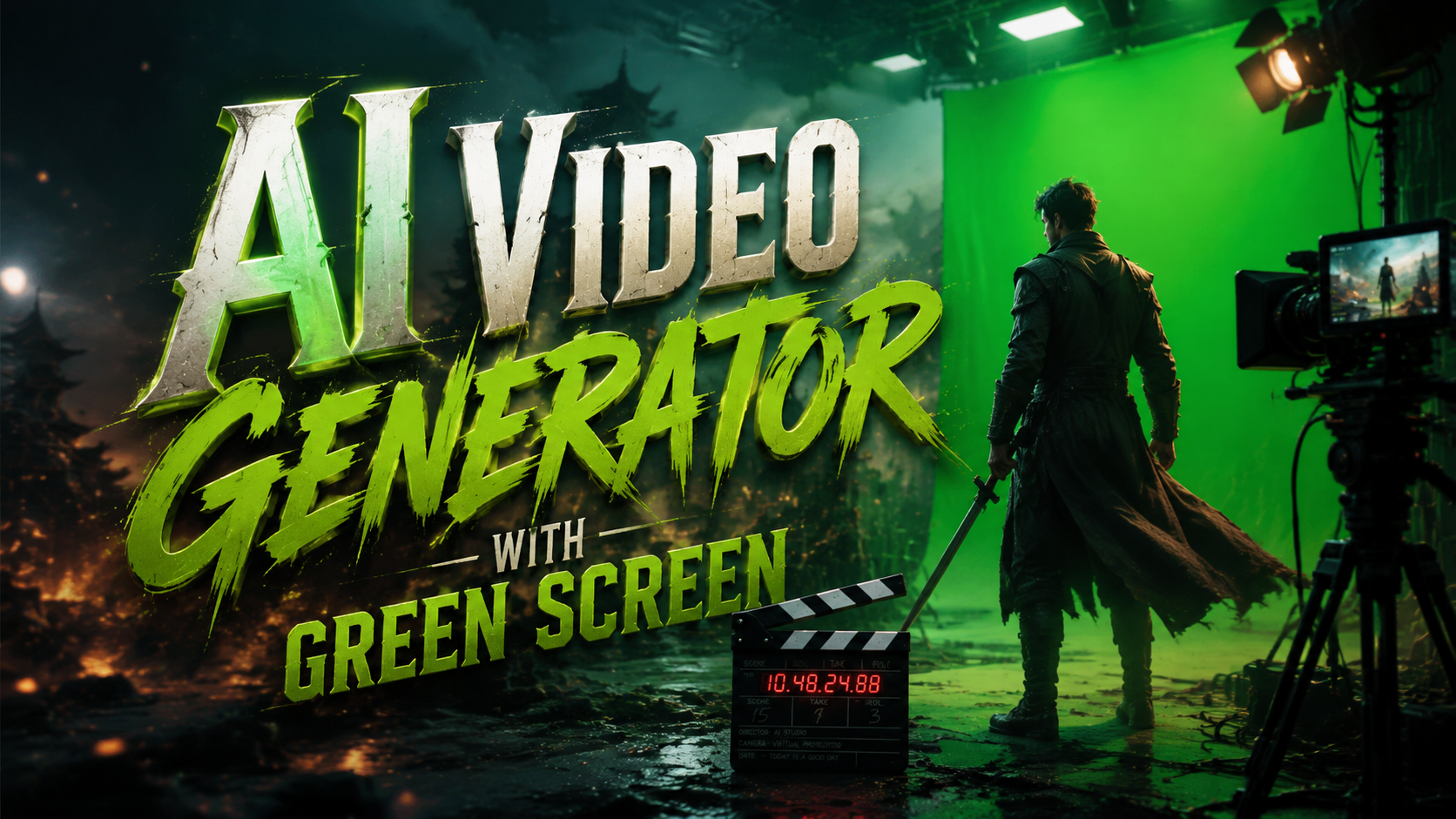
An AI video generator with green screen is revolutionizing content creation by automating complex editing tasks that previously required professional software and expertise. These tools use artificial intelligence to instantly remove backgrounds, composite scenes, and generate realistic environments—dramatically reducing production time while enabling creators to focus on storytelling. As seen in the viral Tom Cruise and Brad Pitt AI fight scene controversy, the line between AI-generated and traditionally produced video is blurring faster than ever in 2026.
TL;DR: AI video generators with green screen capabilities are transforming filmmaking and content creation by automating background removal, scene composition, and special effects—cutting production time from hours to minutes while achieving Hollywood-grade results.
AI video generator with green screen is a next-gen editing tool that uses machine learning to automatically remove backgrounds, composite scenes, and generate realistic environments without physical green screens. Leading solutions like Google Veo 3.1 and Runway Aleph demonstrate how this technology is becoming essential for filmmakers, marketers, and content creators in 2026.
- ✓ AI eliminates physical green screens by digitally detecting and removing backgrounds in real-time
- ✓ Google Veo 3.1's January 2026 update delivers photorealistic AI-generated video with automatic scene composition
- ✓ Copyright concerns persist as seen in ByteDance's paused AI video launch in March 2026
- ✓ Tools like Vmake AI now offer all-in-one enhancement including automatic green screen effects
- ✓ The viral Tom Cruise/Brad Pitt fight video controversy highlights both capabilities and ethical challenges
How AI Video Generators Are Replacing Physical Green Screens
The traditional green screen workflow required specialized equipment, controlled lighting, and hours of manual rotoscoping in post-production. Modern AI video generators analyze footage frame-by-frame using neural networks trained on millions of video samples, automatically distinguishing foreground subjects from backgrounds with pixel-perfect precision. According to PCMag, the controversial Tom Cruise/Brad Pitt fight scene used AI-assisted green screen technology to composite the actors into a virtual environment without physical chroma keying.
Unlike conventional software that relies on color range keys, AI systems understand scene context—they can separate hair strands, transparent objects, and even complex motion blur that would trip up traditional methods. The February 2026 Pajiba report confirming the Cruise/Pitt video as AI-generated revealed these tools now achieve results indistinguishable from professional studio work, though ethical concerns about unauthorized deepfakes remain unresolved.
Leading solutions have adopted hybrid approaches combining multiple AI techniques: semantic segmentation identifies objects, optical flow analysis tracks motion, and generative adversarial networks (GANs) fill in missing background details. This multi-model architecture enables features like automatic shadow generation, perspective correction, and lighting matching that were previously manual VFX tasks. As noted in the Vmake AI 2026 review, these capabilities are now packaged in consumer-friendly interfaces requiring no technical expertise.
Key Advantages Over Traditional Methods
- No physical green screen or studio setup required
- Processes 4K footage up to 10x faster than manual rotoscoping
- Automatically matches lighting and perspective to new backgrounds
Top AI Video Generator Features in 2026
The January 2026 Google Veo 3.1 update showcased groundbreaking improvements in AI-generated video realism, particularly for green screen applications. Its neural rendering engine can now generate dynamic backgrounds that react to foreground elements—creating realistic wind interactions, reflections, and even physics-based object collisions. According to PetaPixel, Veo 3.1 reduces the "uncanny valley" effect through temporal coherence algorithms that maintain consistency across frames.
Runway Aleph's video-to-video system, introduced in December 2025, takes a different approach by allowing style transfer between source and target footage. Users can film against any background (not just green screens) and have the AI transplant subjects into new environments while preserving original motion and textures. This eliminates the color spill and edge artifacts common in traditional chroma keying, as demonstrated in perfectcorp.com's case studies.
Vmake AI's 2026 toolkit bundles these capabilities with additional enhancement features—automated color grading, AI upscaling to 8K, and smart frame interpolation for slow-motion effects. Their implementation shows how green screen technology is becoming just one component of comprehensive AI video pipelines. The software's ability to process footage shot under suboptimal conditions (mixed lighting, busy backgrounds) makes professional-grade results accessible to smartphone creators.
Must-Have Features for Professional Use
- Real-time preview during editing
- Batch processing for multiple clips
- Customizable AI model strength/aggressiveness
Ethical and Legal Considerations
ByteDance's March 2026 decision to pause its AI video launch over copyright concerns highlights growing industry tensions. Their system reportedly could generate celebrity likenesses and copyrighted backgrounds without licensing—a capability shared by many AI video tools. The Tom Cruise/Brad Pitt deepfake controversy further demonstrated how green screen AI could be misused to create convincing but fabricated scenarios.
Legal experts note current copyright laws struggle to address AI-generated content where no human directly reproduces protected material. The U.S. Copyright Office's 2025 ruling that purely AI-created works lack human authorship leaves a gray area for tools that transform existing footage. According to PYMNTS.com, ByteDance's pause reflects broader industry caution as platforms establish content authentication standards.
Responsible developers are implementing safeguards like watermarking AI-generated content and maintaining edit histories. Some professional tools now require source footage verification before enabling certain effects. However, the arms race between detection and generation technologies continues—the same AI that creates convincing green screen effects can also be used to remove forensic watermarks.
Step-by-Step: Creating AI Green Screen Videos
- Choose your footage: Film subjects with consistent lighting against any background (solid colors work best but aren't required)
- Upload to AI platform: Services like Veo 3.1 accept direct camera uploads or cloud storage imports
- Select processing mode: Choose between speed-optimized or quality-focused AI analysis
- Edit the mask: Fine-tune edge detection for challenging areas like hair or transparent objects
- Add new background: Select from AI-generated environments or upload custom backplates
- Adjust composite settings: Match lighting temperature, shadow direction, and perspective
- Export final video: Render in preferred format with optional post-processing enhancements
Industry Applications and Use Cases
Film and television productions now use AI green screen tools for previsualization, allowing directors to scout virtual locations with actors in real-time. The technology's speed enables rapid iteration—changing entire set designs between takes without physical reconstruction. Major studios report cutting VFX costs by 30-50% on certain projects by replacing practical effects with AI-generated alternatives.
E-commerce video production has been transformed by AI's ability to instantly generate product shots against customizable backgrounds. Where traditional photography required physical sets and multiple shoots, retailers can now film inventory once and dynamically composite it into various virtual environments. This scalability has proven particularly valuable for fashion brands needing to showcase seasonal color variations.
Education and training content creators leverage these tools to produce professional-quality materials without studio budgets. Medical schools simulate surgical environments, language courses place instructors in culturally relevant settings, and corporate trainers create consistent branding across global branches—all using AI-generated backgrounds tailored to specific learning objectives.
Future Developments and Limitations
The next frontier involves AI systems that don't just replace backgrounds but understand scene physics to generate interactive environments. Prototype tools can already simulate how light should refract through a virtual glass held by a real actor, or how digital wind would realistically affect physical clothing. These advancements promise to eliminate the "floating subject" effect that sometimes plagues green screen composites.
Current limitations include difficulty with extreme motion blur and fine transparency details like smoke or flowing water. While AI handles these better than traditional methods, artifacts may still require manual cleanup for high-end productions. Processing power remains another constraint—real-time 8K compositing still demands powerful hardware despite algorithmic optimizations.
Industry analysts predict the 2026-2027 period will see tighter integration between AI video generators and 3D creation tools. Emerging standards like Universal Scene Description (USD) will allow seamless interchange between live-action footage and CGI elements, with AI managing the compositing pipeline. This convergence could make professional-grade virtual production accessible to independent creators within two years.
Do I need a physical green screen to use these AI tools?
No—modern AI video generators can separate subjects from complex backgrounds without any green screen, though solid-color backdrops still improve results for challenging shots.
How accurate is AI background removal compared to manual rotoscoping?
Top-tier AI tools now achieve 90-95% accuracy for most scenarios, matching junior artist work quality while being 10-20x faster according to professional benchmarks.
Can these tools generate entirely synthetic videos?
Yes—some platforms like Google Veo 3.1 can generate complete synthetic videos, while others specialize in compositing real footage with AI elements.
What hardware is needed for AI video generation?
Cloud-based solutions require minimal local hardware, while desktop software benefits from GPUs with at least 8GB VRAM for 4K processing.
Are there copyright risks when using AI-generated backgrounds?
Potentially—some systems train on copyrighted material, so professional users should verify training data sources or use platforms with licensed asset libraries.
Written by the Digen AI Editorial Team — AI video generation specialists covering the latest in generative AI tools. Learn more about Digen AI.
Comments ()