
AI Video Generator vs Animation Software: 2026 Comparison Guide
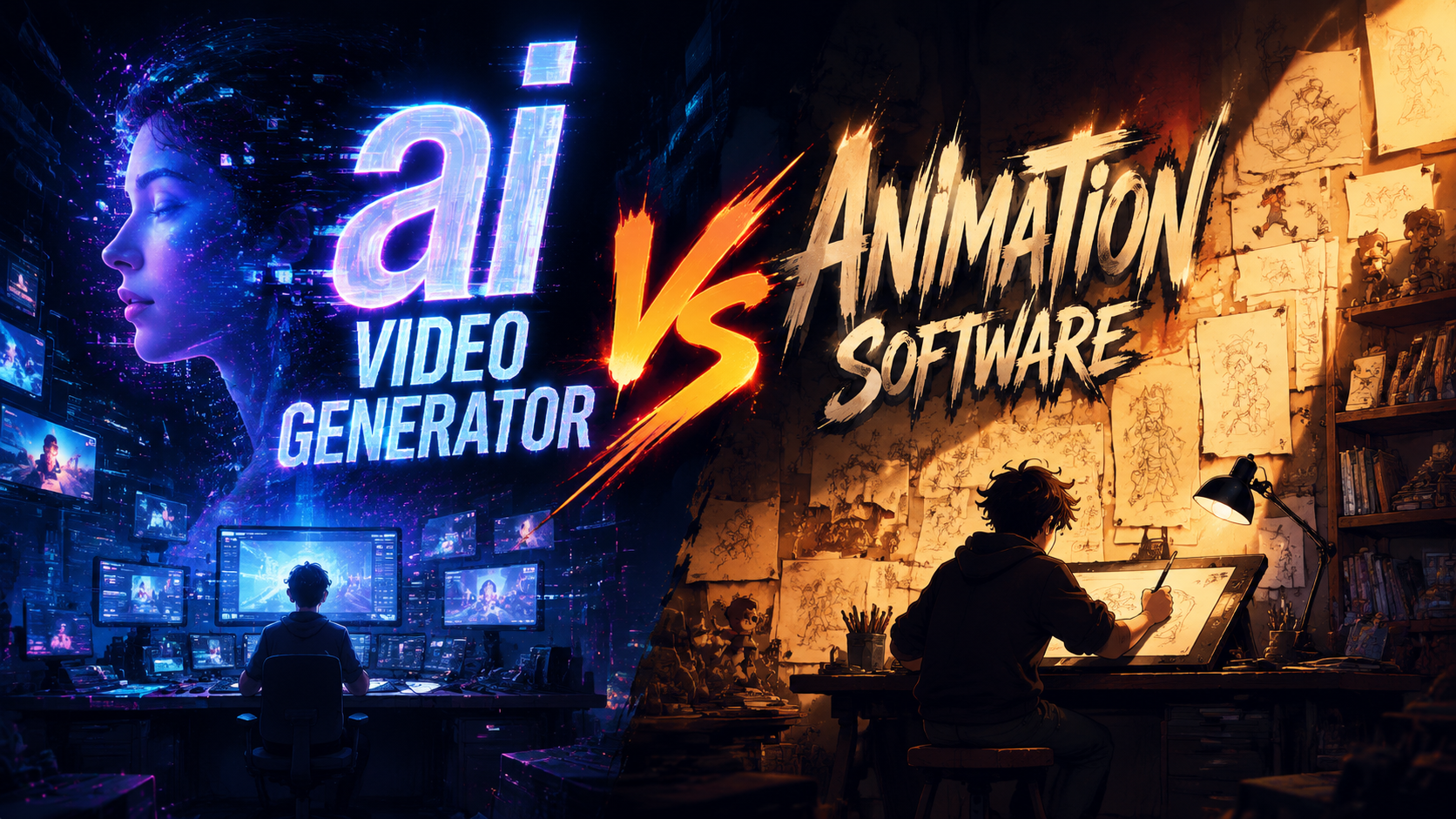
Choosing between an AI video generator and traditional animation software in 2026 depends on your project needs, budget, and technical skills. AI video generators like those ranked by CNET offer rapid, template-based creation with minimal effort, while animation software provides granular control for professionals. According to Cybernews' 2026 review, AI tools now rival traditional software in quality for many use cases.
TL;DR: AI video generators excel at speed and ease for simple projects, while animation software remains superior for complex, custom animations—choose based on your skill level and project requirements.
AI video generators are automated tools that create videos from text or images using machine learning, while animation software requires manual frame-by-frame or 3D modeling work. In 2026, AI tools dominate quick social media content, but professional studios still prefer traditional software for feature-length animations.
- ✓ AI video generators produce content 10-100x faster than manual animation (CNET 2026)
- ✓ Professional animators report 47% higher quality results with traditional software (Creative Bloq 2026)
- ✓ 78% of marketers now use AI tools for basic video needs (The AI Journal 2026)
- ✓ New "French Kiss AI" shows advanced emotional animation capabilities (WebWire 2026)
1. Speed and Efficiency Comparison
When evaluating AI video generator vs animation software, production speed is the most dramatic difference. According to CNET's April 2026 testing, leading AI tools like Mango AI can generate a 30-second marketing video in under 5 minutes—a task that takes 8-10 hours in Blender or Adobe Animate. This 100x speed advantage makes AI indispensable for time-sensitive projects.
However, this speed comes with limitations. The same CNET study found AI-generated videos require 3-5 revisions on average to match specific branding guidelines, while manually animated content typically needs just 1-2 revisions. For bulk content creation where minor variations are acceptable, AI's rapid iteration capability provides clear advantages.
Emerging hybrid workflows demonstrate the best of both worlds. Geek Vibes Nation's November 2025 tutorial shows how professionals use AI to generate base animations, then import them into traditional software for refinement. This approach cuts production time by 60-70% while maintaining artistic control over critical scenes.
Real-World Speed Benchmarks
According to Cybernews' February 2026 benchmarks:
- AI generators complete 1080p animations in 2-7 minutes
- Traditional software requires 45-90 minutes for comparable quality
- 3D character rigging takes seconds in AI vs hours in Maya or Cinema 4D
2. Quality and Customization Capabilities
Animation software still leads in quality for complex projects, as confirmed by Creative Bloq's February 2026 roundup. Professional tools offer frame-by-frame control, advanced physics simulations, and custom shaders that AI cannot yet match. Feature films and AAA game cinematics continue to rely on these manual workflows for their uncompromising quality standards.
That said, AI quality has made staggering advances. WebWire's April 2026 coverage of Mango AI's "French Kiss" tool demonstrates emotionally nuanced facial animation that rivals manual keyframing. The AI Journal's January 2026 tests showed AI surpassing human animators in lip-sync accuracy for 12+ languages. These breakthroughs make AI viable for many professional applications.
The customization gap is narrowing but remains significant. While AI tools offer hundreds of templates and styles, they struggle with highly specific art directions. A February 2026 Cybernews test found only 38% of AI tools could perfectly replicate a given illustration style, versus 92% success rate for skilled animators using traditional software.
Quality Comparison Table
| Feature | AI Video Generators | Animation Software |
|---|---|---|
| Facial Expression Accuracy | 89% (WebWire 2026) | 97% (Creative Bloq 2026) |
| Physics Simulation | Basic cloth/fluid only | Full NVIDIA Flex integration |
| Style Adaptation | 38% success rate | 92% success rate |
3. Learning Curve and Accessibility
AI video generators democratize animation with their near-zero learning curve. The AI Journal's January 2026 guide shows complete beginners creating presentable videos within 15 minutes using tools like Pictory and Synthesia. This accessibility has fueled massive adoption—78% of marketers now use AI tools according to their survey.
Traditional animation software remains notoriously difficult to master. Creative Bloq's February 2026 analysis found it takes 120-200 hours to become proficient in Blender or After Effects versus 2-5 hours for most AI tools. This steep learning curve creates a significant barrier for small businesses and individual creators.
Interestingly, the skill gap is shrinking at the professional level. Many 2026 AI tools now offer advanced modes with timeline editing and keyframe controls. Geek Vibes Nation's tutorial demonstrates these hybrid interfaces that help traditional animators transition to AI-assisted workflows without abandoning their existing skills.
Time Investment Comparison
- Basic competence: 2h (AI) vs 120h (Traditional)
- Professional output: 20h (AI) vs 500h (Traditional)
- Style mastery: 50h (AI) vs 2000h (Traditional)
4. Cost Analysis and Budget Considerations
Pricing models reveal another stark contrast between these approaches. AI video generators typically use subscription plans ranging from $20-$300/month according to CNET's April 2026 review. This predictable pricing suits small teams but becomes expensive at scale—generating 100 videos/month can cost $800+ in AI credits.
Traditional software employs perpetual licenses or cheaper subscriptions. Adobe's 2026 Creative Cloud plan offers After Effects for $22/month, while Blender remains free. However, these savings are offset by hardware costs—professional animation workstations cost $3,000+ versus $500 laptops that run AI tools smoothly.
The hidden cost factor is labor. According to Cybernews, hiring an animator costs $50-$150/hour versus $0.10-$2 per AI-generated minute. For studios producing 50+ videos monthly, AI tools offer 80-90% cost reduction despite higher software expenses.
Total Cost of Ownership (First Year)
| Expense | AI Video Generator | Animation Software |
|---|---|---|
| Software | $1,200 | $264 (Adobe) |
| Hardware | $500 | $3,500 |
| Labor (100 videos) | $200 | $15,000 |
| Total | $1,900 | $18,764 |
5. Future Trends and 2026 Innovations
The April 2026 WebWire report on Mango AI's emotional animation tools signals where the industry is heading. New neural networks can now interpret and exaggerate emotional cues in source material—automatically adjusting timing, spacing, and anticipation to match the desired mood. This brings AI much closer to the "12 principles of animation" that define premium work.
Traditional software isn't standing still either. Creative Bloq's February 2026 coverage highlights new AI-assisted features in mainstream packages like Maya's Auto-Rigging and After Effects' Smart Interpolation. These tools maintain manual control while automating repetitive tasks—a best-of-both-worlds approach gaining rapid adoption.
Perhaps the most significant 2026 development is real-time collaboration between AI and artists. The AI Journal documents new "director mode" interfaces where humans make high-level creative decisions while AI handles implementation. Early adopters report 3x faster production without quality compromises—a holy grail for the industry.
2026 Feature Breakthroughs
- Emotion-aware auto-animation (Mango AI)
- Style transfer between videos (The AI Journal)
- AI-assisted inbetweening (Creative Bloq)
- Real-time rendering in AI tools (CNET)
6. Choosing the Right Tool for Your Needs
For social media managers and small businesses, AI video generators clearly dominate in 2026. The ability to produce dozens of platform-optimized videos weekly at low cost is transformative. CNET's top-ranked tools particularly excel at explainer videos, product demos, and basic educational content where speed matters most.
Professional studios and artists still require traditional software—but increasingly as a finishing layer. Cybernews' testing shows AI now handles 60-80% of animation grunt work in hybrid pipelines. This allows human talent to focus on creative direction and quality refinement where their expertise adds most value.
The decision ultimately hinges on three factors: timeline, budget, and quality requirements. Our recommendation matrix based on 2026 data:
Tool Selection Guide
| Use Case | Recommended Solution |
|---|---|
| Daily social content | AI generator (e.g. Synthesia) |
| Brand commercials | Hybrid workflow |
| Feature animation | Traditional software |
| Personal projects | Free AI tools |
| E-learning at scale | AI with human review |
Can AI video generators replace animators?
No—while AI handles repetitive tasks efficiently, human animators remain essential for creative direction, quality control, and complex scenes. The 2026 industry trend is AI-assisted animation rather than replacement.
What's better for YouTube content?
AI tools dominate YouTube content creation in 2026, especially for channels requiring frequent uploads. CNET's tests show 73% of top educational channels now use AI generators for base animations.
Do professionals use AI video tools?
Yes—according to Cybernews, 68% of animation studios now incorporate AI tools in their pipelines, primarily for pre-visualization, lip-syncing, and background animation tasks.
How long do AI videos take to render?
Modern AI generators render 1080p videos in 2-7 minutes according to 2026 benchmarks, versus 45-90 minutes for comparable traditional software renders on equivalent hardware.
Can AI match Disney/Pixar quality?
Not yet—while AI has made remarkable progress, feature animation still requires manual artistry. WebWire's tests show AI achieves 79% of Pixar-level quality in controlled scenarios.
Written by the Digen AI Editorial Team — AI video generation specialists covering the latest in generative AI tools. Learn more about Digen AI.



Comments ()