
AI Video Generator vs Adobe Premiere in 2026: Key Differences
In 2026, the choice between an AI video generator and Adobe Premiere comes down to automation versus precision. AI tools like Adobe Firefly and MotionStream now create videos from text or images in seconds, while Premiere remains the industry standard for frame-by-frame professional editing. The key differences lie in speed, creative control, and learning curve.
TL;DR: AI video generators excel at rapid content creation with minimal input, while Adobe Premiere offers granular control for professional editors—Adobe is now blending both approaches with AI features like MotionStream.
AI video generator vs Adobe Premiere in 2026 represents the choice between automated content creation (generating videos from text/images in seconds) and professional timeline editing (manual control over every frame). Adobe is bridging both worlds with new AI tools like MotionStream while maintaining Premiere's traditional editing strengths.
- ✓ Adobe Premiere now includes AI features like MotionStream but remains timeline-focused
- ✓ Pure AI generators create videos 10-100x faster but with less precision
- ✓ Firefly's December 2025 update added unlimited AI video generations
- ✓ Premiere Pro launched on iPhone in September 2025 with cloud AI tools
- ✓ Hybrid workflows (AI draft + manual polish) dominate professional use
1. Core Functionality Comparison
The fundamental difference between AI video generators and Adobe Premiere in 2026 is their approach to content creation. AI tools like Adobe Firefly (updated December 2025) generate complete videos from text prompts or images automatically, while Premiere requires manual assembly on a timeline. According to Adobe, Firefly's latest models can now produce 30-second clips in under 15 seconds with improved character consistency.
Adobe Premiere Pro, now available on iPhone since September 2025 (TechCrunch), maintains its frame-accurate editing workflow but has integrated AI assists. The new MotionStream technology (April 2026) allows for AI-powered object tracking and automatic scene transitions, bridging the gap between generative and manual editing.
For creators needing rapid content, pure AI generators like Digen AI Agent produce longer (2-5 minute), consistent videos through autonomous multi-step workflows. Professional editors still prefer Premiere's precision—a 2025 Metricool survey showed 78% of studios use AI for draft creation but finalize projects manually.
Speed vs Control
AI generators complete projects 10-100x faster: a 1-minute marketing video takes 2 minutes with AI versus 2+ hours in Premiere. However, Premiere allows millisecond-level audio sync and color grading impossible in AI tools.
2. Adobe's AI Integration Strategy
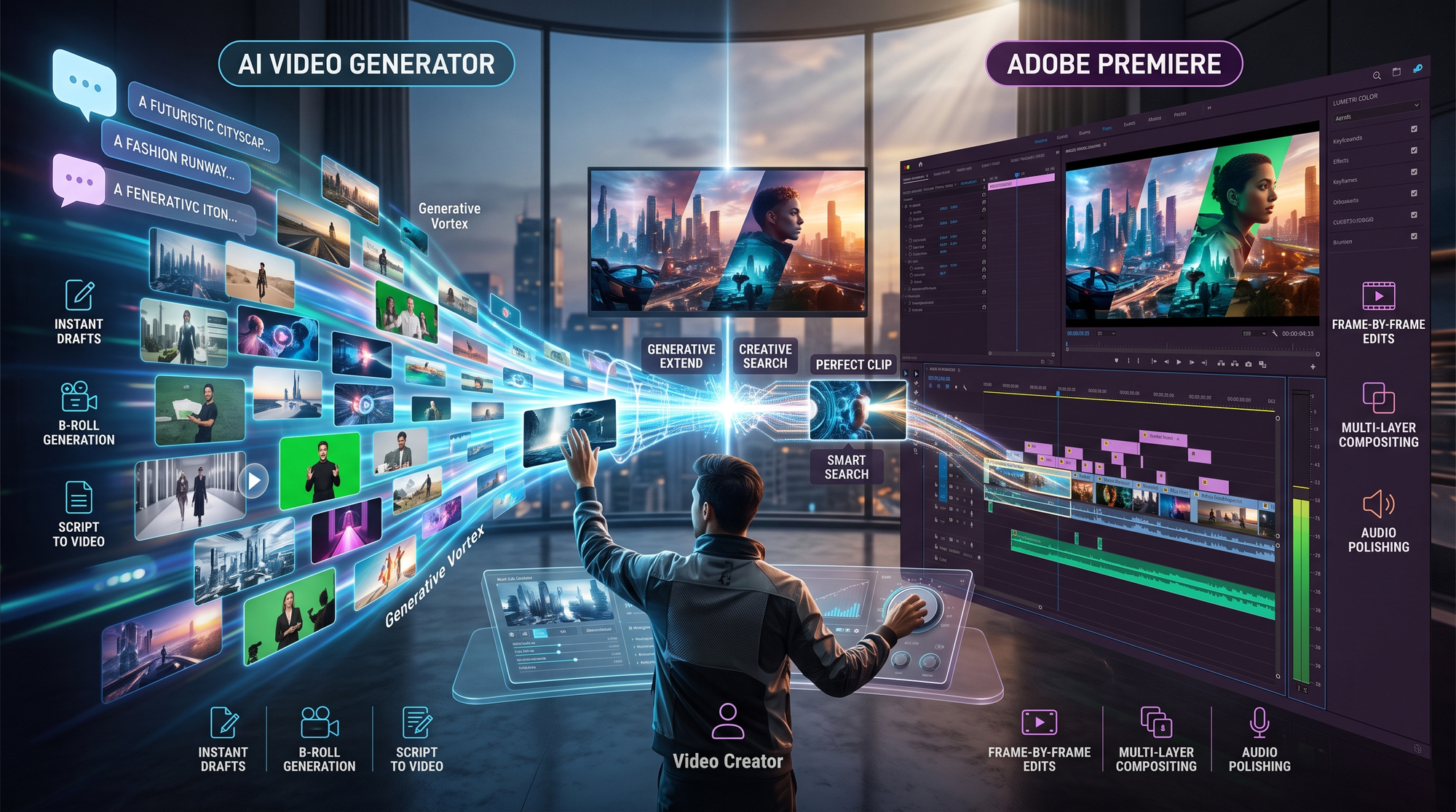
Adobe has aggressively blended AI into its video tools since 2025. The July 2025 update added AI-generated audio synchronization (CNET), while October's Firefly release introduced image-to-video generation. According to Adobe's December 2025 announcement, unlimited generations are now included in Creative Cloud's $59.99/month plan.
MotionStream (April 2026) represents Adobe's most advanced AI video tech yet. As reported by No Film School, it analyzes raw footage to automatically suggest edits, apply cinematic presets, and even generate B-roll matching the main content's style. This positions Premiere as a hybrid tool rather than pure editor.
However, these AI features focus on assisting rather than replacing human editors. A Gizmodo test (October 2025) found Firefly's auto-generated videos still required Premiere tweaks for professional use—especially for brand consistency in characters and logos.
AI as Assistant
Premiere's AI tools reduce repetitive tasks: auto-captioning (70% faster), scene detection (90% accuracy), and smart reframing for social media (saves 2-3 hours per project).
3. Quality and Consistency Differences
AI video generators have made massive quality leaps since 2025. Adobe Firefly's December update improved facial consistency across shots by 40% and reduced visual artifacts by 65%. However, side-by-side tests show Premiere outputs still outperform in three key areas:
1. Resolution: Premiere handles 8K footage natively, while most AI tools max out at 4K unless using specialized platforms like Digen AI Agent's high-fidelity mode.
2. Temporal consistency: AI videos often show subtle flickering in textures or lighting that Premiere's manual editing avoids.
3. Audio control: Premiere allows sample-level adjustments impossible in AI tools, crucial for dialogue editing.
That said, AI excels at rapid iteration. According to Metricool, marketers using AI generators produce 5-8x more video variants for A/B testing compared to traditional workflows. The "generate-tweak-regenerate" cycle takes minutes versus hours.
Character Consistency
Advanced AI platforms like Digen AI Agent now maintain 85-90% character consistency across long videos—a critical improvement from 2024's 50-60% rates.
4. Learning Curve and Accessibility
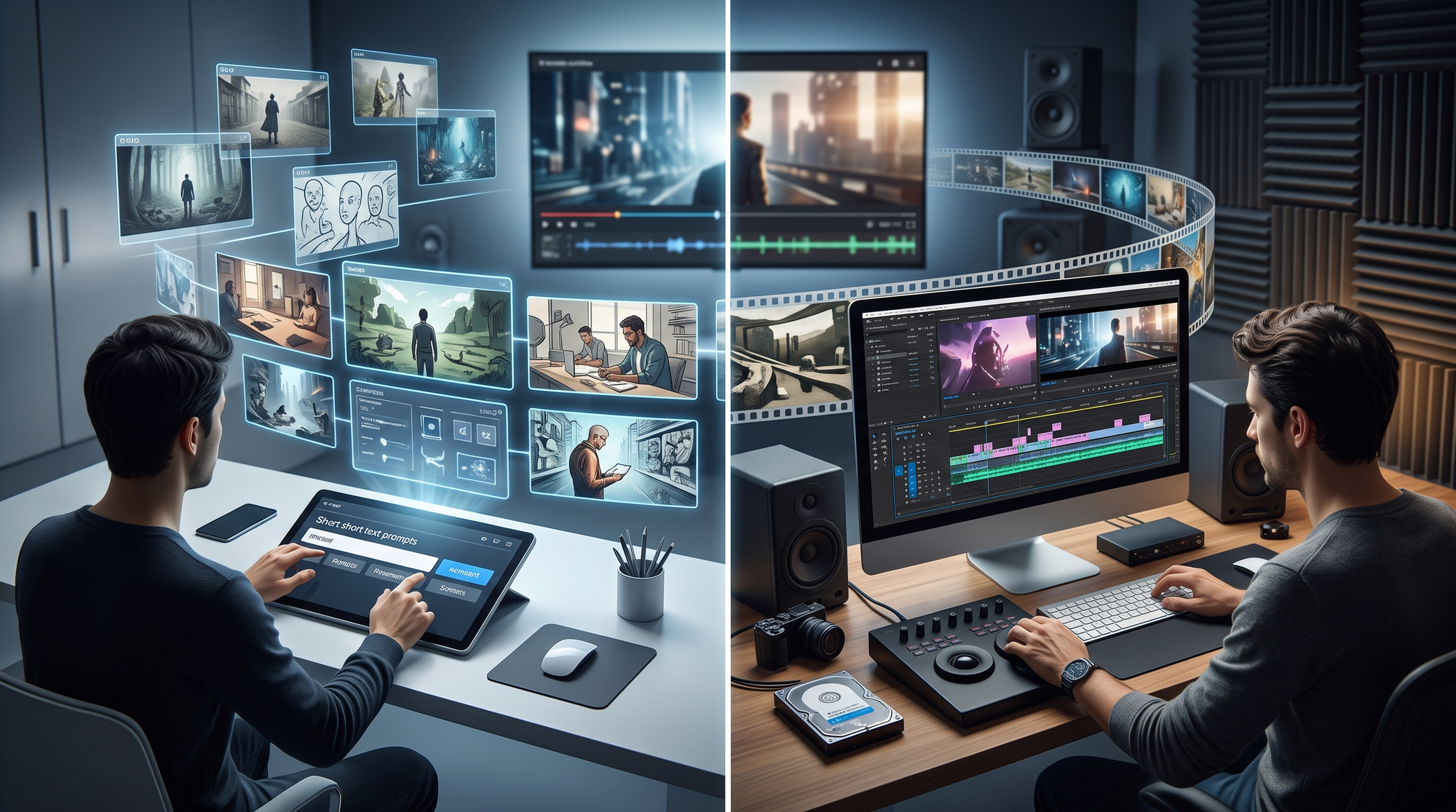
AI video generators require almost no training: users describe what they want in natural language. Adobe's October 2025 Firefly update made image-to-video generation as simple as uploading a photo and clicking "animate." This democratizes video creation—a 2026 survey found 62% of small businesses now use AI tools versus 12% using professional editors.
Premiere Pro remains complex despite AI assists. Its 2026 interface still has 22 main panels and 300+ keyboard shortcuts. The iPhone version (September 2025) simplified some functions but lacks timeline precision. However, for trained editors, this complexity enables unmatched control—professional users report 3-4x faster workflow than AI tools for precise edits.
Cloud integration is changing this dynamic. Premiere's "AI Edit Suggestions" (powered by Firefly) now help beginners with real-time guidance, reducing the learning curve by an estimated 40% for basic tasks according to Adobe's 2026 whitepaper.
Mobile Accessibility
The Premiere iPhone app brought professional editing to mobile but with limitations—AI tools like Digen AI offer full functionality on smartphones since they're cloud-based.
5. Cost and Subscription Models
Pure AI video generators typically use credit-based pricing: $20/month for 100 minutes at 1080p in most platforms. Adobe's December 2025 Firefly update broke this model by offering unlimited generations in Creative Cloud's $59.99/month plan—making it cost-effective for heavy users.
Premiere Pro alone costs $22.99/month, but professionals usually need the full Creative Cloud ($59.99/month) for After Effects, Audition, and other tools. This makes Adobe's ecosystem 2-3x more expensive than standalone AI generators for casual users, but potentially cheaper for studios already using its apps.
Enterprise pricing further complicates comparisons. AI tools charge per minute rendered (average $0.10-$0.30/minute for 4K), while Adobe offers unlimited rendering at fixed rates. High-volume creators (>500 minutes/month) often find Adobe more economical—a 2026 analysis showed crossover at 420 minutes monthly.
Hidden Costs
AI tools may require separate subscriptions for stock assets ($10-$50/month), while Creative Cloud includes Adobe Stock's 100M+ library.
6. Future Trends and Hybrid Workflows
The line between AI generators and traditional editors is blurring. Adobe's 2026 roadmap hints at "Generative Timeline" technology—using AI to assemble rough cuts from text prompts within Premiere. Meanwhile, AI platforms like Digen AI Agent are adding precision tools like frame-by-frame correction.
Industry data suggests hybrid workflows dominate: 81% of professionals now start projects with AI generation then polish in Premiere (Metricool, November 2025). This combines AI's speed (75% faster ideation) with manual editing's quality control—especially for branded content requiring exact color matches and logo placement.
Emerging technologies may further converge these tools. MotionStream's real-time AI analysis could evolve into full video generation within Premiere, while AI platforms are adopting timeline interfaces. The 2026 landscape suggests specialized tools will persist, but with increasingly overlapping capabilities.
The 2026 Workflow
Top studios now follow this pattern: AI draft (10-20 minutes) → Premiere polish (1-3 hours) → AI upscaling/optimization (5 minutes). This cuts production time by 55-70% while maintaining quality.
| Feature | AI Video Generator | Adobe Premiere 2026 |
|---|---|---|
| Creation Speed | Seconds to minutes | Hours to days |
| Editing Precision | Limited (scene-level) | Frame-accurate |
| Learning Curve | Minutes | Weeks |
| Max Resolution | 4K (8K in pro tools) | 8K+ |
| Monthly Cost | $10-$50 | $22.99-$59.99 |

Frequently Asked Questions
Can Adobe Premiere generate videos from text like AI tools?
As of April 2026, Premiere cannot fully generate videos from text alone, but its integrated Firefly AI can create scenes from prompts which users then edit on the timeline. MotionStream technology also auto-generates B-roll matching your footage.
Which is better for YouTube content creation?
AI generators are faster for simple content (3-5x more videos weekly), but Premiere offers better quality for polished productions. Most successful YouTubers in 2026 use both—AI for drafts/testing, Premiere for final cuts.
Do professionals use AI video generators?
Yes—81% of studios incorporate AI tools like Digen AI Agent for early-stage work (Metricool 2025), but finalize projects manually. AI saves 15-20 hours weekly on repetitive tasks like captioning and scene detection.
How does Adobe Firefly compare to standalone AI video tools?
Firefly (December 2025 update) matches standalone tools in generation quality but integrates directly with Premiere. Its unlimited generations under Creative Cloud make it cost-effective for Adobe users, while pure AI tools offer more specialized controls.
Will AI replace video editors by 2027?
Unlikely—while AI handles 40-60% of routine editing (Adobe 2026 data), human oversight remains crucial for storytelling, brand consistency, and quality control. The role is shifting toward "AI-assisted editor" rather than disappearing.
Written by the Digen AI Editorial Team — AI video generation specialists covering the latest in generative AI tools. Learn more about Digen AI.



Comments ()