
AI Video Generator Step by Step 2026: Complete Guide
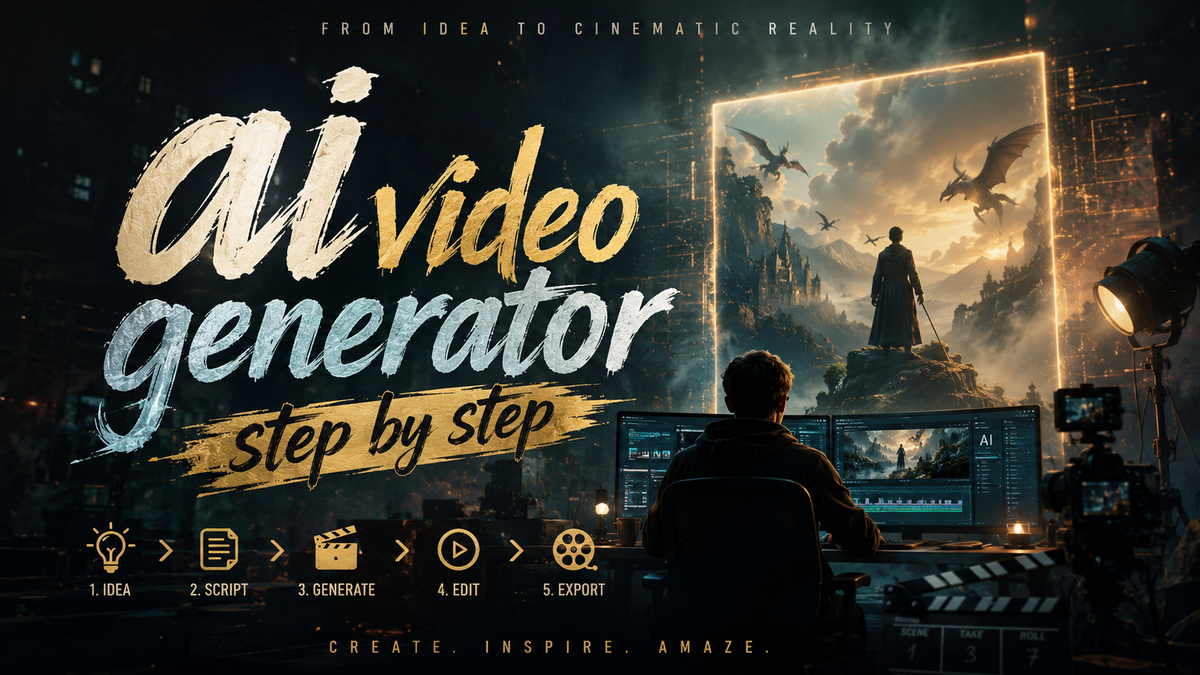
An AI video generator step by step is the process of using artificial intelligence to create videos from text prompts, images, or concepts through a structured, repeatable workflow. This complete guide covers every stage of the journey — from choosing your platform to exporting a polished final clip — so you can produce professional content in minutes without any prior editing experience.
An AI video generator is a software platform that leverages machine learning models to automatically produce video content from text descriptions, static images, or reference footage. In 2026, these tools have matured to handle long-form narratives, multi-scene transitions, and even feature-length films from a single text prompt, making professional video creation accessible to everyone.
- ✓ AI video generators now support long-form content creation from a single text prompt, eliminating the need for complex storyboarding and manual editing.
- ✓ Platforms like Seedance 2.0 and Grok Imagine lead the market with advanced customization, automation, and image-to-video capabilities.
- ✓ Image-to-video conversion enables creators to repurpose existing visual assets into dynamic social media content at scale.
- ✓ Beginners can achieve stunning results with minimal technical knowledge by following a repeatable step-by-step workflow.
- ✓ Scaling video production for social media is faster than ever thanks to AI-driven batch processing and template systems.
What Is an AI Video Generator? A Step-by-Step Definition
An AI video generator is a software tool that uses deep learning models — particularly diffusion models and transformer architectures — to synthesize video frames from textual or visual inputs. Unlike traditional video editing, which requires manual timeline manipulation, an AI video generator step by step automates the entire production pipeline: you input a description, the AI interprets your intent, and it renders a coherent video sequence that matches your prompt. The result is a finished video that you can export, share, or further refine.
According to INQUIRER.net USA (May 2026), the beginner's guide to AI video creation emphasizes that these tools have become accessible to anyone with an internet connection. The key is understanding the step-by-step workflow: prompt engineering, style selection, motion control, and post-generation refinement. In 2026, AI video generators have evolved to understand cinematic language, lighting cues, and even emotional tones, making them suitable for everything from social media clips to short films and commercial presentations.
The current generation of AI video generators — including Seedance 2.0 and Grok Imagine — focuses on creative automation. As reported by ipsnews.net (May 2026), Seedance 2.0 offers users a fresh perspective on how AI can handle the repetitive aspects of video production, freeing creators to focus on storytelling and strategy rather than technical execution. This shift is enabling solo creators and small teams to produce content that previously required a full production crew.
How to Use an AI Video Generator Step by Step: A Complete Workflow
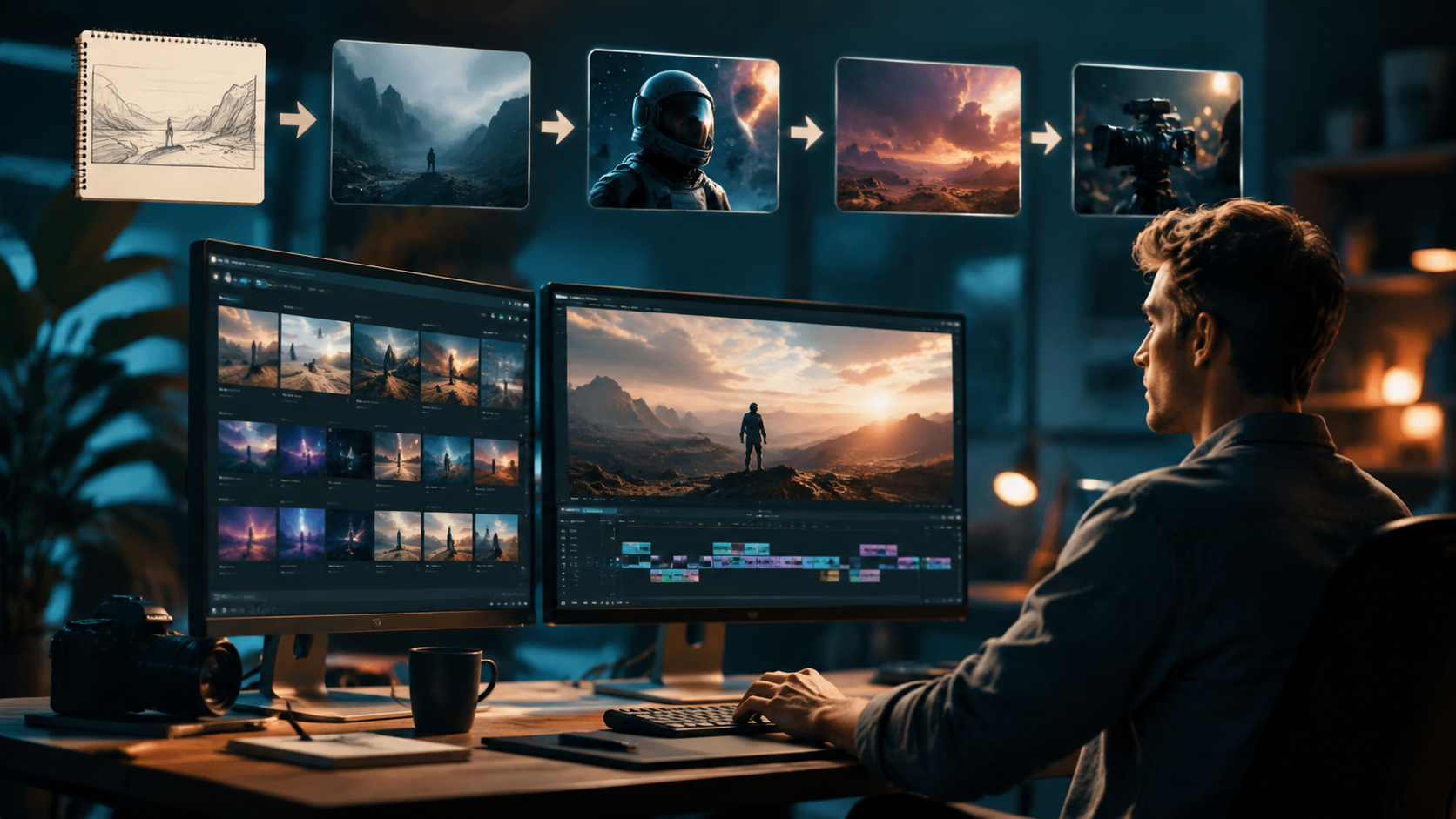
Using an AI video generator step by step involves a repeatable process that any beginner can follow. The steps below outline a universal workflow that works across popular platforms like Grok Imagine, Seedance 2.0, and other leading tools. Follow these stages to go from a blank idea to a finished video in under 30 minutes.
Step 1: Define Your Video Concept and Audience
Before you open any tool, clarify what you want to create. Are you making a social media reel, a product showcase, a corporate explainer, or a short film? Knowing your audience and platform will inform your prompt style, video length, and visual tone. A TikTok clip requires fast pacing and bold visuals, while a corporate showcase benefits from clean, professional aesthetics and slower transitions.
Step 2: Choose Your AI Video Generator Platform
Select a platform that matches your needs and skill level. If you are a beginner looking for a simple interface, Grok Imagine by xAI offers a streamlined experience for both image and video generation, as covered in Geek Vibes Nation's complete beginner's guide (May 2026). For more advanced control over motion dynamics and scene continuity, Seedance 2.0 provides granular settings for keyframe interpolation, camera paths, and multi-scene story arcs.
Step 3: Craft Your Text Prompt
Write a detailed description of the video you want. Include visual elements, mood, lighting, camera movement, and desired duration. For example: "A cinematic drone shot of a mountain sunrise, with golden light hitting the peaks, 30 seconds, smooth pan from left to right." The more specific your prompt, the better the AI can interpret your vision and produce a usable first pass.
Step 4: Configure Video Parameters
Set the resolution, frame rate, aspect ratio, and video length. Most platforms in 2026 support up to 4K resolution and extended durations. If you are creating content for social media, use vertical (9:16) or square (1:1) aspect ratios. For YouTube or film projects, stick to 16:9. Adjust frame rate based on the style — 24fps for cinematic looks, 30fps or 60fps for motion-heavy content.
Step 5: Generate and Review the First Pass
Initiate the generation process. The AI will produce a draft video based on your prompt and parameters. Review it carefully for coherence, visual quality, and alignment with your concept. Most tools allow you to regenerate specific segments or adjust the prompt for a second pass. Expect to run two or three iterations to get a result you are happy with.
Step 6: Refine with Post-Processing Tools
Many AI video generators include built-in editing features for trimming, adding text overlays, background music, or color grading. Use these to polish your video before export. If your platform lacks editing tools, download the raw clip and refine it in a simple editor like CapCut or DaVinci Resolve. A small investment in post-production can elevate the final output significantly.
Step 7: Export and Share
Export your final video in the appropriate format for your target platform. Common formats include MP4, MOV, and WebM. Upload directly to social media, embed on your website, or use in presentations. Keep the source files and the original prompt for future remixes, adaptations, or batch variations.
Top AI Video Generator Platforms in 2026: A Comparison
The AI video generator landscape in 2026 is rich with options, each offering unique strengths depending on your use case. Below is a comparison of leading platforms based on the latest research and user feedback from the sources cited in this guide.
| Platform | Best For | Key Feature | Max Video Length | Pricing Model |
|---|---|---|---|---|
| Seedance 2.0 | Creative automation & long-form content | Multi-scene transitions from a single prompt | Up to 10 minutes | Subscription + credits |
| Grok Imagine (xAI) | Beginners & image-to-video workflows | Unified image and video generation | Up to 2 minutes | Free tier + premium |
| SORA 2 (alternative) | Realistic cinematic quality | Advanced physics simulation | Up to 5 minutes | Enterprise licensing |
| Luma AI | 3D scene generation | Neural radiance fields | Up to 3 minutes | Per-render pricing |
According to ipsnews.net (May 2026), Seedance 2.0 has garnered attention for its ability to handle creative automation with minimal user input, making it a strong choice for content teams that need consistency across multiple projects. Meanwhile, Grok Imagine, as covered by Geek Vibes Nation (May 2026), is praised for its accessibility and beginner-friendly interface, making it ideal for solo creators and small businesses that are just starting with AI video production.
How to Scale Your Social Media Content with AI Image-to-Video Generators
Social media creators face constant pressure to produce fresh, engaging video content across multiple platforms. According to findarticles.com (June 2026), image-to-video generators offer a powerful solution for scaling production without sacrificing quality. Instead of starting from scratch every time, you can repurpose existing images — such as product photos, illustrations, or screenshots — into dynamic video clips that capture audience attention.
The step-by-step process for image-to-video conversion is straightforward: upload a static image, write a prompt describing how you want the image to animate (e.g., "slow zoom in with drifting clouds" or "cinematic dolly shot around the subject"), and let the AI generate a short video sequence. This technique is especially effective for e-commerce product showcases, social media ads, and portfolio presentations. The Nomad Lawyer (June 2026) highlights how businesses can build impactful showcase videos faster using AI video generators, reducing production time from days to minutes while maintaining a professional look.
To maximize your output, create a library of source images and reuse them across multiple campaigns. Batch-generate video variations by adjusting prompts and parameters, then A/B test which versions perform best on different platforms. With AI handling the heavy lifting, a single creator can produce dozens of video assets per day, enabling a consistent posting schedule that drives engagement and growth.
Creating Long-Form AI Films from a Single Prompt
One of the most exciting developments in 2026 is the ability to create long-form AI films from a single text prompt. As reported by Mshale (June 2026), the latest generation of AI video generators has moved beyond short clips and now supports extended narratives with coherent story arcs. The headline "Forget SORA 2 | Create Long AI FILM Using SINGLE Text Prompt" signals a paradigm shift in what is possible with generative video — turning a single idea into a complete cinematic experience.
To create a long AI film using an AI video generator step by step, start by writing a comprehensive narrative prompt that includes character descriptions, setting, mood, and key plot points. The AI will interpret your story and generate a sequence of scenes with consistent visual style and character continuity. Platforms like Seedance 2.0 are designed to handle this complexity, offering tools for maintaining character identity across scenes and managing multi-scene story arcs without manual intervention.
For best results, break your long-form project into logical segments: generate the opening scene to establish the world, develop the middle narrative to build tension or inform, and conclude with a resolution that ties everything together. Review each segment for narrative coherence and visual consistency, and regenerate any scenes that don't align with your vision. With patience and iterative refinement, you can produce a film that rivals traditional short films in narrative depth and visual quality — all from a single text prompt.
Common Mistakes to Avoid When Using AI Video Generators
Even with powerful tools, beginners often encounter pitfalls that reduce the quality of their output. Here are the most common mistakes and how to avoid them when following an AI video generator step by step workflow.
Writing Vague or Under-Specified Prompts
A prompt like "a beautiful video" yields generic, uninspired results. Be specific: include details about lighting direction, camera movement, color palette, subject placement, and desired mood. The more context you provide, the better the AI can match your creative vision.
Ignoring Aspect Ratio and Platform Requirements
Using the wrong aspect ratio for your target platform results in awkward cropping, letterboxing, or wasted visual space. Always set the aspect ratio to match your distribution channel: 16:9 for YouTube, 9:



Comments ()