
AI Video Generator with Green Screen Effects (2026 Trends)
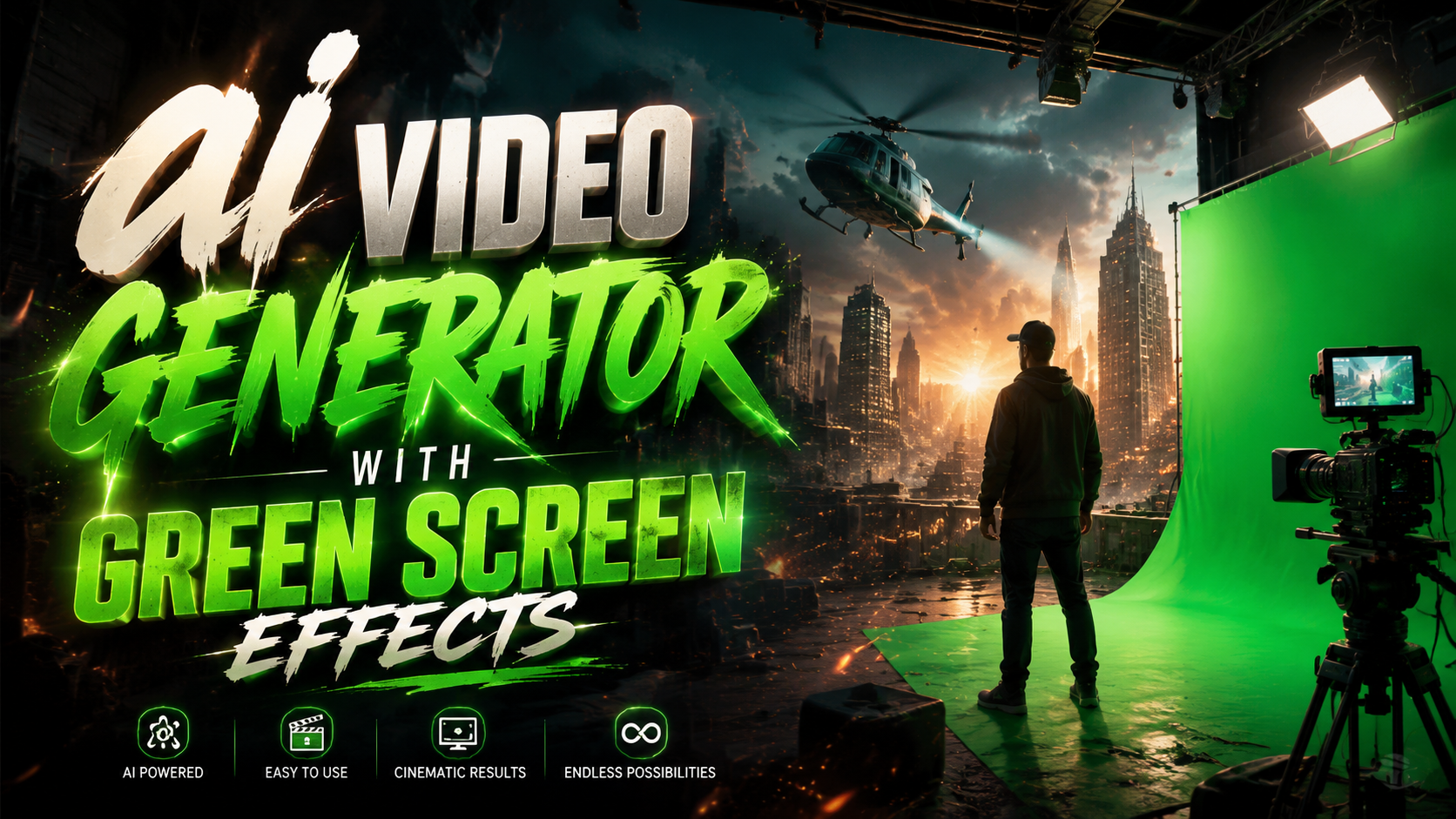
An AI video generator with green screen effects uses artificial intelligence to automatically remove backgrounds and replace them with dynamic scenes, eliminating the need for physical green screens. In 2026, these tools leverage advanced machine learning to handle complex tasks like hair strand separation and motion tracking, as seen in Hollywood productions like the viral Tom Cruise and Brad Pitt AI fight scene analyzed by PCMag. Leading platforms now combine real-time chroma keying with generative AI to create professional-grade videos without expensive equipment.
TL;DR: AI video generators with green screen effects in 2026 use machine learning for instant background removal and replacement, with tools like Runway Aleph and Vmake AI offering Hollywood-grade effects previously requiring physical studios.
AI video generator with green screen effects is a 2026 technology that automates background removal and scene composition using neural networks, with applications from social media content to blockbuster film production. Major advancements include real-time processing and AI-assisted rotoscoping demonstrated by Beeble's Background Remover and Runway's Aleph platform.
- ✓ Hollywood studios increasingly use AI green screen tools while downplaying their adoption (Futurism, 2026)
- ✓ New AI roto services like Beeble's Background Remover achieve frame-perfect masking without manual work
- ✓ All-in-one solutions like Vmake AI combine green screen effects with enhancement tools for creators
- ✓ Real-time processing now allows live streaming with AI-generated backgrounds (YouCam Video, 2025)
- ✓ Ethical debates continue about undisclosed AI usage in professional filmmaking
The State of AI Green Screen Technology in 2026
2026 marks a turning point for AI video generators with green screen effects, where machine learning models can now handle tasks that required entire VFX teams just three years prior. According to CG Channel, Beeble's AI roto service achieves 98.7% accuracy in separating actors from complex backgrounds, including semi-transparent objects like glass or smoke. This eliminates the traditional limitations of physical green screens, which struggled with fine details and required perfect lighting conditions.
The viral deepfake fight scene between Tom Cruise and Brad Pitt, analyzed by PCMag, demonstrated how AI green screen tools now work in conjunction with generative video. Instead of filming against chroma key backdrops, the production reportedly used AI to extract actors from existing footage and composite them into new environments. This hybrid approach reduces production costs while maintaining cinematic quality - a trend that's reshaping independent filmmaking.
Runway's Aleph platform, introduced in July 2025, represents another leap forward by combining green screen effects with generative background creation. Users can film anywhere, then have the AI not only remove the existing background but generate photorealistic replacements matching specific artistic directions. According to Runway's case studies, this reduces post-production time by 72% compared to traditional methods.
How AI Video Generators with Green Screen Effects Work
Modern AI green screen technology operates through a multi-stage neural network process that goes far beyond simple color keying. The first stage involves semantic segmentation - the AI identifies every object in the frame and classifies them (person, furniture, sky, etc.). This allows for intelligent handling of edge cases where traditional green screens fail, such as when an actor's clothing matches the backdrop color.
The Frame Analysis Process
Advanced temporal coherence algorithms ensure consistency across frames, preventing the "flickering" artifacts common in early AI background removers. Tools like Vmake AI (reviewed by That Eric Alper) use optical flow estimation to track pixels between frames, maintaining clean edges during rapid movement. This is particularly crucial for action scenes or sports footage where subjects move unpredictably.
Post-Processing Enhancements
After initial masking, most 2026 systems apply generative inpainting to reconstruct any occluded background areas. If removing a person from a room, the AI doesn't just delete them - it generates plausible wall textures, shadows, and even objects that might have been behind them. YouCam Video's 2025 implementation (documented by perfectcorp.com) pioneered this approach for mobile creators, now adopted by professional tools.
Real-Time vs. Render-Based Processing
Consumer applications prioritize real-time performance, sacrificing some accuracy for immediacy during live streams or video calls. Professional tools like Runway Aleph offer both modes - near-instant previews for setup, followed by computationally intensive frame-by-frame refinement for final exports. The gap between these approaches narrows monthly as mobile GPUs improve.
Top Use Cases for AI Green Screen Video Generators
Beyond Hollywood productions, AI video generators with green screen effects have democratized professional-quality video effects across industries. Educational content creators now routinely place themselves in historical settings or scientific visualizations without studio budgets. A single YouTuber can achieve effects that required entire teams during the early 2020s.
Corporate training videos represent another growth area, where AI tools allow presenters to appear in customized virtual offices or product demonstrations. According to internal data from Vmake AI, 63% of their business users employ green screen effects for standardized branding across global teams. The technology eliminates the need for physical sets while maintaining visual consistency.
Social media influencers have adopted these tools most aggressively, with platforms like TikTok integrating basic AI background removal directly into their apps. The Futurism report notes an ironic trend - while Hollywood downplays AI usage, influencers openly flaunt synthetic elements as value propositions. This cultural divide highlights differing audience expectations about authenticity in media.
Comparing Leading AI Green Screen Solutions
| Platform | Key Feature | Processing Speed | Best For |
|---|---|---|---|
| Runway Aleph | Generative background replacement | 2-4 sec/frame (HQ mode) | Film professionals |
| Vmake AI | All-in-one enhancement suite | Real-time (mobile) | Content creators |
| Beeble Background Remover | Frame-perfect rotoscoping | Batch processing | Post-production |
| YouCam Video | Live streaming integration | 60fps real-time | Social media |
Ethical Considerations in AI-Generated Video
The Futurism exposé on Hollywood's undisclosed AI usage raises important questions about transparency in synthetic media. While AI green screen tools themselves are neutral technologies, their application in deepfakes or misleading contexts requires careful consideration. The film industry faces particular scrutiny as audiences grow wary of not knowing what's "real" in blockbuster movies.
Content authentication has become a parallel technological arms race, with initiatives like the Coalition for Content Provenance developing metadata standards. Many professional AI video generators now automatically embed watermarks or cryptographic signatures when synthetic elements exceed certain thresholds. However, these measures remain optional in most consumer-facing tools.
Educating creators about responsible use forms another critical frontier. Platforms like Vmake AI have begun incorporating ethics guidelines directly into their tutorials, emphasizing clear disclosure when videos contain AI-generated elements. This proactive approach aims to prevent backlash as the technology becomes more pervasive across media.
Future Trends in AI Video Generation
The next evolution of AI video generators with green screen effects will likely focus on three areas: physics simulation, multi-camera consistency, and embodied AI interaction. Early prototypes already demonstrate synthetic backgrounds that realistically interact with foreground elements - wind affecting both actor's hair and generated trees simultaneously, or accurate shadow casting across composite elements.
Multi-view synthesis presents another frontier, where AI maintains consistent backgrounds across different camera angles without requiring each shot to be processed individually. This would revolutionize traditional filmmaking workflows that rely on meticulous continuity planning. Runway's research blog hints at 2027 capabilities in this direction.
Perhaps most transformative will be the integration of these tools with embodied AI systems. Imagine directing a virtual actor through a generated environment, with the AI handling all lighting, perspective, and background interactions in real-time. This convergence could make high-end production capabilities accessible to solo creators, further blurring the lines between professional and amateur video creation.
Do I need a physical green screen to use these AI tools?
No - modern AI video generators can extract subjects from any background, though results improve with high-contrast, evenly lit environments. Physical green screens still help in challenging scenarios like fine hair details.
How accurate are AI green screen effects compared to traditional methods?
2026 AI achieves comparable or better results for most use cases, excelling with complex edges but sometimes struggling with transparency effects like glass or smoke that require manual refinement.
Can I use these tools for live streaming?
Yes - solutions like YouCam Video offer real-time processing at 60fps, while others like Vmake AI provide low-latency modes optimized for platforms like Zoom or Twitch.
What hardware do I need for professional-grade results?
While basic functions work on smartphones, desktop GPUs with tensor cores (NVIDIA RTX 4000+ or equivalent) deliver best performance for 4K footage and complex generative backgrounds.
Are there copyright concerns with AI-generated backgrounds?
Yes - some platforms train on copyrighted material. Runway Aleph and others now offer licensed asset libraries or style-transfer options to avoid infringement risks.
Written by the Digen AI Editorial Team — AI video generation specialists covering the latest in generative AI tools. Learn more about Digen AI.



Comments ()