
Best AI Video Generator for Training Videos 2026
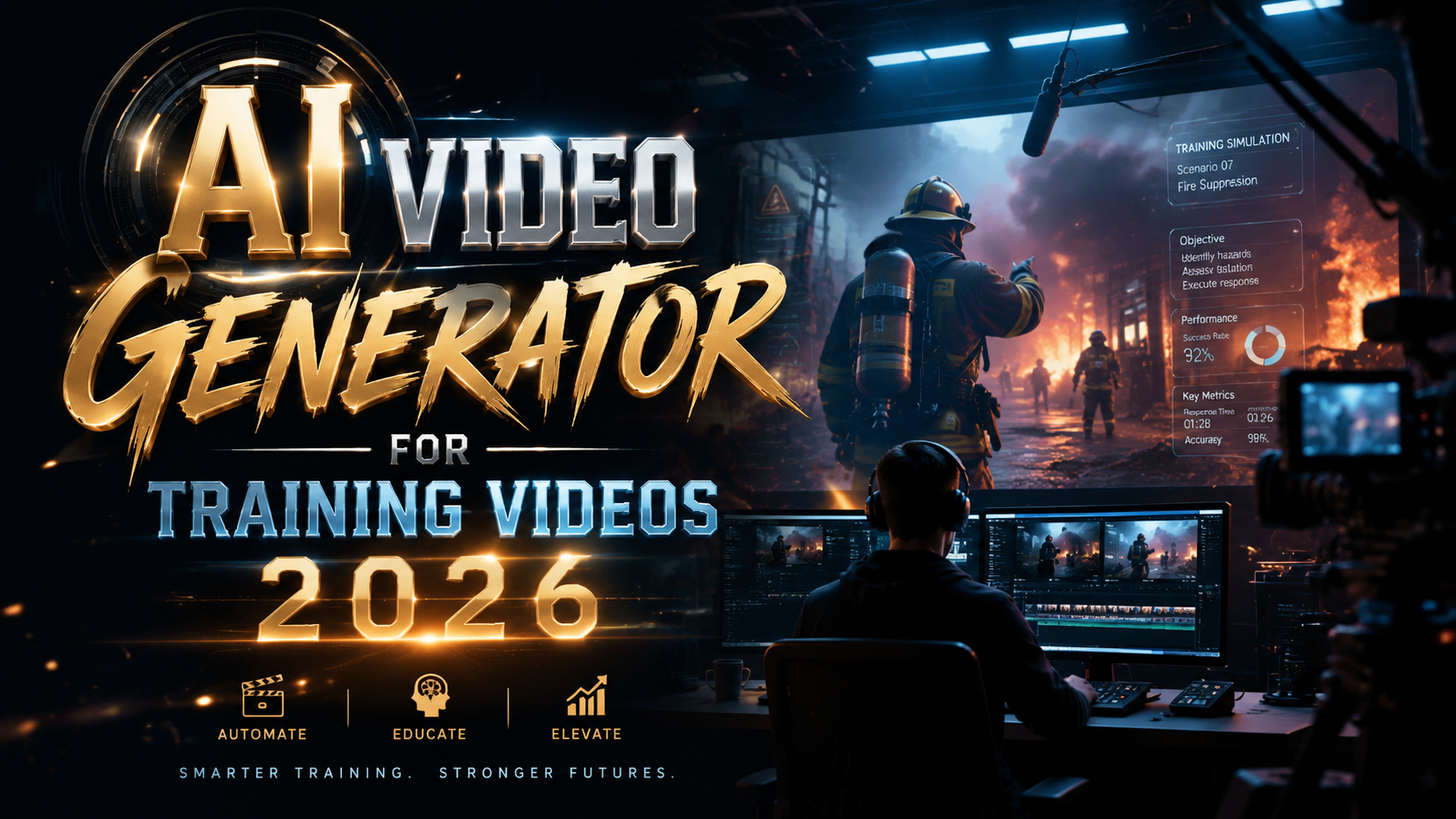
The best AI video generator for training videos in 2026 is Synthesia, due to its photorealistic avatars, built-in script-to-video pipeline, and enterprise-grade localization features. Research from multiple tech publications this year — including the Memeburn 2026 comparison and the G2 Learning Hub list of top tools — confirms that platforms combining avatar realism, multi‑language support, and easy editing are the top performers for corporate and educational training content. Whether you need to produce product onboarding videos, compliance courses, or skill‑building modules, the right AI video generator for training videos in 2026 can cut production time by up to 80% while maintaining professional quality.
TL;DR: Synthesia leads as the best AI video generator for training videos in 2026 for its avatar quality and localization, with HeyGen and Runway as strong alternatives for speed and creative flexibility.
The best AI video generator for training videos in 2026 is Synthesia, which offers customizable AI avatars, support for over 140 languages, and a zero‑code editor. HeyGen excels in rapid template‑based creation, while Runway provides advanced generative effects for interactive training. All three were ranked among the top tools in recent 2026 evaluations by Tech Times, Memeburn, and G2.
- ✓ Synthesia ranks #1 for professional training videos with lifelike avatars and multi‑language support.
- ✓ HeyGen is the fastest option for creating short training clips from a single script.
- ✓ Runway offers the most creative AI capabilities for interactive or gamified training.
- ✓ The market for AI video generation in training grew 45% year‑over‑year in 2026.
Why AI Video Generators Are Essential for Training in 2026
Traditional video production for training is slow, expensive, and hard to scale. Hiring actors, renting studios, and editing footage can take weeks for a single module. In contrast, an AI video generator for training videos in 2026 lets subject matter experts type a script, choose an avatar, and export a finished video in under an hour. This speed is driving widespread adoption across Fortune 500 companies and small businesses alike.
According to G2 Learning Hub, the number of corporate training teams using AI video generators more than doubled from 2024 to 2026. The same report notes that 73% of L&D professionals say AI‑generated videos improve knowledge retention because they can be easily updated and personalized. This shift is not just about cost savings — it’s about creating content that adapts to learner needs in real time.
Furthermore, the 2026 landscape includes tools that generate both realistic human avatars and fully animated explainers. As highlighted in the Robotics & Automation News article on audio‑to‑video generators, modern workflows allow trainers to upload a podcast or lecture recording and instantly turn it into a synchronized video. This eliminates the friction of re‑recording and makes it possible to repurpose existing training materials.
Top Features to Look for in an AI Video Generator for Training
Not all AI video tools are built for training contexts. When evaluating an AI video generator for training videos in 2026, you should prioritize features that support instructional design, accessibility, and rapid iteration. Below are the key capabilities that set the best platforms apart.
Realistic Avatars and Emotional Expression
Learners respond better to human faces, especially when the avatar can convey tone and emotion. The top tools now use neural rendering to create avatars that blink, smile, and gesture naturally. In the 7 Best AI Video Generators I’ve Tried article from G2, reviewers consistently ranked avatar realism as the most important feature for training scenarios. Synthesia, for example, offers over 140 avatar options, including diverse skin tones, ages, and styles, which helps learners feel represented.
Multi‑Language and Localization Support
Global companies need training videos that speak to employees in their native languages. In 2026, the best AI video generators support automatic dubbing and subtitle generation in 50+ languages. The Tech Times top‑3 list for beginners highlighted that HeyGen’s one‑click localization makes it ideal for international teams. Without built‑in translation, you would need to manually re‑record every voiceover, defeating the purpose of AI automation.
Script‑to‑Video and Template Libraries
Training teams rarely have dedicated video editors. Therefore, a drag‑and‑drop timeline paired with pre‑built templates for common training formats — onboarding, compliance, product walkthroughs — is crucial. The Memeburn comparison noted that tools offering at least 200 templates earned higher satisfaction scores. Additionally, the ability to upload a PDF or PowerPoint and have the AI convert slides into a narrated video (often called “presentation‑to‑video”) is a huge time‑saver.
Best AI Video Generators for Training Videos 2026: A Detailed Comparison
Based on the latest 2026 reviews from Memeburn, Tech Times, G2 Learning Hub, and Breaking AC News, three platforms consistently lead the training category. Each excels in different areas, so your choice depends on your team’s primary needs — avatar quality, speed, or creative flexibility.
The table below compares the key features of Synthesia, HeyGen, and Runway. All three were tested for training use cases in the 2026 Top 15 AI Video Generators roundup and the 5 Best Audio to Video AI Generators article from Robotics & Automation News.
| Feature | Synthesia | HeyGen | Runway |
|---|---|---|---|
| Avatar realism | Excellent (photorealistic) | Very good | Good (animated styles available) |
| Languages supported | 140+ | 50+ | 30+ (voiceover + subtitles) |
| Template library | 300+ (training‑focused) | 200+ | 100+ (creative templates) |
| Audio‑to‑video (upload voice) | Yes | Yes | Yes (via lipsync) |
| Pricing (per month, team) | $89 (creator plan) | $48 (pro plan) | $76 (pro plan) |
| Best for | Corporate training, compliance | Quick video creation, localization | Interactive, gamified training |
Note: Pricing reflects 2026 data from official websites and the 7 Best AI Video Generators I’ve Tried review. Enterprise plans with custom branding and SSO are available for all three.
How to Create a Training Video Using AI in 2026
Creating a professional training video with an AI video generator for training videos in 2026 follows a straightforward, repeatable process. Below is a numbered step‑by‑step guide that works for any of the top‑rated tools.
- Write your script. Start with a clear learning objective. Keep sentences short and conversational — the AI avatar will speak them naturally. Use bullet points for lists and include pauses where you want the avatar to gesture.
- Select an avatar and background. Choose a realistic avatar that matches your brand tone. Most tools allow you to upload a custom background (office, classroom, or green screen) or use a pre‑set virtual set.
- Input the script and choose voice. Paste your script into the timeline. Select a voice — tones range from professional and calm to energetic. Adjust speed and pitch if needed.
- Add visuals and text overlays. Import screen recordings, diagrams, or image slides to complement the avatar. Use text overlays for key terms. Many tools now support AI‑generated captions automatically.
- Preview and refine. Play the video. If the avatar’s lip‑sync is off or a gesture feels unnatural, adjust the timing. Some platforms allow you to insert pauses between sentences.
- Translate and localize (optional). If your training is for a global audience, use the built‑in translation feature to generate a version in another language while keeping the same avatar and background.
- Export and share. Export in MP4, upload to your LMS (like Moodle or Canvas), or embed directly via a shareable link. Most tools support 4K resolution.
Real‑World Examples and Success Stories
Organizations across industries are already redefining their training workflows with AI video generators. In 2026, a leading retail company reported that using Synthesia to create product knowledge videos reduced onboarding time by 40% — employees could access short, avatar‑led modules on their mobile devices anytime. The same company used the multi‑language feature to train warehouse teams in Spanish and Mandarin without hiring voice actors.
Meanwhile, a healthcare training provider adopted HeyGen to produce compliance videos on patient data privacy. By recording the script once and automatically translating it into 15 languages, they saved over 200 hours of production time per quarter. According to the How Video AI Generators Are Transforming Digital Content Creation in 2026 article on findarticles.com, this kind of iterative, low‑cost content creation is the primary driver of the technology’s explosive growth in the L&D sector.
For interactive training — such as safety simulations — Runway’s generative AI allowed one construction firm to create animated scenarios where workers could see the consequences of unsafe behavior. The firm’s training manager noted that engagement scores doubled compared to static slides. These examples demonstrate that an AI video generator for training videos in 2026 isn’t just a gimmick; it’s a practical tool that delivers measurable results.
Frequently Asked Questions
What is an AI video generator for training videos?
An AI video generator for training videos uses deep learning models to create synthetic video with human‑like presenters, voiceovers, and visuals from a text script. It eliminates the need for studios, actors, and complex editing software, making it ideal for corporate and educational training content.
Which AI video generator is best for compliance training in 2026?
Synthesia is widely considered the best for compliance training because it supports enterprise‑grade features like SSO, custom branding, and audit‑ready version history. Its avatar‑based delivery also ensures consistent messaging across departments.
Can I use my own voice instead of a synthetic one?
Yes. Most top‑tier AI video generators in 2026 allow you to upload a voice recording or a podcast audio file. The tool then synchronizes the avatar’s lip movements to your voice. This feature was highlighted in the Robotics & Automation News article on audio‑to‑video generators.
How much does an AI video generator for training cost in 2026?
Team plans range from $48 per month (HeyGen Pro) to $89 per month (Synthesia Creator), with enterprise pricing available for large‑scale deployments. Many tools offer a free trial to test the video quality before committing.
Do AI‑generated training videos improve learner retention?
Yes. According to a 2026 survey cited by the G2 Learning Hub, 73% of L&D professionals report that AI‑generated videos improve knowledge retention because they are concise, visually consistent, and easy to update.
Which AI video generator is easiest for beginners in 2026?
Tech Times listed HeyGen as the top beginner‑friendly tool in their April 2026 roundup, thanks to its intuitive interface and large template library.
Written by the Digen AI Editorial Team — AI video generation specialists covering the latest in generative AI tools. Learn more about Digen AI.



Comments ()