
AI Video Generator for Storyboards: 2026 Guide
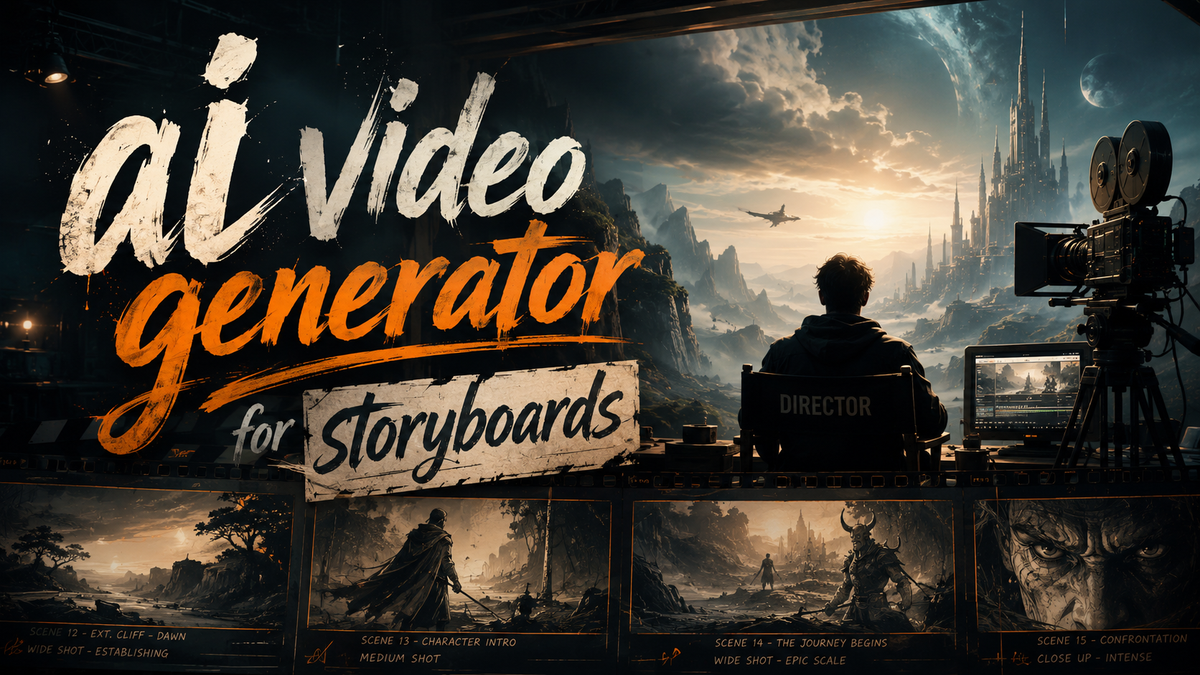
An AI video generator for storyboards is a specialized tool that uses generative artificial intelligence to transform text prompts, scripts, or rough sketches into sequential visual storyboard frames, effectively bridging the gap between a creative concept and a pre-visualized video scene in minutes rather than days.
An AI video generator for storyboards is a software platform that leverages machine learning models — such as diffusion models and large language models — to automatically create shot-by-shot visual sequences from a narrative script, enabling filmmakers, animators, and content developers to rapidly prototype and iterate on visual storytelling without manual drawing or complex 3D rendering.
- ✓ AI storyboard generators are transforming how developers build video content platforms by automating the pre-production visualization pipeline
- ✓ In 2026, tools like Elser AI (all-in-one anime and movie generation) and OpenAI's Sora AI are leading the shift from text to full storyboard sequences
- ✓ These tools reduce storyboard creation time from days to hours, enabling faster iteration and lower upfront costs for indie creators and studios alike
- ✓ The integration of AI video generators for storyboards supports both 2D animation workflows and live-action pre-visualization with cinematic camera controls
What Is an AI Video Generator for Storyboards?
An ai video generator for storyboards is a category of generative AI tool that converts a written script, narrative description, or even a simple text prompt into a sequence of images or short video clips arranged in storyboard format. Unlike traditional storyboarding — which requires an artist to draw each frame by hand or use digital painting software — these AI tools interpret the narrative structure, suggest camera angles, character positions, and scene compositions, and output a visual blueprint that a production team can review and refine.
The core value proposition is speed and accessibility. A script that might take a professional storyboard artist three to five days to render can now be visualized in under an hour. For 2026, the technology has matured considerably: models now understand cinematic terminology (wide shot, close-up, Dutch angle), maintain character consistency across frames, and even generate short animated sequences that simulate camera motion. According to Programming Insider (November 2025), AI storyboard generator tools are fundamentally changing how developers build video content platforms, enabling small teams to prototype at scale without needing a full art department.
How the Technology Works Under the Hood
Most AI video generators for storyboards operate through a multi-stage pipeline. First, a large language model (LLM) parses the input script and breaks it into individual shots, identifying scene changes, character entrances, and key actions. Next, a diffusion model or transformer-based video model generates a base image or short clip for each shot, guided by the LLM's scene descriptions. Finally, a layout engine arranges these frames onto a storyboard template, often with space for notes, timing annotations, and camera direction. Tools like OpenAI's Sora AI, as covered by Simplilearn in February 2026, push this further by generating coherent video sequences directly from text, which can then be exported as storyboard panels.
The 2026 Landscape: Key Tools and Platforms
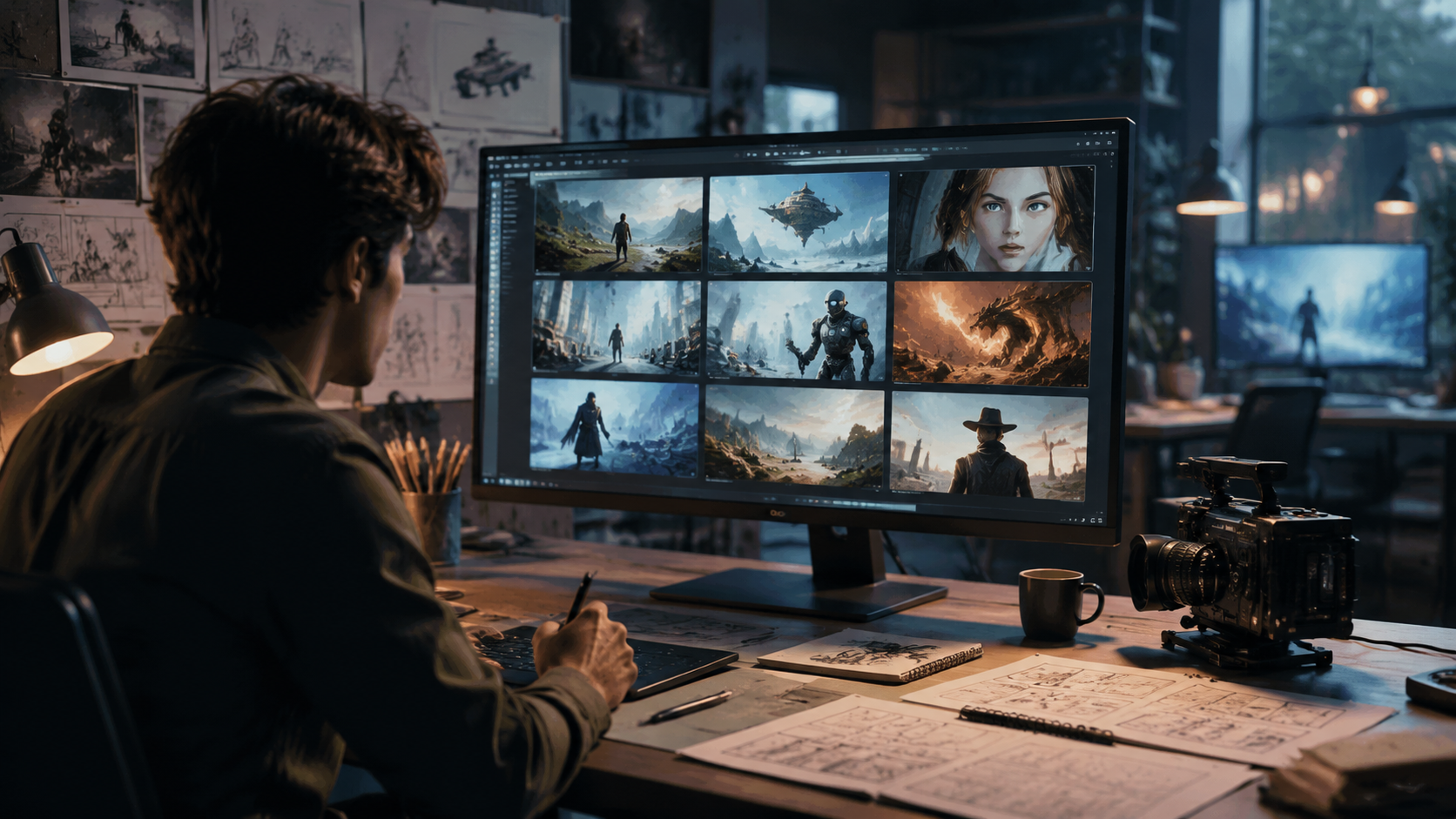
The current year has seen a surge in dedicated AI storyboard generators and expanded capabilities from general-purpose AI video platforms. The market is no longer limited to experimental demos; production-ready tools are now available with features like character consistency, style transfer, and direct export to editing software. Below are the most notable developments from the research.
Elser AI: All-in-One Anime and Movie Generation
Elser AI made headlines in December 2025 by unveiling what it claims to be the world's first all-in-one AI anime and movie generator. According to press releases from GlobeNewswire and PR Newswire (December 1, 2025), the platform offers end-to-end storyboard creation alongside full animation and video generation. Its storyboard module accepts a text script and automatically generates a frame-by-frame visual plan with consistent character designs, scene lighting, and camera motion suggestions. The platform opened a waitlist for early access in early 2026, and early adopters report that it handles both 2D anime aesthetics and more realistic cinematic styles, making it a versatile choice for creators who want to prototype quickly before committing to a full production pipeline.
OpenAI's Sora AI: Text-to-Video for Storyboarding
Sora AI, OpenAI's text-to-video generator, has evolved significantly since its initial preview. As detailed in Simplilearn's February 2026 guide, Sora now supports direct storyboard generation by outputting a series of short video clips that can be arranged in sequence. While Sora was not initially designed as a storyboard tool, its ability to maintain temporal consistency and understand complex scene descriptions has made it a popular choice for pre-visualization. Filmmakers and animators can describe a shot in natural language — "a low-angle wide shot of a character walking through a neon-lit alleyway at night" — and Sora generates a 10- to 20-second clip that serves as a highly detailed storyboard frame. The tool's integration with other OpenAI services also allows for script-to-storyboard pipelines with minimal manual intervention.
Kidscreen's AI Tool Guide: A Curated Resource
For professionals in the animation and children's media space, Kidscreen published a comprehensive AI tool guide in February 2026 that evaluates multiple storyboard-oriented AI platforms. The guide highlights tools that specifically address the needs of episodic storytelling, where maintaining character and setting consistency across hundreds of frames is critical. According to the guide, the best AI storyboard generators for 2026 offer "style locking" — a feature that remembers the visual aesthetic from one frame and applies it to subsequent shots — and "script-to-timeline" export, which directly maps storyboard frames to a video editing timeline. This development is particularly relevant for developers building video content platforms, as noted by Programming Insider's November 2025 report, because it allows those platforms to offer AI-assisted pre-production as a built-in feature.
How to Use an AI Video Generator for Storyboards: Step-by-Step Guide
If you are new to using an ai video generator for storyboards, the following step-by-step process will help you go from a blank page to a completed visual storyboard. The exact steps vary by tool, but the general workflow is consistent across platforms like Elser AI, Sora AI, and others.
- Write a detailed script or treatment. Start with a clear narrative that includes scene headings, character actions, dialogue, and any specific visual notes (e.g., "sunset lighting," "camera pans left"). The more detail you provide, the more accurate your AI storyboard will be.
- Choose your AI storyboard generator. Select a tool that matches your visual style needs — 2D anime, photo-realistic, or stylized. For 2026, Elser AI is strong for anime and cinematic looks, while Sora AI is ideal for realistic video-based storyboards.
- Input the script and configure settings. Paste your script into the tool's interface. If available, set your preferred aspect ratio (16:9, 4:3, etc.), camera direction preferences, and character style references. Some tools allow you to upload a character sheet for consistency.
- Generate the initial storyboard. Run the generation. Most tools will output a grid or sequence of frames with a suggested timing for each shot. Review the results for coherence and narrative flow.
- Refine and iterate. Most AI storyboard generators allow you to regenerate specific frames or adjust prompts for individual shots. Use this feature to fix awkward compositions, inconsistent characters, or mismatched lighting.
- Export and share. Export your storyboard as a PDF, image sequence, or direct video timeline. Many 2026 tools integrate with video editing software, allowing you to import the storyboard as a guide track for your actual production.
Key Features to Look For in an AI Video Generator for Storyboards
With multiple tools available in 2026, knowing which features are worth prioritizing can save time and budget. The table below compares the most important capabilities across the leading platforms mentioned in the research.
| Feature | Elser AI | OpenAI Sora AI | Industry Standard (2026) |
|---|---|---|---|
| Script-to-storyboard pipeline | Yes — full automation from text to frame sequence | Yes — via text prompt sequencing | Expected in all professional tools |
| Character consistency | High (character sheet upload supported) | Moderate (relies on prompt engineering) | Critical for episodic content |
| Cinematic camera controls | Full (angle, motion, depth of field) | Full (natural language camera descriptions) | Included in top-tier tools |
| Style locking across frames | Yes — maintain visual aesthetic | Partial (requires consistent prompts) | Key differentiator in 2026 |
| Export to video timeline | Yes — direct to editing software | Yes — via API or manual export | Highly sought after |
| Target animation style | 2D anime, cinematic, stylized | Photo-realistic video | Varies by tool |
| Pricing model | Waitlist-based early access (tiered subscription expected) | Usage-based credit system | Subscription or pay-per-gen |
According to the Programming Insider report from November 2025, developers building video content platforms are increasingly embedding these storyboard generation capabilities directly into their tools. This means that if you are a platform developer, choosing an AI video generator that offers a clean API or plugin architecture is just as important as its visual output quality. The Kidscreen guide further emphasizes that for animation studios, character consistency and style locking are non-negotiable, as young audiences notice visual discrepancies immediately.
Benefits for Developers and Content Creators
Adopting an ai video generator for storyboards delivers measurable advantages across the production pipeline. For developers building video content platforms, these tools offer a way to add pre-production features that previously required a dedicated team of artists. According to Programming Insider (November 2025), AI storyboard generator tools are changing how developers build video content platforms by enabling rapid prototyping of user interfaces, demonstration videos, and onboarding sequences. Instead of outsourcing storyboards or hiring freelancers, developers can iterate on visual concepts in-house, reducing turnaround time from weeks to hours.
For content creators — including indie filmmakers, animators, and YouTube producers — the benefits are equally transformative. A single creator can now storyboard a 10-minute short film in an afternoon, experiment with different visual interpretations of the same script, and share the storyboard with collaborators for feedback without any drawing skill required. The Simplilearn guide to Sora AI (February 2026) notes that creators using Sora for storyboarding report a 60–70% reduction in pre-production time, allowing them to focus more on actual filming or animation. Additionally, because these tools generate video clips rather than static images, the storyboard itself can serve as a rough animatic — a moving storyboard that gives a realistic sense of pacing and timing before production begins.
Cost and Accessibility Implications
Traditional storyboarding for a 90-minute feature can cost thousands of dollars when done by professional artists. AI video generators for storyboards dramatically lower this barrier. Most platforms operate on a subscription or per-generation credit model, with basic plans starting at under $50 per month as of early 2026. For independent creators and small studios, this means professional-grade pre-production is now accessible without a six-figure budget. The GlobeNewswire announcement of Elser AI specifically highlighted that the platform aims to democratize animation pre-production, a sentiment echoed across the industry.
Choosing the Right Tool for Your Workflow
Selecting the best ai video generator for storyboards depends on your specific output goals and technical environment. If your primary focus is 2D animation, especially in an anime or stylized aesthetic, Elser AI's all-in-one platform (announced December 2025, with early access opened in 2026) is currently the most specialized option. Its ability to handle character sheets and maintain style across frames makes it ideal for series or projects with recurring characters. The waitlist is still open, so applying early gives you access as the tool matures.
If your work leans toward live-action, photo-realistic pre-visualization, or if you need to generate storyboard frames that are essentially short video clips, OpenAI's Sora AI is the stronger choice. As the Simplilearn guide from February 2026 details, Sora's natural language interface and video generation quality make it excellent for complex camera movements and realistic lighting. However, because Sora was not originally designed as a storyboard tool, you may need to manually assemble its outputs into a structured storyboard layout using separate software.
For developers building video content platforms, the decision often comes down to API quality and licensing. Some AI storyboard generators offer embedding or white-label options that allow you to integrate storyboarding directly into your platform's workflow. Check whether the tool's terms of service grant you ownership of the generated frames and whether you can redistribute them as part of a larger commercial product. The Programming Insider article (November 2025) recommends looking for tools that provide both a REST API and a SDK for popular frameworks like React or Unity.
Structured FAQ
What exactly does an AI video generator for storyboards do?
It takes a text script or narrative description and automatically creates a sequence of visual frames — either static images or short video clips — arranged in storyboard format. The AI interprets scene descriptions, character actions, and camera directions to produce a coherent visual plan that can be used for pre-production in film, animation, or video content.
How accurate are the storyboard frames generated by AI in 2026?
Accuracy has improved significantly. Current tools like Elser AI and Sora AI can maintain character consistency, adhere to specific visual styles (anime, cinematic, realistic), and understand complex camera instructions. However, the output is still a prototype — most creators use AI storyboards as a starting point and manually refine key frames for final production.
Can I use an AI video generator for storyboards if I cannot draw?
Yes. That is the primary advantage of these tools. You do not need any drawing or artistic skill. Simply write a descriptive script or prompt, and the AI generates the visual frames for you. This makes storyboarding accessible to writers, producers, and developers who may not have traditional art training.
What is the difference between an AI storyboard generator and a general text-to-video tool like Sora?
A dedicated AI storyboard generator is designed to output a structured sequence of frames with storyboard-specific layouts, shot numbers, and timing notes. A general text-to-video tool like Sora generates standalone video clips. Many creators use Sora to generate individual storyboard frames and then manually assemble them, while dedicated tools handle the layout automatically.
Which AI storyboard generator is best for anime-style projects in 2026?
Elser AI is currently the most specialized option for anime and stylized 2D animation. Announced in December 2025 as the world's first all-in-one AI anime and movie generator, it offers character sheet consistency and style locking that are specifically tailored to the needs of anime production. Its waitlist for early access opened in early 2026.
Are AI-generated storyboards legally usable in commercial productions?
This depends on the tool's terms of service. Most major platforms in 2026, including Elser AI and OpenAI's Sora AI, grant users ownership of the generated output for commercial use. However, you should always review the specific licensing agreement, especially if you are building a video content platform that incorporates AI-generated storyboards as a feature for your own users.
How much does an AI video generator for storyboards cost in 2026?
Pricing varies widely. Some tools offer pay-per-generation credit systems (starting around $0.50–$2.00 per storyboard sequence), while others have monthly subscriptions from $30 to $100 for individual creators. Enterprise plans for studios and platform developers are typically custom-priced. Many platforms also offer a free tier with limited generations or watermarked output.
Conclusion: Embracing AI Storyboarding in 2026
The adoption of ai video generator for storyboards tools is no longer a futuristic experiment — it is a practical, cost-effective reality for creators and developers in 2026. From Elser AI's all-in-one anime platform to OpenAI's Sora AI for cinematic pre-visualization, the options are robust and growing. The research from Programming Insider, Kidscreen, and Simplilearn all point in the same direction: AI storyboard generators are saving time, reducing costs, and enabling more people to participate in visual storytelling. Whether you are a solo creator storyboarding your first short film or a developer embedding pre-production tools into a video content platform, the technology available today can dramatically streamline your workflow. Start with a free trial or waitlist sign-up, experiment with a short script, and see how quickly you can go from words to visual frames.



Comments ()