
AI Video Generator for Educational Content in 2026: Ultimate Guide
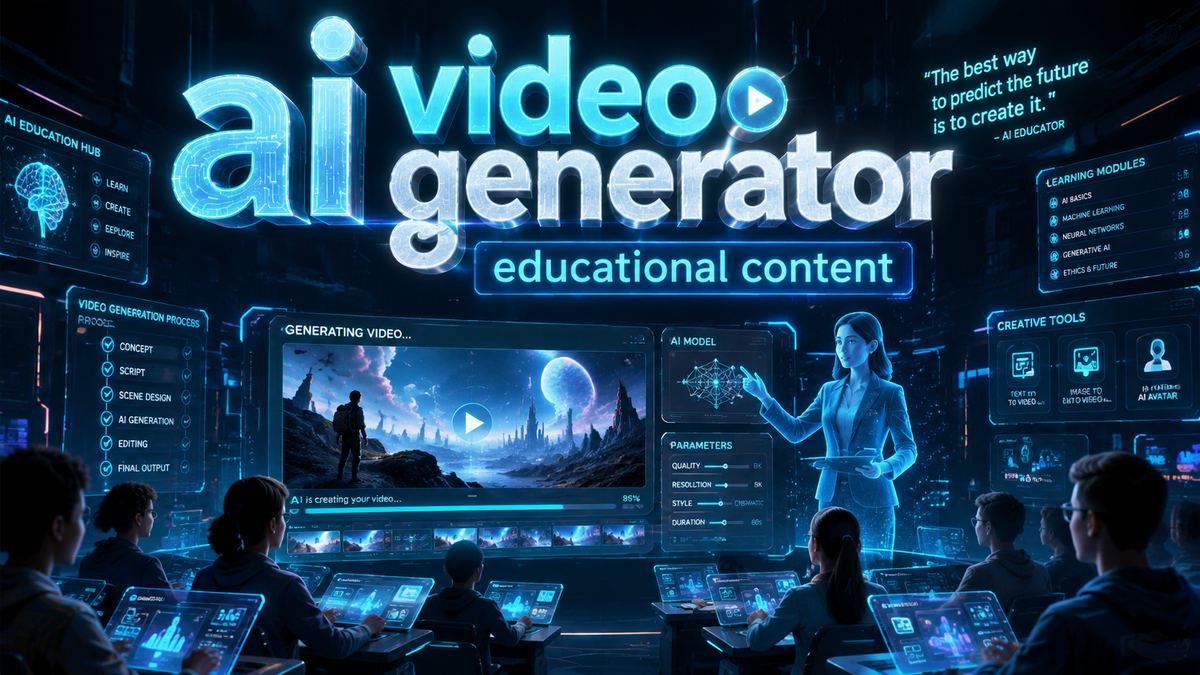
An AI video generator for educational content is a text-to-video or audio-to-video tool that uses artificial intelligence to automatically produce instructional videos, lessons, and training materials from text scripts or audio recordings. In 2026, these tools have become essential for educators, instructional designers, and e‑learning creators who need to produce engaging video content quickly and cost-effectively.
An AI video generator for educational content is a powerful platform that transforms written scripts or spoken audio into professional-quality video lessons with AI‑generated visuals, voiceovers, and animations. It enables educators to create customized learning materials in minutes, reducing production time by up to 80% while maintaining pedagogical quality.
- ✓ AI video generators for education are now mainstream in 2026, with free and affordable options widely available.
- ✓ These tools support multiple input modes: text, audio, and even PowerPoint slides, making them versatile for various teaching scenarios.
- ✓ Educational institutions are using AI video generators to create short-form lessons, training modules, and even interactive short dramas.
- ✓ The technology is rapidly improving in realism, multilingual support, and customization, yet still requires human oversight for accuracy and engagement.
- ✓ Combining AI‑generated video with human narration and editing yields the best educational outcomes.
What Is an AI Video Generator for Educational Content?
An AI video generator for educational content is a software platform that uses machine learning models—including large language models (LLMs) and generative adversarial networks (GANs)—to turn text or audio into complete video sequences. Unlike traditional video editing, these tools handle everything from script analysis to scene creation, voiceover generation, and background music. According to a Cybernews report published in June 2026, “text-to-video technology is fundamentally changing content creation,” and the education sector is one of the biggest beneficiaries because teachers can now produce professional-looking lessons without any video production experience.
In practice, an educator can paste a lesson script, select a teaching style (e.g., animated explainer, whiteboard lecture, or talking-head avatar), and the AI generates a video in minutes. Many platforms also let you upload an audio recording—a lecture or a podcast—and the AI will auto‑synchronize visuals. The Robotics & Automation News list of “5 Best Audio to Video AI Generators for Modern Content Workflows” (June 2026) highlights how easy it is to repurpose existing audio content into video lessons, a key feature for educators who record lectures live.
Because AI video generators handle repetitive tasks like finding stock footage, adding captions, and voice synthesis, teachers can focus on instructional design rather than technical production. The result is a scalable, consistent, and cost-efficient way to build educational libraries.
How AI Video Generators Are Transforming Education in 2026
Lowering Production Costs and Time
The most immediate impact is the dramatic reduction in production time and expense. According to Stock Titan (May 2026), a new AI tool “targets cheaper short dramas, lessons and creator content,” meaning that even small schools and independent tutors can produce high-quality video lessons for a fraction of the cost of hiring a video team. A typical 10‑minute educational video that once took a day to script, film, and edit can now be generated in under 30 minutes.
Enabling Personalized Learning Paths
AI video generators allow for easy customization. An educator can create multiple versions of the same lesson—different languages, different explanatory styles, or adapted difficulty levels—without re‑recording. The Tech Times article (March 2026) notes that “AI‑powered video creation is transforming content production” by making it dynamic and responsive. In classrooms, teachers can generate supplementary videos tailored to each student’s pace, something that was previously impractical.
Supporting New Formats: Short Dramas and Interactive Lessons
The Stock Titan article specifically mentions “short dramas and lessons” as a growing niche. AI video generators can now produce narrative‑driven educational content—historical reenactments, simulated science experiments, or character‑based language lessons—making learning more engaging. This trend is backed by Programming Insider (May 2026), which describes AI video generators as “a complete companion to modern digital creativity,” applicable to everything from poster building to full video production.
Free Tools for Beginners
For educators on a tight budget, free AI video makers are now surprisingly capable. The BBN Times guide (June 2026) reviews the best free AI video makers for YouTube creators and businesses, many of which also work perfectly for educational content. These tools often include watermarks or limit export resolution, but they are ideal for prototyping or for use in low‑stakes learning environments.
Key Features to Look for in an Educational AI Video Generator
Text‑to‑Video and Audio‑to‑Video Dual Input
Look for a tool that accepts both text scripts and audio recordings. Audio‑to‑video capability, as highlighted by Robotics & Automation News, lets you upload a recorded lecture and receive a fully synchronized video with matching visuals, improving accessibility.
Multilingual Voiceover and Captioning
Since education often serves diverse audiences, the best generators offer voiceover in multiple languages and automatic caption generation. This not only expands reach but also supports students with hearing impairments or those learning a second language.
Customizable Avatars and Visual Styles
Many tools now include AI‑generated avatars that can “present” the lesson, mimicking human expressions and gestures. Others offer whiteboard, slideshow, or animation styles. Choose a platform that lets you match the visual tone to your subject matter (e.g., cartoon avatars for young learners, realistic presenters for professional training).
Integration with Learning Management Systems (LMS)
Look for direct export options (MP4, YouTube, Vimeo) or API connections to platforms like Canvas, Moodle, or Blackboard. This seamless integration saves time when publishing lessons.
Editing and Iteration Controls
AI video generators are not perfect. The best ones allow you to edit individual scenes, swap out images, adjust pacing, and modify voiceover text after generation. Human oversight remains critical, so editing flexibility is a must.
Step‑by‑Step Guide to Creating Educational Videos with AI
- Define your learning objective. Write a clear script that covers one concept per video (micro‑learning). Keep it under 10 minutes for maximum retention.
- Choose the right AI video generator. Consider factors like input type (text vs. audio), free vs. paid, and output quality. Test a free tool first (e.g., from the BBN Times guide) to learn the workflow.
- Upload your script or audio. If using text, break it into short paragraphs. Some tools can automatically segment the script into scenes.
- Select a visual style and avatar. For educational content, animated explainers or calm presenter avatars work best. Avoid overly flashy effects that distract from learning.
- Customize images and scenes. Replace AI‑generated stock footage with your own diagrams, screenshots, or custom graphics to maintain relevance and accuracy.
- Generate the video and review. Watch the entire video, checking for factual errors, unnatural pauses, or mismatched visuals. Use the built‑in editing tools to fix issues.
- Add human‑recorded voiceover (optional). For higher engagement, replace AI voices with your own narration or that of a subject expert. Many tools let you swap audio tracks.
- Export and publish. Download in the required format and upload to your LMS, YouTube, or school portal. Add interactive elements like quizzes if the platform supports it.
Studies show that learners retain 80% more information from video than from text alone. By following this step‑by‑step process, educators can leverage AI video generators to create consistent, engaging content without sacrificing quality.
Comparison: Free vs. Paid AI Video Generators for Education
| Feature | Free AI Video Generators | Paid AI Video Generators |
|---|---|---|
| Watermark | Usually present (tool logo) | No watermark or removable |
| Export Resolution | Often limited to 720p or 1080p | Up to 4K |
| Video Length | Typically capped at 5–10 minutes | Unlimited or longer (up to 60 min) |
| Custom Avatars | Limited set or generic | Full customization, realistic avatars |
| Multilingual Support | Basic (5–10 languages) | Advanced (30+ languages, accents) |
| Audio-to-Video Input | Sometimes available | Standard feature |
| Editing Controls | Minimal (scene swapping only) | Full timeline editing, text overlay, transitions |
| LMS Integration | Rare | Often supported (API or export) |
| Cost | $0 | $10–$50 per month (or per video) |
For occasional use by a single teacher, a free tool suffices. For a school district or a professional e‑learning provider, paid plans offer the reliability and polish needed for formal education. According to the BBN Times guide, many free tools in 2026 have improved dramatically, making them a viable starting point for educators exploring AI video generation.
Best Practices for AI‑Generated Educational Content
Maintain Pedagogical Soundness
AI can produce visually appealing videos, but it cannot replace instructional design. Always review the script for clarity, logical flow, and alignment with learning objectives. Use AI tools to handle production, not to define the curriculum.
Humanize the Content
Even the best AI voiceovers sound slightly robotic. For critical lessons, consider recording your own voice or adding a real‑person introduction to build rapport with learners. The Tech Times piece emphasizes that AI‑powered creation is transformative, but it works best as a collaboration between human and machine.
Ensure Accessibility
Always include captions (most AI generators add them automatically) and provide transcripts. For students with visual impairments, add audio descriptions where possible. Multilingual captions also help ESL learners.
Test with Real Students
Run a pilot with a small group before rolling out AI-generated videos to a full class. Gather feedback on clarity, engagement, and any factual inaccuracies. Iterate based on that feedback.
Keep Up with Rapid Evolution
The field of AI video generation is advancing weekly. As noted in the Cybernews article, “text‑to‑video technology is changing content creation in 2026” at an unprecedented pace. Subscribe to industry news and update your tools regularly to benefit from new features like real‑time editing or better avatar realism.
Frequently Asked Questions
What is an AI video generator for educational content?
It is a tool that uses artificial intelligence to automatically create instructional videos from text scripts or audio recordings. It generates visuals, voiceovers, and animations, allowing educators to produce professional-quality lessons without technical skills.
Can I use a free AI video generator for school projects?
Yes. The BBN Times guide highlights several free AI video makers in 2026 that are suitable for educational use. They may have watermarks or length limits, but they are excellent for prototyping and low‑budget projects.
How accurate are AI‑generated educational videos?
Accuracy depends on the input script and the AI’s understanding. Visuals may sometimes mismatch the content, so human review is essential. Always fact‑check and edit before publishing to students.
What is the best length for an AI‑generated lesson video?
Keep each video between 3 and 8 minutes. Micro‑learning improves retention. AI generators work best with shorter scripts that focus on one concept per video.
Do AI video generators support multiple languages?
Most paid platforms support 30+ languages with natural‑sounding voiceovers. Free tools often offer 5–10 languages. Check specific language support before adopting a tool for multilingual classrooms.
Can I integrate AI‑generated videos into my school’s learning management system?
Yes. Many paid AI video generators allow direct export to MP4, or they provide APIs for integration with Canvas, Moodle, and Blackboard. Free tools usually only offer download to local storage.
How is 2026 different from previous years for AI video generation?
The technology has matured significantly. According to Cybernews and Tech Times, tools in 2026 offer much higher realism, better audio‑synchronization, and lower costs, making them accessible to individual educators rather than just large production studios.



Comments ()