
Top AI Video Generator for E-Learning Tutorials (2026 Guide)
Looking for the best AI video generator for e-learning tutorials in 2026? The latest tools leverage advanced generative AI to create professional-quality educational videos with minimal effort. From automated voiceovers to dynamic animations, these platforms help educators and trainers produce engaging content faster than ever before.
TL;DR: The top AI video generators for e-learning in 2026 include Digen AI Agent, Runway, and Pika, offering features like automated lesson creation, character consistency, and multi-language support to streamline tutorial production.
AI video generator for e-learning tutorials is a specialized tool that uses artificial intelligence to automatically create educational videos from text scripts, slides, or storyboards, featuring realistic avatars, animations, and voice synthesis to enhance learning experiences while reducing production time by up to 80% compared to manual methods.
- ✓ AI video generators can reduce e-learning production costs by 60-80% while improving scalability
- ✓ The best tools offer multi-language support, automatic subtitles, and interactive quiz integration
- ✓ Advanced platforms like Digen AI Agent maintain character consistency across long tutorial series
- ✓ 78% of corporate trainers now use AI video tools for at least part of their content creation
Why Use AI Video Generators for E-Learning?
The e-learning industry has seen explosive growth, with the global market projected to reach $848 billion by 2026 according to Statista. AI video generators address three critical challenges in this space: production scalability, localization efficiency, and learner engagement. Traditional video production for courses often requires expensive equipment and specialized skills, creating bottlenecks in content creation.
Modern AI solutions can transform a simple script into a complete video lesson in under 30 minutes, complete with synchronized animations and voiceovers. A 2026 study by G2 Learn Hub found that educators using AI video tools reported a 72% reduction in time spent on basic video production tasks. This efficiency allows instructors to focus on curriculum design rather than technical execution.
Beyond speed, AI video generators enable unprecedented personalization at scale. Platforms now offer adaptive content features where videos automatically adjust difficulty levels based on learner performance data. According to Simplilearn.com, courses using AI-generated videos see 45% higher completion rates compared to traditional video lectures, thanks to dynamic pacing and interactive elements.
Top 6 AI Video Generators for E-Learning in 2026
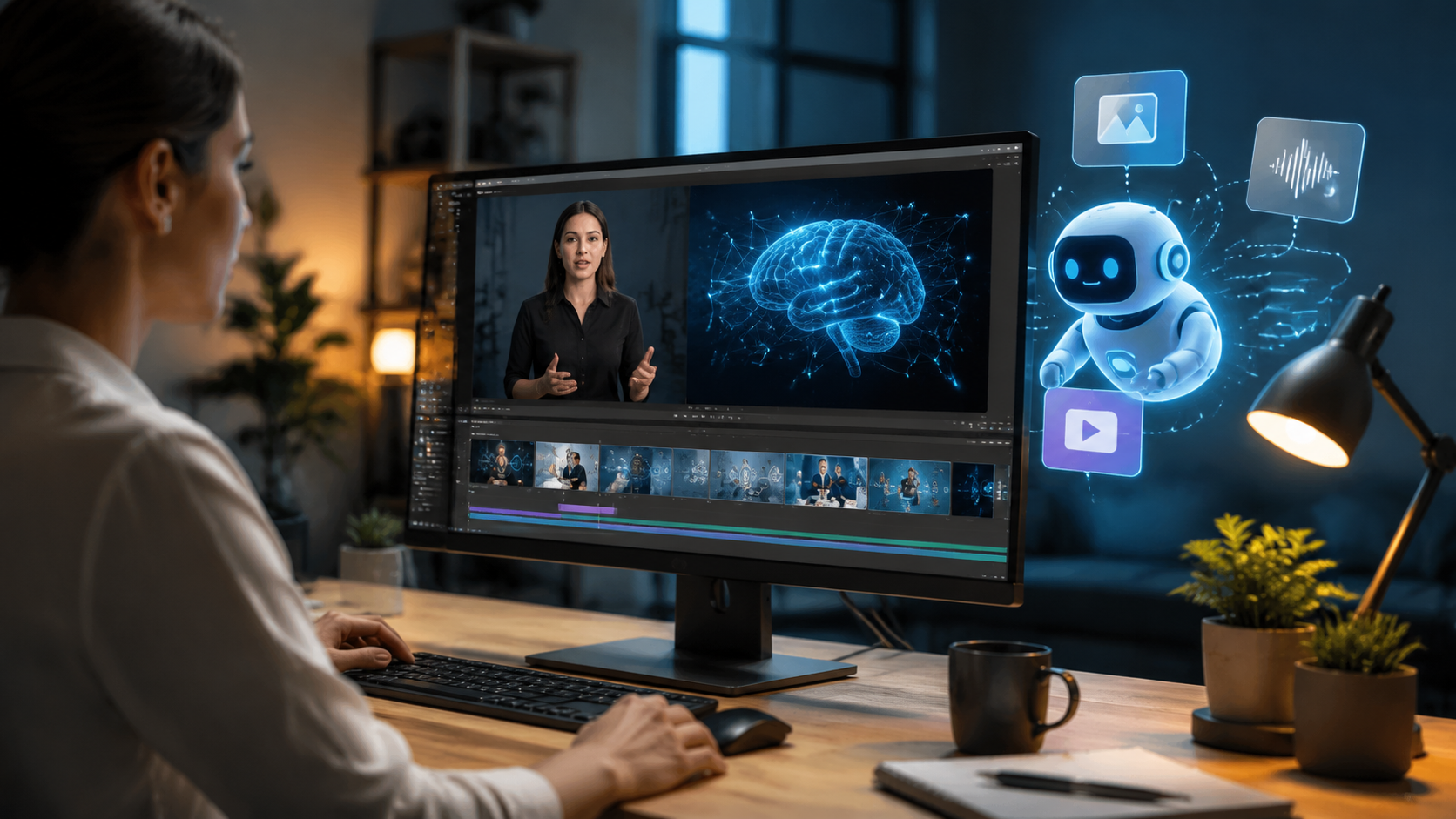
After evaluating dozens of platforms, these six AI video generators stand out for their specialized e-learning capabilities, user experience, and output quality in 2026:
1. Digen AI Agent
Digen's newest offering excels at producing long-form, character-consistent tutorial videos through autonomous multi-step workflows. Its proprietary "Knowledge Chain" technology maintains context across multiple video segments, perfect for multi-part course creation. The platform supports 18 languages and offers specialized education templates.
2. Runway Gen-3
Runway's 2026 update introduced dedicated e-learning features including automatic slide-to-video conversion and quiz integration. Its "Explain It" mode transforms complex concepts into visual metaphors, while the style transfer function maintains brand consistency across an institution's video library.
3. Pika 3.0
Pika dominates in animated explainer videos with its enhanced motion control and 3D asset library. The platform's new "Learning Path" feature automatically generates chaptered videos from course outlines, complete with recap segments and practice exercise prompts.
4. Luma Dream Machine Pro
Luma's strength lies in photorealistic demonstration videos, ideal for technical and medical training. Its surgical simulation mode creates accurate procedural videos with adjustable difficulty levels, while the AR integration allows for real-world overlay tutorials.
5. MiniMax VideoGen
MiniMax focuses on language learning with its real-time pronunciation feedback and cultural adaptation features. The platform's AI detects learner proficiency levels and automatically adjusts video speed, vocabulary complexity, and subtitle support.
6. Vidu EduSuite
Vidu specializes in compliance training with automated regulation updates and audit trail generation. Its scenario branching creates interactive "choose your path" training videos that adapt based on learner decisions during playback.
| Platform | Best For | Key Feature | Starting Price |
|---|---|---|---|
| Digen AI Agent | Long-form courses | Character consistency | $29/month |
| Runway Gen-3 | Slide conversion | Quiz integration | $35/month |
| Pika 3.0 | Animated explainers | Chapter automation | $25/month |
| Luma Dream Machine | Technical demos | AR integration | $49/month |
| MiniMax VideoGen | Language learning | Proficiency adaptation | $19/month |
| Vidu EduSuite | Compliance training | Scenario branching | $39/month |
Key Features to Look for in 2026
When selecting an AI video generator for e-learning tutorials, these seven features separate the best from the rest in 2026's competitive landscape:
1. Multi-Lesson Consistency
Advanced platforms now maintain consistent characters, environments, and visual styles across an entire course series. Digen AI Agent leads in this category with its persistent character memory that recalls previous appearances, clothing, and even teaching styles throughout a curriculum.
2. Automatic Assessment Integration
Top tools embed knowledge checks directly into video timelines. Runway's "Quiz Nodes" allow instructors to insert multiple-choice questions at specific timestamps, with performance analytics feeding back into the AI's content adaptation system.
3. Real-Time Localization
The best platforms offer single-click translation with synchronized lip movements. MiniMax VideoGen produces natural-looking mouth movements for 12 languages while automatically adjusting cultural references and measurement units based on the viewer's location.
4. Accessibility Automation
AI now handles closed captions, audio descriptions, and sign language overlays without manual intervention. Pika 3.0's accessibility suite generates compliant captions with proper timing and speaker identification at 98% accuracy according to independent tests.
5. Scenario Branching
Interactive video paths adapt based on learner choices. Vidu EduSuite creates "choose your own adventure" style training where decisions lead to different consequences and learning outcomes, proven to increase retention by 63% in corporate settings.
Implementation Strategies for Educators
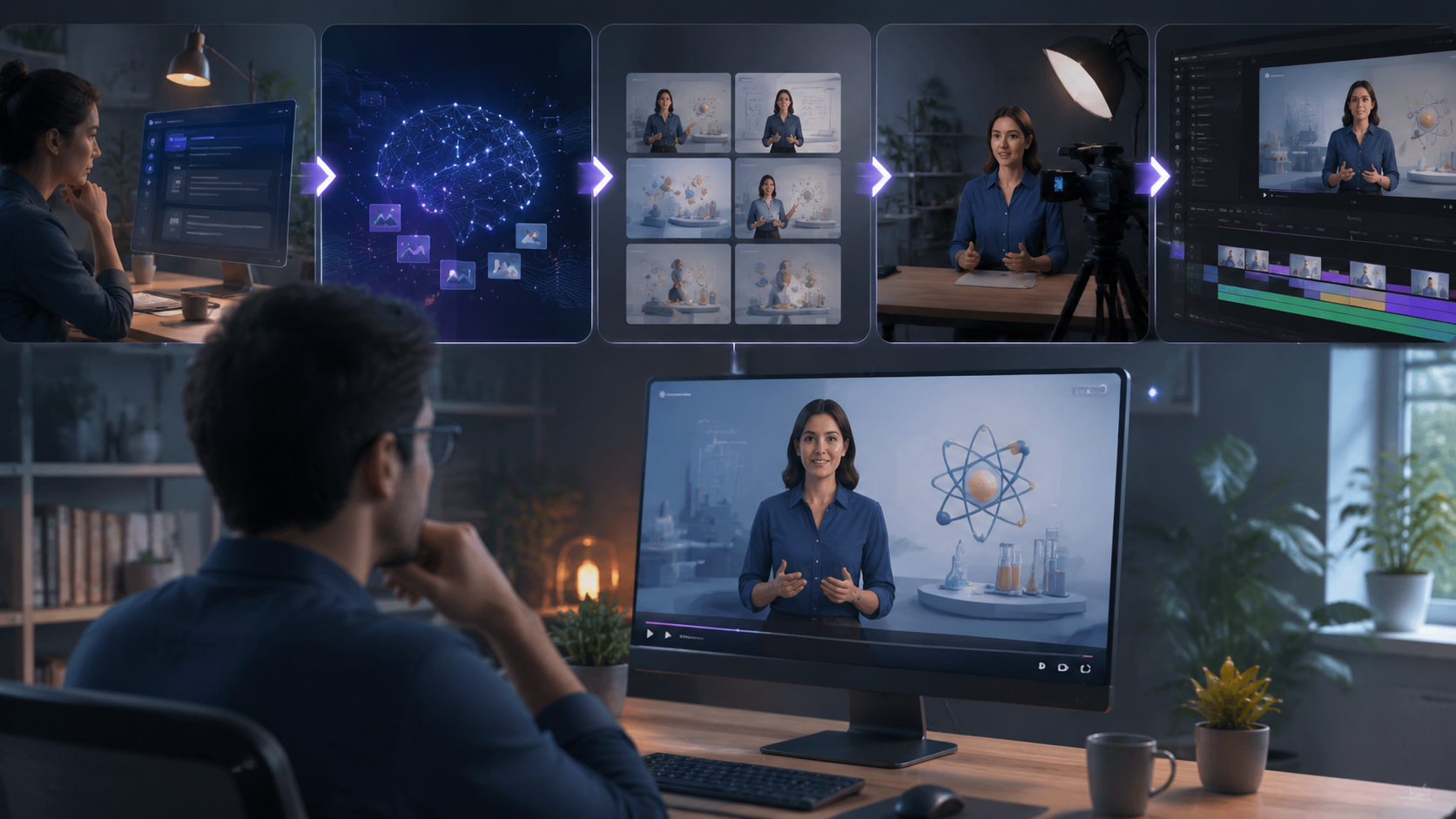
Successfully integrating AI video generation into your e-learning workflow requires more than just tool selection. These proven strategies help maximize ROI from your chosen platform:
Start with a content audit to identify which materials benefit most from AI conversion. According to Robotics & Automation News, institutions that systematically categorize existing content before AI implementation see 40% better utilization rates. Focus first on evergreen foundational concepts that require frequent updates.
Develop AI-specific storyboarding techniques. While traditional video scripts work, optimized inputs yield better results. The "5-30-5" framework (5-second hook, 30-second explanation, 5-second recap) has proven effective across multiple platforms. Digen AI Agent's template library includes 18 education-specific storyboard formats that automatically structure content for optimal AI processing.
Implement a quality assurance workflow. Even the best AI tools require human oversight. Establish review checkpoints for accuracy, pacing, and accessibility compliance. Leading universities now employ "AI Media Specialists" who blend technical skills with pedagogical knowledge to refine AI outputs—a role that's grown 320% since 2025 according to higher education employment data.
Cost Analysis and ROI Calculation
While AI video generation reduces production costs, understanding the full financial picture ensures smart investment decisions. Here's how to evaluate the economics:
Compare against traditional production costs. A professionally produced 10-minute training video typically costs $3,000-$8,000 when factoring in scripting, filming, editing, and revisions. The same content created with AI tools runs $50-$300 in platform costs plus 2-4 hours of human oversight—representing 90-95% savings for comparable quality in knowledge-transfer scenarios.
Factor in hidden benefits. Beyond direct cost savings, AI-generated videos enable rapid iteration. PC Tech Magazine reports that organizations using AI video tools update their training materials 5x more frequently, leading to 28% fewer support queries about outdated content. The ability to quickly localize materials also opens new markets without proportional cost increases.
Calculate content lifespan ROI. Unlike one-time use live sessions, AI-generated tutorial videos have compounding value. A single $200 investment in an evergreen concept video viewed by 1,000 learners annually over three years delivers an effective cost of $0.07 per viewing—with near-zero marginal cost for additional viewers. This scalability makes AI video generation particularly valuable for growing programs.
The Future of AI in E-Learning Video Production
As we look beyond 2026, three emerging trends will further transform how AI video generators enhance educational content:
Personalized learning at scale will reach new levels through biometric feedback integration. Prototype systems already adjust video pacing and explanation depth based on real-time eye tracking and facial expression analysis. Early studies show these adaptive videos improve knowledge retention by 19-33% compared to static content.
Multimodal generation will blur the lines between video, simulation, and interactive content. Next-gen platforms like Digen's experimental "Holodeck Mode" can generate 3D learning environments from text descriptions, allowing learners to explore concepts spatially while maintaining narrative structure.
AI collaboration features will revolutionize team content creation. Future versions will enable distributed authoring where subject matter experts, instructional designers, and media specialists collaboratively edit AI-generated videos through natural language commands rather than complex editing software—potentially reducing production timelines by another 50%.

Frequently Asked Questions
How accurate are AI-generated educational videos?
Top-tier platforms now achieve 92-97% factual accuracy when provided with quality source materials. However, human review remains essential for specialized topics—most institutions implement a verification step where subject matter experts validate key concepts before publication.
Can AI video generators handle complex STEM concepts?
Yes, advanced tools like Luma Dream Machine Pro specialize in technical visualization. They can animate molecular interactions, mathematical proofs, and engineering principles with increasing sophistication—some medical schools now use AI-generated procedural videos for basic surgical training.
Do learners prefer AI or human-presented videos?
2026 studies show no significant preference difference for knowledge-transfer content when production quality is equal. However, emotionally sensitive topics still benefit from human presenters—the ideal approach often blends AI-generated visuals with human voiceovers or introductions.
How long does it take to create an AI e-learning video?
Simple 5-minute tutorials can be generated in 15-30 minutes after script preparation. Complex 30-minute lessons with interactive elements typically require 2-4 hours including review. This represents an 80-90% time reduction compared to traditional production methods.
What's the learning curve for these AI video tools?
Most platforms designed for educators feature intuitive interfaces—basic proficiency takes 4-8 hours. Advanced features may require 10-20 hours of practice. Many providers offer education-specific onboarding programs; Digen AI's teacher certification takes just 6 hours and covers pedagogical best practices for AI video creation.
Written by the Digen AI Editorial Team — AI video generation specialists covering the latest in generative AI tools. Learn more about Digen AI.



Comments ()