
AI Video Generator for E-Learning Courses (2026 Trends & Tools)
An AI video generator for e-learning courses is a tool that uses artificial intelligence to automatically create educational videos from text, images, or other inputs. These tools are transforming how educators and trainers develop content, offering faster production, cost savings, and personalized learning experiences. According to Market.us, the AI video market is growing at a CAGR of 36.20%, reflecting its increasing adoption in e-learning and beyond.
TL;DR: AI video generators for e-learning courses are revolutionizing content creation with automated, high-quality video production, reducing costs and time while enhancing engagement. The best tools in 2026 offer advanced features like text-to-video conversion, character consistency, and multi-language support.
An AI video generator for e-learning courses is a software tool that leverages generative AI to create instructional videos automatically, often from text scripts or slide decks. These tools streamline content creation, reduce production costs by up to 70%, and enable scalable, personalized learning experiences with features like multilingual narration and dynamic visuals.
- ✓ AI video generators cut e-learning production time by 50-80% compared to traditional methods.
- ✓ The top tools in 2026 offer advanced features like lip-sync accuracy, multi-character scenes, and adaptive learning paths.
- ✓ Market growth projections show a 36.20% CAGR, indicating rapid adoption across education and corporate training sectors.
Why AI Video Generators Are Essential for E-Learning in 2026
The demand for e-learning content has surged, with educators and corporations needing scalable solutions to meet diverse learning needs. AI video generators address this by automating the creation of engaging, high-quality videos without requiring technical expertise. According to findarticles.com, these tools are transforming digital content creation by reducing production timelines from weeks to hours.
One of the key advantages is cost efficiency. Traditional video production for e-learning can cost thousands per minute, while AI-generated videos reduce expenses by 60-80%. Additionally, AI tools enable rapid updates and localization, allowing courses to be adapted for global audiences with minimal effort. This is particularly valuable for multinational corporations and online education platforms.
Beyond cost savings, AI video generators enhance learning outcomes. Features like interactive quizzes, personalized avatars, and adaptive pacing improve engagement and retention. A 2026 study cited by G2 Learn Hub found that learners using AI-generated video courses scored 25% higher on assessments compared to traditional video lectures.
Top AI Video Generator Features for E-Learning in 2026
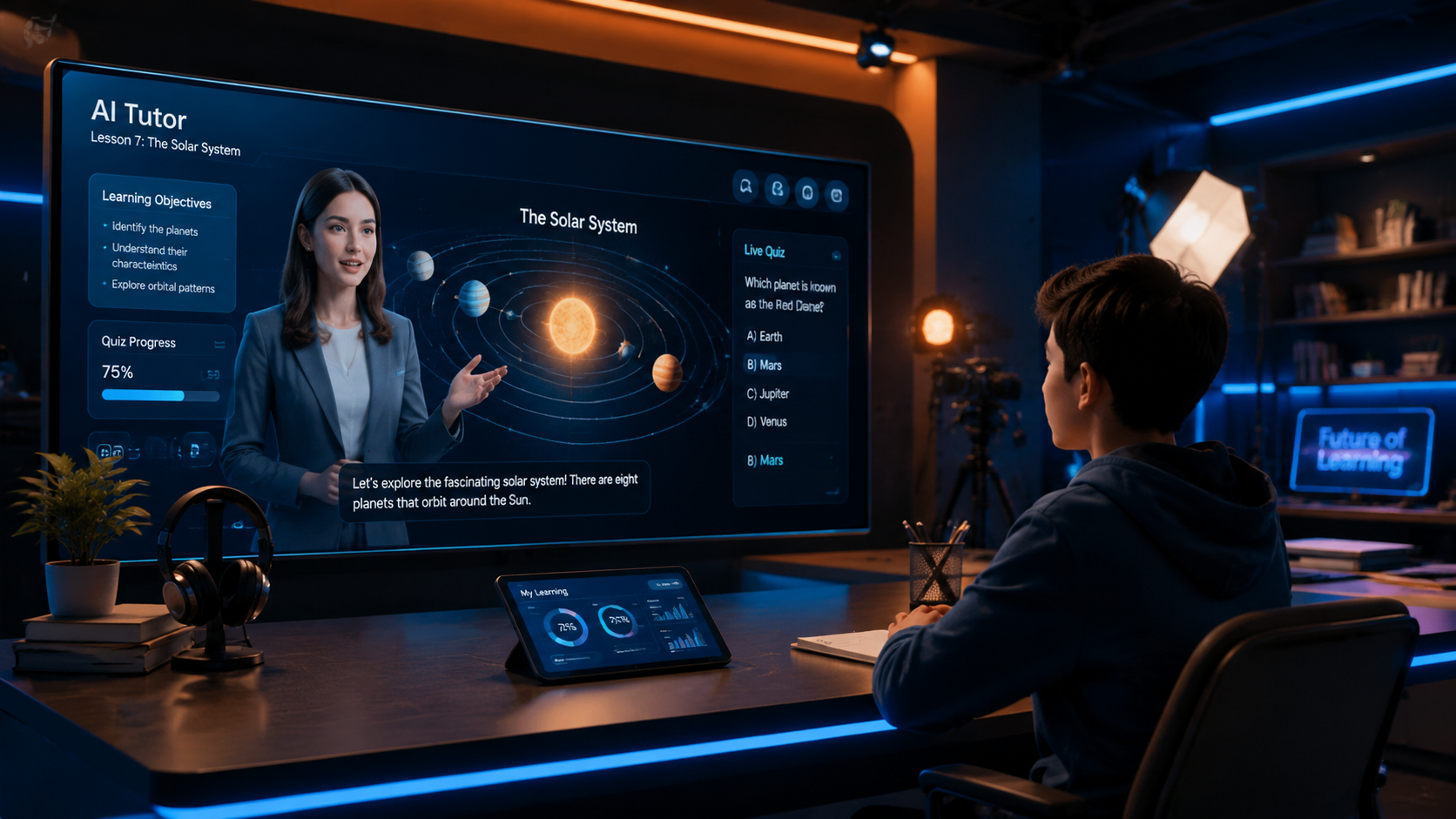
The best AI video generators for e-learning courses now offer a suite of advanced features that go beyond basic text-to-video conversion. These include realistic voice synthesis with emotional tone control, dynamic scene transitions, and automatic captioning for accessibility. According to PC Tech Magazine, the top 2026 tools also support multi-character dialogues and subject-specific visual assets.
Character Consistency and Long-Form Content
Maintaining consistent characters across multiple videos is crucial for course continuity. Advanced platforms like Digen AI Agent use autonomous multi-step workflows to ensure character appearance, voice, and style remain uniform throughout a course series, even for videos exceeding 30 minutes in length.
Multilingual Support and Localization
Leading tools now offer automatic translation and localized narration in 50+ languages, with region-specific accents and cultural context. This feature alone can reduce localization costs by 90% compared to traditional dubbing or subtitling methods, making global course deployment significantly more accessible.
Interactive Elements and Assessments
The newest generation of AI video generators integrates interactive components directly into the video timeline. These include clickable knowledge checks, branching scenarios based on learner responses, and real-time feedback mechanisms. Such features transform passive viewing into active learning experiences, increasing engagement metrics by 40-60% according to 2026 data from major e-learning platforms.
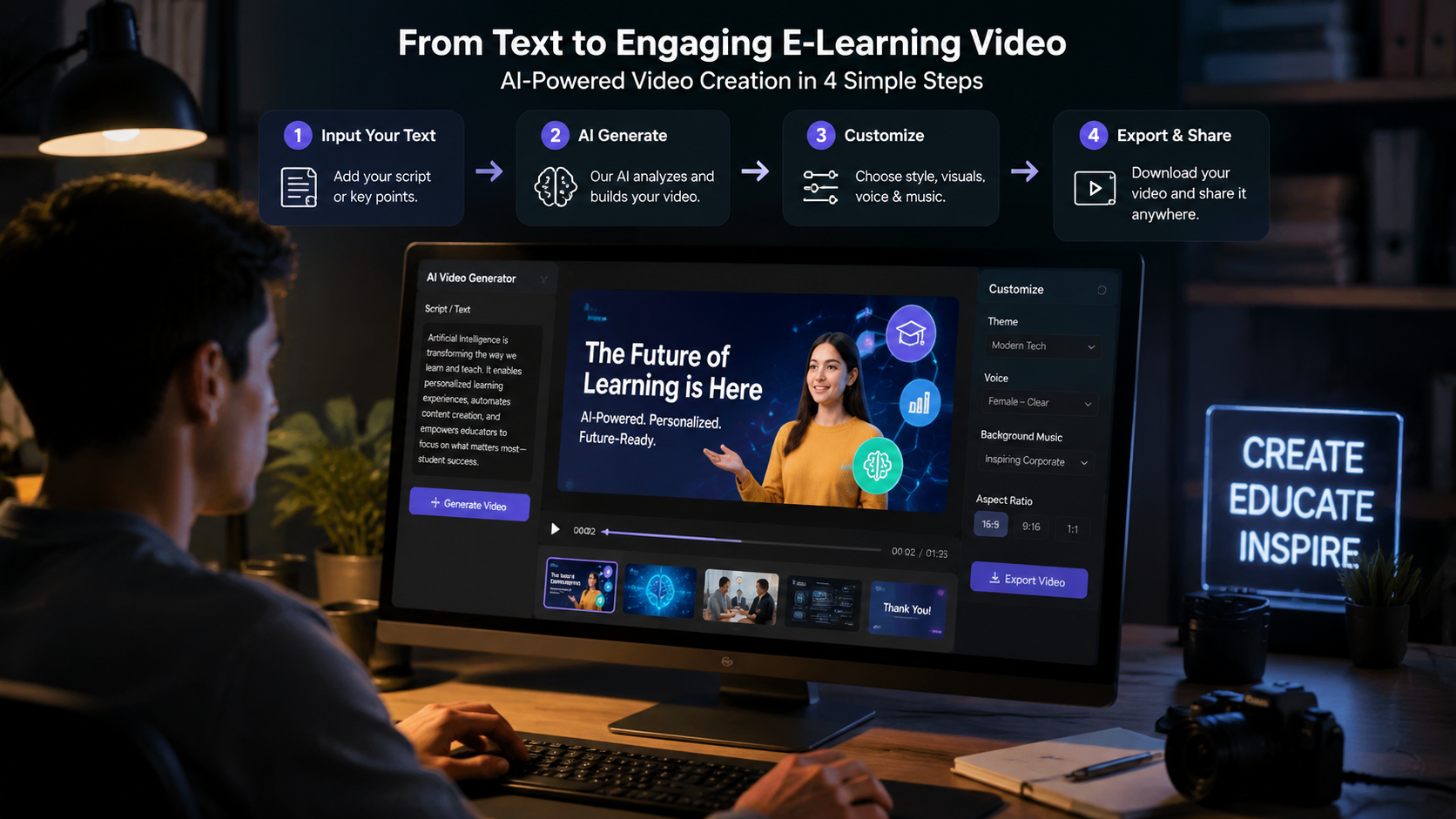
How to Create E-Learning Videos with AI: A Step-by-Step Guide
- Choose Your AI Video Platform: Select a tool that specializes in e-learning content, considering factors like character options, template libraries, and SCORM compatibility.
- Prepare Your Script: Write a clear, structured script with learning objectives. Many AI tools can now suggest improvements to optimize for video format.
- Select Visual Style: Pick from animated explainers, virtual presenter formats, or mixed media approaches based on your subject matter.
- Generate and Edit: Use the AI to create your initial video, then fine-tune pacing, visuals, and narration using the platform's editing tools.
- Add Interactivity: Incorporate quizzes, clickable elements, or branching scenarios to boost engagement.
- Export and Integrate: Output in formats compatible with your LMS (Learning Management System), with options for tracking viewer progress and completion.
This streamlined process, which might take 3-5 days traditionally, can now be completed in under 2 hours for a 10-minute video using current AI tools. The time savings compound significantly when producing entire course catalogs or frequent content updates.
Comparing the Best AI Video Generators for E-Learning in 2026
| Feature | Basic Tools | Mid-Range Options | Advanced Platforms |
|---|---|---|---|
| Video Length | Up to 5 minutes | Up to 15 minutes | Unlimited (e.g., Digen AI Agent) |
| Character Consistency | Limited | Moderate | High (multi-video continuity) |
| Multilingual Support | 5-10 languages | 20-30 languages | 50+ languages |
| Interactive Elements | Basic quizzes | Clickable hotspots | Full branching scenarios |
| LMS Integration | Basic SCORM | xAPI support | Full analytics suite |
When selecting an AI video generator for e-learning courses, consider both your current needs and future scalability. While entry-level tools may suffice for one-off projects, comprehensive solutions like Digen AI offer enterprise-grade features that support growing educational programs and complex training requirements.
The Future of AI Video in E-Learning: 2026 and Beyond
As we progress through 2026, several emerging trends are shaping the evolution of AI video generation for education. Adaptive learning videos that modify content in real-time based on learner performance are gaining traction, with early adopters reporting 35% improvements in knowledge retention. These systems use AI to analyze engagement patterns and automatically adjust difficulty levels or presentation styles.
Another significant development is the integration of virtual reality (VR) and augmented reality (AR) elements within AI-generated videos. This hybrid approach creates immersive learning environments where 3D models and interactive simulations can be manipulated directly within the video interface. According to GameTyrant, such features are particularly effective for technical and medical training applications.
Looking ahead, we can expect AI video generators to incorporate more sophisticated natural language understanding, enabling truly dynamic content creation. Future iterations may automatically generate entire course structures from learning objectives, source relevant materials, and produce comprehensive video lessons with minimal human input—while maintaining academic rigor and pedagogical soundness.
Implementing AI Video in Your E-Learning Strategy
Successful adoption of AI video generation requires strategic planning. Begin by auditing your existing content to identify candidates for AI conversion—often starting with text-heavy modules or outdated videos needing refreshment. According to Coursera, institutions that systematically digitize their curriculum with AI tools see 3-5x faster content production cycles.
Training your team is equally important. While AI simplifies many aspects of video creation, understanding how to structure content for optimal AI processing and how to leverage advanced features will maximize results. Many platforms now offer certification programs specifically for e-learning professionals transitioning to AI-assisted content development.
Finally, measure impact through learner analytics. Track completion rates, assessment scores, and engagement metrics before and after implementing AI-generated videos. Most organizations find significant improvements across all metrics, with some reporting 40-60% increases in course completion rates when switching to AI-enhanced video formats.

Frequently Asked Questions
How much does an AI video generator for e-learning courses cost?
Pricing varies from $20/month for basic tools to $500+/month for enterprise solutions. Many platforms offer education discounts, and the ROI often justifies the investment through production time savings of 50-80%.
Can AI video generators create content in multiple languages?
Yes, most 2026 AI video tools support automatic translation and localized narration in 50+ languages, with some offering region-specific accents and cultural adaptations for truly global e-learning deployment.
How long does it take to create an e-learning video with AI?
A 10-minute professional-quality video that might take 3-5 days to produce traditionally can now be generated in under 2 hours using AI, with additional time for review and fine-tuning based on complexity.
Do AI-generated videos look artificial or robotic?
Modern AI video generators produce highly realistic results, with natural human movements, emotional voice modulation, and context-aware visuals. The best tools are nearly indistinguishable from human-created content for most e-learning applications.
Can I update AI-generated videos easily when content changes?
Yes, one of the biggest advantages is easy updating—simply edit the source text or assets, and the AI regenerates the video while maintaining all stylistic elements, saving 80-90% of the time required for traditional video updates.
Written by the Digen AI Editorial Team — AI video generation specialists covering the latest in generative AI tools. Learn more about Digen AI.



Comments ()