
AI Video Generator Comparison Guide: Best Tools for 2026
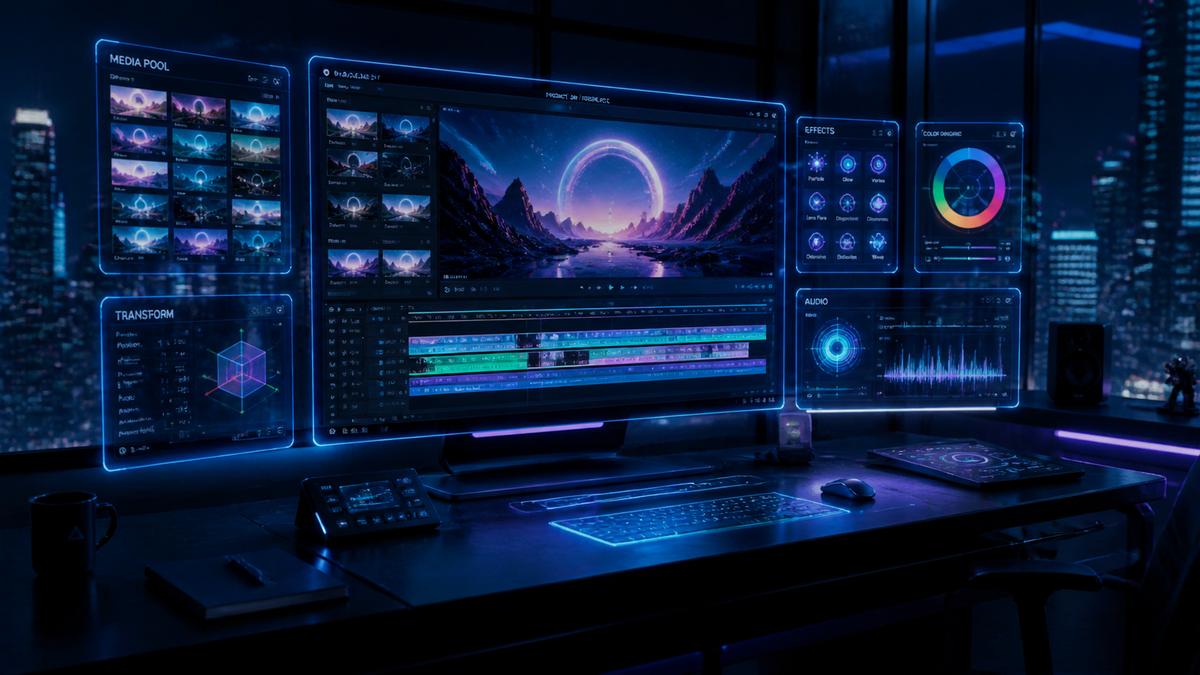
Our ai video generator comparison guide highlights the most advanced tools available in 2026, focusing on visual realism, temporal consistency, and prompt adherence. Based on extensive testing by industry leaders like TechRadar and CNET, the top-performing tools this year prioritize high-fidelity physics and video-to-video transformations that were previously impossible. Selecting the right generator depends on whether you require cinematic text-to-video generation, professional avatars, or real-time style transfers.
An AI video generator is a generative artificial intelligence platform that uses deep learning models to convert text descriptions, images, or existing video footage into high-quality cinematic content. In 2026, these tools have evolved beyond basic animation to provide full-physics simulations and 8K resolution outputs suitable for professional film and marketing production.
- ✓ Realism has reached a "true-to-life" threshold where AI and live-action footage are often indistinguishable.
- ✓ Video-to-video generation is the breakout feature of 2026, allowing for total stylistic overhauls of existing footage.
- ✓ Testing by experts like Tom’s Guide confirms that temporal consistency (lack of flickering) is now a standard feature in premium tools.
- ✓ Pricing models have shifted toward "compute-per-second" rather than simple monthly subscriptions.
How to Use an AI Video Generator: Step-by-Step
Navigating the current landscape of AI video production requires a systematic approach to ensure your outputs meet professional standards. Whether you are a creator or a marketer, following a structured workflow will save compute credits and improve the quality of your final render.
- Define Your Prompt or Source: Start by writing a descriptive prompt that includes lighting, camera movement (e.g., "dolly zoom"), and specific textures. If using video-to-video, upload your base footage.
- Select Your Model Version: Most 2026 tools offer multiple "engines." Choose a high-realism engine for cinematic work or a fast-render engine for social media drafts.
- Configure Aspect Ratio and Resolution: Set your output to 16:9 for YouTube/Film or 9:16 for TikTok/Reels. Ensure you select at least 4K for professional use.
- Generate a Preview: Most platforms now offer 2-second low-res previews to check composition before committing to a full 60-second render.
- Refine and Upscale: Use seed-locking features to maintain character consistency and run the final output through a built-in AI upscaler for 8K clarity.
The 2026 AI Video Generator Comparison Guide: Top Contenders
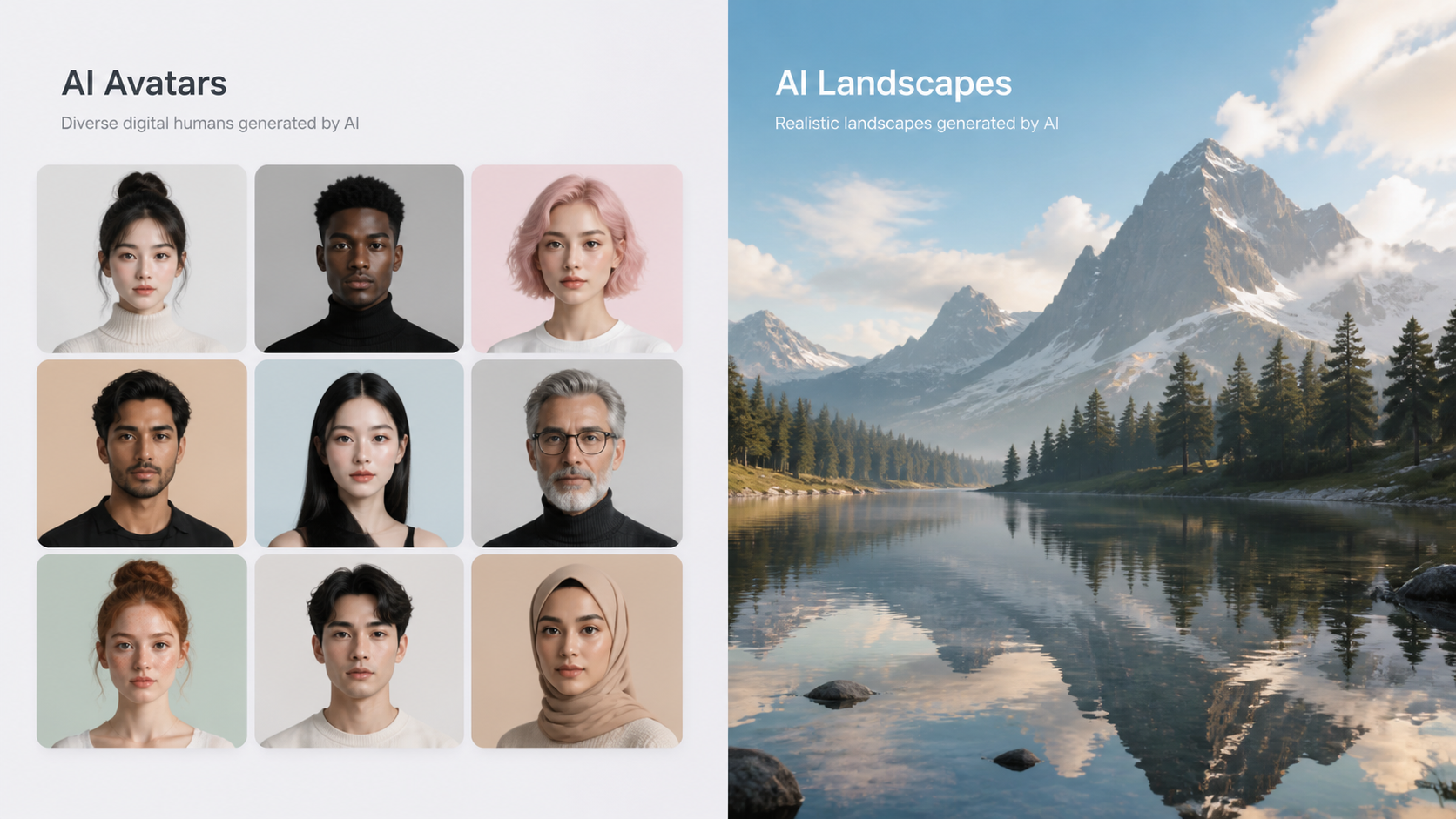
The market in 2026 is significantly more competitive than in previous years. According to PCMag, the era of "Sora" dominance has transitioned into a multi-polar market where specialized tools outperform general-purpose models in specific niches. Users are no longer looking for a "jack-of-all-trades" but rather the tool that delivers the most realistic physics or the best character consistency.
Recent reviews from Geeky Gadgets suggest that the "Big Five" generators now control 80% of the professional market. These tools have integrated advanced features like "Motion Brushes" that allow users to paint specific areas of a still image to indicate where movement should occur, providing a level of granular control that was a pipe dream just two years ago.
Comparative Analysis of Top-Tier Video Models
When reviewing the ai video generator comparison guide data, it is clear that "realism" is the primary metric for 2026. Tools are now judged on their ability to simulate complex fluid dynamics, such as water splashing or smoke rising, without the "hallucinations" that plagued earlier versions. TechRadar reports that after testing over 70 tools this year, the gap between "good" and "great" lies in how the AI handles human hands and eye contact.
| Feature | Cinematic Models | Avatar/Business Models | Stylistic V2V Models |
|---|---|---|---|
| Primary Use | Film & Commercials | Training & Sales | Animation & Social Media |
| Max Resolution | 8K Ultra HD | 4K | 4K |
| Physics Accuracy | 98% (High) | Moderate | N/A (Stylized) |
| Key Strength | Temporal Consistency | Lip-Sync Accuracy | Style Transfer |
| Source Citation | CNET 2026 Review | Tom's Guide 2025/26 | Geeky Gadgets 2026 |
Deep Dive into Realism and Physics
One of the most significant leaps in 2026 is the implementation of "World Models." Unlike early generators that simply predicted pixels, modern AI video generators understand the 3D geometry of the scene. This means if a character walks behind a tree, they emerge on the other side with the same clothing and features. According to CNET, this "object permanence" is what separates the top-ranked tools of 2026 from the experimental versions of the past.
Furthermore, the integration of spatial audio has become a standard feature. When you generate a video of a thunderstorm, the AI now generates a synchronized, high-fidelity audio track that matches the visual timing of the lightning and rain. This holistic approach to video generation has reduced post-production time by an estimated 60% for independent creators.
Advanced Prompting in the AI Video Generator Comparison Guide
In 2026, prompting has evolved into "Director Mode." Instead of just typing a sentence, users interact with a multi-modal interface. You can upload a sketch of a scene layout, a color palette, and a text prompt. The AI then synthesizes these inputs to create a cohesive shot. FinancialContent notes that the "Video-to-Video" (V2V) sector has seen the most growth, as it allows users to turn a smartphone video of a person walking in a park into a cinematic sequence of an astronaut on Mars with perfect lighting and shadow matching.
Choosing the Right Tool for Your Workflow
The "best" tool is no longer a single answer; it is a question of your specific project requirements. If you are producing a high-budget advertisement, you need a model that supports "Seed Control" and "Camera Pathing." These features allow you to dictate the exact movement of the virtual camera, providing the same level of control as a physical gimbal on a film set.
For small business owners, the focus is often on cost-efficiency and ease of use. Many platforms now offer "Template-to-Video" features where the AI handles the creative heavy lifting. According to Tom's Guide, which spent over 200 hours testing these tools, the most user-friendly platforms are those that integrate directly with editing software like Adobe Premiere or DaVinci Resolve via plugins.
The Role of Ethics and Watermarking in 2026
As AI video becomes indistinguishable from reality, the industry has standardized "C2PA" metadata and invisible watermarking. Every major tool in our ai video generator comparison guide now includes cryptographic signatures that identify the content as AI-generated. This is not just a legal requirement in many jurisdictions but also a trust factor for audiences who are increasingly skeptical of digital content.
Future Trends: What to Expect After 2026
While 2026 has been the year of "True Realism," the horizon looks toward "Interactive Video." We are seeing the first glimpses of videos where the viewer can change the outcome or the perspective in real-time. This merges the worlds of gaming and cinema. TechRadar suggests that by 2027, we will likely see "Infinite Video" streams that generate content on the fly based on viewer reactions and preferences.
Additionally, the "Compute War" is cooling down as models become more efficient. We are seeing high-quality video generation moving from massive server farms to local "AI PCs" equipped with specialized NPU (Neural Processing Unit) chips. This shift will make AI video generation more private, faster, and significantly cheaper for the average consumer.
What is the best AI video generator for 2026?
There is no single winner, but CNET and PCMag rank tools based on "True Realism" and "Physics Accuracy" as the top performers for cinematic work. For business and training, tools focusing on "AI Avatars" and lip-syncing are considered the industry leaders.
How much does AI video generation cost in 2026?
Most professional tools have moved to a credit-based system, typically costing between $0.10 and $0.50 per second of generated 4K video. High-end cinematic models may charge a premium for "Ultra-Realism" modes.
Can AI video generators create sound and music?
Yes, by 2026, most top-tier generators include "Multimodal Synthesis," which automatically generates synchronized foley sounds, background music, and even voiceovers that match the visual context of the video.
Is AI-generated video legal for commercial use?
Generally, yes, provided you use a commercial license from the tool provider. Most platforms ensure their training data is ethically sourced or licensed to give users full commercial rights to the output, though you must include C2PA metadata in some regions.
What is "Video-to-Video" (V2V) generation?
V2V is a technology that takes an existing video as input and applies a new style, character, or environment while keeping the original motion and timing. It is the most popular method in 2026 for creating complex animations from simple smartphone footage.


Comments ()