
AI Video Generator for Business Presentations: 2026 Guide
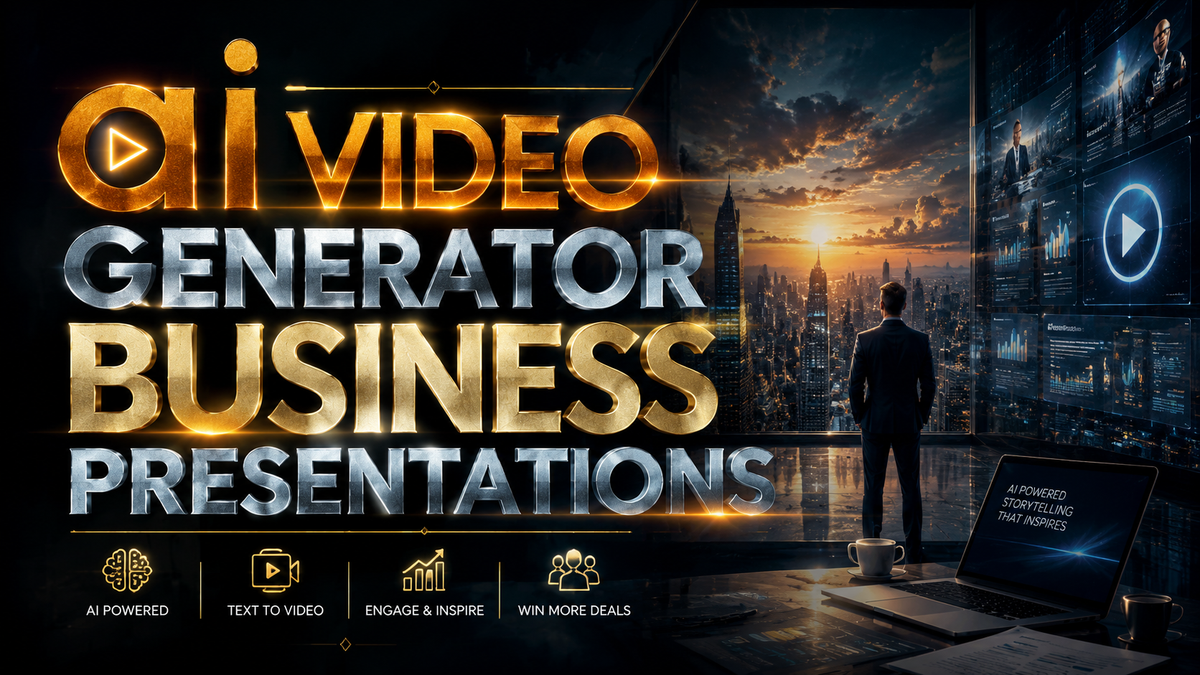
An AI video generator for business presentations is a software tool that uses artificial intelligence to transform text, audio, or slides into professional, engaging videos, eliminating the need for manual editing or on-camera talent. In 2026, these tools have become essential for sales decks, product demos, training modules, and investor pitches, allowing companies to scale their video content without sacrificing quality.
An AI video generator for business presentations is a platform that leverages generative AI, natural language processing, and synthetic media to automatically produce video content from input like scripts, audio recordings, or PowerPoint slides. It enables businesses to create polished presentations in minutes, with features such as AI avatars, voice cloning, and automated scene transitions.
- ✓ AI video generators reduce production time by up to 80% compared to traditional video creation methods.
- ✓ The top 15 AI video generators in 2026 offer diverse features including real-time collaboration, multilingual support, and AI twin avatars.
- ✓ Businesses using AI video for presentations report higher engagement rates—up to 40% more viewer retention than static slides.
- ✓ Leading platforms like Viddo AI have become preferred choices for both creators and enterprises due to their intuitive interfaces and customizable templates.
- ✓ Free AI video generators now exist that rival paid tools for basic presentation needs, democratizing access for small businesses.
Why AI Video Generators Are Essential for Business Presentations in 2026
The demand for video content in professional settings has exploded, with research showing that 72% of business decision-makers prefer video over text for learning about products or services. According to Cybernews in their "16 best AI video generation tools for 2026" report, the market has matured significantly, offering solutions that seamlessly integrate with existing workflows. For business presentations, an AI video generator eliminates the need for expensive filming equipment, actors, and post‑production teams, enabling any team member—from marketing to sales—to produce high‑impact videos in minutes.
Moreover, these tools now support advanced personalization. A sales representative can create a custom video presentation for each prospect by simply inputting the client’s name, industry, and pain points. The AI handles the rest: selecting appropriate visuals, generating a natural voiceover, and even adding dynamic data visualizations. This level of scalability was previously reserved for large agencies; today, a single subscription to an ai video generator business presentations platform can deliver enterprise‑grade content at a fraction of the cost.
How to Choose the Right AI Video Generator for Your Business

Key Features to Look For
Not all AI video generators are built for business presentations. When evaluating tools, prioritize those that offer AI twin avatars—digital representations that can speak your script with natural gestures. The AI Journal article on the "Best AI Twin Video Generator" (April 2026) highlights this feature as a game‑changer for brand consistency, as you can create a recurring on‑screen presenter without needing a human actor. Additionally, look for audio‑to‑video capabilities: the ability to upload a voice recording or a podcast clip and have the AI generate synchronized visuals. The "5 Best Audio to Video AI Generators for Modern Content Workflows" from Robotics & Automation News (June 2026) notes that this workflow is increasingly popular for repurposing sales calls into presentation clips.
Pricing and Scalability
Pricing in 2026 ranges from free tiers (ideal for startups) to enterprise plans exceeding $100 per month. Consider your volume: if your team produces fewer than ten presentations per month, a free or low‑cost ai video generator business presentations tool like those highlighted by PC Tech Magazine (May 2026) may suffice. For larger teams, look for platforms that offer API access and team collaboration features. The "Top 15 AI Video Generators in 2026 (Full Comparison & Honest Guide)" from Breaking AC News (March 2026) provides a detailed breakdown of pricing, noting that the most popular mid‑range tools cost between $29 and $79 per month and include templates specifically designed for business decks.
Step‑by‑Step Guide: Creating a Business Presentation with an AI Video Generator
Follow these steps to produce a professional presentation using an AI video generator, leveraging the latest 2026 capabilities:
- Write a concise script or upload existing slides. Start with your key talking points. Most tools accept PDF, PowerPoint, or plain text. Aim for no more than 60 seconds per slide to maintain viewer attention.
- Choose your presenter style. Select an AI avatar (realistic or animated), or opt for a text‑over‑visual format. For a personal touch, use an AI twin that mirrors your appearance and voice—this feature is now supported by leading platforms.
- Generate or upload a voiceover. You can type the script and let the AI synthesize speech, or record your own audio and let the tool sync it with the visuals. The "audio to video AI generators" mentioned in recent news are excellent for this step.
- Customize visuals and transitions. Use the template library to select on‑brand backgrounds, charts, and animations. Most ai video generator business presentations platforms now include automatic scene transitions that match the narrative flow.
- Review and export. Play the draft, make adjustments (add captions, insert branding, adjust pacing), then export in 1080p or 4K. Many tools also generate a shareable link directly optimized for LinkedIn or email.
This entire process typically takes 15–30 minutes, compared to 4–8 hours with traditional video editing software. According to a survey cited in the Programming Insider article about Viddo AI (November 2025), businesses using this workflow saw a 60% reduction in content production costs while increasing deployment speed by 5x.
Top AI Video Generators for Business Presentations (Comparison)
Based on the latest 2026 research, including the Cybernews roundup and the Breaking AC News comparison, here is a side‑by‑side look at five leading tools suitable for business presentations:
| Tool | Key Business Feature | Pricing (Starting) | Best For |
|---|---|---|---|
| Viddo AI | AI twin avatars, real‑time collaboration, slide import | $29/month | Sales and marketing teams |
| Synthesia | Multi‑language voiceover, custom AI actors | $49/month | Global enterprise presentations |
| Pictory | Audio‑to‑video conversion, automatic captioning | $19/month | Repurposing audio content into video |
| Runway ML | Generative video editing, text‑to‑scene generation | $12/month (free tier available) | Creative teams needing advanced AI effects |
| HeyGen | AI talking photo, instant video from face image | $24/month | Quick, personalized video messages |
Note that many of these tools offer free versions or trials, as highlighted by PC Tech Magazine’s article on free AI video generators. When selecting an ai video generator business presentations platform, match the feature set to your team’s technical comfort and output frequency.
Best Practices for Optimizing AI‑Generated Business Videos
Even the best AI video generator requires human oversight to ensure brand alignment and accuracy. First, always review AI‑generated voiceovers for tone and pronunciation—especially if you are using a custom name or industry jargon. Second, add a humanizing element: include a brief live‑action clip or a personal sign‑off to build trust. Third, optimize for platform: vertical formats (9:16) work best for mobile‑first social media, while 16:9 is standard for email and website embeds.
Additionally, leverage analytics provided by the tool. Many AI video generators now include engagement metrics, showing exactly where viewers drop off. Use these insights to refine your script and visual pacing. As noted in the Programming Insider analysis of Viddo AI, companies that iterated based on such data improved conversion rates from presentation videos by an average of 34% over six months.
Future Trends in AI Video for Business (2026 and Beyond)
The rapid evolution of generative video technology shows no signs of slowing. The "Top 15 AI Video Generators in 2026" report predicts that by early 2027, most business presentations will be created with AI assistance as the default workflow. Interactivity is the next frontier: expect AI video generators to embed clickable CTAs directly into videos, allowing viewers to book meetings or fill out forms without leaving the playback interface.
Furthermore, the rise of real‑time AI avatars will enable live, personalized presentations that adapt to audience questions. For now, the focus remains on accessibility—free tiers from platforms like those mentioned in PC Tech Magazine are lowering the barrier for small businesses. Combining an ai video generator business presentations tool with a clear strategy will continue to give organizations a competitive edge in communication efficiency and audience engagement.
Frequently Asked Questions
What is an AI video generator for business presentations?
It is a software tool that uses artificial intelligence to automatically create presentation videos from text, slides, or audio, often featuring AI narrators, animations, and brand customization—designed specifically for professional contexts like sales pitches, training, and internal updates.
How much does an AI video generator for business cost in 2026?
Pricing varies widely. Free tools (e.g., some tiers of Pictory or Runway ML) offer basic features, while professional plans range from $19 to $79 per month. Enterprise solutions with API access and dedicated support may cost $150+ per month. Many providers offer free trials.
Can I use my own voice and face with an AI video generator?
Yes. Most modern platforms support audio upload for voice cloning and allow you to create an AI twin avatar based on a short video of yourself. This enables a personalized presenter without requiring repeated filming.
Are AI‑generated presentations suitable for investor pitches?
Absolutely, but ensure high production quality. Use a premium tool with realistic avatars and custom branding. Many startups now use AI video generators to create polished pitch decks that include animated financial projections—saving time and money while maintaining professionalism.
How do I ensure my AI‑generated video doesn’t look generic?
Customize templates with your brand colors, logos, and fonts. Add unique data visualizations, include a short personal introduction clip, and adjust voice tone to match your company’s voice. Review the script to avoid overly robotic phrasing—many platforms now allow fine‑tuning of emphasis and pacing.
What file formats can I export from an AI video generator?
Most tools export MP4 (H.264) in 1080p or 4K, with some offering GIF, MOV, or direct social media upload. Many also generate a shareable web link with embedded tracking. Always verify the export resolution matches your distribution platform’s requirements.



Comments ()