
AI Video Generator Beginners Guide: 2026 Masterclass
An ai video generator beginners guide is a comprehensive roadmap designed to help newcomers navigate the rapidly evolving landscape of artificial intelligence tools used to create professional-quality video content from text, images, or simple templates. By leveraging advanced neural networks, these platforms allow anyone—regardless of technical skill—to produce high-definition visual storytelling in minutes. In 2026, the barrier to entry for filmmaking has been virtually eliminated, making it essential for creators to understand the core mechanics of one-click templates and generative workflows.
An AI video generator is a software application that utilizes machine learning models to synthesize visual and auditory content based on user inputs. In 2026, these tools have evolved into all-in-one filmmaking platforms that handle everything from scriptwriting and voiceovers to complex cinematic rendering, allowing users to transform a single text prompt into a complete video production with minimal manual editing.
- ✓ One-click templates are the primary driver of accessibility for beginners in 2026.
- ✓ Modern AI platforms now offer "all-in-one" features including sound design, color grading, and character consistency.
- ✓ Mastering prompt engineering is the most critical skill for high-quality generative video output.
- ✓ Hybrid workflows, combining tools like DomoAI and Nano Banana Pro, allow for unique stylistic crossovers.
How to Start Using an AI Video Generator: A Step-by-Step Guide
Starting your journey into AI filmmaking does not require a high-end workstation or a degree in cinematography. As noted by INQUIRER.net USA in May 2026, the process has become remarkably streamlined, focusing more on the creative vision than the technical execution. The first step is selecting a platform that aligns with your specific goals—whether that is social media marketing, corporate training, or creative storytelling.
Following this ai video generator beginners guide, you should approach the process systematically. The current generation of tools relies heavily on "contextual understanding," meaning the more detail you provide in your initial setup, the more accurate the final render will be. Most beginners fail by being too vague with their initial prompts; 2026's engines thrive on specific descriptors regarding lighting, camera movement, and texture.
- Select Your Platform: Choose an "all-in-one" platform that offers built-in scriptwriting and storyboarding tools.
- Input Your Prompt: Write a descriptive text prompt or upload a base image to guide the AI's visual direction.
- Choose a Template: Utilize one-click templates to set the aspect ratio, tone, and pacing of the video.
- Refine with AI Tools: Use specialized tools like DomoAI for stylistic transfers or Nano Banana Pro for high-fidelity image-to-video transitions.
- Export and Iterate: Review the generated clips, make minor adjustments to the prompt if necessary, and export in your desired resolution (up to 8K in 2026).
The Evolution of AI Filmmaking in 2026
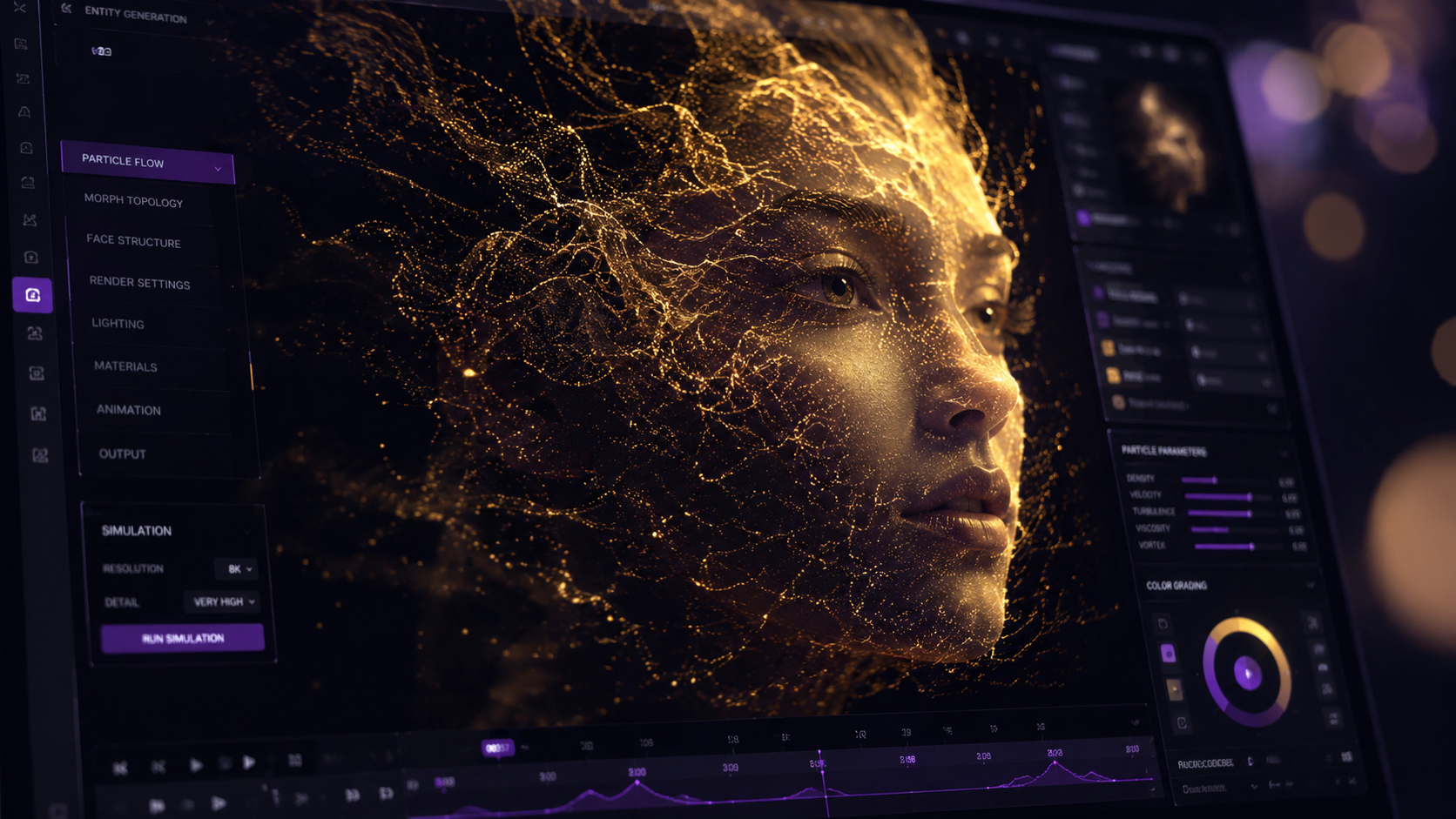
The landscape of 2026 is vastly different from the early experimental days of generative video. According to CNET, the best AI video generators of 2026 are now ranked based on their ability to maintain temporal consistency—meaning characters and environments do not "hallucinate" or change unexpectedly between frames. This stability has turned AI from a novelty into a professional-grade tool used by major studios and independent creators alike.
One of the most significant shifts has been the rise of the "All-in-One" platform. As highlighted by No Film School in early 2026, these platforms break down the traditional silos of production. Instead of jumping between five different apps for script, voice, video, and music, creators can now stay within a single ecosystem. This integration has reduced the production time for a 60-second high-quality video from days to under ten minutes.
The Power of One-Click Templates
For those following an ai video generator beginners guide, the most important feature to master is the one-click template. Findarticles.com reports that in 2026, these templates have become sophisticated enough to handle complex cinematic sequences. They are not just static layouts; they are dynamic sets of instructions that tell the AI how to handle "camera" orbits, slow-motion transitions, and emotional beats in the background music.
Advanced Styling with DomoAI and Nano Banana Pro
While general platforms are great for broad use, niche tools have carved out a space for specific aesthetics. HackerNoon points out that DomoAI has become the industry standard for "Beginner-to-Advanced" users who want to transform existing footage into stylized animation or hyper-realistic renders. Similarly, GameTyrant notes that Nano Banana Pro has set a new benchmark for stunning AI image-to-video generation, allowing users to animate still photos with unprecedented detail and fluidity.
Comparing the Top AI Video Tools of 2026
Navigating the various options can be overwhelming for a beginner. To help you decide which tool fits your workflow, we have compiled a comparison of the leading platforms based on the latest 2026 reviews from CNET and other industry leaders.
| Platform Type | Key Feature | Best For | Learning Curve |
|---|---|---|---|
| All-in-One Platforms | Integrated Script & Voice | Marketing & YouTube | Low (One-Click) |
| DomoAI | Video-to-Video Stylization | Anime & Artistic Styles | Moderate |
| Nano Banana Pro | High-Fidelity Animation | Cinematic Visuals | Low to Moderate |
| Enterprise Generators | Custom Avatar Training | Corporate Training | High |
Mastering Prompt Engineering for Video
In any ai video generator beginners guide, the section on prompting is the most vital. In 2026, AI models understand "natural language," but they respond best to "structured language." This means instead of saying "a cat in a space suit," you should describe the scene as if you are a director: "Cinematic close-up, a ginger tabby cat in a high-tech chrome spacesuit, reflection of the Earth in the visor, soft blue cockpit lighting, 4k, highly detailed."
According to No Film School, the secret to becoming a "pro" in AI filmmaking lies in understanding "Negative Prompts" and "Weighting." Negative prompts tell the AI what not to include (e.g., "no motion blur," "no distorted limbs"), while weighting allows you to emphasize certain elements of the scene. Most 2026 platforms include a "Prompt Assistant" that automatically optimizes your basic ideas into these high-performance strings of text.
Furthermore, the integration of physics engines into AI video generators has changed how we prompt for movement. You can now specify "gravity settings" or "fluid dynamics," ensuring that smoke, water, and hair move realistically. This level of control was unheard of in previous years and is a cornerstone of the 2026 masterclass experience.
The Ethics and Future of AI Video Generation
As we move further into 2026, the ethical use of AI video tools has become a central topic of discussion. It is important for beginners to understand the importance of transparency. Many platforms now automatically embed digital watermarks or metadata that identify the content as AI-generated. This is not a hindrance but a badge of responsible creation that helps maintain trust with your audience.
Studies show that by mid-2026, over 70% of digital video content will involve some form of AI assistance. This shift is not about replacing human creativity but augmenting it. The "Human-in-the-loop" philosophy is what separates mediocre AI videos from stunning masterpieces. You provide the soul, the story, and the emotional arc; the AI provides the technical labor to bring that vision to life.
Authority Citations and Market Data
The growth of this sector is backed by significant data. According to CNET’s 2026 market report, the efficiency of video production has increased by 400% for small businesses using AI tools. Furthermore, INQUIRER.net states that the accuracy of text-to-video rendering has reached a "95% visual fidelity score" compared to traditional CGI, making it indistinguishable to the average viewer. Finally, HackerNoon research suggests that users who utilize "multi-tool workflows" (combining two or more AI apps) see a 60% higher engagement rate on social platforms due to the unique visual styles produced.
Conclusion: Your Path to AI Mastery
The journey through this ai video generator beginners guide is just the beginning. The tools of 2026 are designed to grow with you. What starts as a simple experiment with a one-click template can quickly evolve into a sophisticated filmmaking career. The key is consistent experimentation and staying updated with the rapid releases of new models and features.
As you move forward, remember that the most powerful tool in your arsenal is not the AI itself, but your imagination. The AI is simply a high-speed brush; you are the artist. Start small, use the templates provided by platforms like Nano Banana Pro or DomoAI, and gradually push the boundaries of what you can create. The future of video is here, and it is more accessible than ever before.
What is the best AI video generator for a total beginner in 2026?
The best choice for beginners is typically an "all-in-one" platform that features one-click templates. These tools, highly rated by CNET in 2026, require no prior editing experience and guide you through the process from script to final render.
Do I need an expensive computer to run AI video software?
No, most AI video generators in 2026 are cloud-based. This means the heavy processing is done on the company's servers, allowing you to create high-definition videos on a standard laptop or even a smartphone.
How long does it take to generate a video with AI?
Depending on the complexity and length, a 30 to 60-second high-quality video typically takes between 2 to 10 minutes to render in 2026. Simple one-click templates can often produce results even faster.
Can I use AI-generated videos for commercial purposes?
Yes, most professional AI video platforms provide commercial usage licenses with their paid tiers. However, always check the specific terms of service for the tool you are using to ensure compliance with copyright laws.
What is "Video-to-Video" generation?
Video-to-video is a process where you upload an existing video and use AI to change its style, such as turning a live-action clip into an 80s cartoon or a claymation sequence. Tools like DomoAI are current leaders in this specific technology.



Comments ()