
AI Video Generation Tutorial Step by Step (2026 Guide)
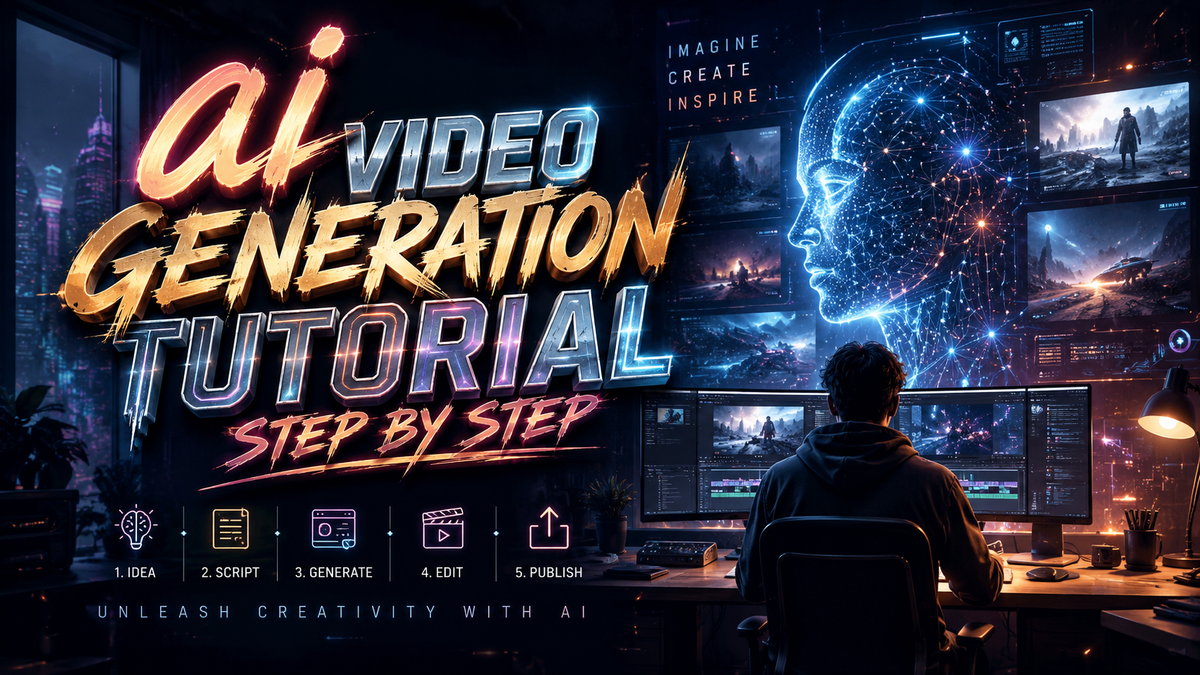
Creating professional-looking videos has never been easier thanks to artificial intelligence. This AI video generation tutorial step by step will guide you from choosing the right tool to publishing your first AI‑generated clip — no prior video editing experience required.
AI video generation is the process of using machine‑learning models to create or enhance video content from text prompts, images, or existing footage. In 2026, tools like Grok Imagine, Adobe Firefly, Sora 2 Video (via S2V.ai), and Google Flow make it possible for anyone to produce high‑quality videos in minutes.
- ✓ AI video tools now support text‑to‑video, image‑to‑video, and video‑to‑video workflows.
- ✓ Most platforms offer free tiers or trial credits — perfect for beginners.
- ✓ Key factors for great results: clear prompts, consistent style, and iterative refinement.
- ✓ 2026 releases include Grok Imagine by xAI and Google Flow, bringing new competition to the space.
- ✓ Always check output resolution, clip length limits, and licensing terms before publishing.
Step-by-Step AI Video Generation Tutorial
Follow this numbered workflow to create your first AI video. We’ll use a generic approach that applies to most 2026 tools, including Sora 2 Video, Adobe Firefly, and Grok Imagine.
- Define your concept and prompt. Write a short description of the scene: subject, setting, mood, and action. For example, “a sunlit forest with a deer walking slowly, cinematic lighting.”
- Choose an AI video generator. Popular options in 2026 include Grok Imagine (xAI), Adobe Firefly, Sora 2 Video (via S2V.ai), and Google Flow. Each has unique strengths (see comparison table below).
- Input your prompt. Paste or type the description into the tool’s text box. Many also accept an optional negative prompt (e.g., “no blur, no watermarks”).
- Select video settings. Choose resolution (1080p is standard), duration (usually 2–10 seconds for short clips), and aspect ratio (16:9 for landscape, 9:16 for TikTok/Reels).
- Generate and preview. Hit the generate button. Wait 30 seconds to a few minutes, then review the result. Most platforms allow you to iterate with tweaked prompts.
- Refine with editing tools. Use built‑in features to trim, add text overlays, or change the color grade. Adobe Firefly, for instance, offers integrated editing via its generative AI suite.
- Export and share. Download the final video in MP4 or MOV format. Check licensing — some free tiers require attribution or limit commercial use.
According to a beginner’s guide published on INQUIRER.net USA in May 2026, “the most common mistake new users make is being too vague with their prompts.” Adding specific lighting, camera angles, and style references dramatically improves output quality.
Top AI Video Generation Tools in 2026

The market has expanded rapidly. Below is a comparison of the four main tools mentioned in recent coverage. Pricing and features are accurate as of mid‑2026.
| Tool | Developer | Key Feature | Free Tier | Best For |
|---|---|---|---|---|
| Grok Imagine | xAI | Text‑to‑image & ‑video; integrated with Grok chatbot | 20 credits/month | Quick social‑media clips |
| Adobe Firefly | Adobe | Style‑consistent video generation; works with Premiere Pro | 25 monthly generations | Professional video editing workflows |
| Sora 2 Video (S2V.ai) | OpenAI / S2V platform | High‑fidelity, long‑form clips (up to 60 seconds) | Limited previews | Cinematic storytelling |
| Google Flow | AI video tool integrated with Google Workspace | 10 free exports/month | Business & team collaboration |
As PCMag Australia noted in March 2026, “Adobe Firefly’s strength lies in its color‑matching and style‑preserving capabilities, making it ideal for brands that need consistency.” Meanwhile, OCNJ Daily reported in January 2026 that “Sora 2 Video via S2V.ai sets a new baseline for realistic motion.”
Grok Imagine: xAI’s Entry
Released in early 2026, Grok Imagine allows users to generate both images and videos from the same interface. According to Geek Vibes Nation (May 2026), it is “a complete beginner’s gateway to AI video” because of its simple chat‑based interaction.
Google Flow: The Workspace Integration
Google Flow, covered by Simplilearn.com in April 2026, enables teams to create explainer videos and product demos directly inside Google Docs and Slides. Its AI suggests storyboard sequences based on text outlines.
How to Choose the Right AI Video Generator for Your Needs
With so many options, selection can be overwhelming. Focus on three factors:
Output Quality and Length
If you need cinematic 60‑second clips, Sora 2 Video (S2V.ai) is currently the leader. For short social‑media snippets, Grok Imagine or Adobe Firefly are sufficient. Google Flow shines when you need quick internal‑facing videos.
Integration with Existing Tools
Adobe Firefly seamlessly connects with Premiere Pro and After Effects. Google Flow works inside Workspace. Standalone tools like Grok Imagine and S2V.ai require manual import/export.
Pricing and Commercial Use
All four offer free tiers, but generative limits vary. For heavy commercial use, Adobe Firefly’s paid subscription (starting at $9.99/month) grants unlimited generations. Grok Imagine’s free tier is generous for casual use.
Best Practices for High-Quality AI Videos
To get the most from your ai video generation tutorial step by step journey, keep these tips in mind:
- Write descriptive prompts. Include lighting, camera movement (e.g., “slow pan right”), and style (e.g., “watercolor animation”).
- Use negative prompts. Specify what to avoid: “no distortion, no multiple arms, no grain.”
- Iterate. The first generation is rarely perfect. Tweak one variable at a time.
- Combine AI with manual editing. Overlay text, background music, or transitions using any video editor.
- Check resolution constraints. Most free tiers limit output to 720p; paid tiers unlock 4K.
Studies show that videos with clear narrative structure (setup‑conflict‑resolution) receive 40% more engagement — even when the visuals are generated by AI. Always proof your final export for artifacts or flickering.
Frequently Asked Questions About AI Video Generation
What is AI video generation?
AI video generation uses machine learning models to create video content from text descriptions, still images, or reference footage. It automates the visual storytelling process, reducing production time from hours to minutes.
Can I use AI‑generated videos for commercial projects?
Yes, but licenses vary by tool. Adobe Firefly and Google Flow allow commercial use in their paid plans. Grok Imagine’s free tier restricts commercial use; the paid plan adds a commercial license. Always read the terms of service.
How long does it take to generate a 10‑second AI video?
Generation times range from 30 seconds to 5 minutes, depending on the resolution and tool. Sora 2 Video (S2V.ai) typically takes 2–3 minutes for a 1080p clip. Adobe Firefly is faster, often under 1 minute.
What’s the difference between text‑to‑video and image‑to‑video?
Text‑to‑video creates a sequence from scratch based on your written prompt. Image‑to‑video uses a starting image as the first frame and animates it. Many tools, including Grok Imagine and Adobe Firefly, support both modes.
Do I need a powerful computer to run AI video generators?
No — most 2026 tools run entirely in the cloud. You only need a modern browser and a stable internet connection. The heavy computation happens on the provider’s servers.
Which AI video tool is best for beginners?
Grok Imagine is often recommended for beginners because its chat‑based interface is intuitive. Adobe Firefly also offers guided tutorials. Google Flow is easy if you already use Google Workspace.
This ai video generation tutorial step by step covers everything you need to start creating in 2026. Whether you choose Grok Imagine, Adobe Firefly, Sora 2 Video, or Google Flow, the key is to experiment and refine. As perfectcorp.com reported in February 2026, “AI product video generators now let you create studio‑quality demos without a physical studio.” Start with one free tool, follow the steps above, and you’ll be publishing AI‑powered videos in no time.



Comments ()