
AI Video Models Tested: 2026 Review
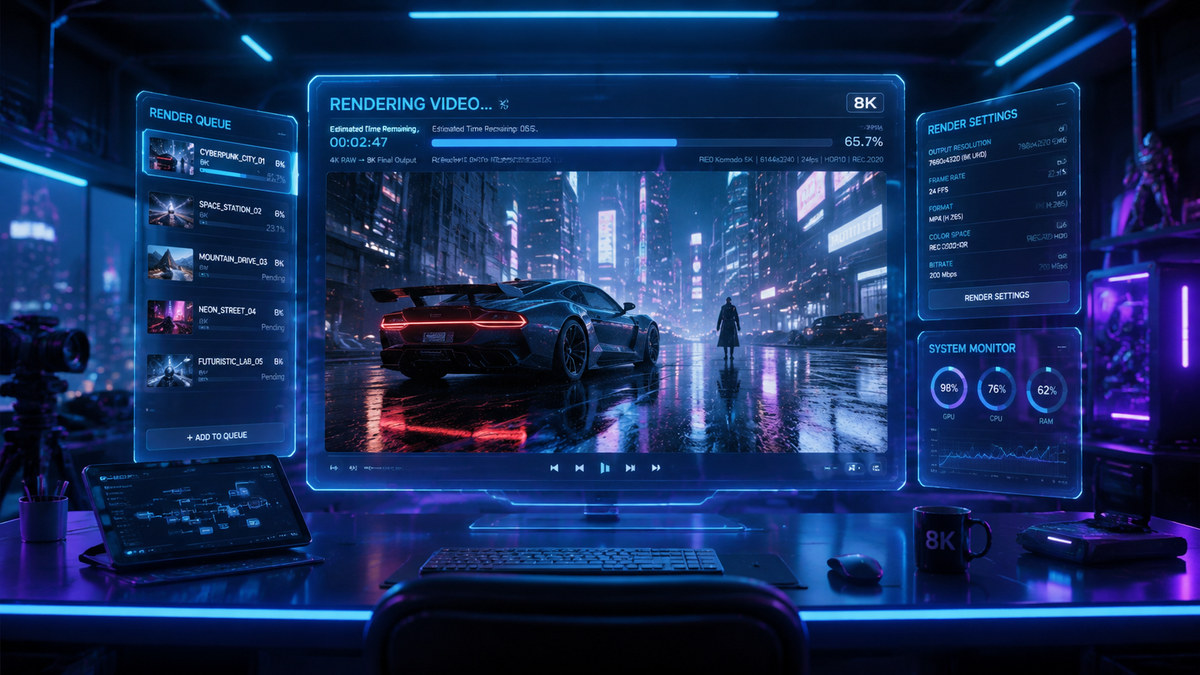
AI video generation model reviews in 2026 highlight a transformative era where cinematic-quality production is now accessible to anyone with a text prompt. The current landscape of generative video is defined by hyper-realistic physics, consistent character modeling across scenes, and a significant reduction in temporal flickering that plagued earlier versions. Whether you are a digital marketer looking for rapid content creation or a filmmaker prototyping visual effects, the 2026 selection of AI video generators offers unprecedented control over lighting, motion, and stylistic fidelity.
An AI video generation model is a deep learning architecture, typically based on diffusion or transformer frameworks, that synthesizes realistic video frames from text, image, or audio inputs. In 2026, these models have evolved to support 4K resolution, complex multi-modal prompting, and real-time rendering for professional-grade creative workflows.
- ✓ Top-tier models in 2026 now support native 4K output with consistent frame rates.
- ✓ Character consistency and temporal stability have become the industry standard for high-end tools.
- ✓ Integration with traditional video editing suites allows for seamless hybrid workflows.
- ✓ Real-time generation is now a reality for short-form social media content.
The Evolution of AI Video Generation Model Reviews in 2026
As we move through the second quarter of 2026, the criteria for evaluating generative video tools have shifted from "does it look real?" to "how much control do I have?" Early iterations of these tools were often criticized for their "dream-like" or "uncanny" movements. However, according to recent testing by TechRadar, which evaluated over 70 AI tools this year, the gap between AI-generated footage and traditional cinematography has narrowed to the point of being indistinguishable in many commercial contexts.
The industry has moved toward specialized models. Some platforms focus heavily on high-fidelity physics—ensuring that water splashes and fabric flows naturally—while others prioritize "directorial control," allowing users to specify camera angles, focal lengths, and lighting setups via natural language. This diversification means that a single "best" tool no longer exists; instead, the best model depends entirely on your specific production needs, ranging from social media clips to enterprise-level marketing campaigns.
How to Use Modern AI Video Generators
- Define Your Narrative: Start with a detailed prompt that describes not just the subject, but the lighting, mood, and camera movement (e.g., "Cinematic tracking shot, golden hour, 35mm lens").
- Select a Foundation Model: Choose a model based on your needs—some excel at photorealism while others are better for stylized animation.
- Configure Temporal Settings: Adjust the frame rate and motion intensity sliders to ensure smooth transitions between frames.
- Iterate with Image Prompts: Use a high-quality reference image to ground the AI's visual style and maintain character consistency.
- Post-Production Refinement: Export the generated clip into a traditional editor for color grading and final sound design.
Top-Rated AI Video Models Compared
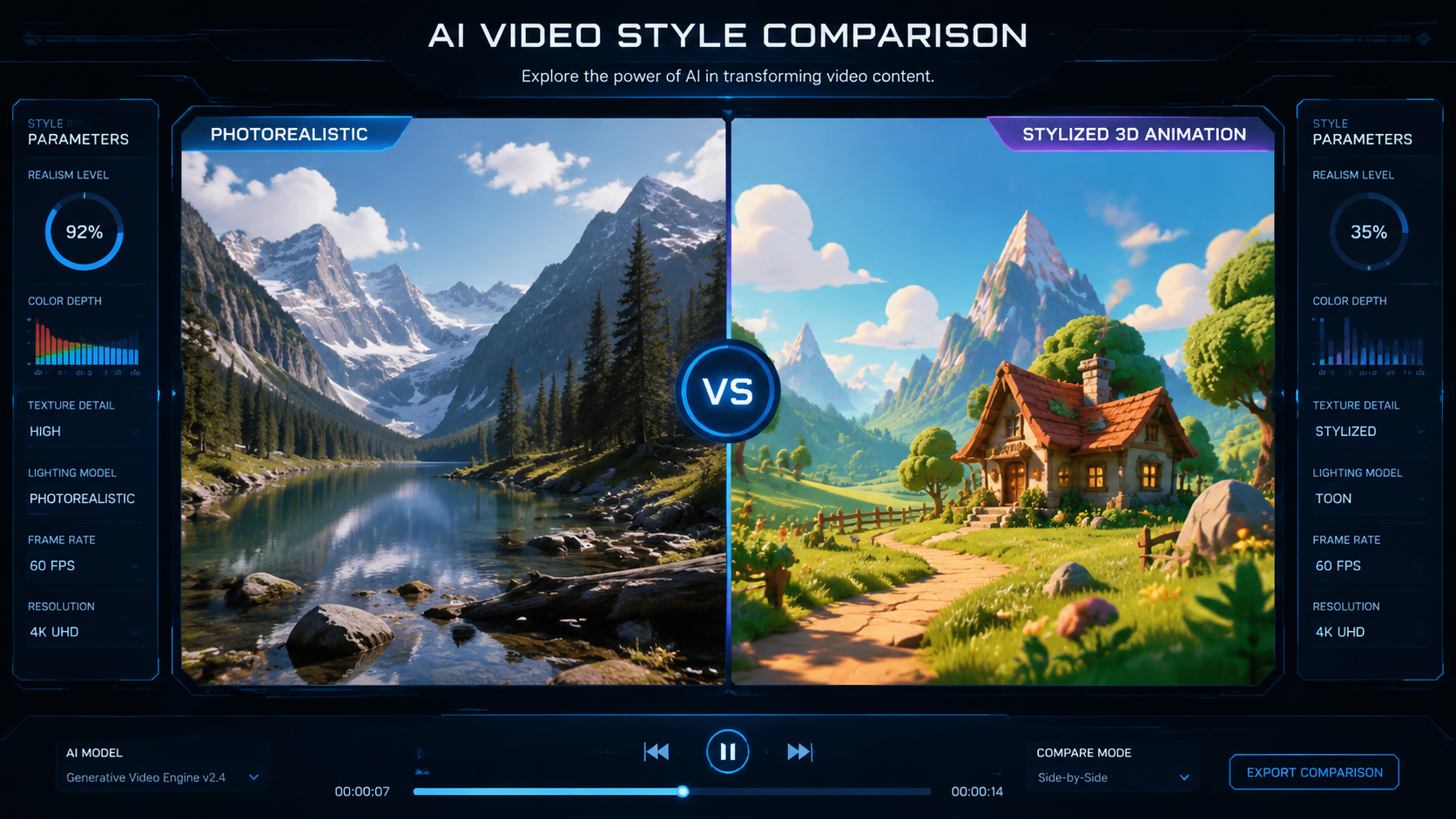
To help you navigate the crowded marketplace, we have analyzed the leading contenders based on the latest reports from CNET and PCMag Middle East. These reviews focus on output quality, ease of use, and the sophistication of their underlying neural networks. In 2026, the most successful platforms are those that offer a balance between "one-click" generation and deep "pro-mode" customization.
According to Cybernews, which recently reviewed 16 major AI video generation tools, the primary differentiator in 2026 is "temporal coherence." This refers to the AI's ability to remember what a character looks like from the front versus the back, or ensuring that a background object doesn't disappear between frames. The following table summarizes the key features of the top-performing models currently dominating the market.
| Model Category | Best For | Key Feature | Resolution Support |
|---|---|---|---|
| Cinematic Pro | Film & Advertising | Advanced Physics Engine | Up to 8K Upscaling |
| Social Creator | TikTok/Reels/Shorts | Real-time Generation | 1080p / 4K |
| Enterprise Suite | Corporate Training | Avatar Lip-Syncing | 4K Standard |
| Stylized/Artistic | Music Videos | Multi-style Transfer | 2K / 4K |
In-Depth AI Video Generation Model Reviews: The 2026 Leaders
When looking at the ai video generation model reviews from 2026, three distinct categories of tools emerge. The first is the "Physics-First" model. These tools are built on massive datasets of real-world motion, allowing them to simulate gravity and fluid dynamics with startling accuracy. Users report that these models are ideal for "product shots" where the interaction between light and liquid must look perfect to be believable.
The second category is the "Director-Centric" model. As noted by G2 Learning Hub in their April 2026 report, these tools prioritize user intent. Instead of the AI making all the creative decisions, the user can act as a director, using a virtual "camera" to orbit a scene or change the depth of field. This level of granularity has made these models a favorite among creative agencies who need to match specific brand guidelines without the cost of a full-scale video shoot.
The Impact of 4K and 8K Resolution
In early 2026, 4K resolution became the baseline for professional AI video generation. High-end models now use sophisticated upscaling algorithms that don't just "stretch" pixels but actually "hallucinate" fine details like skin pores, fabric textures, and individual leaves on trees. This has significantly expanded the use cases for AI video in large-format advertising and digital out-of-home (DOOH) displays.
Character Consistency and Storytelling
One of the biggest breakthroughs highlighted in 2026 reviews is the "Character Seed" technology. This allows users to lock in a specific character's facial structure and clothing, ensuring they look identical across dozens of different generated clips. This was the "holy grail" of AI video, and its resolution has paved the way for AI-generated short films and episodic content that maintains a professional narrative flow.
Choosing the Right Model for Your Workflow
Selecting the right tool requires an understanding of your output volume versus your quality requirements. For high-volume social media management, speed is the most critical factor. Some 2026 models can now generate a 15-second high-definition clip in under 30 seconds. These "Turbo" models are optimized for efficiency and are often integrated directly into social media scheduling platforms.
Conversely, for high-stakes creative work, the "Slow-Render" models are preferred. These models utilize more compute-intensive sampling methods to ensure that every frame is a work of art. According to TechRadar, these professional-grade tools often include "layering" capabilities, where the background and foreground are generated separately, allowing for easier compositing in programs like Adobe After Effects or DaVinci Resolve.
Cost Considerations and Subscription Models
The pricing landscape in 2026 has matured into tiered structures. Most providers offer a "freemium" model where users can generate a limited number of low-resolution watermarked clips. Professional tiers typically range from $30 to $150 per month, providing access to higher resolutions, commercial usage rights, and priority queueing on GPU servers. Enterprise-level plans often include custom model training, where a company can train the AI on their own product images to ensure perfect brand representation.
Safety, Ethics, and Content Regulation
As AI video becomes more realistic, the importance of safety filters and digital watermarking has grown. All major models reviewed in 2026 now incorporate "C2PA" metadata, which tracks the provenance of the video to ensure transparency about its AI-generated origins. This is a critical feature for news organizations and educational institutions that must verify the authenticity of visual content.
Furthermore, specialized reviews, such as those found in Washington City Paper, discuss the rise of niche generators. While mainstream tools have strict "Safety Tensors" to prevent the creation of harmful or non-consensual content, the industry remains vigilant about the ethical implications of deepfake technology. The 2026 standard for responsible AI involves rigorous "red-teaming" where models are tested against potential exploits before they are released to the public.
The Role of Multi-Modal Inputs
The most advanced ai video generation model reviews of 2026 emphasize the move toward "Multi-Modal" prompting. This means you are no longer limited to text. You can upload a 10-second audio clip of a storm, and the AI will generate video that matches the rhythm and intensity of the sound. You can also provide a rough "sketch" of a scene layout, which the AI then populates with realistic assets, giving the creator total control over the composition.
What is the best AI video generator for beginners in 2026?
For beginners, platforms that offer "Turbo" generation and simple text-to-video interfaces are recommended. These tools prioritize ease of use and provide pre-set styles that guarantee a professional look without requiring knowledge of cinematography or complex prompting techniques.
Can AI video generation models create sound and music?
Yes, by 2026, most top-tier video models are "Full-Stack," meaning they generate synchronized foley (sound effects) and ambient background music alongside the visual content. Some even allow for "Voice-Cloning" to provide narration in the same workflow.
How long does it take to generate an AI video?
Generation times vary by quality. A standard 1080p social media clip can take between 30 to 60 seconds, while a high-fidelity 4K cinematic sequence with complex physics may take 5 to 10 minutes to render on high-end cloud GPUs.
Are AI-generated videos copyrightable?
As of 2026, copyright laws vary by jurisdiction, but most professional tools provide "Commercial Use Licenses." However, the US Copyright Office typically requires significant human creative input (such as specific directorial prompts and editing) for a work to be fully protected.
Do I need a powerful computer to run these models?
No, almost all major AI video generation models in 2026 are cloud-based. The heavy lifting is done on remote server farms (using H100 or B200 chips), meaning you can generate high-end video even on a basic laptop or mobile device with a stable internet connection.
In conclusion, the ai video generation model reviews of 2026 show an industry that has moved past the experimental phase and into a period of professional utility. With tools that can simulate reality with incredible precision, the only limit to video production is now the creator's imagination. Whether you are using these tools for entertainment, education, or enterprise, the 2026 lineup offers a solution for every level of the creative spectrum.

Comments ()