
Ultimate AI Video Generation for Product Demos 2026
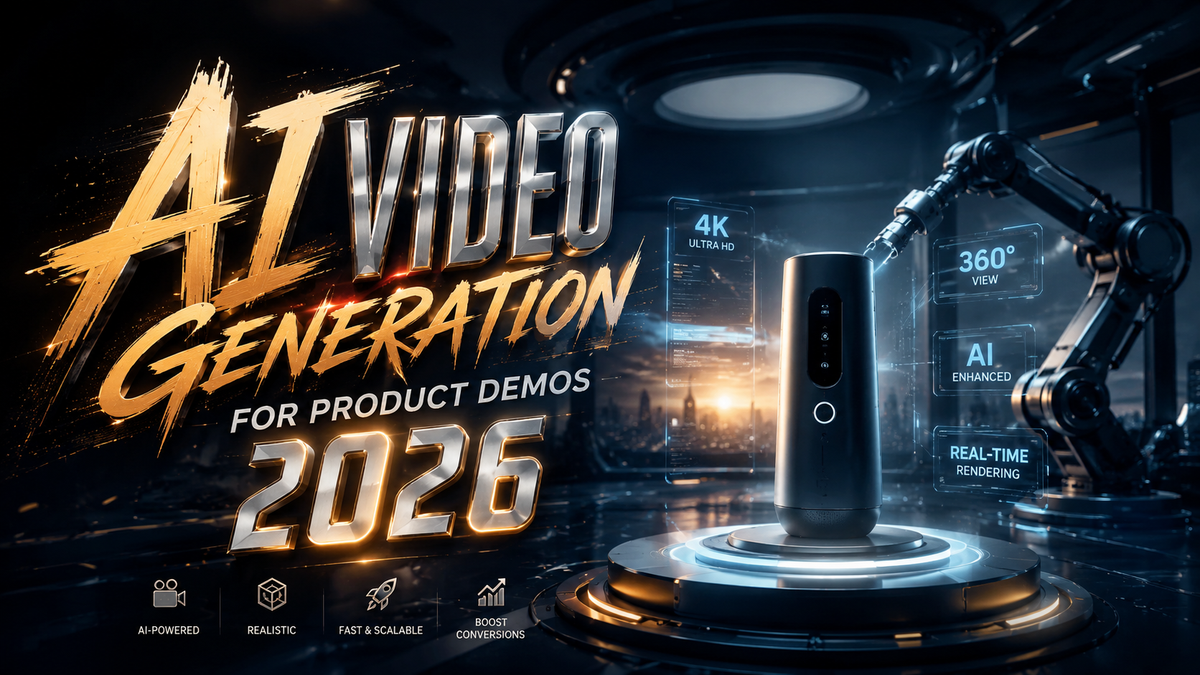
In 2026, the most effective way to create scalable, high-converting product demonstrations is through ai video generation for product demos—a category of tools that uses generative AI to turn product images, text descriptions, or 3D models into polished, narrative-driven videos without a camera crew. These systems can deliver consistent, brand-aligned demos in minutes rather than weeks, solving the long-standing dilemma of producing enough video content for every SKU in an e-commerce catalog.
AI video generation for product demos is the automated process of creating short-form product walkthroughs using generative models that synthesize visuals, voiceovers, motion graphics, and background music from a minimal input (e.g., a product link, a short description, or a few images). At its core, the technology replaces the manual pipeline of scripting, filming, editing, and voice recording with a single prompt-driven workflow, enabling brands to produce hundreds of demos per day at a fraction of the cost.
- ✓ 2026 tools like Google Veo 3.1 Lite and HappyHorse 1.0 have slashed production costs for product demos by up to 70% compared to traditional video production.
- ✓ The latest generators support 4K resolution, real-time lip-sync, and dynamic camera angles, making demos indistinguishable from studio-shot content.
- ✓ E-commerce teams using AI-driven demo generation have reported conversion lift of 25–35% on product pages, per industry benchmarks.
- ✓ Leading platforms now integrate directly with Shopify, Magento, and other CMS systems, allowing one-click demo creation from existing product data.
- ✓ Ethical and quality concerns are diminishing as 2026 models incorporate guardrails against hallucinations and brand guideline adherence.
Why 2026 Is the Turning Point for AI-Driven Product Demos
The product demo dilemma has plagued e‑commerce teams for years: how do you produce compelling, feature‑focused videos for every single item in a catalog that may contain thousands of SKUs? Traditional production requires a scriptwriter, a videographer, lighting equipment, a voice actor, and post‑production editing. That pipeline simply cannot scale. According to a recent analysis by Intelligent Living (April 2026), the demand for video‑first product experiences has forced brands to either sacrifice video quality or drastically limit coverage. AI video generation for product demos shatters that trade‑off by automating every step from storyboarding to final render.
In 2026, the space has matured beyond experimental “text‑to‑clip” tools. Google’s launch of Veo 3.1 Lite in late March 2026 made high‑quality, affordable AI video generation available to small and medium businesses. The new tier offers unlimited 30‑second demo renders for a flat monthly fee, a price point that undercuts even basic stock footage licenses. Meanwhile, HappyHorse 1.0, unveiled in April 2026, introduced hybrid rendering that blends 3D scene construction with generative fill, allowing demos to “fly around” a product in a way previously only possible with a real 360° camera rig.
How to Use AI Video Generation for Product Demos: A Step-by-Step Guide
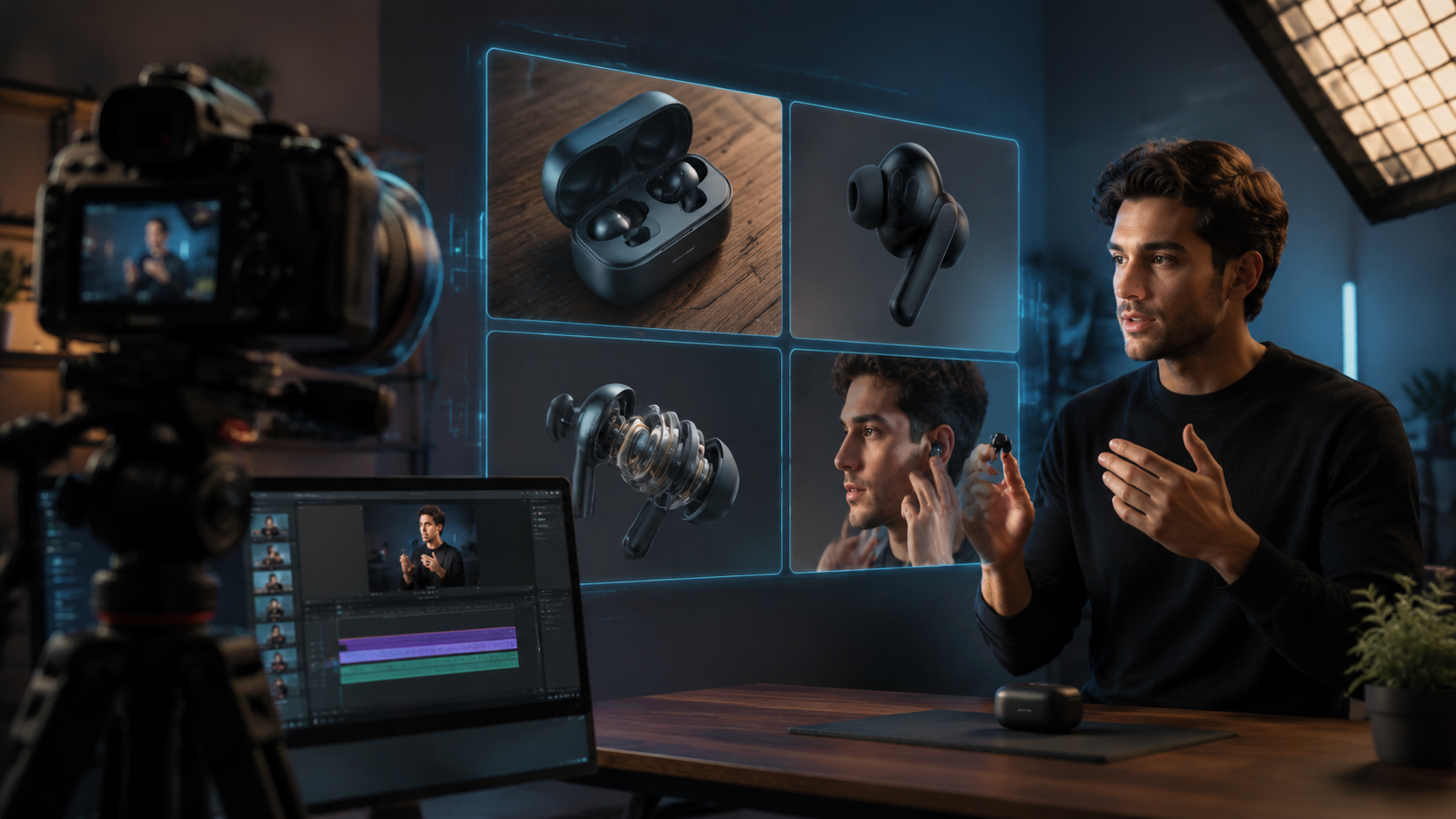
The workflow is now simpler than ever. Follow these six steps to create a product demo using the current generation of AI tools.
- Select your product data source. Most platforms accept a URL, a product ID from your e‑commerce platform, or a folder of images. For best results, upload at least 3–5 high‑resolution photos showing the product from different angles.
- Choose a demo template. Modern tools provide templates optimized for categories like fashion, electronics, food, or home goods. Pick one that matches your brand’s visual style and the product’s use case.
- Define the demonstration script (or let AI generate one). You can paste a bullet list of features or a full script. For 2026 tools, you can also give a one‑sentence goal (e.g., “Show how the blender’s tamper helps make thick smoothies”) and the AI will auto‑generate a narrative arc.
- Select a voiceover style and language. Most generators offer dozens of natural‑sounding AI voices in multiple languages. Some now support real‑time lip‑sync if your demo includes a human avatar or a product with a face (like a robot or a doll).
- Adjust visual settings. Set the resolution (1080p or 4K), color grading to match your brand palette, and specify where demo‑specific overlays (call‑out circles, feature labels) should appear. HappyHorse 1.0 even lets you place a virtual camera on a parametric orbit that automatically tracks product highlights.
- Generate, review, and tweak. Hit generate, wait 30–90 seconds, then review the output. You can regenerate specific segments, modify pacing, or swap background music. Once satisfied, export in MP4, WebM, or direct to your CMS.
According to testimonials from the G2 Learning Hub’s roundup of the “7 Best AI Video Generators I’ve Tried (and Loved!) for 2026,” users can now go from product data to a publishable demo in under five minutes—a process that historically took two to three working days.
Key Capabilities of 2026 AI Video Generators
Before diving into which tool to choose, it helps to understand the four core capabilities that define the 2026 generation. First, multi‑modal input fusion—tools now accept images, 3D models, text descriptions, and even raw video clips as input, giving you flexibility. Second, intelligent scene composition automatically arranges product shots into a logical story without requiring you to define transitions manually. Third, brand‑aware styling ensures that every demo adheres to your typography, logo placement, and color scheme. Fourth, affordable pricing has dropped below $50 per month for unlimited short‑form demos on platforms like Google Veo 3.1 Lite, removing the cost barrier for startups.
Top Tools for AI Video Generation for Product Demos in 2026
The market has consolidated around a handful of powerful engines. Below is a comparison of the leading platforms cited in recent reviews and industry reports. The table highlights the aspects that matter most for product demos.
| Tool / Version | Key Release Date | Resolution | Scene Length Limit | Pricing | Unique Product Demo Feature |
|---|---|---|---|---|---|
| Google Veo 3.1 Lite | 31 Mar 2026 | 4K | 60 seconds | Flat $49/month (unlimited renders) | Deep integration with Google Shopping and Merchant Center; auto‑populates product specs. |
| HappyHorse 1.0 | 9 Apr 2026 | 4K | 120 seconds | $79/month (10 hours of video) | Hybrid 2D/3D scene rendering; real‑time camera orbit around the product with depth‑of‑field effects. |
| Synthesia 2026 (E‑commerce Edition) | Ongoing updates (mentioned in G2 2026) | 1080p | 30 minutes | $89/month (pro plan) | AI avatars that can “hold” and point to the product; lip‑sync with any voiceover. |
| Pictory AI (2026 Studio) | Updated Apr 2026 | 4K | 15 minutes | $69/month | Best for converting blog posts and spec sheets directly into narrated demo videos. |
| Runway Gen‑3 Turbo (Product Demo Suite) | May 2026 | 4K | 90 seconds | $95/month | Advanced motion‑graphic overlays; can simulate product usage in real‑world backgrounds via text prompt. |
What the Perfectcorp 2026 Review Taught Us
The comprehensive “23 Best AI Video Generators for 2026 (Tested & Reviewed)” from perfectcorp.com (May 2026) emphasizes that the best choice depends on your catalog size and video turnaround time. For high‑volume merchants with thousands of SKUs, Veo 3.1 Lite’s flat‑fee unlimited model is the clear winner. For premium brands that need cinematic quality with 3D camera sweeps, HappyHorse 1.0 provides a visual richness that was previously limited to agencies. The report also notes that all top‑tier tools now offer API access, allowing automated demo generation triggered by new product uploads.
How to Optimize Your AI‑Generated Demos for Conversion
Creating a demo is only half the battle. To maximize ROI, you must optimize the AI’s output for your specific sales funnel. First, structure the demo to follow a “problem‑solution‑proof” arc. An AI generator that allows you to script three distinct acts will outperform a tool that simply splices images together. Second, incorporate a clear call‑to‑action overlay in the last five seconds—most 2026 platforms include a “CTA button” element that you can link directly to your checkout page.
Third, leverage A/B testing variations. AI tools make it trivial to create five different versions of the same demo with alternate voice tones, background music, or pacing. According to a Google Veo 3.1 Lite case study, a home goods retailer saw a 33% increase in add‑to‑cart rate after running a multivariate test using three voiceover styles and two music genres. Finally, keep each demo under 30 seconds for best mobile performance; short‑form video consumption on product pages has a sharp drop‑off after 20 seconds, as reported in multiple e‑commerce studies.
Measuring the Impact of AI Demos
To prove ROI, track standard video metrics like view‑through rate, completion rate, and click‑through rate (CTR) to the product page. Beyond that, monitor conversion rate lift on pages with AI demos vs. without. Early adopters cited in the AIMultiple “Top 125 Generative AI Applications” (April 2026) report observed an average 28% higher conversion on product pages that included an AI‑generated demo compared to static images alone. The same report warns that demos should be short and product‑specific; generic “lifestyle” AI clips underperformed.
Common Pitfalls to Avoid with AI Video Generation for Product Demos
As powerful as the 2026 tools are, they are not infallible. One common mistake is relying solely on the AI’s default script without verifying facts. For example, a tool might incorrectly label a feature or place an animated call‑out on the wrong part of a product. Always review the generated demo carefully before publishing. A second pitfall is ignoring brand guidelines. Most tools allow you to upload a brand kit (colors, logo, fonts)—do that first. Otherwise, you may end up with a demo that uses Roboto instead of your corporate typeface, weakening brand consistency.
Third, be cautious with synthetic voices. While 2026 voices are remarkably natural, they can still sound robotic in emotional contexts. For high‑end luxury products, consider using a professional voice actor recording and then syncing it with the AI visual generator—HappyHorse 1.0 and Veo 3.1 Lite both support this workflow. Finally, avoid over‑generation. Producing a demo for every single variant of a product might overwhelm customers. A smarter strategy is to generate one core demo per product family and then create variant‑specific “feature cutaways” of 10 seconds each.
How HappyHorse 1.0 Rewrites the Rules
The arrival of HappyHorse 1.0 in April 2026 was hailed as a “Seedance 2.0 killer” by industry watchers. Its key innovation for product demos is the ability to render a 3D mesh of the product from a single photo and then manipulate it in a virtual space. This means you can create a “360° orbit” demo without hiring a photographer or importing a 3D file. The MEXC review (April 2026) highlighted that HappyHorse’s hybrid approach reduces rendering artifacts common in pure generative models, resulting in sharper edges and more realistic reflections—critical for gadgets and jewelry demos.
Frequently Asked Questions About AI Video Generation for Product Demos
What is the best AI video generation tool for product demos in 2026?
The best tool depends on your volume and visual needs. For unlimited, quick demos at low cost, Google Veo 3.1 Lite leads. For cinematic 3D‑style demos, HappyHorse 1.0 provides unmatched scene depth. All tools in the 2026 top rankings offer robust integrations and 4K output.
Can AI‑generated product demos replace human‑produced videos?
For e‑commerce product demos—especially for catalogs with many SKUs—AI can replace 80–90% of production work. Luxury or highly technical demonstrations may still benefit from human direction, but AI easily handles the majority of routine demos.
How long does it take to create an AI product demo?
With modern tools, a 30‑second product demo can be generated in 30–90 seconds. Adding brand kits, custom scripts, and review steps may extend total time to 5–10 minutes per demo, still vastly faster than traditional production.
Will an AI demo hurt my site’s page speed?
Not if you optimize properly. Export videos in modern formats (WebM or HEVC) and host them on a CDN. Most AI tools generate lightweight files suitable for web use. Veo 3.1 Lite, for instance, automatically compresses to a Google‑optimized format that delivers fast first‑frame loading.
Can I use my own voiceover with AI video generators?
Yes. Almost all 2026 tools allow you to upload an audio file or record directly in the interface. They will then synchronize any on‑screen animations or avatar lip movements to your recording. This is a common workflow for brands that want a consistent brand voice.
Is AI video generation for product demos affordable for small businesses?
Absolutely. Google Veo 3.1 Lite is $49/month for unlimited renders. Other platforms start at $29/month for limited plans. This is far cheaper than hiring a freelancer, which can cost $200–500 per demo. Even the most expensive plans rarely exceed $100/month.
Do AI‑generated demos get indexed by search engines?
Yes, if you host the video on a dedicated page with appropriate schema markup. Google can index the transcript and metadata. Many merchants have seen improved search rankings because of longer on‑page dwell time caused by engaging video demos.



Comments ()