
AI Video Generation for Beginners: Complete 2026 Guide
AI video generation for beginners is the process of using artificial intelligence models to create high-quality video content from text prompts, images, or existing video clips without requiring traditional filming or advanced editing skills. In 2026, this technology has evolved to allow anyone with a creative idea to produce professional-grade visuals in minutes, democratizing content creation across social media, marketing, and education.
AI video generation is a transformative technology that uses generative models to synthesize motion, sound, and visual elements. For beginners in 2026, it involves using cloud-based platforms to input descriptive text prompts which the AI then interprets to render unique video files, eliminating the need for expensive cameras, lighting setups, or steep learning curves associated with legacy software.
- ✓ Modern AI video tools in 2026 offer near-instant rendering with 4K resolution and consistent character physics.
- ✓ The industry has shifted toward "multimodal" inputs, allowing beginners to combine voice, text, and reference images for precise control.
- ✓ OpenAI's Sora project has been officially discontinued, leading to a more diverse marketplace of specialized tools.
- ✓ Ethical use and digital watermarking are now standard features across all major beginner-friendly platforms.
How to Start with AI Video Generation for Beginners
Starting your journey into AI video generation no longer requires a high-end workstation or a degree in computer science. The landscape in 2026 is defined by user-friendly web interfaces and mobile applications that handle the heavy computational lifting in the cloud. For a beginner, the first step is understanding that the AI acts as your cinematographer and editor; your role is to provide the creative direction and the "prompt" that guides the machine's output.
According to The AI Journal, the 2026 generation of tools has focused heavily on "prompt adherence," meaning the gap between what you type and what the AI produces has narrowed significantly. Beginners should start by experimenting with short, 5-second clips to understand how different keywords affect lighting, motion, and style. As you gain confidence, you can move toward "stitching" these clips together to create longer narratives or marketing assets.
- Select a Platform: Choose a beginner-friendly tool like those featured in the 2026 Tech Times rankings, focusing on those with "Text-to-Video" capabilities.
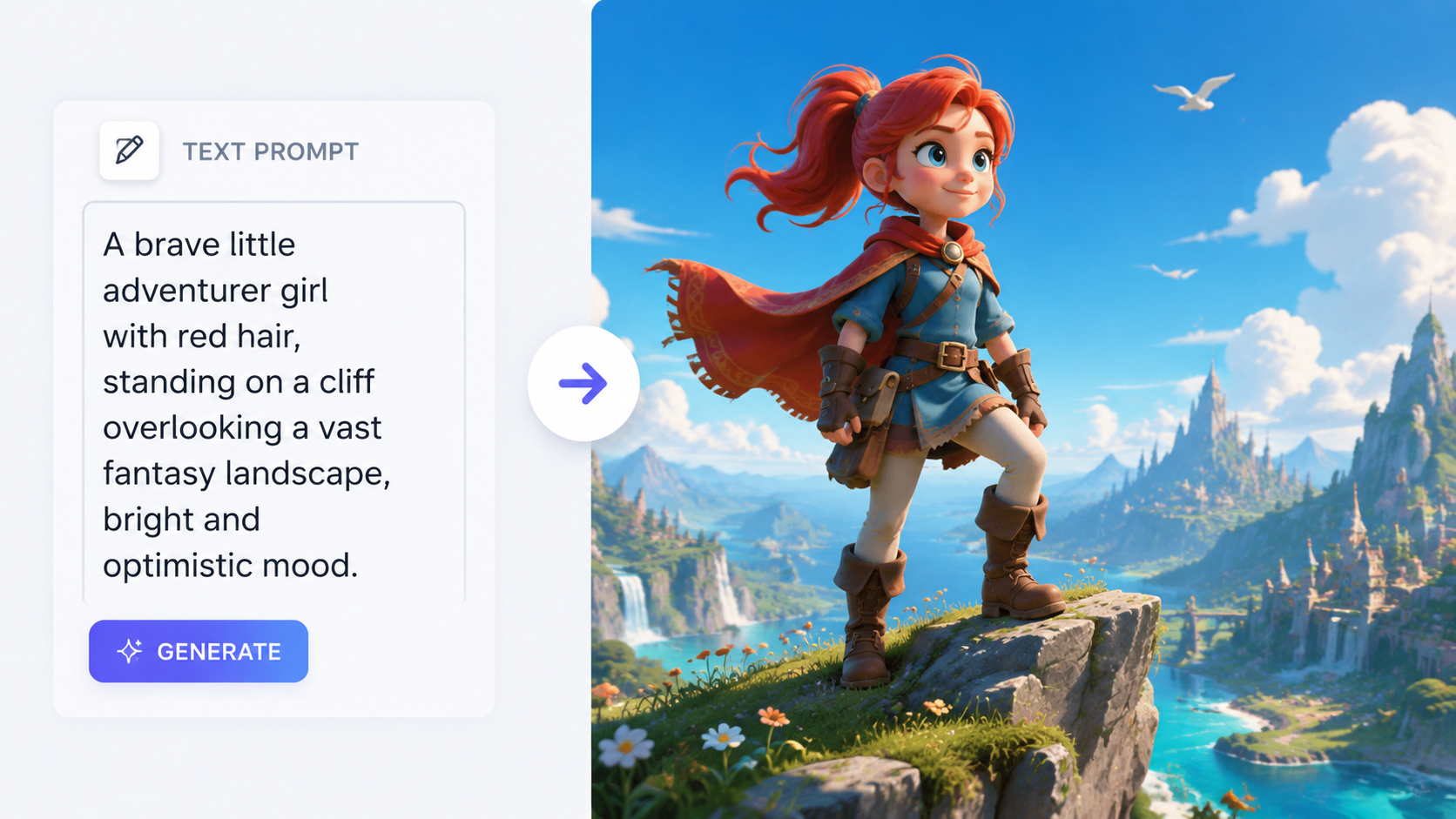
- Draft Your Prompt: Write a descriptive sentence including the subject, action, setting, and cinematic style (e.g., "A cinematic close-up of a robot painting a canvas in a sunlit studio, 4K, hyper-realistic").
- Adjust Parameters: Set your aspect ratio (9:16 for TikTok/Reels or 16:9 for YouTube) and motion intensity.
- Generate and Iterate: Hit generate, review the output, and refine your prompt if the physics or details aren't quite right.
- Export and Enhance: Download your video and use built-in AI upscalers to reach 4K or 8K resolution if necessary.
Top AI Video Generators for Beginners in 2026
The market for AI video has seen a massive shift this year. Notably, IndieWire reports that OpenAI's Sora project is officially dead, and its highly anticipated partnership with Disney has been dissolved. This vacuum has been filled by a "Big Three" of beginner-friendly tools that offer more stability and better pricing for casual creators. These platforms prioritize ease of use over complex technical configurations.
When looking for the best AI video generation for beginners, you must consider the balance between creative freedom and ease of use. Some tools are "one-click" solutions that generate a full video from a single prompt, while others offer a "Director Mode" where you can specify camera angles and movements. As Cybernews highlighted in their February 2026 review, the best tools now include "Temporal Consistency," which ensures that characters don't change appearance between frames—a common problem in earlier versions of the technology.
Comparison of Leading 2026 AI Video Tools
|
| Platform | Best For | Key Feature | Difficulty |
|---|---|---|---|
| Luma Dream Machine v3 | Realistic Motion | Physics-Engine Integration | Easy |
| Runway Gen-4 | Professional Control | Multi-Motion Brush | Intermediate |
| Kling AI Global | Long-form Clips | 10-Minute Continuous Gen | Easy |
| Pika Labs 3.0 | Animation & Style | Lip-Sync Integration | Beginner |
Understanding Prompt Engineering for Video
The secret to mastering AI video generation for beginners lies in "prompt engineering." Unlike static image generation, video prompts need to describe movement over time. In 2026, AI models are sophisticated enough to understand complex verbs and cinematic terminology. Instead of saying "a car driving," a successful beginner will say "a vintage red sports car drifting through a rain-slicked neon street in Tokyo, low-angle shot, motion blur."
Research from Breaking AC suggests that the top 15 AI video generators in 2026 now utilize "Natural Language Processing 2.0," which means you don't need to use "comma-separated tags" anymore. You can talk to the AI like a human director. However, including specific technical terms like "tracking shot," "golden hour lighting," or "macro lens" still helps the AI narrow down the visual aesthetic you are looking for. This allows beginners to achieve professional results without knowing how to operate a physical camera.
Essential Prompt Components
- The Subject: Who or what is the focus of the video?
- The Action: What exactly is happening? Be specific about the speed and direction.
- The Environment: Where is this taking place? Include details about weather, time of day, and architecture.
- The Style: Is it a 3D animation, a 1950s film grain, or a modern cinematic blockbuster?
The Death of Sora and the Rise of Specialized Tools
One of the biggest stories of 2026 was the announcement that "Sora is Dead at OpenAI," as reported by IndieWire. While Sora was the first to capture global imagination, its failure to launch a commercially viable product led to its demise. This has actually benefited beginners, as it opened the door for specialized tools that are cheaper and more accessible. Rather than one "God-model," we now have tools specialized in realistic humans, tools for architectural visualization, and tools specifically for social media creators.
This fragmentation means that as a beginner, you should choose your tool based on your specific goal. If you want to create "talking head" videos for a YouTube channel, you would use an avatar-based generator. If you want to create cinematic trailers, you would use a physics-based model. CNET notes that the best AI image generators of 2026 now have "Video-Link" features, where you can generate a perfect still image and instantly click a "Motion" button to bring it to life, making the workflow seamless for newcomers.
Ethics, Watermarking, and Safety in 2026
As AI video generation for beginners becomes more mainstream, the industry has implemented strict safety protocols. According to The AI Journal, all major platforms in 2026 now use "C2PA" digital watermarking. This is an invisible layer of metadata that identifies the video as AI-generated. For beginners, this is a positive development as it protects you from accusations of spreading misinformation and ensures that your content is recognized as "AI Art."
Furthermore, most platforms have built-in "guardrails" that prevent the generation of public figures or copyrighted characters without permission. This makes the environment safer for beginners to experiment without accidentally violating legal standards. When you start, you will notice that certain prompts might be flagged; this is normal and is part of the industry's effort to maintain a creative and ethical ecosystem. Understanding these boundaries is a key part of the learning process in 2026.
Future-Proofing Your AI Video Skills
The technology behind AI video is moving faster than any previous medium. To stay relevant, beginners should focus on the creative aspects of storytelling rather than the technical buttons of a specific app. Tools will change, but the ability to structure a scene, choose a color palette, and write a compelling narrative will always be in demand. Experts suggest that the "Prompt Director" will be a major job title by the end of the decade.
As Breaking AC points out in their honest guide, the most successful creators in 2026 are those who use AI as a "base" and then apply their own unique edits. Whether it's adding a custom voiceover or using AI to swap out backgrounds, the human-in-the-loop model remains the gold standard. By starting now, you are positioning yourself at the forefront of a visual revolution that is just beginning to unfold.
Frequently Asked Questions
Is AI video generation free for beginners?
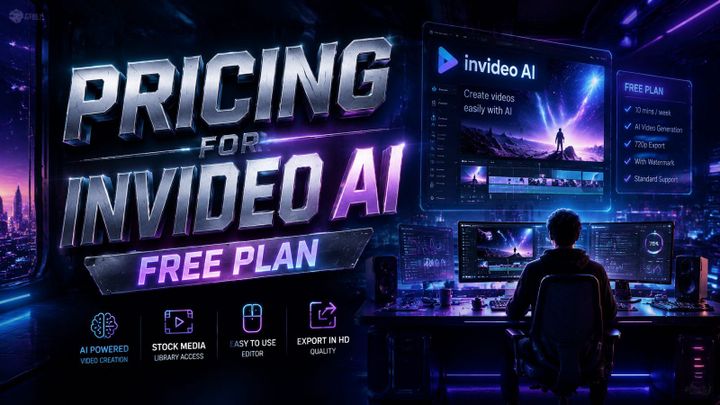
Most platforms in 2026 offer a "freemium" model where you get a set number of credits per month for free. However, high-resolution 4K exports and longer videos typically require a subscription starting around $15 to $20 per month.
Do I need a powerful computer for AI video?
No, almost all modern AI video generation happens on remote servers. You only need a stable internet connection and a standard web browser or smartphone to create and download your videos.
Can I use AI-generated videos on YouTube and TikTok?
Yes, but as of 2026, both platforms require you to check a box indicating the content is "Altered or Synthetic." This ensures transparency for viewers and prevents your account from being flagged for misinformation.
How long does it take to generate an AI video?
In 2026, a standard 5-to-10 second clip takes approximately 60 to 90 seconds to generate. High-priority "Turbo" modes can often deliver results in under 30 seconds for an additional credit cost.
Can AI video generators create sound and music too?
Many of the top 16 tools reviewed by Cybernews now include "Auto-Foley" and "Background Music" features, which automatically generate synchronized sound effects and scores based on the visual content of your video.
Comments ()