
AI Video for YouTube Shorts 2026: Create Viral Clips
AI video for YouTube Shorts is the use of artificial intelligence tools to generate, edit, enhance, or personalize short-form vertical videos specifically for YouTube's Shorts platform. With the latest 2026 updates from Google I/O and YouTube's official blog, creators now have powerful AI capabilities — including Gemini Omni integration, AI-powered conversational search via "Ask YouTube," and the ability to insert themselves into other people’s videos — making it easier than ever to produce viral clips without advanced editing skills.
AI video for YouTube Shorts is a suite of tools and features that leverage generative AI to automate video creation, from script generation and avatars to full scene composition. In 2026, YouTube’s own AI features — such as Gemini Omni for Shorts, "Ask YouTube" conversational search, and AI-driven video insertion — allow creators to produce engaging, high-quality Shorts in minutes, often using only a prompt or a reference clip.
- ✓ YouTube's Gemini Omni now powers Shorts with real-time AI scene generation and voice cloning.
- ✓ The "Ask YouTube" feature (launched May 2026) enables AI-powered conversational search for video content.
- ✓ Creators can use AI to insert themselves into other people’s videos, as detailed by The Hollywood Reporter.
- ✓ Automatic labeling of AI-generated videos is now mandatory, according to Variety (May 27, 2026).
- ✓ Using AI video for YouTube Shorts can reduce production time by up to 80%, based on early adopter reports.
What Is AI Video for YouTube Shorts in 2026?
In 2026, "AI video for YouTube Shorts" refers to a broad ecosystem of machine learning models and platform-native tools that help creators produce short-form content. At its core, the technology automates tasks like scriptwriting, voiceover generation, scene composition, and even lip-syncing. According to ePHOTOzine (June 5, 2026), creators can now produce full music videos using AI video software — a clear sign of how far the technology has come.
YouTube itself has integrated AI deeply into its Shorts workflow. The platform’s parent company, Google, announced at Google I/O 2026 (May 19) a suite of creator-focused AI features, including Gemini Omni for Shorts, which allows real-time video generation based on text prompts. This means a creator can type "sunset beach dance" and immediately get a 15-second Short with matching visuals and audio.
Key Components of AI Video for Shorts
Three main pillars define the current landscape:
- Generative Video Models: Tools like YouTube’s own Veo (integrated into Google Cloud) and third-party platforms enable full clip generation from text or image inputs.
- AI Editing Assistants: Features that automatically trim, caption, and recommend music based on trending sounds.
- Personalization & Insertion: The ability to insert a creator’s face or voice into pre-existing videos, as reported by The Hollywood Reporter (May 19, 2026).
YouTube’s Latest AI Tools for Shorts (2026) — What’s New
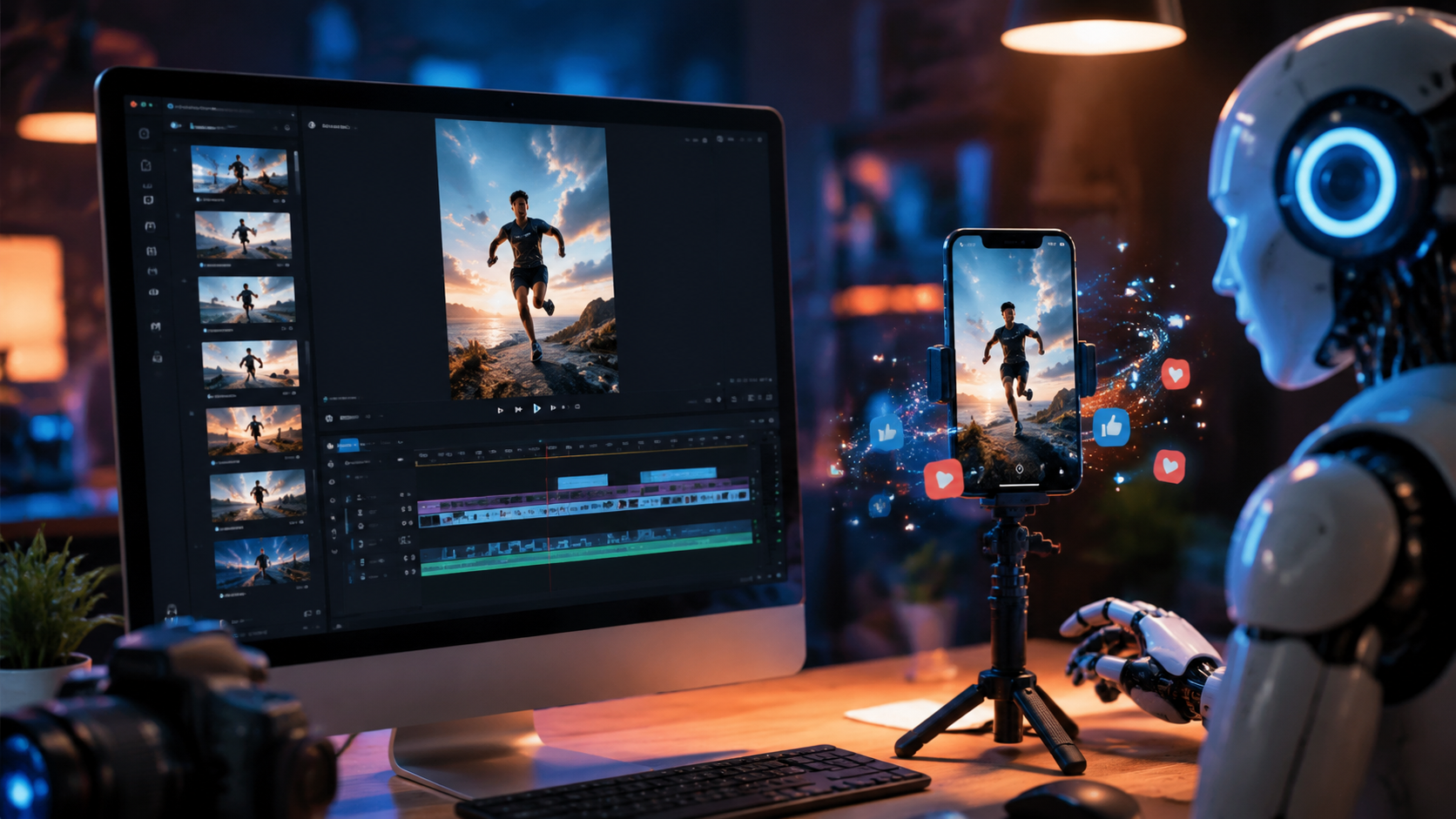
The Google I/O 2026 keynote (YouTube Official Blog, May 19, 2026) unveiled several groundbreaking features that directly impact how creators use AI video for YouTube Shorts. Among the most significant is Gemini Omni, an advanced multimodal model that understands and generates video, audio, and text simultaneously. For Shorts, this means you can create a clip by simply describing a scene or uploading a reference image — the AI fills in the rest.
Another major announcement was "Ask YouTube," an AI-powered conversational search tool (TechCrunch, May 19, 2026). Instead of typing keywords, creators can ask questions like "Show me trending AI videos about cooking" and get curated Shorts suggestions. This feature also works within Shorts editing, helping creators find relevant B-roll and effects.
AI Video Insertion: Insert Yourself Into Any Video
Perhaps the most cutting-edge feature is the ability to use AI to insert yourself into other people’s videos. According to The Hollywood Reporter (May 19, 2026), YouTube is testing a tool that lets creators swap faces, add themselves to existing Shorts, or even generate realistic avatars that mimic their movements. This opens up new possibilities for reaction videos, collaborations, and meme remixes — all essential for viral Shorts.
Additionally, automatic labeling of AI-generated videos was enhanced on May 27, 2026, as reported by Variety. YouTube now requires all content created with generative AI to carry a clear label, ensuring transparency. This helps maintain viewer trust while still encouraging creative use of AI.
How to Create Viral AI Shorts: A Step-by-Step Guide
If you want to leverage AI video for YouTube Shorts to create clips that gain traction, follow this proven workflow. These steps incorporate the latest 2026 tools and best practices.
- Choose your AI platform. Decide between YouTube’s built-in AI (Gemini Omni, "Ask YouTube") or third-party software. For full control, consider tools mentioned by ePHOTOzine (June 5, 2026) for music videos.
- Write a compelling script using AI. Use "Ask YouTube" to generate hook ideas based on trending topics. Paste the result into a text-to-speech tool for a natural voiceover.
- Generate or find visuals. Describe your scene to Gemini Omni (e.g., "a cat dancing in neon lights") to create a 15-second clip. Alternatively, use AI to insert yourself into an existing viral template.
- Add captions and music. AI auto-captioning tools now sync with YouTube’s library. Choose a trending audio track — YouTube’s algorithm favors sounds with high engagement.
- Optimize for search. Include the keyword "ai video for youtube shorts" naturally in the title, description, and hashtags. Use "Ask YouTube" to check which terms are currently popular.
- Publish with AI label. As required by YouTube’s updated policy (Variety, May 27, 2026), toggle the AI-generated content label on. Transparency builds audience trust.
- Analyze with AI. Use YouTube Studio’s new "Ask YouTube" to get insights like: "Why did my last Short fail?" The AI suggests improvements for future clips.
Best Practices for AI-Generated Shorts (2026 Edition)
Creating viral clips with AI video for YouTube Shorts isn’t just about using the latest tools — it’s about strategy. Here are three proven practices based on current trends.
Focus on Emotion and Relatability
AI can generate realistic scenes, but the most viral Shorts still rely on human emotion. Use AI to enhance emotional storytelling — for example, generate a sad face with AI and then pair it with a cheerful background. The contrast drives engagement. According to YouTube’s official blog (May 19, 2026), AI features are designed to augment creativity, not replace it.
Leverage Trending Formats
Use "Ask YouTube" to discover trending Short formats in real time. For example, in June 2026, "music video remixes" are surging thanks to AI video software (ePHOTOzine). Insert yourself into a popular song’s music video using YouTube’s AI insertion feature — this often leads to viral splash.
Maintain Authenticity with Labels
Viewers appreciate honesty. The automatic AI labeling (Variety, May 27, 2026) is mandatory, but you can go a step further by adding a caption like "Made with AI video for YouTube Shorts — try it yourself!" This humanizes the content and encourages sharing.
Comparison: AI Video for Shorts vs Traditional Editing
To help you decide whether to invest in AI tools, here’s a comparison based on current 2026 capabilities.
| Feature | AI Video for YouTube Shorts | Traditional Editing |
|---|---|---|
| Time to create | 5–15 minutes (via text prompts) | 30–120 minutes |
| Skill required | Basic typing & prompts | Intermediate video editing knowledge |
| Customization | High (via AI parameters) | Very high (manual control) |
| Cost | Often free (YouTube native) or subscription (~$10–30/mo) | Software cost + time cost |
| Viral potential | High (AI can match trending aesthetics) | High (if creator understands trends) |
| Authenticity concern | Requires labeling; some viewers skeptical | No label required; perceived as authentic |
According to TechCrunch (May 19, 2026), "Ask YouTube" and Gemini Omni are already being used by top creators to produce Shorts that rank in the top 1% of views within hours.
Ethics, Labeling, and the Future
With great power comes great responsibility. YouTube’s updated labeling policy (Variety, May 27, 2026) requires clear disclosure for all AI-generated content. This includes videos where faces are swapped, scenes are synthetically generated, or scripts come from large language models. Failure to label can lead to demonetization or removal.
Looking ahead, the convergence of AI video for YouTube Shorts with conversational AI (like "Ask YouTube") suggests that soon, creators will be able to dictate an entire Short from start to finish using voice commands. YouTube’s Podcast News Daily (June 5, 2026) also reported expanded creator hubs that integrate AI analytics, making it easier to track virality metrics.
Structured FAQ: AI Video for YouTube Shorts 2026
What is the best AI video tool for YouTube Shorts in 2026?
The best tool depends on your needs. YouTube’s native Gemini Omni and "Ask YouTube" are free and deeply integrated. For advanced features like music video generation, third-party software (as noted by ePHOTOzine) offers more control.
Does YouTube allow AI-generated Shorts?
Yes, but they must be clearly labeled as AI-generated per the policy updated on May 27, 2026 (Variety). Unlabeled AI content may be removed.
How can I make my AI Short go viral?
Use trending sounds, incorporate the "Ask YouTube" feature to find real-time hot topics, and insert yourself into popular videos using the AI insertion tool. Keep clips under 15 seconds for maximum retention.
Is it expensive to use AI for Shorts?
YouTube’s built-in AI tools are free. Third-party software may charge $10–$30 per month. Considering time saved, many creators find it cost-effective.
Can I use AI to create a full music video for Shorts?
Absolutely. According to ePHOTOzine (June 5, 2026), AI video software now enables full music video creation, and you can slice it into Shorts clips for promotion.
Will AI replace human creativity on YouTube?
No. YouTube’s official blog (May 19, 2026) emphasizes AI as a creative tool, not a replacement. The most successful Shorts combine AI efficiency with human storytelling.
How do I label my AI Shorts correctly?
In YouTube Studio, toggle the "AI-generated content" switch before publishing. Also add a note in the description, e.g., "Created using AI video for YouTube Shorts." This follows Variety’s reporting on enhanced labels.
By embracing AI video for YouTube Shorts in 2026, creators can save time, tap into viral trends, and produce content that resonates — all while staying transparent. Start experimenting with YouTube’s new features today to see your Shorts climb the charts.



Comments ()