
AI Video for Commercial Use 2026: Full Guide & Tools
AI video for commercial use refers to the application of artificial intelligence to generate, edit, and produce video content for business purposes such as marketing, advertising, training, and brand storytelling. In 2026, this technology has matured significantly, with platforms like Shutterstock, Runway, and Google offering commercial-ready AI video generation tools that businesses can leverage to create professional content at scale without requiring extensive video production expertise.
AI video for commercial use is the deployment of generative AI tools to produce video content for business applications including advertising, product demos, social media marketing, and corporate communications. These tools enable companies to generate high-quality video from text prompts, images, or existing footage with minimal manual effort while maintaining legal and licensing compliance for commercial distribution.
- ✓ AI video generators in 2026 offer commercial-ready licensing, making them viable for brand marketing and advertising campaigns.
- ✓ Shutterstock, Runway, and Google now lead the market with dedicated commercial-use AI video solutions, including free generation tiers.
- ✓ Businesses can produce professional video content in minutes using text-to-video and image-to-video workflows.
- ✓ Legal frameworks for AI-generated commercial video are maturing, with major platforms providing indemnification and clear usage rights.
- ✓ The best results come from combining AI generation with human oversight for branding, storytelling, and quality control.
What Is AI Video for Commercial Use?
AI video for commercial use refers to the practice of using generative artificial intelligence models to create video content that a business can legally distribute, monetize, or use in marketing and communications. Unlike experimental or personal-use AI video generation, commercial applications require clear licensing terms, copyright clarity, and often higher production quality standards.
In 2026, the distinction between consumer AI video tools and commercial-grade solutions has become sharper. Platforms such as Shutterstock have introduced dedicated commercial-ready GenAI solutions, as reported by PR Newswire in April 2026, specifically designed for businesses that need to use AI-generated footage in paid advertisements, product launches, and client-facing materials. According to CNET's review of the Best AI Video Generators of 2026, the top tools now prioritize output resolution, brand consistency, and licensing transparency as core features for commercial users.
How Commercial AI Video Differs from Consumer Tools
Commercial AI video tools typically include watermark-free exports, higher resolution outputs (up to 4K), batch processing capabilities, and explicit commercial usage rights. Consumer tools, by contrast, often limit resolution, add watermarks, or restrict the use of generated content in paid advertising. For businesses evaluating ai video for commercial use, these distinctions are critical when choosing a platform.
Why 2026 Is the Year of Commercial AI Video
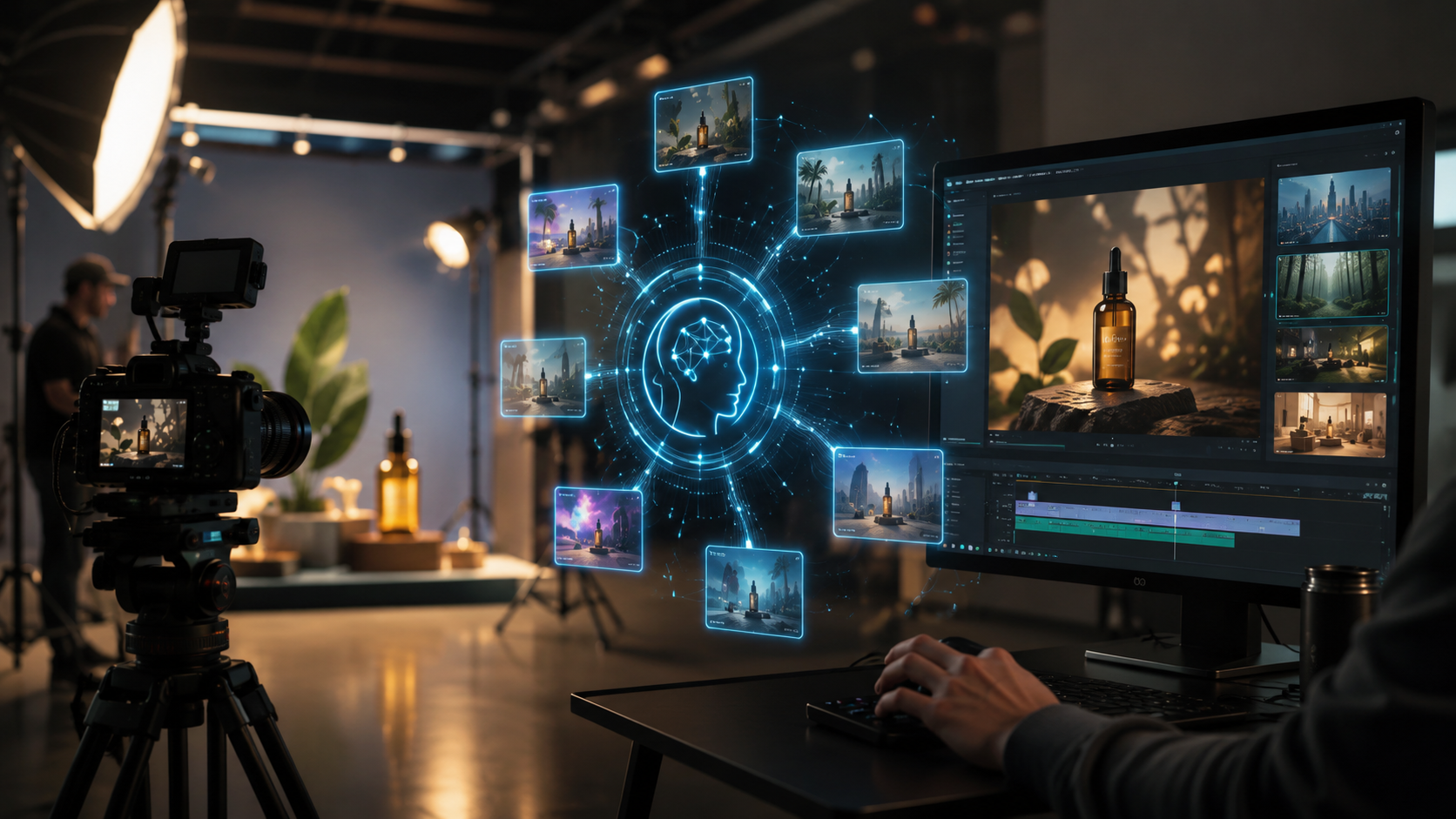
The landscape for AI-generated commercial video has shifted dramatically in 2026. Multiple industry developments have converged to make this the year businesses can confidently adopt AI video production at scale. Ventureburn's ranking of the 10 Best Free AI Video Generators in 2026 highlighted that even free-tier options now offer commercial-grade features, lowering the barrier to entry for small and medium businesses.
According to Stock Titan's coverage in April 2026, Shutterstock expanded its AI video capabilities by integrating models from Google and Runway AI, offering users two free video generations to test commercial workflows. This integration signals a broader trend: major stock media and creative platforms are embedding AI video directly into their existing commercial ecosystems, making it easier for businesses to adopt without switching tools.
The Wall Street Journal reported in April 2026 that AI-generated videos are increasingly appearing on consumer devices, with many originating from Chinese AI companies. This global proliferation underscores the urgency for Western businesses to adopt commercial AI video tools to remain competitive in content marketing and advertising.
Top AI Video Generators for Commercial Use in 2026
Choosing the right platform for ai video for commercial use depends on your business needs, budget, and desired output quality. Below is a comparison of the leading tools based on the latest reviews from CNET, Ventureburn, and industry announcements.
| Tool | Key Commercial Feature | Free Tier | Max Resolution | Licensing for Ads |
|---|---|---|---|---|
| Shutterstock AI Video | Commercial-ready GenAI with legal indemnification | 2 free generations (with Google & Runway integration) | 4K | Full commercial license included |
| Runway AI | Advanced text-to-video and video-to-video editing | Limited free credits | 4K | Commercial license on paid plans |
| Google AI Video (via Shutterstock) | Integration with Google's generative models | Part of Shutterstock's free tier | 4K | Full commercial license included |
| Pika Labs | Fast generation with style control | Free daily credits | 1080p | Commercial license on Pro plan |
| Kaiber | Artist-style presets for branded content | Free trial | 4K | Commercial license on Creator plan |
According to CNET's ranking, the best AI video generators of 2026 were evaluated on output quality, speed, ease of use, and commercial readiness. Shutterstock's offering stood out for its direct integration with stock media licensing, while Runway was praised for its creative control and editing flexibility.
Free AI Video Generators for Commercial Use
Ventureburn's review of the 10 Best Free AI Video Generators in 2026 confirmed that several platforms now offer genuinely useful free tiers for commercial testing. Shutterstock's two free generations (powered by Google and Runway AI) allow businesses to evaluate output quality before committing to a paid plan. Other free tools mentioned include Pika Labs and Kaiber, though users should carefully review each platform's terms of service regarding commercial usage rights on free accounts.
How to Create AI Video for Commercial Use: A Step-by-Step Guide
Creating professional AI-generated video for your business in 2026 is straightforward when you follow a structured workflow. Based on the beginner's guide published by INQUIRER.net USA in May 2026 and best practices from leading platforms, here is a step-by-step process for producing commercial-ready AI video.
- Define your commercial objective. Determine whether the video will be used for social media advertising, product demos, brand storytelling, or internal training. This decision affects resolution, length, and licensing requirements.
- Choose a commercial-grade AI video platform. Select a tool from the comparison table above that offers explicit commercial licensing for your use case. Shutterstock, Runway, and Google are the most reliable options for businesses.
- Prepare your input assets. Write a detailed text prompt describing the scene, style, mood, and branding elements. For best results, include reference images, brand colors, and logos that the AI can incorporate.
- Generate your first draft. Use the platform's text-to-video or image-to-video feature to create an initial version. Review the output for alignment with your brand guidelines and commercial objectives.
- Iterate and refine. Adjust your prompt based on the output. Many platforms allow you to edit specific segments, change styles, or extend the video length. Use the free generation tiers to experiment without cost.
- Add finishing touches. Import the AI-generated video into a traditional editor (such as Adobe Premiere or DaVinci Resolve) to add voiceover, music, captions, and brand overlays. This step ensures the final product meets professional commercial standards.
- Review licensing and export. Confirm that your platform's license covers your intended use, especially for paid advertising. Export at the highest resolution available (preferably 4K) and save a copy of your license agreement.
This workflow, recommended by INQUIRER.net USA's complete beginner's guide, helps businesses avoid common pitfalls such as unclear licensing, low-resolution outputs, and off-brand visuals. By following these steps, you can produce ai video for commercial use that is both legally sound and professionally polished.
Legal and Licensing Considerations for AI Video for Commercial Use
One of the most critical aspects of ai video for commercial use is understanding the legal framework surrounding generated content. In 2026, major platforms have made significant progress in clarifying usage rights, but businesses must still exercise due diligence.
Shutterstock's commercial-ready GenAI solutions, as announced by PR Newswire in April 2026, include full legal indemnification for businesses that use their AI-generated footage in commercial projects. This means Shutterstock assumes liability for copyright claims related to the training data used by its models. Similarly, Runway and Google offer commercial licensing on their paid tiers, though the specific terms vary by plan.
Key Legal Questions to Ask Before Using AI Video Commercially
Before publishing any AI-generated video for business purposes, confirm the following: Does the platform grant a worldwide, perpetual, royalty-free license for commercial use? Are there restrictions on using the video in paid advertising? Does the platform offer indemnification against third-party copyright claims? The answers to these questions will determine whether a tool is truly suitable for commercial applications.
According to the Wall Street Journal's April 2026 report, the global nature of AI video generation means that content created on foreign platforms may be subject to different legal standards. Businesses should prioritize platforms with clear, jurisdiction-specific commercial terms and a track record of protecting commercial users.
Best Practices for AI Video in Commercial Marketing
Using AI video for commercial use effectively requires more than just pressing "generate." Businesses that achieve the best results combine AI efficiency with human creativity and strategic oversight. Here are best practices drawn from the latest industry insights.
Maintain brand consistency. AI video tools can produce stunning visuals, but they may not automatically adhere to your brand guidelines. Provide the AI with style references, color palettes, and logo assets. Review every frame to ensure it aligns with your brand identity before publishing.
Combine AI with human editing. The most successful commercial AI videos are not purely AI-generated. They combine AI-generated footage with human-directed editing, voiceover, sound design, and post-production polish. INQUIRER.net USA's beginner's guide emphasizes that treating AI as a creative partner rather than a replacement yields the best commercial outcomes.
Test with free generations first. Ventureburn's ranking of free AI video generators in 2026 highlighted that businesses can evaluate multiple platforms without financial risk. Use free tiers to test output quality, generation speed, and licensing clarity before committing to a paid subscription.
Plan for scalability. If your business plans to produce AI video regularly, choose a platform that offers batch processing, API access, and team collaboration features. Shutterstock's integration with Google and Runway AI, for example, allows businesses to scale production while maintaining consistent quality and licensing.
Frequently Asked Questions About AI Video for Commercial Use
Can I use AI-generated video in paid advertisements?
Yes, but only if the platform you use grants explicit commercial licensing for advertising. Shutterstock, Runway, and Google all offer commercial licenses on their paid plans. Always review the terms of service for your specific use case before launching any paid campaign.
Do I own the copyright to AI-generated commercial video?
Copyright ownership of AI-generated content varies by jurisdiction and platform. In 2026, most major commercial AI video platforms grant you full ownership of the output under their paid plans, subject to their terms. Shutterstock's commercial-ready GenAI solutions include a license that transfers ownership to the user for commercial projects.
What is the best free AI video generator for commercial use in 2026?
According to Ventureburn's ranking of the 10 Best Free AI Video Generators in 2026, Shutterstock's offering (with two free generations powered by Google and Runway AI) is the strongest option for commercial use because it includes full commercial licensing even on the free tier. Other free tools may have restrictions, so always check the license terms.
How long does it take to generate a commercial AI video?
Generation times vary by platform and complexity, but most tools produce a 10- to 30-second video clip in 30 seconds to 5 minutes. Higher resolutions and more complex scenes may take longer. The step-by-step workflow outlined in this guide typically takes 15 to 30 minutes from prompt to final export.
Is AI video safe for commercial use regarding copyright and legal risks?
When you use a reputable platform with clear commercial licensing and legal indemnification, the risks are significantly reduced. Shutterstock, for example, offers indemnification for its commercial-ready GenAI solutions. However, businesses should always conduct their own legal review, especially for high-stakes campaigns or regulated industries.
What resolution should I use for commercial AI video?
For professional commercial use, 4K resolution is recommended whenever possible. Most leading platforms in 2026, including Shutterstock and Runway, support 4K output on their paid plans. 1080p is acceptable for social media and internal use, but 4K ensures your content remains future-proof and suitable for larger displays.
Can AI video replace traditional video production entirely?
AI video is a powerful complement to traditional production, but it is unlikely to replace it entirely for high-end commercial work. The best results come from combining AI-generated footage with human-directed editing, professional voiceover, and post-production polish. For many businesses, AI video reduces production time and cost while maintaining professional quality.



Comments ()