
AI Video Editor with AI Voiceover (2026): Best Tools & Guide
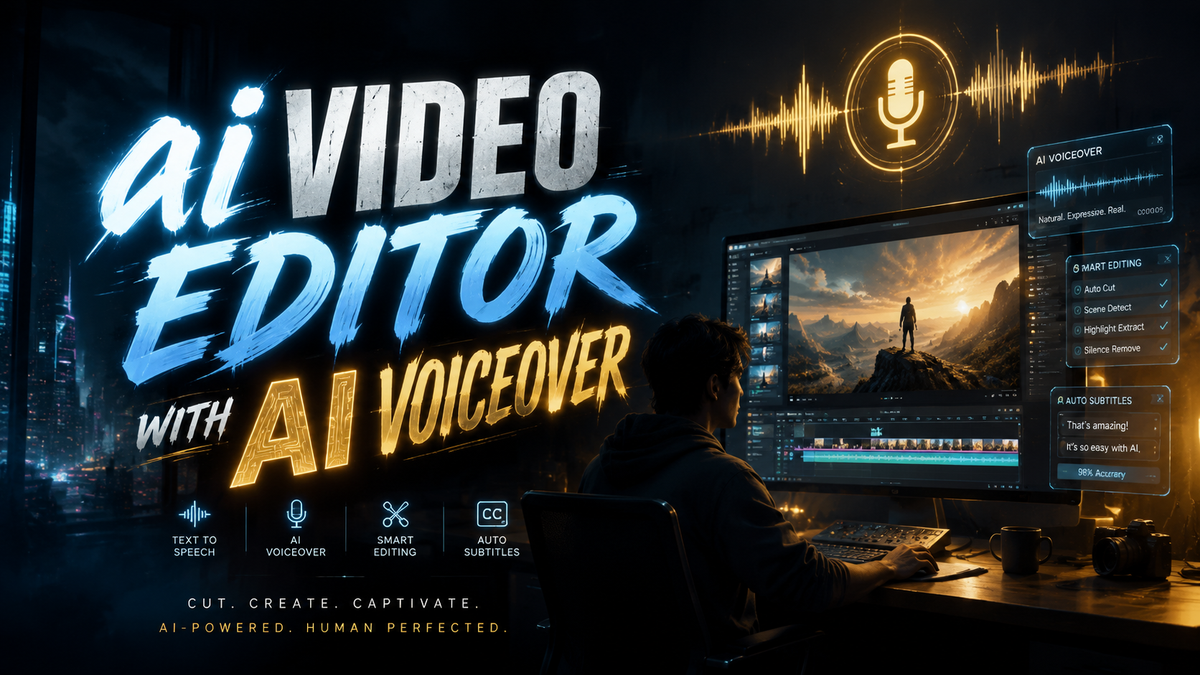
An AI video editor with AI voiceover is an all-in-one software tool that combines automated video editing capabilities with intelligent text-to-speech and voice synthesis, allowing creators to produce professional videos without recording their own audio. In 2026, these tools have become essential for content creators, marketers, and educators who need to generate high-quality voiceovers in seconds, often in multiple languages and with realistic emotional tones, powered by the latest advancements in generative AI.
An AI video editor with AI voiceover is a platform that uses machine learning to automatically edit video footage, add transitions, and generate natural-sounding voiceovers from text. It eliminates the need for traditional recording studios or manual voice acting, enabling anyone to create polished video content quickly and cost-effectively.
- ✓ Adobe Firefly now includes integrated AI voiceover generation alongside video and audio editing (Launched October 2025).
- ✓ Storyblocks introduced an AI Toolkit in November 2025, featuring text‑to‑voice and scene detection tools for modern creators.
- ✓ VideoGen AI (reviewed in February 2026) can replace many manual editing steps, including voiceover and subtitle generation.
- ✓ A 2026 guide from Punch Newspapers shows step‑by‑step how to add AI voiceovers without any recording hardware.
- ✓ YouTube creators report time savings of up to 70% when using AI voiceover‑enabled editors (Container News, August 2025).
Why AI Voiceover Integration Matters in 2026
The demand for video content continues to explode, and audiences expect high‑production value even from short social clips. Until recently, adding a voiceover meant hiring a voice actor, renting studio time, or spending hours recording and re‑recording your own lines. In 2026, AI video editors with built‑in voiceover capabilities have changed the game entirely. According to Adobe’s Newsroom release on October 28, 2025, Adobe Firefly now delivers “groundbreaking AI audio, video and imaging innovations” in a single creative studio, including the ability to generate voiceovers from text prompts with fine‑grained control over tone, pace, and emphasis.
Similarly, Storyblocks introduced its AI Toolkit on November 19, 2025, which PR Newswire reported as “empowering the modern creator” with text‑to‑voice, automated video assembly, and a library of royalty‑free assets. These developments mean that a single tool can now handle the entire video‑creation workflow—script writing, editing, voiceover generation, and final rendering—without the user ever touching a microphone.
The Rise of Real‑Time Voice Cloning
One of the most significant breakthroughs in 2025‑2026 is the ability to clone a specific voice (with permission) and then generate new voiceovers that sound identical to the original speaker. The Verge’s report on Adobe’s new AI audio tools (October 28, 2025) highlighted that users can now upload a short sample of a voice and have the AI narrate an entire video in that same voice. This feature is particularly useful for brands that want a consistent spokesperson voice across all video content.
How to Add AI Voiceovers to Your Videos (Step‑by‑Step Guide)
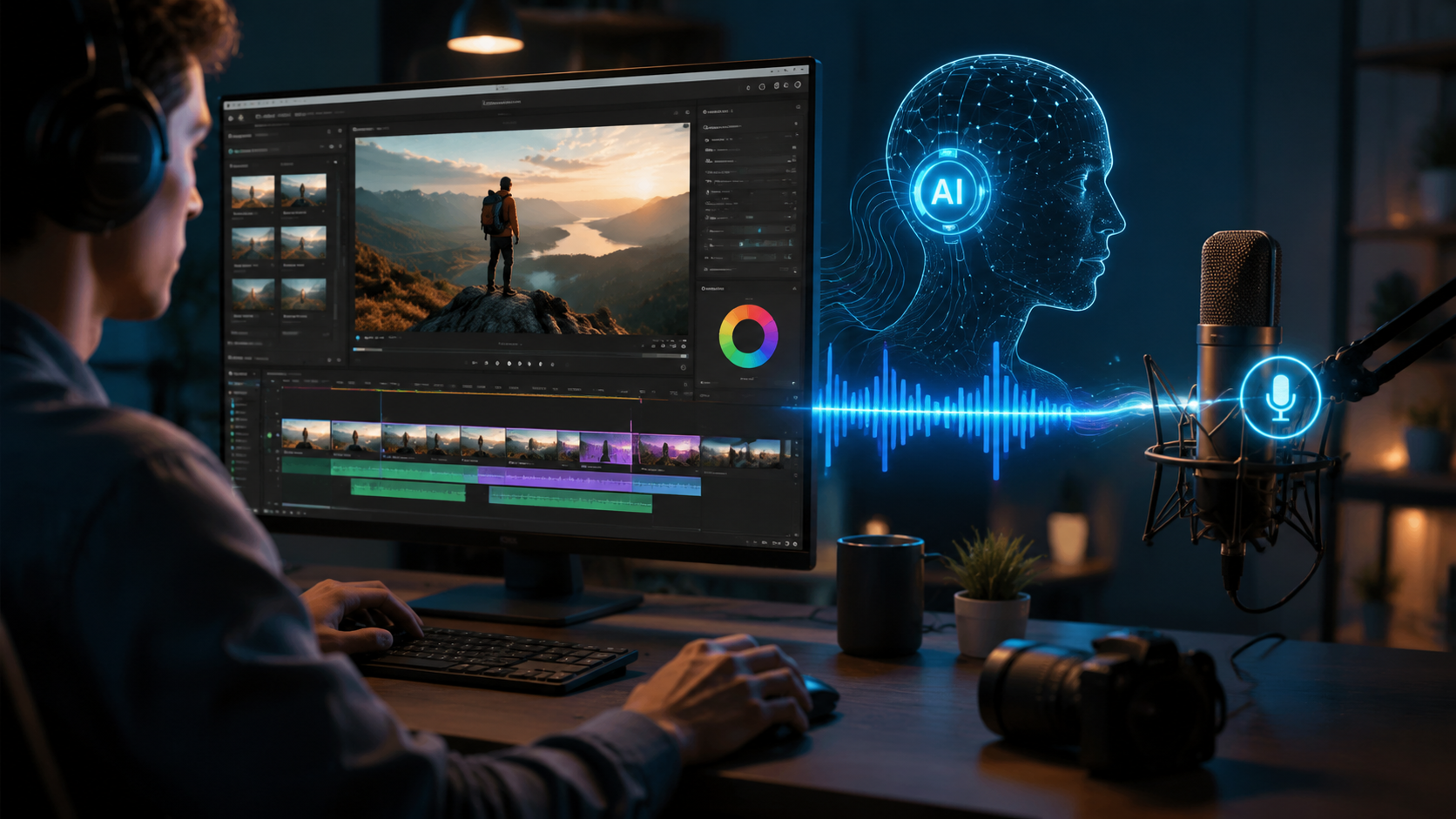
Based on the latest best practices from the “How to Add AI Voiceovers to Videos Without Recording (2026 Guide)” published by Punch Newspapers (May 26, 2026), here is a straightforward, numbered workflow that works with most modern AI video editors.
- Choose an AI video editor with integrated voiceover. Look for tools like Adobe Firefly (2025 version+), Storyblocks AI Toolkit, or VideoGen AI, which offer text‑to‑speech directly inside the editing interface.
- Import or create your video footage. Upload your existing clips or use the editor’s built‑in stock library. Trim, arrange, and apply basic transitions.
- Write or paste your script. Most editors have a script panel where you type the narration. Keep sentences short and conversational for the best AI inflection.
- Select a voice and adjust parameters. Choose from available AI voices (often dozens, in multiple languages and accents). Many editors let you adjust speed, pitch, and even emotional tone (excited, serious, calm).
- Sync the voiceover to your timeline. Drag the generated audio track to the exact points where narration should start and end. Some advanced editors auto‑sync with scene changes.
- Preview and fine‑tune. Play back the video. If the timing or tone is off, highlight the segment and regenerate with different settings.
- Export your final video. Render the project in your desired resolution. All background AI processes (voiceover, subtitles, effects) are baked into the final file.
Top AI Video Editors with AI Voiceover in 2026
To help you choose the right tool for your needs, here is a comparison of the three most talked‑about platforms based on the research gathered in 2025‑2026. Each offers a unique balance of features, pricing, and ease of use.
| Tool | Launch / Update | Key Voiceover Features | Pricing (Approx.) |
|---|---|---|---|
| Adobe Firefly | October 2025 (integrated audio, video, imaging) | Voice cloning, multi‑language TTS, emotional tone control, seamless integration with Premiere Pro | Part of Creative Cloud subscription (from US$54.99/mo) |
| Storyblocks AI Toolkit | November 2025 | Text‑to‑voice with royalty‑free assets, scene detection, automated voiceover sync | Starting at US$30/mo (annual plan) |
| VideoGen AI | Reviewed February 2026 | Full automated editing pipeline including voiceover, subtitles, and background music; supports 30+ languages | Free tier available; Pro from US$19/mo |
Adobe Firefly is the most comprehensive option for professionals already in the Adobe ecosystem. Storyblocks appeals to creators who want a large media library alongside AI tools. VideoGen AI is the budget‑friendly choice for beginners and solo creators, as noted in Cybernews’ February 2026 review, which found it “can replace manual editing for standard social media videos.”
Key Features to Look for in an AI Video Editor with AI Voiceover
Not all AI video editors are created equal. When evaluating tools in 2026, consider these essential capabilities that separate a helpful tool from a truly transformative one.
Realistic Voice Synthesis & Customization
The best editors now use neural text‑to‑speech that sounds almost indistinguishable from a human recording. Look for features such as adjustable pitch, speed, and emotion (e.g., “happy,” “serious,” “whisper”). Adobe Firefly, for example, allows users to “paint” the desired emotion over specific words in the script, giving you director‑level control.
Multi‑Language & Accent Support
Global content creators need voiceovers in multiple languages without the hassle of hiring native speakers. VideoGen AI supports over 30 languages, and Storyblocks includes regional accents within several languages. This feature alone can slash localization time by 80%.
Automatic Scene‑Aware Sync
Advanced tools can analyze your video’s scenes—detecting cuts, action peaks, and silent moments—and automatically place voiceover clips to match. The Container News article (August 25, 2025) highlighted that YouTube creators using such features save hours previously spent on manual lip‑sync and audio editing.
Integrated Asset Libraries
Having a built‑in library of stock video, music, and sound effects means you never have to leave the editor to find background audio or B‑roll. Storyblocks’ AI Toolkit is particularly strong in this area, offering millions of royalty‑free assets directly in the editing window.
How AI Video Editors Are Changing YouTube Content Creation
The impact of AI video editors with integrated voiceover rolls up most visibly in the YouTube creator community. According to a report from Container News (August 25, 2025), creators who adopted these tools reported cutting their production time by more than half, allowing them to publish higher‑quality videos more frequently. The ability to generate a clean voiceover in seconds—without background noise, breath pops, or room echo—eliminates one of the biggest friction points for solo creators.
Moreover, the same article noted that creators are using AI voiceovers to produce content in additional languages. A single video can now be exported in English, Spanish, French, and German with consistent narration, opening up new international audiences without the expense of dubbing studios.
Case‑in‑Point: Educational Content
Educational YouTubers, in particular, have embraced AI voiceover editors for explainer videos and online courses. Instead of spending an hour recording a 10‑minute lecture, they can now type the script and let the AI generate a polished voiceover in minutes. The results, as shown in the Cybernews review of VideoGen AI, are often indistinguishable from human‑recorded narration for factual or instructional content.
Frequently Asked Questions
Can I use an AI voiceover for commercial videos?
Yes. Most AI video editors with voiceover, such as Adobe Firefly and Storyblocks, grant commercial usage rights for voices generated with their tools. Always check the license terms, but standard subscriptions typically cover commercial projects like ads, YouTube monetization, and corporate training.
How realistic do AI voiceovers sound in 2026?
Modern tools use deep learning models trained on thousands of hours of speech. The latest versions, like those in Adobe Firefly (October 2025), produce voices with natural inflection, pauses, and even subtle breath sounds. Many listeners cannot distinguish them from human recordings, especially for narrative or expository content.
Do I need a powerful computer to run an AI video editor with voiceover?
Not necessarily. Most AI voiceover processing happens in the cloud. Lightweight applications like VideoGen AI run on any modern laptop or tablet. For more advanced tools like Adobe Firefly, a mid‑range desktop or laptop with a dedicated GPU is recommended for real‑time preview, but the voiceover generation itself is server‑side.
Can I use my own voice as the AI model?
Yes. Adobe Firefly introduced voice cloning (October 2025) that lets you upload a short sample and generate new voiceovers in your own voice. Other tools like Storyblocks and VideoGen AI are expected to roll out similar features later in 2026. Always ensure you have explicit permission before cloning someone else’s voice.
Are AI voiceover tools affordable for beginners?
Many have free tiers. VideoGen AI offers a free plan with basic features, while Storyblocks has a low entry price of around $30/month. Adobe Firefly is part of Creative Cloud but also has a free preview available. For most solo creators, the investment pays for itself by eliminating the cost of hiring voice actors and studio time.
By 2026, the combination of AI video editing and AI voiceover has moved from a novelty to a standard workflow for millions of creators. Whether you are a YouTuber, a corporate communicator, or a social media marketer, the tools covered in this guide—Adobe Firefly, Storyblocks AI Toolkit, and VideoGen AI—offer the fastest path from script to finished video, all without picking up a microphone. Start with the step‑by‑step guide above, experiment with the free tiers, and discover how an AI video editor with AI voiceover can transform your content creation process.



Comments ()