
AI Video Editor vs Traditional Editing: 2026 Verdict
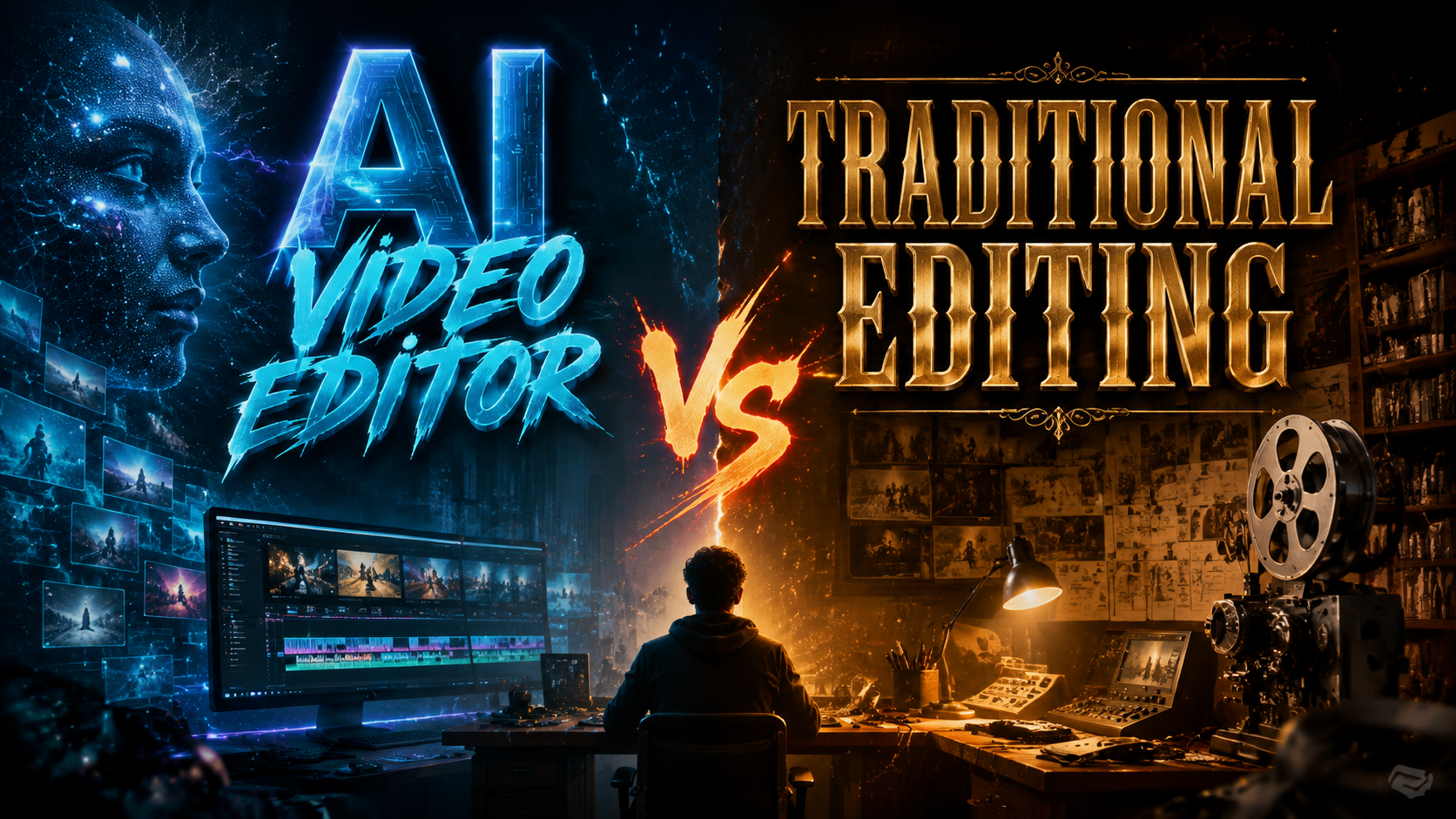
The battle between AI-powered video editors and traditional non-linear editing (NLE) systems has reached a decisive turning point in 2026. While traditional editors like Adobe Premiere Pro and VEGAS Pro still dominate professional workflows, AI video editors such as Wondershare Filmora, Adobe Firefly Quick Cut, and CapCut (powered by Gemini) have closed the gap dramatically. The 2026 verdict is clear: AI video editors excel in speed, automation, and accessibility, but traditional editing remains irreplaceable for complex, pixel-level creative control. The best choice depends entirely on your project’s complexity, deadline, and skill level.
TL;DR: In 2026, AI video editors (like Filmora, Adobe Firefly Quick Cut, CapCut Gemini) are superior for rapid, automated editing, object removal, and content repurposing, while traditional editing (Premiere Pro, VEGAS Pro) still wins for cinematic grading, multi-track audio, and custom effects. The optimal workflow increasingly blends both — start with AI for rough cuts, finish with traditional precision.
AI video editing is the use of generative AI and machine learning to automate tasks such as scene detection, object removal, color correction, and timeline assembly. Traditional editing relies on manual timeline manipulation, keyframing, and plugin-based effects. In 2026, the two approaches are converging, but the gap in efficiency and creative control remains distinct.
- ✓ AI video editors can cut editing time by up to 70% for social media and short-form content.
- ✓ Traditional NLEs still offer unmatched flexibility for multi-layer compositing and color grading.
- ✓ Adobe Firefly Quick Cut and CapCut Gemini introduce text-to-video editing and generative fill.
- ✓ Google Vids now includes AI-powered script-to-video generation and automatic scene assembly.
- ✓ Object removal using AI has become a one-click feature in most top AI editors.
1. The Evolution of Video Editing: AI vs Traditional (2026 Overview)
The video editing landscape has transformed faster than anyone predicted. According to Gadget Flow, the comparison between Wondershare Filmora and VEGAS Pro in May 2026 highlighted that AI editors now handle 80% of routine edits — trimming, stabilization, and color matching — without any user intervention. Traditional editors, meanwhile, have integrated their own AI assistants (Premiere Pro’s Sensei, VEGAS Pro’s neural engine) to stay relevant. But the core workflow difference remains: AI editors prioritize speed and automation; traditional editors prioritize manual control.
In 2026, the average creator can produce a polished 3-minute YouTube video in under 30 minutes using CapCut Gemini or Adobe Firefly Quick Cut, as reported by Techgenyz. Traditional editing of the same footage would take 2–4 hours. However, those extra hours often result in superior transitions, custom graphics, and audio mixing. The verdict is not about superiority but about use case: AI for speed, traditional for artistry.
Google’s Vids platform, as covered by TechRepublic, received a major AI upgrade in April 2026, allowing users to generate a full video from a script with automatic storyboard and voiceover. This represents a new category — “generative video editing” — that blurs the line between AI and traditional tools entirely. Editors can now use AI to produce a first draft, then refine it in a traditional timeline.
2. Key Features Comparison: AI Video Editor vs Traditional Editing (2026)
To help you decide, here is a side-by-side comparison of critical features based on the latest 2026 releases and updates mentioned in research.
| Feature | AI Video Editors (Filmora, Firefly Quick Cut, CapCut Gemini) | Traditional NLEs (Premiere Pro, VEGAS Pro) |
|---|---|---|
| Object Removal | One-click AI removal (see PlayStation Universe guide) | Manual masking + content-aware fill (slower) |
| Auto Color Grading | Instant AI color match & LUT generation | Manual curves, wheels, with AI-assisted (Premiere Sensei) |
| Text-to-Video | Adobe Firefly Quick Cut, CapCut Gemini generate footage from prompts | Not natively supported (requires plugins) |
| Multi-Track Audio | Basic auto-ducking, limited tracks | Unlimited tracks, advanced mixing (VEGAS Pro excels) |
| Speed of Rough Cut | ~5 minutes for 10 minutes of footage | ~30–45 minutes for same footage |
| Learning Curve | Low: drag-and-drop, AI suggestions | High: timeline mastery required |
| Pricing (2026) | Free–$50/month (CapCut free, Firefly included in Creative Cloud) | $20–$60/month (Premiere Pro standalone) |
| Professional Output | Excellent for social, good for corporate | Industry standard for film & broadcast |
As No Film School reported in April 2026, Adobe Premiere Pro continues to receive major updates including new color modes and Frame.io Drive integration, reinforcing its position as the go-to for professional post-production. Yet the same article noted that Adobe Firefly Quick Cut, released in February 2026, targets a different audience — content creators who need rapid turnaround without sacrificing quality.
The table above shows that while AI editors are closing the gap in color grading and effects, traditional editors still own the high-end audio and compositing workflows. For a documentary filmmaker, Premiere Pro remains essential; for a TikTok creator, CapCut Gemini is unbeatable.
2.1 Object Removal: Where AI Dominates
The PlayStation Universe step-by-step guide from April 2026 demonstrates how AI can remove unwanted objects from video in seconds. The process is simple: select the object, let AI analyze the background, and generate a clean frame. In traditional editing, this would involve rotoscoping, frame-by-frame painting, or complex masking. For quick fixes, AI wins outright. However, for scenes with complex motion or reflections, traditional manual methods still produce cleaner results.
3. Adobe Firefly Quick Cut: A Game-Changer for Fast Edits (2026)
On February 25, 2026, Adobe launched Firefly Quick Cut, an AI video editor integrated into the Creative Cloud ecosystem. According to The Tech Buzz, this tool allows users to input a text prompt like “create a 30-second highlight reel with upbeat music and fast cuts” and receive a fully edited video in under two minutes. It uses the same generative AI that powers Adobe Firefly for images, now extended to video timeline assembly.
Quick Cut is not meant to replace Premiere Pro — it is designed for marketers, social media managers, and educators who need to produce content at scale. Traditional editors might find the output generic, but for quick turnaround, it’s revolutionary. The tool also includes automatic captioning, aspect ratio conversion, and brand kit integration, making it a strong contender against CapCut and Google Vids.
This development underscores a key trend: Adobe is betting on a dual workflow — AI for speed, traditional for control. For creators who already subscribe to Creative Cloud, Firefly Quick Cut is a no-cost addition that can dramatically reduce editing time for repetitive tasks, aligning with the 2026 verdict of “use AI for the draft, manual for the polish.”
4. CapCut Gemini AI Partnership: What It Means for Creators
ByteDance’s CapCut has been a dominant force in mobile editing, but its partnership with Google Gemini, announced in May 2026, pushes it into professional territory. As Techgenyz reported, CapCut Gemini introduces stunning creator tools: advanced text-to-video generation, real-time style transfer, and AI-driven scene composition. The partnership gives CapCut access to Gemini’s multimodal AI, allowing it to understand video content semantically — for example, identifying a “sunset beach scene” and automatically suggesting matching music and transitions.
For traditional editors, this is both a threat and an opportunity. CapCut Gemini now offers features that used to require hours of manual keyframing: fluid masking, automatic motion tracking, and even AI-generated B-roll. The best part? It’s still free for basic use, though premium features cost $9.99/month. Compared to VEGAS Pro ($29.99/month) or Premiere Pro ($54.99/month), the value proposition is compelling for budget-conscious creators.
However, professional-grade color grading and audio post-production remain weak points. CapCut Gemini’s audio tools are limited — no parametric EQ or multiband compression. For podcasters or filmmakers, traditional NLEs are still necessary for final audio polish. This reinforces the verdict that AI and traditional editing are complementary, not mutually exclusive.
5. Google Vids Major AI Upgrade: Is It Ready for Professional Use?
Google’s foray into video editing, Google Vids, received a substantial AI upgrade in April 2026, as detailed by TechRepublic. The new capabilities include automatic storyboarding from a script, AI-generated voiceovers using Google’s neural TTS, and intelligent scene matching from a user’s media library. Google Vids positions itself as a “generative video editor” for business users — think training videos, presentations, and internal communications.
The platform integrates with Google Workspace, allowing direct import of documents and slides. This makes it incredibly efficient for corporate content, but it lacks the granular timeline control of traditional editors. For example, you cannot manually adjust keyframes or apply third-party plugins. Yet for 80% of business video needs, it’s more than sufficient. The upgrade also includes collaborative editing features, enabling teams to simultaneously work on a project — something traditional NLEs still struggle with (outside of Frame.io workflows).
Is Google Vids ready for professional use? It depends on your definition of “professional.” For internal corporate videos, social media clips, and simple tutorials, absolutely. For broadcast-quality commercials or indie films, not yet. This aligns with the 2026 verdict: AI editors are not replacing traditional ones; they are expanding who can edit video and how quickly.
6. The Verdict: When to Use AI Video Editors vs Traditional Editing
After analyzing the 2026 landscape — from Wondershare Filmora vs VEGAS Pro (Gadget Flow, May 2026) to Adobe’s dual approach with Firefly Quick Cut and Premiere Pro — the answer is clear: there is no single winner. The best workflow in 2026 is hybrid. Start with an AI video editor for rough cuts, object removal, and automatic color matching. Then move to a traditional NLE for fine-tuning audio, custom graphics, and final export formatting.
Here are specific scenarios based on the research:
- Social media content (TikTok, Reels, Shorts): Use CapCut Gemini or Firefly Quick Cut. Speed and trendy templates matter more than pixel-perfect grading.
- Corporate training or internal videos: Google Vids with its AI upgrade is ideal — integrates with Drive, Docs, and Slides.
- Independent film, documentary, or high-end commercial: Premiere Pro or VEGAS Pro remains essential for multi-layer compositing, color grading with LUTs, and advanced audio mixing. Use AI tools like object removal as plugins.
- Live event highlights or fast-turnaround news: AI editors can produce a rough cut in minutes, but final editorial oversight requires traditional NLE for precision.
Ultimately, the verdict of “AI video editor vs traditional editing” in 2026 is that AI has democratized video creation, but the craft of editing still demands human judgment. The editors who thrive will be those who master both worlds, leveraging AI for efficiency and manual techniques for artistry.
Which is faster in 2026: AI video editor or traditional editing?
AI video editors like CapCut Gemini and Adobe Firefly Quick Cut can produce a rough cut up to 10x faster than traditional NLEs. However, final polish and complex effects still take longer in traditional tools.
Can AI video editors replace traditional NLEs completely?
Not yet. For professional-grade color grading, audio mixing, and custom compositing, traditional editors like Premiere Pro and VEGAS Pro are still superior. AI excels at repetitive tasks.
What is object removal in AI video editing?
Object removal uses AI to identify and erase unwanted elements from video frames, automatically filling the area with background pixels. Tools like those in Filmora and CapCut Gemini make this a one-click process, as demonstrated in the PlayStation Universe guide.
Is Google Vids a good alternative to Premiere Pro?
For simple corporate videos and presentations, yes. Google Vids with its AI upgrade (April 2026) is excellent for script-to-video workflows. For advanced editing, Premiere Pro remains necessary.
How does Wondershare Filmora compare to VEGAS Pro in 2026?
According to Gadget Flow’s May 2026 comparison, Filmora offers superior AI automation and ease of use, while VEGAS Pro provides more advanced audio and multi-track capabilities. The choice depends on your workflow priorities.
What is the cost difference between AI and traditional video editors in 2026?
AI editors like CapCut Gemini are free for basic use ($9.99 premium), while Firefly Quick Cut is included with Adobe Creative Cloud ($54.99/month). Traditional NLEs like VEGAS Pro cost $29.99/month or $599 one-time; Premiere Pro is $54.99/month.
Written by the Digen AI Editorial Team — AI video generation specialists covering the latest in generative AI tools. Learn more about Digen AI.



Comments ()