
AI Video Editor vs CapCut 2026: Which Wins?
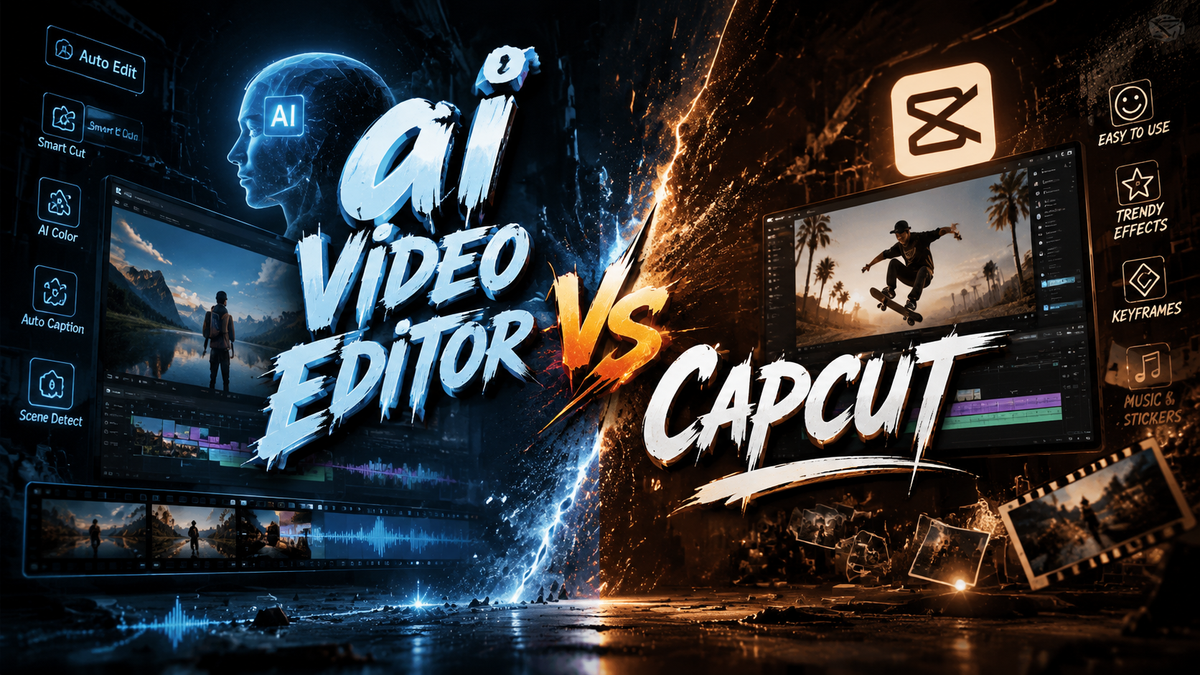
In 2026, the debate between an AI video editor and CapCut comes down to your creative needs and technical comfort. CapCut has transformed from a simple mobile editor into a full-fledged AI-powered platform with Gemini integration and Dreamina Seedance 2.0, while dedicated AI video editors offer specialized generative capabilities for advanced users. The answer to "which wins" depends on whether you prioritize an all-in-one editing suite or cutting-edge generative AI features.
An AI video editor is a specialized tool that uses generative artificial intelligence to automate video creation, editing, and enhancement tasks, often from text prompts or raw footage. CapCut, by contrast, is a comprehensive video editing application that has integrated AI features like Gemini support (announced May 2026) and Dreamina Seedance 2.0 (March 2026) to offer both traditional editing controls and AI-powered generation in a single interface.
- ✓ CapCut now integrates with Gemini (May 2026) for seamless AI-assisted editing across Google’s ecosystem.
- ✓ ByteDance’s Dreamina Seedance 2.0 brings advanced AI video generation directly into CapCut (March 2026).
- ✓ Dedicated AI video editors excel at automated text-to-video and generative tasks but lack CapCut’s full editing toolset.
- ✓ Adobe and Canva are also bringing AI video tools to Gemini, intensifying competition in the AI editing space.
- ✓ For most users in 2026, CapCut offers the best balance of AI innovation and traditional editing power.
AI Video Editor vs CapCut: The 2026 Revolution
The landscape of video editing has shifted dramatically in 2026. What once required hours of manual timeline work, keyframe animation, and color grading can now be accomplished in minutes with the help of artificial intelligence. Both AI video editors and CapCut have embraced this transformation, but they have taken different paths to get there.
According to Amateur Photographer (April 17, 2026), the best video editing software in 2026 includes programs that "literally anyone can use." This democratization of video editing is driven by AI features that automate complex tasks. CapCut, in particular, has emerged as a frontrunner by blending traditional editing controls with cutting-edge AI capabilities. Meanwhile, dedicated AI video editors have carved out a niche for users who want to generate entire videos from text prompts without touching a timeline.
The key question for creators in 2026 is not just "which tool is more powerful?" but "which tool fits my workflow?" The answer has profound implications for content creators, marketers, educators, and hobbyists alike.
CapCut in 2026: Gemini, Dreamina, and Beyond
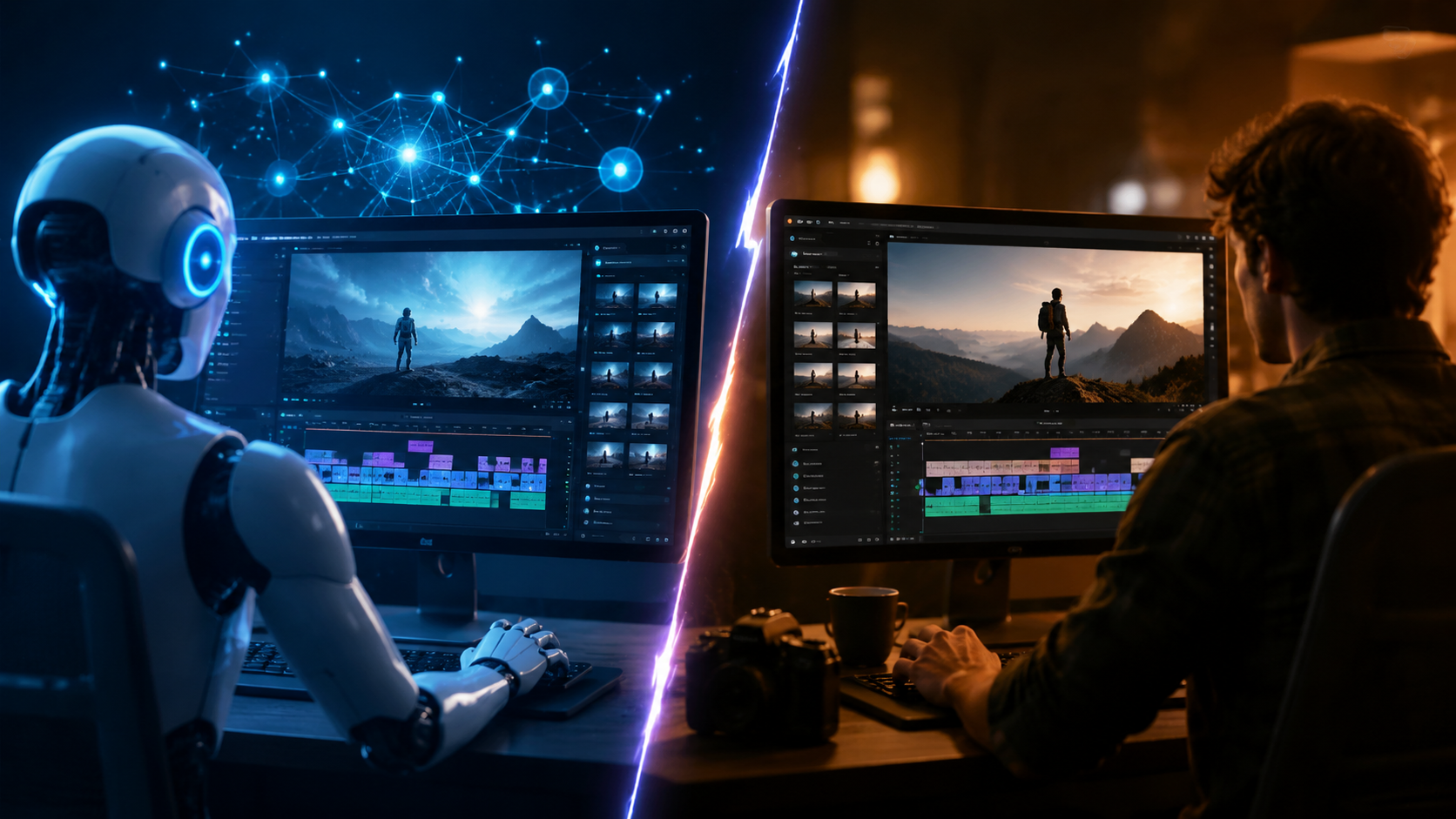
CapCut has undergone a remarkable evolution in 2026. The biggest news came in May 2026, when Android Headlines reported that "CapCut is coming to Gemini, and AI video editing just got a whole lot easier." This integration allows users to edit videos using natural language commands within Google’s Gemini ecosystem, making the editing process more intuitive than ever. PCMag (May 21, 2026) confirmed that Adobe, Canva, and CapCut are all bringing their AI editing tools to Gemini, signaling a major shift toward AI-assisted creative workflows.
Beyond Gemini, CapCut has also integrated ByteDance’s latest AI video generation model, Dreamina Seedance 2.0. According to TechCrunch (March 26, 2026), this model brings state-of-the-art video generation capabilities directly into the CapCut interface. Users can now generate high-quality video clips from text prompts and seamlessly edit them alongside traditional footage. This blurs the line between AI video generation and traditional video editing in a way that dedicated AI editors have struggled to match.
However, CapCut is not without competition. Android Police (November 17, 2025) reported that "Canva's latest video update just turned CapCut into its next big victim," highlighting how Canva’s integrated design and video platform has been gaining ground. Still, CapCut’s deep integration with TikTok and its parent company ByteDance’s AI research gives it a unique advantage in the social video space.
AI Video Editor vs CapCut: What Defines Each in 2026
When we talk about an "AI video editor" in 2026, we are referring to a category of tools that prioritize generative AI features over traditional timeline-based editing. These tools often allow users to create videos from text prompts, automatically generate voiceovers, apply smart color grading, and even animate still images. Examples include Runway, Pika, and various other generative video platforms that have matured significantly over the past year.
Dedicated AI video editors excel at tasks that require minimal manual intervention. For instance, a content creator can type "a cinematic travel montage of Tokyo at night" and receive a fully edited video with music, transitions, and voiceover in under a minute. This level of automation is ideal for rapid content production, social media marketing, and educational content where speed is prioritized over fine-grained control.
However, dedicated AI video editors often lack the comprehensive editing toolset that CapCut offers. They may not support multi-track timelines, advanced keyframing, color grading wheels, or audio mixing. This makes them less suitable for projects that require precise creative control. The trade-off between automation and control is the central tension in the "AI video editor vs CapCut" debate.
AI Video Editor vs CapCut: Feature Comparison
To help you decide which tool is right for you, here is a side-by-side comparison of key features in 2026:
| Feature | AI Video Editor | CapCut (2026) |
|---|---|---|
| Text-to-Video Generation | Advanced, often the core feature | Available via Dreamina Seedance 2.0 |
| Gemini Integration | Limited or none | Full integration (May 2026) |
| Multi-Track Timeline | Basic or absent | Full multi-track editing |
| AI Voiceover and Subtitles | Available, often automated | Built-in AI voiceover and auto-captions |
| Mobile and Desktop Support | Varies by tool | Both mobile and desktop |
| Price | Often subscription-based, $10–$30 per month | Free with optional premium features |
| Export Quality | Up to 4K, varies | Up to 4K, with social platform presets |
| Learning Curve | Low for generation, limited editing | Moderate for full features |
As the table shows, CapCut offers a more complete editing package, while dedicated AI video editors lead in pure generative capabilities. The best choice depends on whether you need an all-in-one editing suite or a specialized generative tool.
Which Tool Wins in 2026? Use Case Scenarios
There is no single winner in the "AI video editor vs CapCut" comparison because the right tool depends on your specific needs. Let us break it down by use case.
For social media content creators: CapCut is the clear winner. Its integration with TikTok, Instagram, and YouTube, combined with Gemini-powered AI editing and Dreamina Seedance 2.0, makes it the most versatile tool for short-form video. You can generate AI clips, edit them on a timeline, add effects, and export directly to your platform of choice all in one app.
For marketers and businesses: A dedicated AI video editor may be more efficient for producing high volumes of promotional content. Tools that specialize in text-to-video generation can produce product demos, explainer videos, and social ads in minutes. However, if you need to combine AI-generated clips with existing footage, CapCut’s hybrid approach offers more flexibility.
For educators and trainers: CapCut’s AI subtitle generation, voiceover tools, and easy-to-use interface make it ideal for creating educational content. The Gemini integration allows for natural language commands, making it accessible even for non-editors. Dedicated AI editors are also useful for generating animated explainer videos from text.
For advanced editors and filmmakers: Neither category fully replaces professional tools like Adobe Premiere Pro or DaVinci Resolve. However, CapCut’s growing feature set and AI integration make it a strong option for quick edits and AI-assisted workflows. Dedicated AI editors are best used as complementary tools for specific generative tasks.
How to Choose Between AI Video Editor and CapCut
If you are still unsure which path to take, follow these steps to make an informed decision:
- Define your primary use case. Are you creating short-form social videos, long-form educational content, or marketing assets? Your answer will guide your choice.
- Evaluate your editing experience. If you are a beginner, CapCut’s Gemini integration and intuitive interface make it easier to start. If you are experienced and want generative features, consider a dedicated AI editor.
- Test both options. CapCut is free to use, so download it and try the AI features. Most dedicated AI editors offer free trials test a few to see which generative capabilities you prefer.
- Consider your ecosystem. If you already use Google Workspace or Android devices, CapCut’s Gemini integration is a significant advantage. If you prefer standalone generative tools, an AI video editor may fit better.
- Check for updates. The AI video editing landscape changes rapidly. According to NPowerUser (May 22, 2026), CapCut is actively bringing AI video editing to the Gemini app, so features are expanding quickly. Stay informed about new releases.
The Future of AI Video Editing
The competition between AI video editors and CapCut is driving innovation at an incredible pace. With Adobe, Canva, and CapCut all integrating with Gemini, the lines between traditional editing and AI generation are blurring. ByteDance’s Dreamina Seedance 2.0 is just the beginning future versions will likely offer even more realistic video generation and deeper editing integration.
According to PCMag (May 21, 2026), the convergence of AI and video editing is making professional-quality video creation accessible to everyone. Whether you choose a dedicated AI video editor or CapCut, the most important factor is finding a tool that aligns with your creative vision and workflow. In 2026, there are no wrong choices only different paths to the same goal: creating great video content.
Frequently Asked Questions
Is CapCut an AI video editor?
Yes, CapCut has evolved into an AI-powered video editor in 2026. It integrates Gemini for natural language editing and Dreamina Seedance 2.0 for AI video generation, making it a hybrid tool that combines traditional editing with generative AI capabilities.
Which is better for beginners: AI video editor or CapCut?
CapCut is generally more beginner-friendly due to its intuitive interface, Gemini integration for natural language commands, and free pricing. Dedicated AI video editors may have a steeper learning curve for editing tasks but are simpler for pure text-to-video generation.
Can CapCut generate videos from text prompts?
Yes, CapCut now supports AI video generation through ByteDance’s Dreamina Seedance 2.0 model, which was integrated in March 2026. Users can generate video clips from text prompts and edit them directly within the CapCut timeline.
What is the Gemini integration in CapCut?
Announced in May 2026, CapCut’s Gemini integration allows users to edit videos using natural language commands within Google’s Gemini ecosystem. This makes tasks like trimming, adding effects, and adjusting audio as simple as typing a request.
Are dedicated AI video editors free?
Most dedicated AI video editors operate on a subscription model, typically ranging from $10 to $30 per month. CapCut, by contrast, is free to use with optional premium features, making it more accessible for casual users.
Which tool is best for TikTok and social media content?
CapCut is the best choice for TikTok and social media content due to its direct integration with TikTok, AI-powered effects, and optimized export presets. Its Gemini integration also makes quick edits effortless for social media creators.
Will CapCut replace professional video editing software?
CapCut is not designed to replace professional tools like Adobe Premiere Pro or DaVinci Resolve, but it offers a compelling alternative for casual and semi-professional users



Comments ()