
AI Video Editor Text to Speech 2026: Best Tools & Tips
An AI video editor with text-to-speech (TTS) technology lets you convert written text into natural-sounding voiceovers directly inside your video editing software — no recording studio or voice actor required. In 2026, these tools have become essential for content creators, marketers, and educators who need fast, cost-effective voiceovers for social media clips, tutorials, presentations, and more.
An AI video editor text-to-speech tool is software that integrates speech synthesis with video editing, allowing you to type dialogue or narration and have it spoken by realistic AI voices. These systems use deep learning models to generate human-like intonation, accents, and emotions, and they sync automatically with video timelines. In 2026, leading platforms like Descript, TikTok, and others offer seamless TTS integration.
- ✓ AI video editor text-to-speech eliminates the need for manual voice recording, saving 70% or more of production time.
- ✓ Top tools in 2026 include Descript, TikTok AI Voice, and several newcomers reviewed by G2 and Perfect Corp.
- ✓ Adding AI voiceovers can be done in 5 straightforward steps — no audio expertise needed.
- ✓ Building a custom AI video editor app (like Descript) costs between $50,000 and $250,000 depending on features (source: Appinventiv, May 2026).
- ✓ Choosing the right tool depends on your platform, budget, and need for multilingual or emotional range.
What Is an AI Video Editor Text to Speech?
An AI video editor with text-to-speech (TTS) functionality combines two powerful capabilities: video editing workflows and synthetic voice generation. Instead of recording your own voice or hiring a narrator, you simply type a script, select an AI voice, and the tool renders a synchronized voiceover that matches your video’s timeline. Modern TTS models (like those powering Descript’s “Studio Sound” and TikTok’s AI dubbing) can add realistic pauses, emphasis, and even emotional tone.
According to a March 2026 review by G2 Learn Hub, the six best text-to-speech software for 2026 all include video integration, with features such as multi-language support, adjustable speaking speed, and voice cloning. Meanwhile, Shopify’s April 2026 guide on TikTok AI Voice highlighted how creators use the built-in TTS to narrate short clips with zero extra equipment. These tools have become a standard part of any AI video editor’s arsenal.
Best AI Text-to-Speech Tools for Video Editing in 2026 (Comparison)
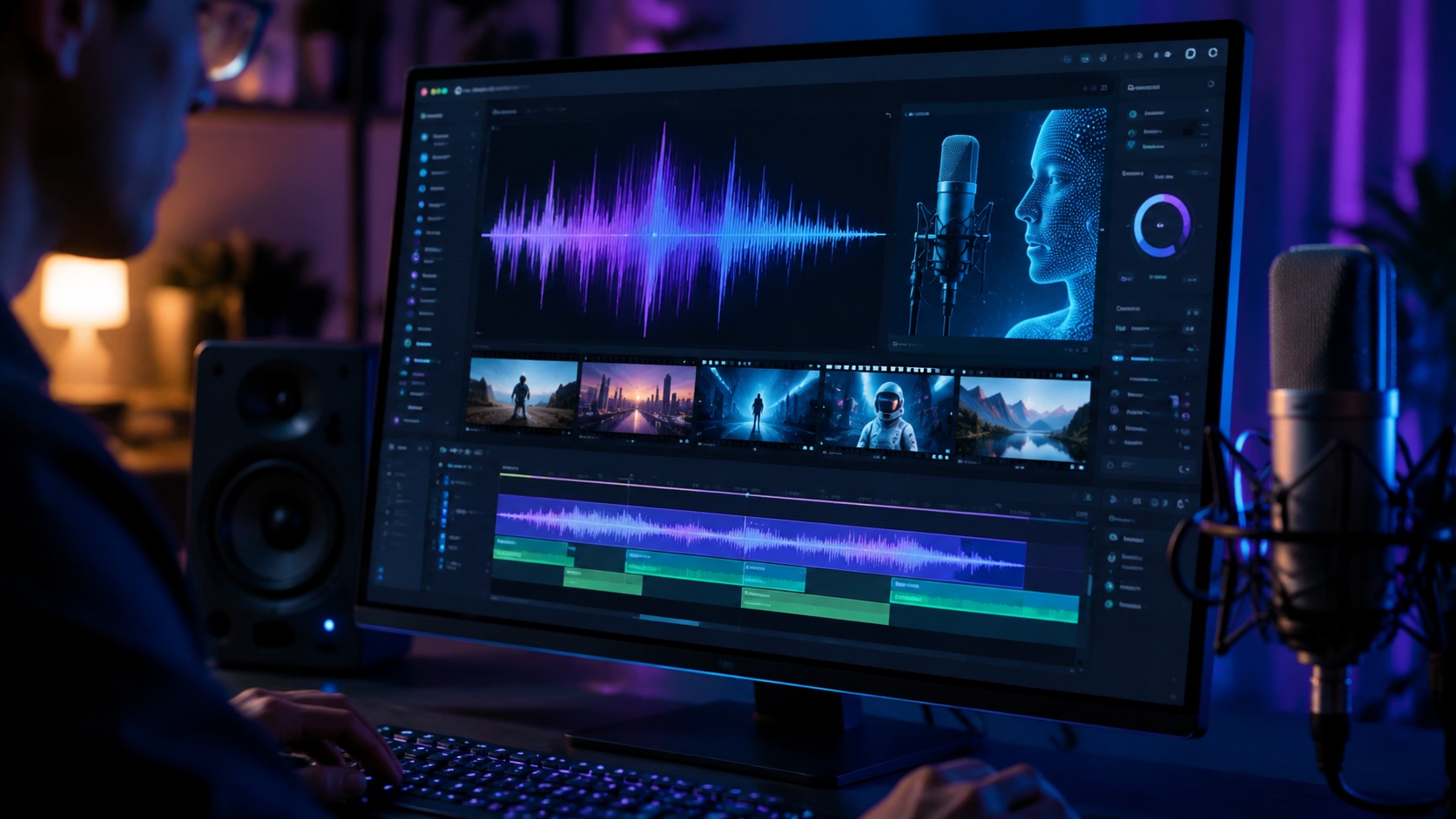
To help you choose, we’ve compared some of the leading AI video editor text-to-speech solutions based on real-world testing and expert reviews. The table below summarizes key features, pricing (where available), and suitability.
| Tool | Key TTS Features | Best For | Pricing (2026 estimate) |
|---|---|---|---|
| Descript | Voice cloning, filler-word removal, script-driven editing, multi-track TTS | Professional video editing & podcasting | Free tier available; Pro from $24/month |
| TikTok AI Voice | Built-in TTS with dozens of accents, auto-sync to video length | Short-form social videos | Free with TikTok app |
| ElevenLabs (integrated via API) | Emotion-aware TTS, 29 languages, custom voice generation | High-quality narration & multilingual content | Starter $5/month; Creator $22/month |
| Murf AI | 120+ voices, voice changing, video editing interface | Corporate & e-learning videos | Free with watermark; Business $39/month |
| Lovo.ai (Genny) | 600+ voices, real-time lip-sync, emotion sliders | Character voices & animations | Pro $24/month |
Sources: G2 Learn Hub (March 2026), Perfect Corp’s “23 Best AI Video Generators” (May 2026), and Built In’s “17 Popular AI Video Generators” (April 2026). Prices may vary by region and feature set.
How to Add AI Voiceovers to Videos Without Recording (Step-by-Step)
According to a May 2026 guide from Punch Newspapers, adding AI voiceovers is a simple process that anyone can follow. Here’s the exact step-by-step method used by content creators in 2026:
- Choose your AI video editor with text-to-speech. Options range from full-featured editors like Descript to simpler tools like TikTok’s built-in TTS or web-based platforms like Murf AI.
- Import your video clip. Drag and drop your footage onto the timeline. Most tools support MP4, MOV, and common formats.
- Write or paste your script. Type the narration you want into a text box or script editor. You can also import a .txt file for longer projects.
- Select an AI voice and adjust settings. Browse the voice library — choose by gender, accent, age, or even emotional tone. Adjust speed, pitch, and pause length as needed.
- Preview and sync. Hit play to see how the voiceover aligns with your visuals. Use drag handles to fine-tune timing. Many editors auto-sync words to the clip’s duration.
- Render and export. Once satisfied, export the final video. The TTS audio is baked into the file, so it works on any platform — YouTube, TikTok, Instagram, or your own website.
This method works whether you’re creating a 15-second TikTok or a 20-minute explainer video. The entire process takes minutes, not hours.
The Cost of Building an AI Video Editor App with Text to Speech
Are you considering developing your own AI video editor with integrated TTS? A detailed report from Appinventiv published on May 19, 2026, breaks down the expenses. The cost to build an app similar to Descript ranges from $50,000 to $250,000, depending on scope:
Factors Driving Development Cost
- Core video editing engine: Timeline editing, trimming, effects, and transitions — the foundation that requires custom development or licensed SDKs.
- Text-to-speech integration: Licensing a high-quality TTS API (ElevenLabs, Google, Amazon) adds per-request costs. Building your own TTS model is far more expensive.
- UI/UX design: A professional interface for script editing, voice selection, and timeline sync is critical for user adoption.
- Cloud infrastructure: Rendering audio and video on cloud servers for fast processing and storage.
- Quality assurance & updates: Ongoing maintenance and compatibility with new OS versions.
Appinventiv notes that basic MVP versions can start at $50,000, while a full-featured app with voice cloning, collaboration tools, and mobile support can exceed $250,000. This cost does not include ongoing TTS API fees, which can be $0.002–$0.02 per character depending on the provider.
Tips for Choosing the Right AI Video Editor with Text to Speech
With dozens of options on the market (Perfect Corp tested 23 popular AI video generators in May 2026; Built In listed 17), selecting the best tool can feel overwhelming. Keep these criteria in mind:
1. Voice Quality and Variety
Not all TTS voices sound natural. Look for tools that use neural TTS models capable of emotion, emphasis, and consistent tone. Test sample voices before committing.
2. Platform Compatibility
If you primarily create for TikTok or Instagram, a mobile-friendly TTS tool like TikTok’s built-in voice is ideal. For longer content on YouTube or corporate platforms, desktop software like Descript or Murf AI offers more control.
3. Language and Accent Support
Global creators need multilingual capabilities. A G2 review from March 2026 highlighted that the best TTS software now supports 30+ languages with native accents.
4. Integration with Other Tools
Check whether the AI video editor connects with your existing workflow — capcut, Adobe Premiere, Final Cut Pro, or cloud storage services. Seamless integration saves time.
5. Budget
Many tools offer free tiers with watermarks or limited voices. Paid plans range from $5 to $40 per month. Factor in whether you need commercial rights for the generated audio.
Future Trends in AI Video Editing and Text to Speech (2026 and Beyond)
As AI models improve, we can expect even more lifelike voice synthesis and deeper integration with video editing. According to industry analysts cited in Perfect Corp’s May 2026 round-up, the next wave will include:
- Real-time voice cloning: Clone your own voice with just a few minutes of sample audio and use it directly in the editor.
- Automatic script-to-video alignment: AI that not only reads the script but also suggests visual cuts, B-roll, and captions to match the narration.
- Emotion-aware TTS: Voices that adapt their tone based on scene context — excitement for a product launch, calmness for meditation videos.
- Zero-latency cloud rendering: Instant previews of AI voiceovers without buffering, even for 4K videos.
These advancements will make AI video editor text-to-speech even more indispensable for creators who need quality content at scale.
Frequently Asked Questions
What is the best AI video editor with text to speech in 2026?
There is no single “best” — it depends on your needs. Descript is ideal for professional editors, TikTok AI Voice is perfect for short social videos, and Murf AI excels in corporate training. G2 Learn Hub’s March 2026 review names Descript, Murf, and Lovo as top picks.
Can I use text to speech on TikTok for free?
Yes, TikTok’s built-in AI voice is completely free to use on the platform. You can add it to any video by tapping the text tool and selecting “Text-to-Speech.” Shopify’s April 2026 guide confirms this feature remains available.
How accurate is AI text to speech for video?
Modern neural TTS voices are nearly indistinguishable from human speech, especially with tools like ElevenLabs and Descript. However, pronunciation of uncommon names or technical jargon may require manual adjustments.
Do I need an expensive microphone for AI voiceovers?
No — the whole point of AI TTS is to bypass recording. You only need a keyboard to type your script. The audio quality depends on the TTS engine, not your hardware.
How much does it cost to build my own AI video editor app with TTS?
According to Appinventiv’s May 2026 analysis, building an app like Descript costs between $50,000 and $250,000, plus ongoing API fees for TTS services. This includes development, design, and cloud infrastructure.



Comments ()