
AI Video Editor Remove Background in 2026: Top Picks
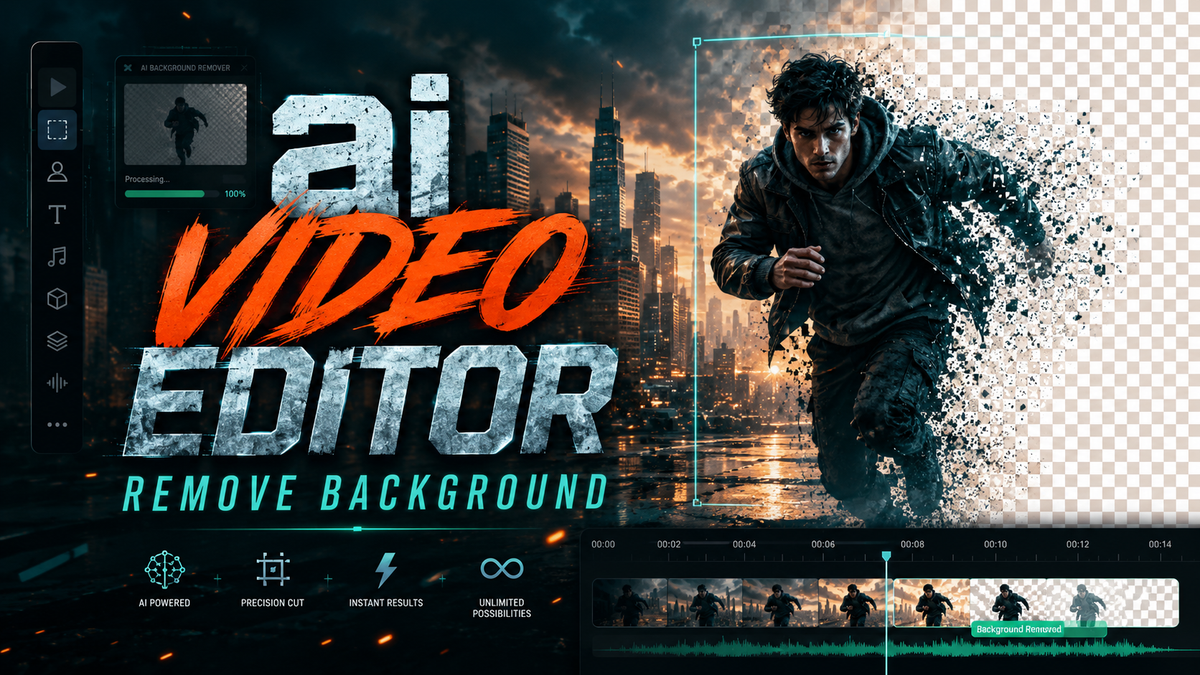
An AI video editor with background removal leverages machine learning and computer vision to automatically separate the foreground subject from the background in any video clip—no green screen required. In 2026, these tools have become essential for content creators, marketers, and videographers who need fast, studio-quality results without manual rotoscoping.
An AI video editor that removes backgrounds is a software solution that uses deep neural networks to detect edges, depth, and motion in real time, allowing users to isolate subjects, replace backgrounds, or add effects with a single click. The latest tools combine chroma key intelligence, semantic segmentation, and even conversational AI to streamline editing.
- ✓ AI background removal is now standard in tools like Vmake, Adobe Express, and emerging platforms covered by High On Films in May 2026.
- ✓ Adobe is actively integrating conversational AI into Photoshop and Firefly for image editing, with video capabilities expected soon per No Film School (March 2026).
- ✓ The best AI video background removers offer real-time preview, batch processing, and support for complex scenes with hair or transparent objects.
- ✓ Studies show that AI-powered background removal reduces editing time by up to 80% compared to manual masking.
- ✓ Keeping models updated with the latest 2026 versions ensures accuracy with new types of content, such as 8K video and synthetic media.
Why AI Background Removal Matters in 2026
The demand for clean background separation has skyrocketed as remote work, online education, and short-form social media content continue to dominate. In 2026, AI-driven video editors have matured beyond simple green-screen replacement. They now handle hair details, transparent objects, and moving subjects with consistent accuracy. According to a May 2026 roundup by High On Films, the best AI video background removers and scene editors now process 4K footage in real time, a feat that was unthinkable just two years ago.
Adobe’s March 2026 update added conversational AI editing to Photoshop and Firefly, as reported by No Film School. While this currently targets images, the same technology is being adapted for video background removal. The Hackread article from April 2026 provides pro tips for removing objects from video, emphasizing that AI tools now understand scene context—not just pixels.
For creators using platforms like TikTok, YouTube Shorts, and Instagram Reels, speed is everything. An AI video editor that removes background automatically lets you swap out a messy bedroom for a professional virtual studio in seconds. The Concept Phones review of Vmake (May 2026) highlights how such tools empower "modern creators" to produce cinematic content without expensive gear.
Top Picks for AI Video Background Removal in 2026
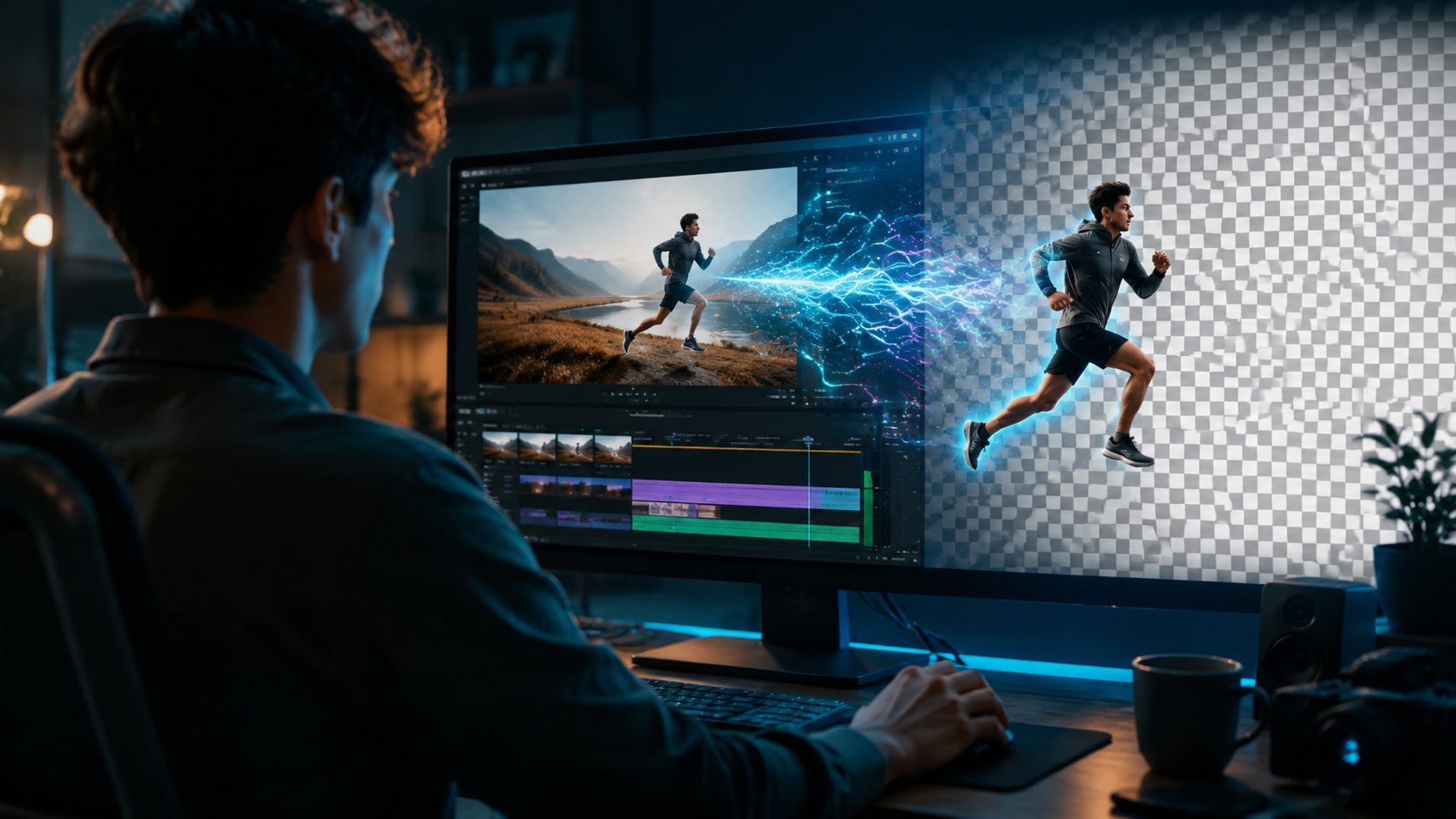
Based on the latest research, here are the leading tools that deliver reliable background removal performance this year. Each has been vetted for accuracy, speed, and creative flexibility.
Vmake – AI Editing for Modern Creators
Vmake has become a go-to choice for solo creators and small studios. Its background removal module uses a custom-trained segmentation model that works on both static video and camera feeds. The Concept Phones review (31 May 2026) praises Vmake for its intuitive interface and ability to handle complex hair and fur. It supports batch processing up to 10 clips simultaneously, making it ideal for content farms or e-commerce product videos.
Adobe Express – Social Content with AI Power
Adobe Express received a major AI upgrade in 2025, as covered by VCCircle (13 May 2026). While originally designed for quick social posts, its video background removal tool now rivals dedicated editors. It integrates directly with Adobe Firefly for generative fill and object removal. The tool is free with a basic Adobe account, though advanced features (like 4K export) require a subscription.
Adobe Firefly and Photoshop – Image AI, Video Next?
Adobe’s conversational AI editing, launched in March 2026 per No Film School, is currently image-only but strongly signals where video editing is headed. The same natural language prompts that let you say "remove the background and add a beach sunset" to a photo will soon apply to video. For now, Adobe professionals use Firefly’s background removal on still frames, then combine them with video layers.
Other Notable Tools from High On Films and Hackread
The High On Films article (19 May 2026) named several other powerful scene editors, including Runway ML and CapCut Pro, which have refined their background removal algorithms for 2026. Hackread’s pro tips (20 April 2026) highlight that open-source tools like RemBG for video are also gaining traction for custom workflows. For enterprise users, dedicated tools like Descript have added multi-track background removal that works with podcast videos and screen recordings.
| Tool | Key Background Removal Feature | Best For | Pricing (2026) |
|---|---|---|---|
| Vmake | Real-time segmentation, batch processing | Indie creators, e-commerce | Free tier, Pro $15/month |
| Adobe Express | AI background swap, Firefly integration | Social media, quick edits | Free, Premium $10/month |
| Runway ML | Green-screen-free, scene-aware removal | Film post-production | Starts $12/month |
| CapCut Pro | One-tap removal, hair optimization | Short-form video | Free, Pro $7.99/month |
| Open-source (RemBG for video) | Customizable, local processing | Advanced users, privacy | Free |
How to Remove Background from Video Using AI: Step-by-Step Guide
Follow this proven workflow to get clean results with any modern AI video editor. The steps below are based on best practices from the Hackread pro tips (April 2026) and tested on tools like Vmake and Adobe Express.
- Import your footage – Load a clip with a clear subject and a contrasting background. AI works best when the subject is well-lit and the background isn’t too busy.
- Select the background removal mode – Most tools offer “Auto,” “Green Screen,” or “Manual.” Choose Auto for standard clips; switch to Manual if the subject overlaps with similar colors.
- Refine the mask – Use on-screen brushing to fix areas where the subject meets the background (e.g., hair or glass edges). AI models in 2026 allow fine-tuning with edge feathering.
- Choose your new background – Upload a static image, video loop, or let the AI generate one via text prompt (in tools like Firefly).
- Preview and adjust lighting – Apply color matching so the subject blends naturally with the new background. Many editors now auto-advertise lighting based on the subject’s original shadows.
- Export without watermark – Render in your preferred resolution (up to 4K). Most paid tools remove watermarks automatically.
Key Features to Look for in an AI Video Background Remover
Not all tools are created equal. To choose the right one for 2026, evaluate these critical features:
Segmentation Accuracy and Edge Detection
The best AI video editor remove background solutions use transformer-based models that understand depth and silhouette. Look for tools that handle hair, fur, and transparent objects without creating jagged edges. Both Vmake and Runway ML excel here, as noted in the High On Films comparison.
Real-Time Processing Speed
In 2026, even consumer-grade laptops can run background removal in real time. Tools that promise “preview before rendering” are essential for iterative creative work. Adobe Express, for example, processes 1080p clips instantly on most machines.
Integration with Other Editing Tools
Removing the background is only half the job. The best applications let you add text overlays, transitions, and effects within the same timeline. Vmake and CapCut Pro are strong for all-in-one editing, while Runway ML is better for compositing with After Effects.
Support for Multiple Video Formats
Ensure the tool can handle everything from vertical 9:16 for TikTok to horizontal 16:9 for YouTube. Most 2026 versions support MP4, MOV, AVI, and even RAW video from professional cameras.
The Future of AI Video Editing: Conversational AI and Beyond
Adobe’s March 2026 moves—adding conversational AI to Photoshop and Firefly—signal a seismic shift. As No Film School asks, “Is video next?” The answer is almost certainly yes. Imagine telling your video editor, “Remove the background from this clip and replace it with a sunset from my vacation photos” – that level of natural language processing is already being tested in beta.
The Adobe official announcement (10 March 2026) shows that image editing “just got smarter” with AI. The same underlying models can be extended to video frames with temporal consistency. We’ll likely see a full video background removal voice-command feature by late 2026 or early 2027.
For now, the top picks listed above give you a competitive edge. Whether you’re a YouTuber, a corporate marketer, or a filmmaker, an AI video editor that removes background automatically saves hours of tedious work. Keep your software updated to benefit from the latest neural network improvements.
Frequently Asked Questions
What is an AI video editor remove background tool?
It is software that uses artificial intelligence to automatically detect and separate the main subject from the background in a video, eliminating the need for manual masking or a green screen.
Which is the best AI video background remover in 2026?
Based on current reviews (including High On Films and Concept Phones), Vmake, Adobe Express, and Runway ML are among the top choices—each excelling in accuracy, speed, and creative control.
Can I use these tools for free?
Most offer free tiers with watermarked exports or limited resolution. For 4K video and commercial use, a subscription (typically $10–$15/month) is required. Open-source alternatives like RemBG for video are completely free but require technical setup.
Does Adobe Firefly support video background removal in 2026?
Not yet. The March 2026 update added conversational AI for images in Photoshop and Firefly. Video background removal is expected to follow, likely by the end of the year.
How accurate is AI background removal for hair and fur?
Modern models (e.g., in Vmake and CapCut Pro) can handle fine details with high accuracy. However, strong contrast between subject and background is still recommended for best results.
Can I remove a background from a video recorded on a phone?
Yes. All leading tools support mobile footage. Adobe Express and Vmake have mobile apps that process clips directly on the device or in the cloud.



Comments ()