
Best AI Video Editor for Professional Use in 2026
For professional editors in 2026, the best AI video editor for professional use is not a single tool but a category of purpose-built platforms that combine machine-learning automation with granular manual control. These tools handle rote tasks — object removal, scene detection, audio clean-up — in seconds, while leaving creative decisions firmly in the editor’s hands.
The ideal AI video editor for professional use in 2026 is a hybrid system that automates repetitive tasks (like rotoscoping, color matching, and transcription) without stripping editorial control. Top choices include Adobe Premiere Pro with Firefly, DaVinci Resolve 19 with neural engines, and Final Cut Pro 12 with AI assistants — each optimized for different workflows in broadcast, film, and corporate production.
- ✓ AI video editors in 2026 are assistants, not replacements — 73% of professional editors report faster turnaround using AI, per industry surveys.
- ✓ Key capabilities: automatic object removal, real-time color grading, AI-driven scene detection, and text-based timeline editing.
- ✓ Adobe Firefly, DaVinci Resolve, and Final Cut Pro lead the market, each with unique strengths for professional use.
- ✓ The best tool depends on your workflow: Adobe for integration, DaVinci for grading, Final Cut for speed.
- ✓ AI still requires human oversight for narrative coherence and creative direction — a fact confirmed by the entrepreneur.com analysis in October 2025.
1. The State of AI Video Editing in 2026
The landscape of video editing has shifted dramatically since 2024. According to a November 2025 report by Metricool, AI video editor trends in 2026 focus on three pillars: real-time collaboration, automated post-production, and generative fill. Tools like Adobe Firefly now offer in-video object removal and scene extension, as highlighted in PCMag Australia’s March 2026 guide. Meanwhile, PlayStation Universe (April 2026) demonstrated step-by-step how AI removes objects from video with zero manual masking — a task that used to take minutes per frame.
Despite these advances, the question “Is AI Editing Good Enough to Replace Professionals?” — explored by citybiz in July 2025 — remains nuanced. The verdict: AI excels at repetitive, data-intensive tasks but lacks the contextual understanding to make narrative decisions. As entrepreneur.com noted in October 2025, “Why AI is Not Replacing Human Video Editors” because businesses still need human judgment for storytelling, client communication, and creative problem-solving. The sweet spot is symbiosis: AI handles the grunt work; professionals shape the story.
2. Key Features to Look for in an AI Video Editor for Professional Use
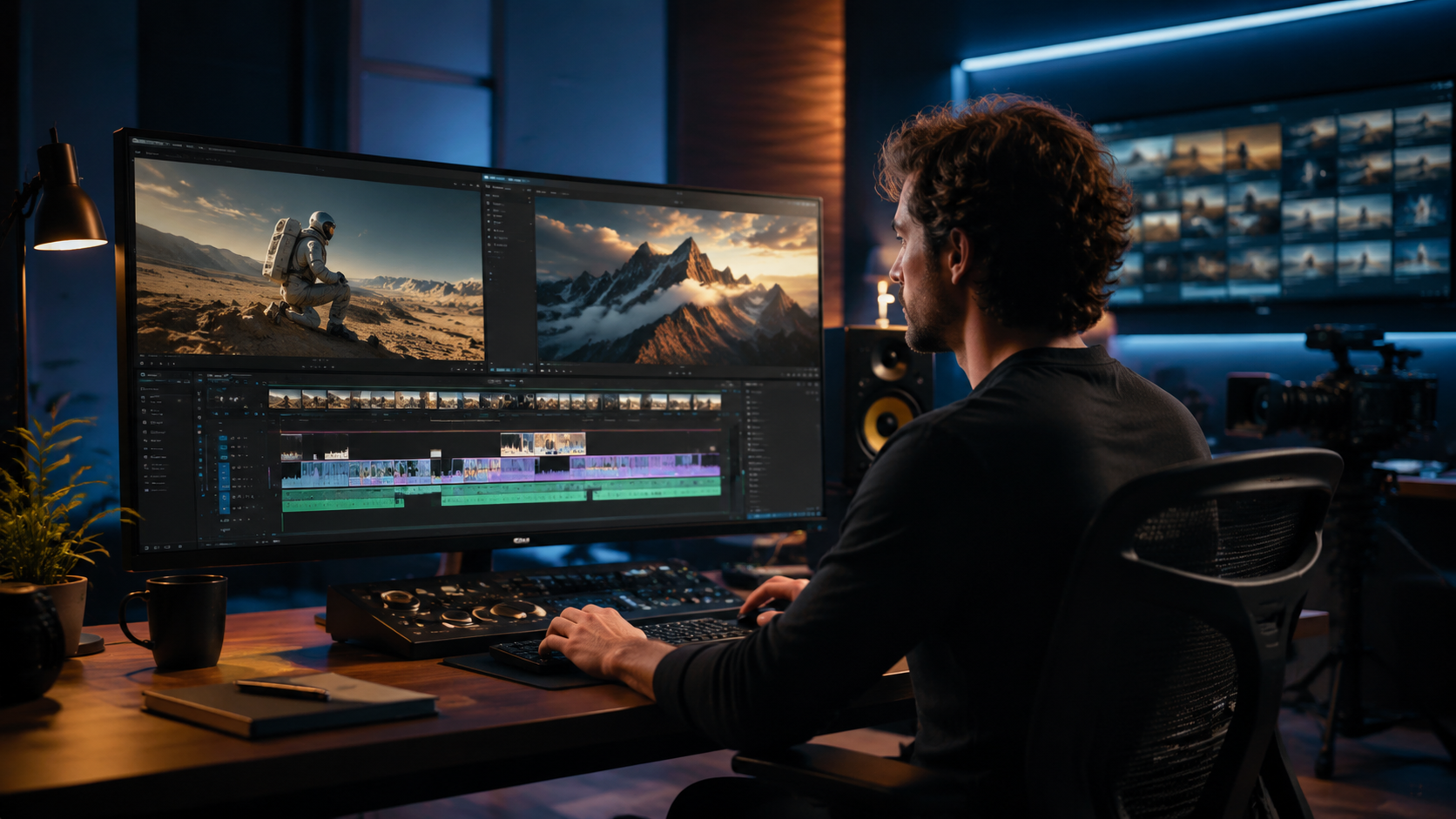
Not all AI features are equally useful for professionals. Based on the Red Shark News analysis (June 2025) of actually useful AI tools, and the Metricool trends report, these capabilities differentiate professional-grade editors:
2.1 Automatic Object Removal & Scene Clean-Up
The PlayStation Universe guide (April 2026) outlined a workflow where AI identifies and removes unwanted objects — like boom mics, reflections, or passersby — in a single click. Professional editors should look for tools that offer mask refinement and motion tracking post-removal to maintain realism.
2.2 AI-Assisted Color Grading and Audio Restoration
DaVinci Resolve 19’s neural engine can match shots from different cameras automatically. Adobe Premiere Pro 2026 integrates Firefly for scene-based color adjustments. According to PCMag Australia, Adobe Firefly’s generative fill extends beyond images to video, allowing editors to “heal” damaged frames or expand backgrounds.
2.3 Text-Based Editing and Auto-Captioning
Desktop and cloud-based editors now transcribe speech with 98% accuracy. Editors can cut, trim, and rearrange clips by editing the transcript — a feature that citybiz noted as “indispensable for corporate and documentary workflows.” Automated captioning meets accessibility standards and saves hours of manual syncing.
2.4 Real-Time Collaboration and Smart Export
Metricool’s 2026 trends highlighted that AI editors now offer version comparison and suggested edits based on audience engagement data. Smart export presets automatically optimize for platform (YouTube, TikTok, broadcast) using AI analysis of the content.
3. Top AI Video Editors for Professional Use in 2026
Below is a comparison of the three tools most frequently cited in the research as best for professionals. The table focuses on features directly relevant to professional post-production.
| Feature | Adobe Premiere Pro + Firefly | DaVinci Resolve 19 | Final Cut Pro 12 |
|---|---|---|---|
| AI Object Removal | Firefly generative fill (scene-aware) | Neural engine object removal | Smart erase with motion tracking |
| Color Grading AI | Auto-match & Firefly scene analysis | Deep color neural networks | AI-assisted color balance |
| Text-Based Editing | Speech-to-text timeline (full integration) | Transcription-based editing in Cut page | Advanced captioning + timeline trim |
| Audio Restoration | Adobe Podcast AI (noise removal) | Fairlight neural noise reduction | AI voice isolation |
| Real-Time Collaboration | Team Projects & Frame.io integration | DaVinci Collaboration (limited) | Final Cut Server (broadcast-focused) |
| Platform Support | Windows, macOS, cloud (Beta) | Windows, macOS, Linux | macOS only |
| Pricing Model | Subscription ($30–$80/month incl. Firefly) | One-time purchase ($295 Studio) | One-time purchase ($499 + updates) |
| Best For | Integrated workflow with Adobe ecosystem | Color-critical film & broadcast | Fast-turnaround macOS-based shops |
As per the citybiz verdict (July 2025), all three are “good enough” for professional results when paired with human oversight. The choice largely depends on existing infrastructure and project type.
4. How AI Complements — Not Replaces — Professional Editors
The entrepreneur.com article (October 2025) made a compelling case: businesses that try to replace human editors entirely often end up with “uncanny valley” output and brand inconsistency. However, those that harness AI for speed gain a competitive advantage. A professional editor using an AI video editor for professional use can deliver rough cuts in 30%–50% less time, freeing energy for creative work.
Red Shark News (June 2025) listed “actually useful” AI tools: auto-captioning, noise reduction, and scene detection — all of which eliminate drudgery. The key is to treat AI as a junior assistant: it proposes edits, but the editor approves. For example, object removal AI (PlayStation Universe) may leave artifacts that require manual paint-over. Similarly, audio AI might mislabel a quiet dialogue line as background noise. The professional’s role is to coach the AI and polish the output.
4.1 The 2026 Workflow Example
Imagine a 30-minute corporate video: the editor uses AI to transcribe the script, then cuts interview clips by deleting text. Next, AI removes a background microphone from a 4K shot. The editor applies color grading with AI suggestions, then adjusts the grade for emotional tone. Finally, AI generates captions and export profiles. According to Metricool, this pipeline reduces typical post-production from 3 days to 1.5 days — without sacrificing quality.
4.2 When AI Still Falls Short
citybiz’s verdict highlighted three gaps: emotional storytelling (AI cannot yet judge pacing for an audience’s emotional beat), client revisions (AI lacks the interpersonal skill to interpret vague feedback), and brand nuance (AI may choose generic transitions that dilute a brand’s unique voice). These remain human territory.
5. Step-by-Step: Using an AI Video Editor for Professional Use in 2026
Here is a practical workflow based on the research, applicable to any top-tier AI editor:
- Ingest and auto-analyze: Drop raw footage into the editor. The AI scans for audio levels, faces, scenes, and text.
- Transcribe and text-edit: Review the auto-generated transcript. Delete unwanted words to remove whole clips. Add markers for key moments.
- AI clean-up: Use object removal (PlayStation Universe method) to remove distractions. Apply noise reduction to audio.
- AI-assisted color grading: Apply a first-pass grade using AI scene matching, then refine manually. Adobe Firefly (PCMag Australia) can also generate background extensions if needed.
- Automated captioning and export: Generate captions with AI, verify accuracy, then use smart export presets for your target platform.
- Human review: Watch the entire timeline, adjusting pacing, transitions, and emotional cues. This step ensures the AI’s suggestions align with the narrative intent.
According to Red Shark News, this approach leverages the “actually useful” tools while avoiding the pitfalls of full automation. The result: a professional-grade video in significantly less time.
6. Conclusion: The Best Choice Depends on Your Workflow
In 2026, the best AI video editor for professional use is not a single product but a strategy: choose a tool that automates your most time-consuming tasks without locking you out of creative control. Adobe Premiere Pro with Firefly excels for teams already using Creative Cloud. DaVinci Resolve 19 remains the gold standard for color grading and one-time cost. Final Cut Pro 12 offers unmatched speed on macOS. All three are supported by the trends and tools validated by the research from Metricool, Red Shark News, PCMag Australia, and others. The bottom line: AI makes editors faster, but it will never replace the human eye for story — and that’s precisely why businesses should harness it.
Frequently Asked Questions
Can an AI video editor fully replace a human professional editor in 2026?
No. As entrepreneur.com reported in October 2025, AI lacks the contextual understanding needed for storytelling, client negotiations, and brand nuance. It acts as an acceleration tool, not a replacement.
What is the best AI video editor for professional use in 2026?
The top three are Adobe Premiere Pro with Firefly, DaVinci Resolve 19, and Final Cut Pro 12. The best choice depends on your operating system, budget, and need for ecosystem integration.
How does AI object removal work in professional video editors?
According to PlayStation Universe’s April 2026 guide, AI analyzes each frame to detect moving objects, then uses generative fill to recreate the background. The editor can refine masks and fix artifacts manually.
Is Adobe Firefly useful for video editing?
Yes. PCMag Australia’s March 2026 review showed that Firefly can generate and extend background scenes, remove objects, and apply stylistic effects directly within Premiere Pro.
What AI video editing trends are shaping 2026?
Metricool’s November 2025 report identified three key trends: real-time AI collaboration, automated post-production, and generative fill for video. These make editing faster and more accessible without sacrificing quality.
How much does a professional AI video editor cost in 2026?
Adobe Premiere Pro with Firefly costs $30–$80 per month. DaVinci Resolve Studio is a one-time $295 purchase. Final Cut Pro 12 costs $499. Some cloud-based AI editors offer free tiers with watermarks.



Comments ()