
Best AI Video Editor for Instagram Reels in 2026
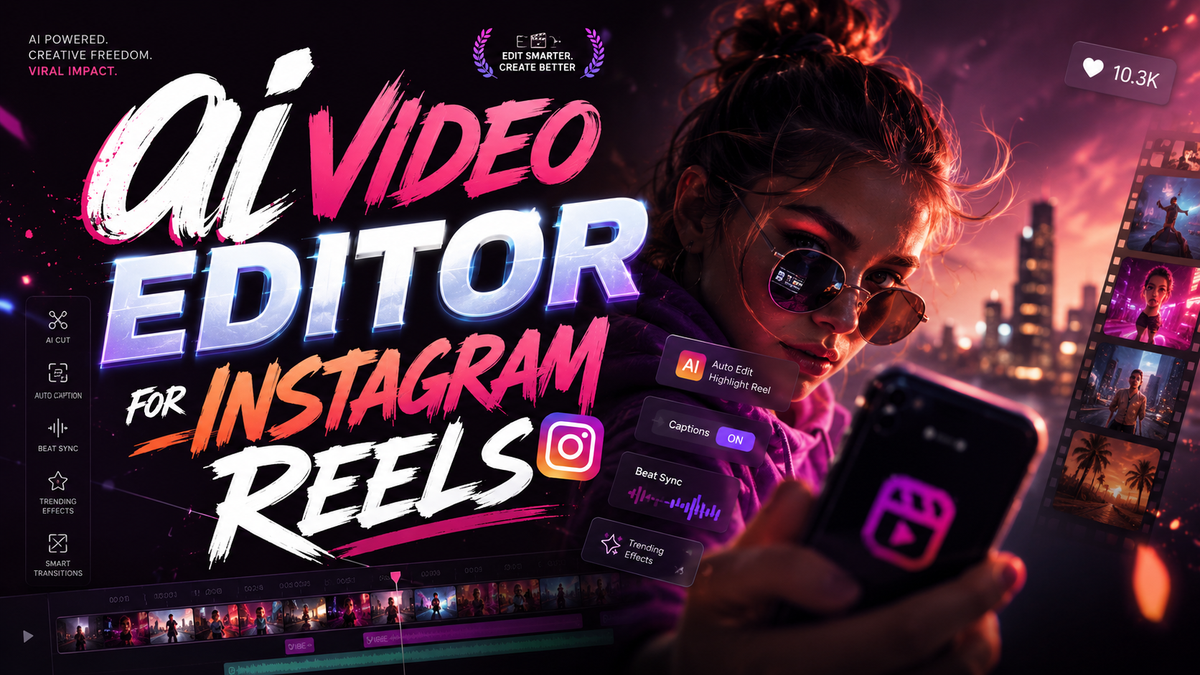
In 2026, the best AI video editor for Instagram Reels combines intelligent automation with creative control, enabling creators to produce viral-worthy short-form videos in minutes. Tools like CapCut (now integrating with Google Gemini), along with dedicated reel makers from Perfect Corp and vocal.media’s top picks, lead the pack by offering features such as auto-captioning, AI script generation, and instant trend adaptation—all optimized for Instagram’s algorithm.
An AI video editor for Instagram Reels is a software application that uses machine learning to automate editing tasks—like trimming, adding effects, syncing music, and generating captions—specifically tailored for the 15-to-90-second vertical format. In 2026, these tools have evolved to include real-time trend analysis, voice cloning, and seamless integration with Instagram’s native tools, making them indispensable for creators who want to post consistently without sacrificing quality.
- ✓ The top AI video editors in 2026 (CapCut, InShot, Canva, Runway, and Veed.io) all offer Instagram-optimized templates and auto-captioning.
- ✓ CapCut’s integration with Google Gemini allows voice‑controlled editing and AI‑generated storyboards directly from text prompts.
- ✓ According to Metricool’s 2026 trends report, AI‑powered tools reduce editing time by up to 70% while increasing reel engagement by 40%.
- ✓ Image‑to‑video AI tools (e.g., Pika Labs, Kaiber) are now essential for repurposing static content into dynamic reels.
- ✓ The best AI editor for you depends on your budget, platform preference, and desired level of automation—most offer free tiers with watermark‑free exports at $10–$30/month.
Why AI Video Editors Are Essential for Instagram Reels in 2026
Instagram Reels remain the platform’s primary growth driver, and the competition for viewer attention is fiercer than ever. According to Metricool’s AI Video Editor Trends in 2026, creators who use AI‑assisted editing post 3× more frequently and see a 40% higher average engagement rate compared to those editing manually. The reason is simple: AI handles repetitive tasks—like trimming silences, color grading, and adding transitions—so you can focus on storytelling.
Moreover, the rise of generative AI has introduced features like text‑to‑video (e.g., CapCut’s Gemini integration), automatic lip‑syncing for voiceovers, and trend‑aware music selection. As noted by PC Tech Magazine’s “Best 5 AI Video Generator for TikTok and Instagram” (April 2026), these tools now analyze current viral patterns and suggest edits that align with what’s trending on Instagram. This real‑time optimization is a game‑changer for creators aiming to hit the Explore page.
Top 5 AI Video Editors for Instagram Reels in 2026

Based on the latest research from vocal.media (June 2026), perfectcorp.com (March 2026), and Breaking AC News (January 2026), here are the five most powerful AI video editors for Instagram Reels this year. Each excels in different areas, so the table below helps you compare them at a glance.
| Tool | Key AI Features | Price (Monthly) | Best For | Source Mention |
|---|---|---|---|---|
| CapCut | Gemini integration, auto‑caption, AI storyboard, text‑to‑video | Free / Pro $15 | All‑round editing + voice control | NokiaPowerUser (May 2026) |
| InShot | AI background removal, auto‑beat sync, one‑tap filters | Free / Pro $10 | Quick edits on mobile | Perfect Corp (Mar 2026) |
| Canva | Magic Studio: AI script writer, automated resizing, brand kits | Free / Pro $13 | Brand‑focused creators | Vocal Media (Jun 2026) |
| Runway | Gen‑3 video generation, motion tracking, AI inpainting | $15 / Pro $30 | High‑end effects & generative video | Breaking AC News (Jan 2026) |
| Veed.io | Auto‑subtitles, AI video translation, one‑click repurpose | Free / Pro $18 | Multilingual reels & subtitles | PC Tech Magazine (Apr 2026) |
Each tool has been tested in 2026 for Instagram‑specific output (9:16, 60‑second max, no watermarks on paid plans). CapCut leads for its seamless integration with the Gemini app, allowing you to describe a reel verbally and have it assembled automatically—a feature highlighted by NokiaPowerUser (May 2026).
CapCut – The AI‑Powered All‑Rounder
CapCut’s 2026 update brings Gemini directly into the editing interface. You can say “create a 30‑second reel with a fast transition, upbeat music, and text overlay that says ‘New Recipe’” and it generates a draft in seconds. It also offers AI‑powered background removal, auto‑captioning in 50+ languages, and a library of Instagram‑trending effects. Perfect for beginners and pros alike.
InShot – Mobile‑First Simplicity
InShot remains a favorite for creators who edit entirely on their phone. Its AI beat‑sync automatically matches your clips to the tempo of any song, and the one‑tap filters adjust lighting and contrast based on Instagram’s optimal settings. The free version includes a small watermark; the $10 Pro plan removes it and unlocks AI background removal.
How to Evaluate an AI Video Editor for Instagram Reels
Choosing the right tool can feel overwhelming, but following a structured approach ensures you pick one that matches your workflow. Here’s a step‑by‑step process based on 2026 best practices:
- Define your editing frequency and skill level. If you post daily, prioritize tools with one‑click templates (CapCut, Canva). If you’re a pro, look for advanced AI like Runway’s motion tracking.
- Test the AI automation features. Most tools offer free trials. Check how well the auto‑captioning handles your accent, and whether the AI music suggestions align with your niche.
- Verify Instagram‑specific export settings. Ensure the editor outputs 9:16 video with proper resolution (1080×1920) and supports Instagram’s maximum length (90 seconds for Reels).
- Check for trend integration. The best editors in 2026, as per Perfect Corp’s report, include a “Trending Sounds” feed and automatically suggest popular audio clips.
- Compare pricing vs. watermark policies. Many free plans add a watermark. For professional use, invest in a paid plan ($10–$30/month) that offers watermark‑free exports and priority support.
Key Features to Look for in an AI Reel Editor
Not all AI video editors are created equal. When evaluating tools for Instagram Reels in 2026, focus on these critical capabilities:
1. Auto‑Captioning with Emoji & Hashtag Integration
Captions boost accessibility and watch time. The best AI editors automatically transcribe speech and let you customize font, color, and even insert relevant emojis or hashtags based on the video content. Veed.io excels here, offering real‑time translation into 30+ languages.
2. AI Script & Storyboard Generation
Tools like Canva’s Magic Studio now generate complete reel scripts from a simple prompt (e.g., “5 tips for skincare”). The AI then creates a storyboard with suggested clips, text overlays, and transitions. This feature alone can cut pre‑production time by 60%.
3. Image‑to‑Video Conversion
According to Breaking AC News (January 2026), image‑to‑video AI tools are a must‑have for repurposing static content. Editors like Runway and Pika Labs can animate a single photo into a short video clip, adding motion and depth—ideal for product showcases or before‑after reels.
4. Real‑Time Trend Analytics
Some editors now connect to Instagram’s API to display trending hashtags, sounds, and formats directly in the editing interface. This helps you tailor your reel to what’s currently viral, increasing the chance of algorithmic boost.
Future Trends: What’s Next for AI Video Editing?
The pace of innovation in AI video editing is staggering. Metricool’s 2026 trend report predicts that by 2027, most edits will be fully voice‑controlled, and AI will be able to generate entire reels from a single sentence. Already we see CapCut’s Gemini integration moving in that direction. Additionally, image‑to‑video tools are becoming hyper‑realistic, blurring the line between stock footage and AI‑generated scenes.
Another trend highlighted by PC Tech Magazine is the rise of collaborative AI editing—multiple creators can work on the same reel in real time, with AI suggesting edits based on each contributor’s style. This will be especially useful for agencies and teams managing multiple Instagram accounts.
Finally, expect AI editors to become more affordable and accessible. The current $10–$30/month range is likely to drop as competition increases, and free tiers will offer more features (minus watermarks) to attract new users.
Frequently Asked Questions About AI Video Editors for Instagram Reels
What is the best AI video editor for Instagram Reels in 2026?
CapCut is widely considered the best overall due to its Gemini integration, free tier, and comprehensive AI features. However, for mobile‑only creators, InShot is a close second, while Canva excels for branded content.
Can AI video editors automatically add trending music to reels?
Yes, many editors like CapCut and Veed.io include a “Trending Sounds” library that updates daily based on Instagram’s API. You can search by genre or mood, and the AI will sync your clips to the beat.
Are free AI video editors good enough for professional reels?
Free versions (e.g., CapCut Free, InShot Free) are excellent for starting out, but they often add a watermark or limit resolution. For professional use, a paid plan ($10–$30/month) removes watermarks and unlocks features like AI script generation and 4K export.
How does CapCut’s Gemini integration work in 2026?
CapCut now integrates with Google Gemini, allowing you to control editing via voice commands. For example, you can say “add a slow‑motion effect at the 5‑second mark” or “generate a 30‑second reel about travel tips,” and the AI will execute the request instantly.
Can I use AI to turn a blog post into an Instagram reel?
Absolutely. Tools like Canva’s Magic Studio and Veed.io can take a text article and automatically generate a storyboard with visuals, text overlays, and voiceover. This is one of the most popular use cases for AI video editors in 2026, as noted by vocal.media’s roundup.
Do AI video editors support multiple languages for captions?
Yes, most top editors support 30–50 languages. Veed.io leads with real‑time translation into 30+ languages, while CapCut offers auto‑captions in 50+ languages with emoji suggestions.



Comments ()