
AI Video Editor for Podcast Clips 2026: Fast, Smart & Viral
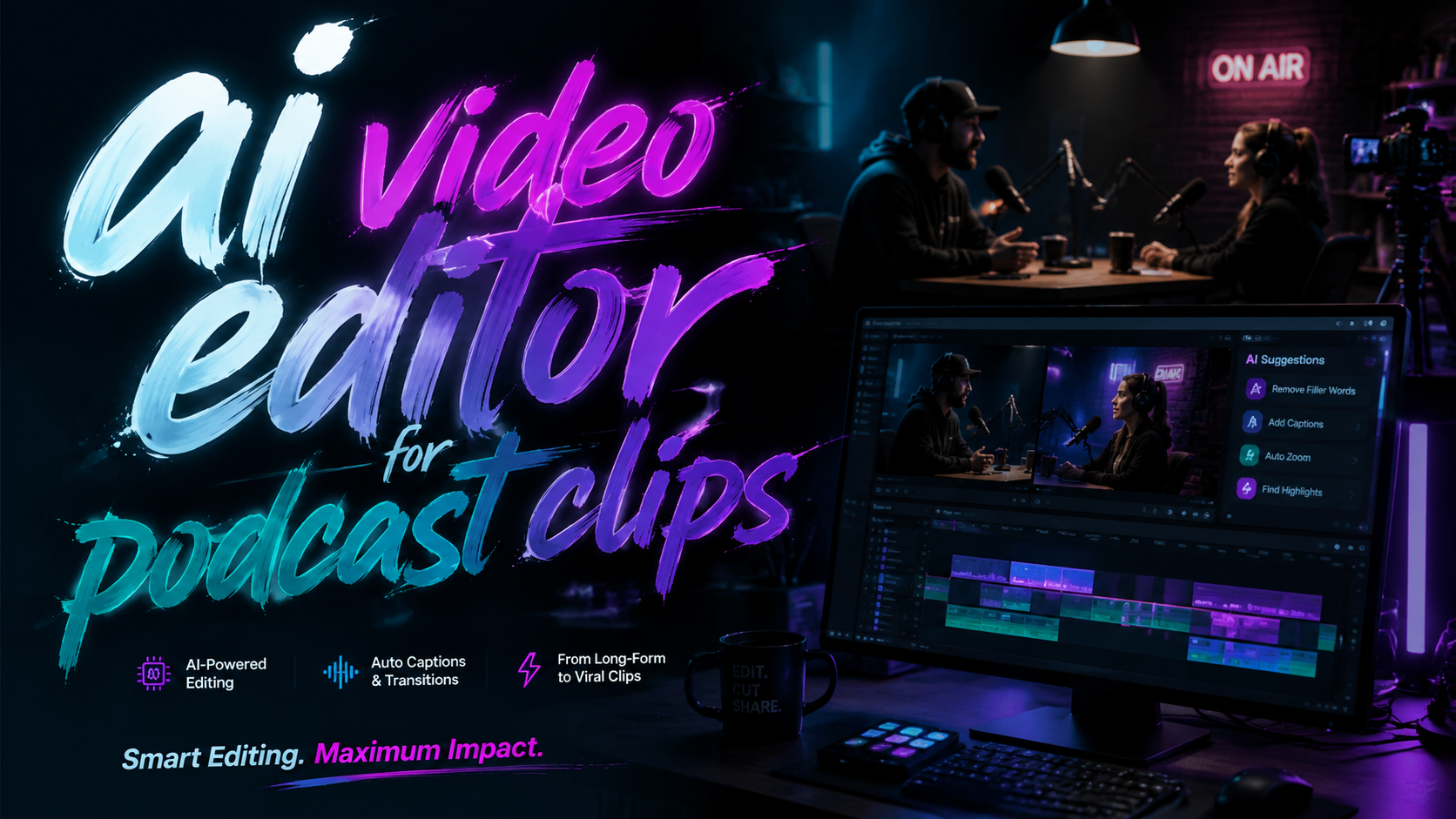
An AI video editor for podcast clips is a software tool that uses artificial intelligence to automatically trim, caption, reframe, and enhance short segments of podcast audio or video, making them ready to share across social media platforms. By 2026, these tools have become essential for podcasters who want to grow their audience without spending hours on manual editing.
TL;DR: AI video editors for podcast clips let creators quickly extract highlights, add captions, adjust aspect ratios, and optimize for virality. Major platforms like Spotify now offer built‑in clip editing, while dedicated tools from Adobe, Wondercraft, and top‑rated iPhone apps provide even deeper AI‑powered features.
An AI video editor for podcast clips is a generative‑AI application that automates the most time‑consuming parts of turning a long‑form podcast into short, engaging social‑media snippets. It typically detects key moments, generates accurate captions, suggests optimal cut points, and can even apply brand‑consistent styling—all without requiring manual timeline work.
- ✓ Spotify now lets you cut, edit, and save podcast clips directly inside its platform (CNET, May 2026).
- ✓ Adobe Firefly’s latest update redefines AI video creation, including clip‑optimization workflows for podcasters (Adobe, Feb 2026).
- ✓ Wondercraft launched a dedicated AI Video Studio in January 2026, targeting podcast‑to‑video repurposing.
- ✓ An iPhone video‑editing app was named one of Apple’s top picks of the year for its AI‑driven clip generation (Inc., Mar 2026).
- ✓ Quality control matters: Cleveland.com faced backlash for using low‑quality AI “slop” videos to promote podcasts (Awful Announcing, Apr 2026).
What Is an AI Video Editor for Podcast Clips?
An AI video editor for podcast clips is a specialized software that applies machine‑learning models to automatically identify the most shareable parts of a podcast—whether audio‑only or video—and turn them into polished, platform‑ready clips. Unlike traditional video editors that require manual scrubbing, cutting, and captioning, AI editors analyze speech patterns, sentiment, and visual cues to pinpoint moments of high energy, laughter, or key insights.
By 2026, these tools have evolved far beyond basic transcription. They can now generate dynamic captions that synchronize perfectly with speech, automatically adjust vertical and horizontal aspect ratios for TikTok, Instagram Reels, and YouTube Shorts, and even apply AI‑generated visual effects or background changes. Some advanced editors use generative AI to create short animated sequences from audio alone, opening up new possibilities for podcasters who record without a camera.
According to a recent article in CNET, Spotify’s new clip‑editing feature is a prime example of a platform integrating AI directly into the podcast workflow, allowing creators to cut and save clips without leaving the Spotify ecosystem. This move signals that AI‑powered clip editing is no longer a niche tool—it is becoming a standard feature of major podcasting platforms.
How AI Detects Viral Moments
Most AI editors use a combination of natural language processing (NLP) and audio analysis. The NLP layer scans for keywords, questions, or emotional spikes, while the audio analysis identifies changes in volume, tempo, and tone. Together, they automatically surface segments that are statistically more likely to engage viewers—such as a surprising fact, a heated debate, or a heartfelt story.
Several tools also let you set custom “vibe” parameters: for example, you can instruct the AI to find “educational” clips for LinkedIn or “funny” clips for TikTok. This level of granularity means you don’t have to watch every episode yourself to find shareable moments.
Why Podcasters Need AI Video Editing in 2026
The demand for short‑form video content continues to explode. Podcasters who only release full‑length episodes risk being invisible on social‑media feeds that prioritize bite‑sized, captioned videos. According to Inc., an iPhone video‑editing app that uses AI to generate podcast clips was named one of Apple’s top picks of the year, underscoring how critical this workflow has become for creators.
Furthermore, platforms like Spotify are now competing to become the go‑to destination for podcast clip creation. As CNET reported, Spotify’s new feature lets you “cut, edit and save podcast clips” directly within the app—no third‑party software required. This lowers the barrier to entry for podcasters who might otherwise be intimidated by video editing.
Without an AI video editor for podcast clips, creators risk spending hours on repetitive tasks. Manual captioning alone can take 10–15 minutes per minute of video. AI editors reduce that to seconds. In a landscape where consistency is key to growing an audience, the time saved can mean the difference between posting daily or weekly.
The Rise of “Podcast‑First” Social Media
Social platforms are actively optimizing for podcast content. TikTok now allows direct uploads of hour‑long audio with automatic chapter markers, and YouTube Shorts now supports links to full podcast episodes. An AI editor that can generate dozens of clips from a single recording is the only way to keep up with the multi‑platform distribution demands of 2026.
Top AI Video Editors for Podcast Clips in 2026
Below is a comparison of the leading AI video editors for podcast clips as of mid‑2026. These tools have been culled from recent industry reports, including The AI Journal’s roundup of the 7 best AI podcast generators and the product announcements from Adobe and Wondercraft.
| Tool / Platform | Key AI Features | Best For | Pricing (approx.) |
|---|---|---|---|
| Spotify Clip Editor | Auto‑detect highlights, in‑app cut/save, direct sharing to social | Podcasters already on Spotify | Free (Spotify for Podcasters) |
| Adobe Firefly Video | Generative video effects, automatic captioning, scene‑aware reframing | Professional creators needing high‑quality output | $29.99/month (Creative Cloud add‑on) |
| Wondercraft AI Video Studio | AI‑driven clip curation, multimodal (audio/video), brand‑style templates | Podcasters repurposing long episodes | $19/month (Starter) |
| iPhone AI Video App (Apple Top Pick) | One‑tap clip generation, intelligent captions, multi‑aspect ratio export | Mobile‑first creators on iOS | Free with in‑app purchases |
| Other (e.g., Opus Clip, Descript) | Automatic speaker detection, filler‑word removal, collaboration tools | Teams and agencies | $12–$24/month |
Spotify’s Native Editor – A Game Changer
Spotify’s editor, announced in May 2026, is particularly revolutionary because it eliminates the need to export audio or video to a separate app. According to CNET, users can “cut, edit and save podcast clips” directly from the episode page. The AI suggests three to five clips automatically, and you can refine them further.
Adobe Firefly Video – Generative AI Meets Professional Editing
Adobe’s Firefly, updated in February 2026, now includes a dedicated “Podcast Clip” mode. As Adobe stated, it “redefines AI video” by allowing users to generate background animations that match the podcast’s tone—such as a subtle particle effect for a science podcast—while keeping the speaker in focus.
How to Create Viral Podcast Clips with AI (Step by Step)
- Record your episode. Upload the finished audio or video file to your chosen AI video editor for podcast clips. Most tools accept MP3, WAV, MP4, and MOV formats.
- Let the AI analyze the content. The software scans for key moments—peaks in energy, changes in topic, or audience engagement cues. This usually takes 1–3 minutes per hour of content.
- Review AI‑suggested clips. The editor will present you with a list of 5–20 candidate clips, each with a timestamp, title, and confidence score. Pick the ones that align with your social‑media strategy.
- Customize captions and styling. Most tools auto‑generate captions. Adjust the font, color, and animation style to match your brand. You can also add logo watermarks or intro cards.
- Choose aspect ratios. Select vertical (9:16) for TikTok/Reels, square (1:1) for Instagram, or horizontal (16:9) for YouTube Shorts. AI editors automatically reframe to keep the speaker centred.
- Export and schedule. Download your clips or push them directly to connected social‑media accounts. Many editors now include built‑in scheduling features.
Advanced Tip: A/B Test AI‑Generated Thumbnails
Some AI editors can generate multiple thumbnail options using generative fill. Test two or three versions to see which yields higher click‑through rates before posting.
Avoiding Common Pitfalls: AI Slop and Quality Control
While AI video editors are powerful, they are not infallible. In April 2026, Awful Announcing reported that Cleveland.com was heavily criticized for using “AI slop videos” to promote its podcasts. The clips had garbled captions, unnatural pauses, and visually distracting glitches—damaging the publication’s credibility.
To avoid a similar fate, always review AI‑generated clips before publishing. Check for:
- Mis‑transcribed words, especially names and technical terms.
- Awkward cuts that break the flow of conversation.
- Inaccurate background effects that clash with the audio tone.
Also, do not rely on 100% automation for controversial or sensitive topics. Human oversight ensures that your brand’s voice remains authentic and that you don’t accidentally amplify a misquote or out‑of‑context statement that could go viral for the wrong reasons.
Best Practices for Brand‑Safe AI Clip Creation
Set up custom training for the AI model if your tool supports it. Provide it with a list of preferred vocabulary (your guest names, product names) and a style guide (tone, preferred emoji usage, caption colour palette). This drastically reduces errors and ensures consistency across hundreds of clips.
The Future of AI Video for Podcasting
Looking ahead, the trend is clear: AI video editing will become even more integrated into the podcasting workflow. Adobe’s Firefly is already moving toward “full generative video” where you can create entirely synthetic visual sequences that sync with the audio. Imagine a history podcast that generates animated maps or timelines in real time as the host speaks.
Wondercraft’s AI Video Studio, launched in January 2026 (Podnews), represents another leap: it uses multimodal AI to analyse both audio and video, allowing it to automatically switch between different camera angles and insert relevant B‑roll. This level of automation was unthinkable just two years ago.
However, the line between helpful AI and damaging “slop” will continue to be debated. The key for podcasters is to use AI as an accelerator, not a replacement for editorial judgment. As The AI Journal notes, the best AI podcast generators in 2026 are those that balance speed with customizability—allowing creators to maintain their unique voice while scaling their video output.
By adopting an AI video editor for podcast clips now, you position yourself at the front of a rapidly evolving content landscape. The technology will only get smarter, faster, and more affordable. Those who master it early will enjoy a significant competitive advantage in audience growth and brand authority.
Frequently Asked Questions
1. What is the best free AI video editor for podcast clips in 2026?
Spotify’s built‑in clip editor is currently free for all podcasters on the platform. It offers automatic clip suggestions, basic trimming, and direct sharing to social media. For more advanced features, the free tier of several mobile apps (including the Apple Top Pick) also provides good options.
2. Can AI video editors handle audio‑only podcasts?
Yes. Many AI editors can generate a static or animated waveform video, add captions, and even create a simple moving avatar using AI-generated visuals from the audio alone. Wondercraft and Adobe Firefly both support this.
3. How long does an AI take to process a one‑hour podcast episode?
Typically between 2 and 5 minutes, depending on the complexity of the AI model and your internet connection. Cloud‑based tools like Adobe Firefly are faster than local processing.
4. Do AI video editors support multiple languages for captions?
Most modern tools support 50+ languages for transcription and captioning. However, non‑English speakers may experience lower accuracy for dialects or code‑switching. Always verify captions for non‑English segments.
5. Will AI replace human video editors for podcasts?
Not entirely. AI excels at repetitive, time‑sensitive tasks like cutting and captioning, but creative decisions—such as choosing which emotional moment to highlight or assembling a narrative arc—still benefit from human judgment. AI is best viewed as a powerful assistant.
6. How do I prevent AI from generating “slop” content?
Use a tool that allows fine‑grained control over output. Train it with your brand guidelines, always preview clips before publishing, and be wary of over‑using automated visual effects. The Cleveland.com controversy shows that unchecked AI can backfire.
Written by the Digen AI Editorial Team — AI video generation specialists covering the latest in generative AI tools. Learn more about Digen AI.



Comments ()