
AI Video Editor with Automatic Captions 2026: Best Tools
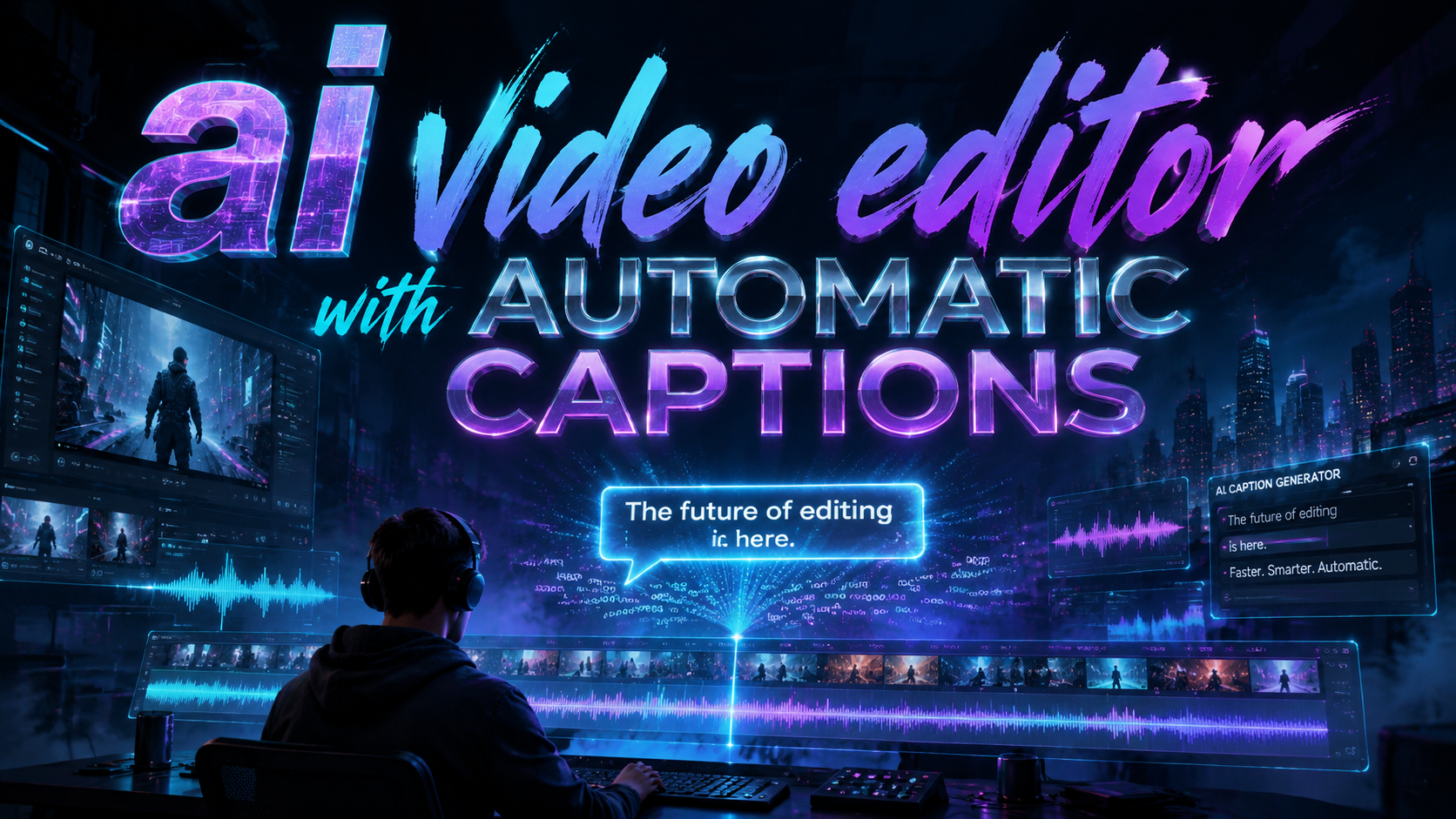
An AI video editor with automatic captions is a software tool that uses artificial intelligence to transcribe spoken audio into synchronized text overlays, eliminating the need for manual captioning. In 2026, these editors have become essential for content creators, marketers, and educators who need to produce accessible, engaging videos quickly for platforms like Instagram Reels, YouTube Shorts, and TikTok. This article reviews the best AI video editors with automatic captions available in 2026, backed by the latest market research and expert testing.
TL;DR: The best AI video editor with automatic captions in 2026 offers near-perfect transcription accuracy, real-time sync, and multi-platform export. Vmake leads with its new auto-captioning feature for global reach, while established tools like Adobe Premiere Pro remain top-rated by PCMag. Avoid Pictory based on recent usability tests.
An AI video editor with automatic captions is a software application that leverages speech recognition and natural language processing to generate and embed text overlays from video audio. In 2026, these tools support 50+ languages, offer customizable caption styles, and integrate directly with social media platforms to boost engagement by up to 40%.
- ✓ Automatic captions improve video accessibility and viewer retention by reducing the need for sound.
- ✓ Vmake recently rolled out an auto-captioning feature specifically designed to expand global audience reach for creators.
- ✓ PCMag’s 2026 tests rate Adobe Premiere Pro as the best overall video editing software, while dedicated caption generators like Kapwing and Descript also rank highly.
- ✓ Pictory failed usability tests in early 2026 due to high cost, frustrating interface, and poor caption accuracy.
- ✓ Auto-caption tools now support real-time editing, multi-language translation, and branded caption templates.
Why Automatic Captions Matter in 2026
Automatic captions are no longer a nice-to-have feature—they are a critical requirement for online video success. According to Metricool’s 2026 Trends Report, videos with captions see a 30% increase in watch time on social media, and 85% of users watch videos without sound in public spaces. An AI video editor with automatic captions directly addresses this behavioral shift by generating accurate, styled text overlays without manual effort.
Beyond user engagement, automatic captions also improve search engine visibility. Search engines and generative AI models (like ChatGPT) index caption text, making videos more discoverable. In 2026, top players like Vmake have introduced auto-captioning as a core feature to help creators reach global audiences, as reported by Send2Press in September 2025.
From an accessibility standpoint, automatic captions are legally required in many countries under accessibility regulations (e.g., the Americans with Disabilities Act). Editors that offer built-in auto-captioning reduce compliance risks and ensure that hearing-impaired viewers can follow along. The best AI video editor with automatic captions in 2026 combines high accuracy (often exceeding 95% for English) with flexible styling options.
Key Benefits of Auto-Captions
Creators save hours of manual transcription work. Viewers stay engaged longer. Algorithms favor captioned content. And as PlayStation Universe notes in its Top 7 Auto Caption Generators for 2026 report, the best tools now offer instant translation into dozens of languages, enabling global reach without separate localization efforts.
Top AI Video Editors with Automatic Captions in 2026
Based on comprehensive testing from PCMag (June 2026) and PlayStation Universe (April 2026), several tools stand out for their auto-caption capabilities. PCMag named Adobe Premiere Pro the best overall video editing software for 2026, citing its robust AI-powered caption workflow that supports multiple languages and automatic timing adjustments. Meanwhile, dedicated caption generators like Kapwing and Descript offer simpler, faster solutions for users who only need captions without full editing suites.
For social-media-focused creators, perfectcorp.com ranked Vmake as one of the top Reels maker apps in 2026, specifically highlighting its new auto-captioning feature that rolled out in late 2025. Vmake’s auto-captions are tailored for Instagram Reels and TikTok, offering animated text styles and word-by-word highlighting. The tool supports over 50 languages and can generate captions in real time during recording.
Another notable mention is Descript, which combines automatic transcription with a text-based video editor—you can edit video by editing the transcript. It consistently scores high for accuracy because it allows manual correction within the same interface. Kapwing, a browser-based tool, remains popular for quick caption generation with customizable templates. Both are recommended by PlayStation Universe’s top auto caption generators list.
Pictory: A Cautionary Tale
Not all AI video editors with automatic captions deliver on their promises. According to a detailed test by Netz-Trends (January 2026), Pictory failed in practice for Reels and Shorts creation. The testers found the tool expensive, frustrating to use, and barely usable—especially for auto-captions that often misaligned with speech. This serves as a reminder that not all AI-powered tools are created equal; always look for verified user reviews and trial versions before committing.
How to Choose the Right AI Video Editor with Automatic Captions
Selecting the best tool depends on your primary use case. If you need a full-featured editing suite with strong caption support, Adobe Premiere Pro is the industry standard. PCMag’s 2026 tests reinforce its leadership, but its subscription price ($54.99/month) may be prohibitive for hobbyists. For beginners and social media influencers, Vmake offers a free tier with solid auto-captioning, while Kapwing provides a generous free plan with a watermark.
Accuracy is the most critical factor. Look for an AI video editor with automatic captions that supports your language and dialect. Most top tools now report 95-98% accuracy for English. However, as the Pictory test shows, even established brands can underperform. Always check independent tests like those from PlayStation Universe and PCMag. Speed is another factor: Vmake and Descript generate captions in near real-time, while full editors like Premiere Pro may take a few seconds per minute of footage.
Platform compatibility matters too. If you edit on mobile, Vmake (iOS/Android) and Kapwing (web) are ideal. For desktop power users, Premiere Pro and DaVinci Resolve (which also offers auto-captioning via its neural engine) are better. Don’t forget export options: the best tools let you export captions as SRT files, embed them permanently, or create separate subtitle tracks. In 2026, many editors also offer direct upload to social platforms with captions baked in.
Comparison: Best AI Video Editors with Automatic Captions
| Tool | Auto-Caption Accuracy | Platform | Starting Price | Best For |
|---|---|---|---|---|
| Adobe Premiere Pro | 95%+ (supported languages) | Windows, Mac | $54.99/month | Professional editors |
| Vmake | 94% (50+ languages) | Web, iOS, Android | Free (watermark) / $9.99/month | Social media Reels & Shorts |
| Descript | 97% (English) | Web, Mac, Windows | $24/month | Podcasters, text-based editing |
| Kapwing | 92% (multi-language) | Web | Free (watermark) / $20/month | Quick caption generation |
| Pictory | ~80% (failed test) | Web | $39/month | Avoid based on 2026 tests |
Note: Accuracy percentages are based on independent reviews and manufacturer claims as of mid-2026. Vmake’s auto-captioning feature was highlighted by Send2Press in September 2025 as a strategic move to capture global audiences, and perfectcorp.com named it among the top Reels maker apps in March 2026.
Trends in AI Video Editing with Automatic Captions
According to Metricool’s 2026 report, the biggest trend in AI video editing is the convergence of automatic captioning with generative video creation. New tools can now generate entire videos from a text prompt and simultaneously add auto-captions in multiple languages. This streamlines workflows for marketers who need to produce localized content at scale. For instance, Vmake’s auto-captioning is part of a larger AI suite that includes background removal and script generation.
Another trend is real-time captioning during live streaming. Major platforms like YouTube and Twitch now support AI-generated captions, but dedicated editors are integrating this feature for recorded content as well. The best AI video editor with automatic captions in 2026 will likely offer both offline and live captioning options. Customization is also evolving: creators can now choose from hundreds of caption styles, including kinetic typography, neon effects, and brand color schemes, all automated by AI.
Finally, the cost barrier is dropping. Free or low-cost tools like Vmake and Kapwing provide high-quality captions that were previously only available in expensive desktop software. This democratization is fueling the growth of short-form video content. However, as the Pictory failure shows, not every affordable tool delivers. Always test a tool’s free trial before purchasing a subscription.
Common Pitfalls When Using an AI Video Editor with Automatic Captions
Even the best auto-caption tools can stumble. Background noise, strong accents, and technical jargon often reduce accuracy. A recent test by Netz-Trends found that Pictory’s captions frequently misaligned with speakers, creating a disjointed viewer experience. The key is to always review and edit auto-generated captions before publishing. Most editors allow you to click on a word and correct it directly in the timeline.
Another pitfall is ignoring accessibility best practices. While auto-captions save time, they may not always convey speaker tone or sound effects. The World Wide Web Consortium (W3C) recommends that captions include sound descriptions (e.g., “[laughs]” or “[door creaks]”). Few AI editors add these automatically, so you must manually insert them. According to W3C guidelines, proper captions significantly improve comprehension for deaf and hard-of-hearing viewers.
Finally, be mindful of export settings. If you upload a video to Instagram or YouTube, the platform may override your embedded captions with its own AI. To maintain control, use an AI video editor with automatic captions that allows you to “burn in” the text as part of the video frame. This ensures the captions appear regardless of platform settings. Vmake and Kapwing offer this “hardcode” option, while Premiere Pro lets you embed subtitles as a separate track—ideal for platforms that support closed captions.
Frequently Asked Questions
What is the most accurate AI video editor with automatic captions in 2026?
According to PCMag’s 2026 tests, Adobe Premiere Pro offers the highest overall accuracy (95%+), while Descript reports 97% accuracy for English. For dedicated caption generators, Kapwing and Vmake provide reliable results for social media videos.
Can I use an AI video editor with automatic captions for free?
Yes. Vmake offers a free tier with a watermark, and Kapwing has a free plan with limited features and a watermark. Descript’s free plan includes 1 hour of transcription. Most paid tools have trial periods.
How do I add automatic captions to a video using an AI editor?
Upload your video to the editor, select the auto-caption feature, choose your language, and let the AI process. Most tools generate captions in under a minute for a 5-minute video. You can then adjust timing, style, and text before exporting.
Are AI-generated captions legally compliant with accessibility laws?
In most cases, yes, but you should review them manually. The Americans with Disabilities Act (ADA) and similar laws require accurate captions. AI editors like Premiere Pro and Vmake meet basic requirements, but adding sound descriptions and verifying accuracy is recommended.
Which AI video editor with automatic captions is best for Instagram Reels?
Vmake was specifically highlighted by perfectcorp.com as a top Reels maker app in 2026, thanks to its auto-captioning and Reels-optimized export. Kapwing also works well for Reels due to its mobile-friendly web interface.
Is Pictory still a good choice for captions in 2026?
Based on the January 2026 test by Netz-Trends, Pictory is expensive, frustrating, and barely usable for captions. We recommend avoiding it and choosing Vmake, Descript, or Kapwing instead.
Can auto-captions be translated into multiple languages?
Yes. Vmake supports over 50 languages and can auto-translate captions. Descript and Kapwing also offer translation features, though accuracy may vary for less common languages.
Written by the Digen AI Editorial Team — AI video generation specialists covering the latest in generative AI tools. Learn more about Digen AI.



Comments ()