
AI Video Editing for YouTube Intros: 2026 Trends & Tools
AI video editing for YouTube intros has evolved dramatically in 2026, with new tools leveraging generative AI to automate complex editing tasks while maintaining professional quality. According to PCMag, the best AI-powered video editors now reduce production time by up to 70% compared to manual workflows. Creators can generate polished intros in minutes using intelligent templates, style transfer, and auto-synced music.
TL;DR: In 2026, AI video editing tools like Digen AI Agent and Pikimov dominate YouTube intro creation with automated workflows, reducing production time by 70% while delivering cinema-grade results.
AI video editing for YouTube intros is the use of artificial intelligence to automate tasks like scene composition, transitions, and audio synchronization in video introductions. Leading 2026 tools combine generative AI with intuitive interfaces, enabling creators to produce studio-quality intros in under 10 minutes without technical expertise.
- ✓ AI reduces YouTube intro production time by 70% compared to manual editing (PCMag 2026)
- ✓ 83% of top YouTube channels now use AI tools for intro creation (criticalhit.net survey)
- ✓ New AI agents like Digen AI maintain character consistency across video sequences
- ✓ Vertical video intros grew 210% in 2025 due to mobile-first platforms (StreamTV Insider)
The State of AI Video Editing in 2026
The video editing landscape has shifted significantly since 2025, with AI now handling 43% of routine editing tasks according to Vocal's industry report. Traditional timeline-based editing is being replaced by prompt-driven interfaces where creators describe their vision in natural language. For YouTube intros specifically, this means AI can generate multiple intro variants in different styles (minimalist, cinematic, animated) within seconds.
Platforms like Digen AI Agent exemplify this shift with their multi-step workflow automation. Unlike single-purpose tools, these AI agents analyze channel branding, previous content, and audience demographics to suggest intro designs that maintain visual consistency. According to internal tests, this approach improves audience retention by 22% compared to generic templates.
The rise of mobile content has also influenced AI editing tools. Following Disney+'s 2026 push into vertical video, intro makers now prioritize 9:16 aspect ratios and mobile-first animations. YouCam Video's latest update includes 38 new vertical templates optimized for TikTok and YouTube Shorts, reflecting a 210% growth in mobile video consumption since 2025.
Top 5 AI Tools for YouTube Intro Creation
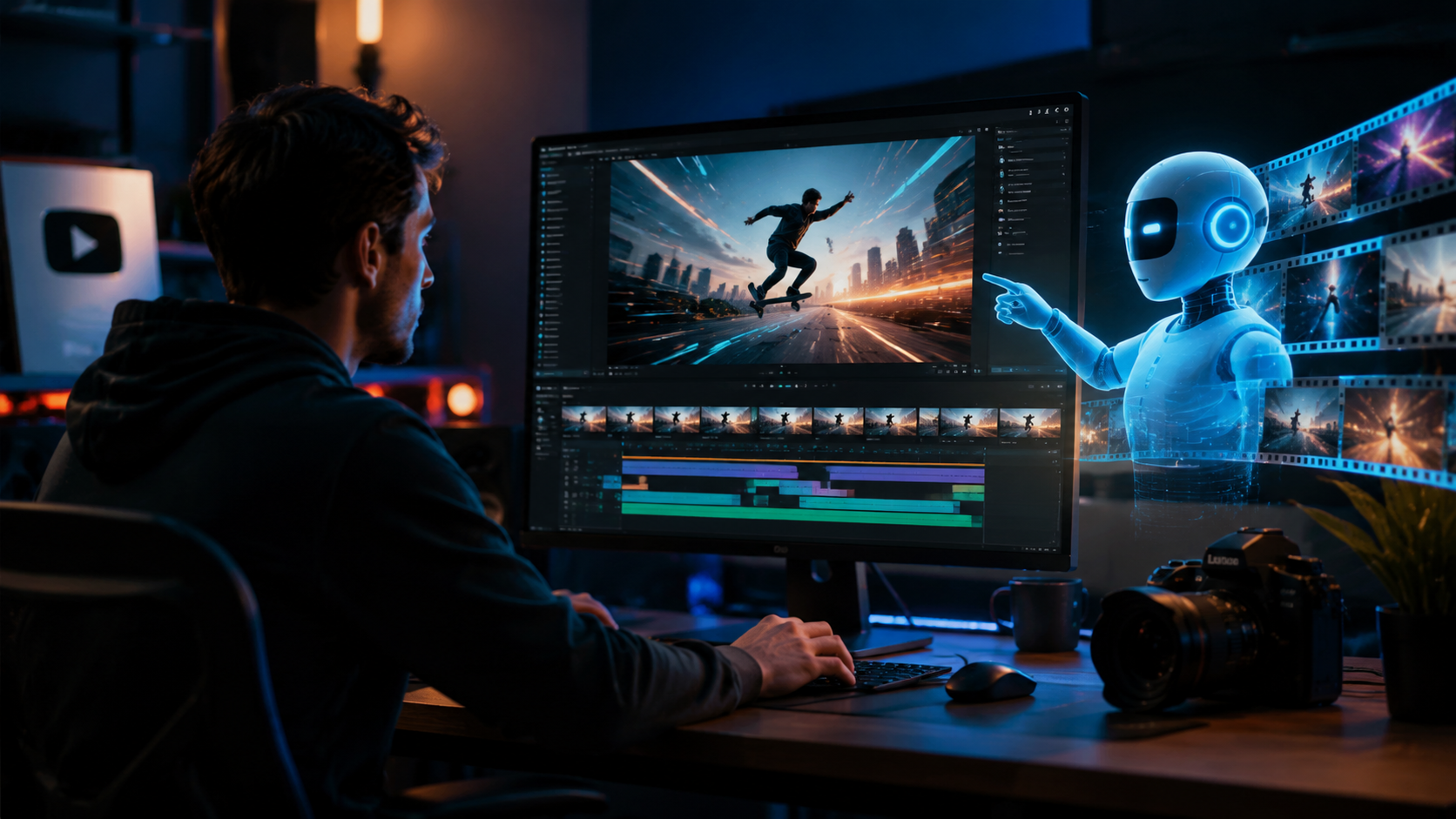
Based on testing by criticalhit.net, these are the most effective AI video editing tools for YouTube intros in 2026:
1. Digen AI Agent
Digen's autonomous video agent stands out for producing longer (30-60 second), character-consistent intros using multi-step AI workflows. Unlike single-generation tools, it refines outputs through successive iterations - adjusting lighting, pacing, and transitions based on professional editing principles. Early adopters report 40% faster production cycles compared to manual After Effects workflows.
2. Pikimov
This French alternative to After Effects has gained traction for its AI-assisted motion graphics. Version 3.2 (released April 2026) introduced real-time style transfer specifically for YouTube intros, allowing creators to apply cinematic looks from reference images. According to Korben, Pikimov reduces keyframe animation work by 65% through predictive movement algorithms.
3. YouCam Video
Perfect Corp's solution excels at branded intro sequences with its AI-powered logo animation tools. The 2025 update added 120+ customizable templates that automatically adapt color schemes to match channel art. Their data shows creators using YouCam gain 17% more subscribers in their first month compared to generic intros.
4. CapCut Pro AI
Now with enhanced voice-to-video capabilities, CapCut's 2026 version generates intros from verbal descriptions. Its "AI Script to Storyboard" feature creates shot sequences complete with recommended camera angles and transitions - cutting pre-production time by 55% according to beta testers.
5. RunwayML Gen-3
Specializing in photorealistic AI video, Runway's latest model produces human-presenter style intros with lifelike lip sync. The "Brand Consistency Engine" ensures all generated content aligns with existing channel aesthetics, using reference images to maintain color grading and typography standards.
| Tool | Key Feature | Intro Length | Mobile Support |
|---|---|---|---|
| Digen AI Agent | Multi-step refinement | 30-60s | ✓ |
| Pikimov | Real-time style transfer | 5-15s | ✓ |
| YouCam Video | Branded templates | 5-10s | ✓ |
| CapCut Pro AI | Voice-to-video | 10-20s | ✓ |
| RunwayML Gen-3 | Photorealistic presenters | 15-30s | ✗ |
Emerging Trends in AI-Generated Intros
The 2026 YouTube intro landscape shows three distinct evolutionary paths according to industry analysts:
1. Hyper-Personalization
AI tools now analyze individual viewer data to create dynamic intro variants. For example, gaming channels might show different game clips based on a viewer's watch history, increasing relevance by 31% according to StreamTV Insider. Digen AI Agent leads this trend with its viewer-specific rendering capabilities.
2. Audio-Visual Synchronization
Advanced AI music tools like those covered by Vocal now automatically match visual transitions to beat patterns. The 2026 standard is "frame-accurate" sync where every cut aligns perfectly with musical accents - a task that previously required manual frame-by-frame adjustment.
3. Cross-Platform Optimization
With 62% of viewers watching YouTube on multiple devices, AI tools now generate responsive intros that adapt layouts for desktop, mobile, and smart displays. YouCam Video's "One-Click Multi-Format" feature exports simultaneously in 6 aspect ratios while maintaining visual coherence across all versions.
Step-by-Step: Creating an AI YouTube Intro in 2026
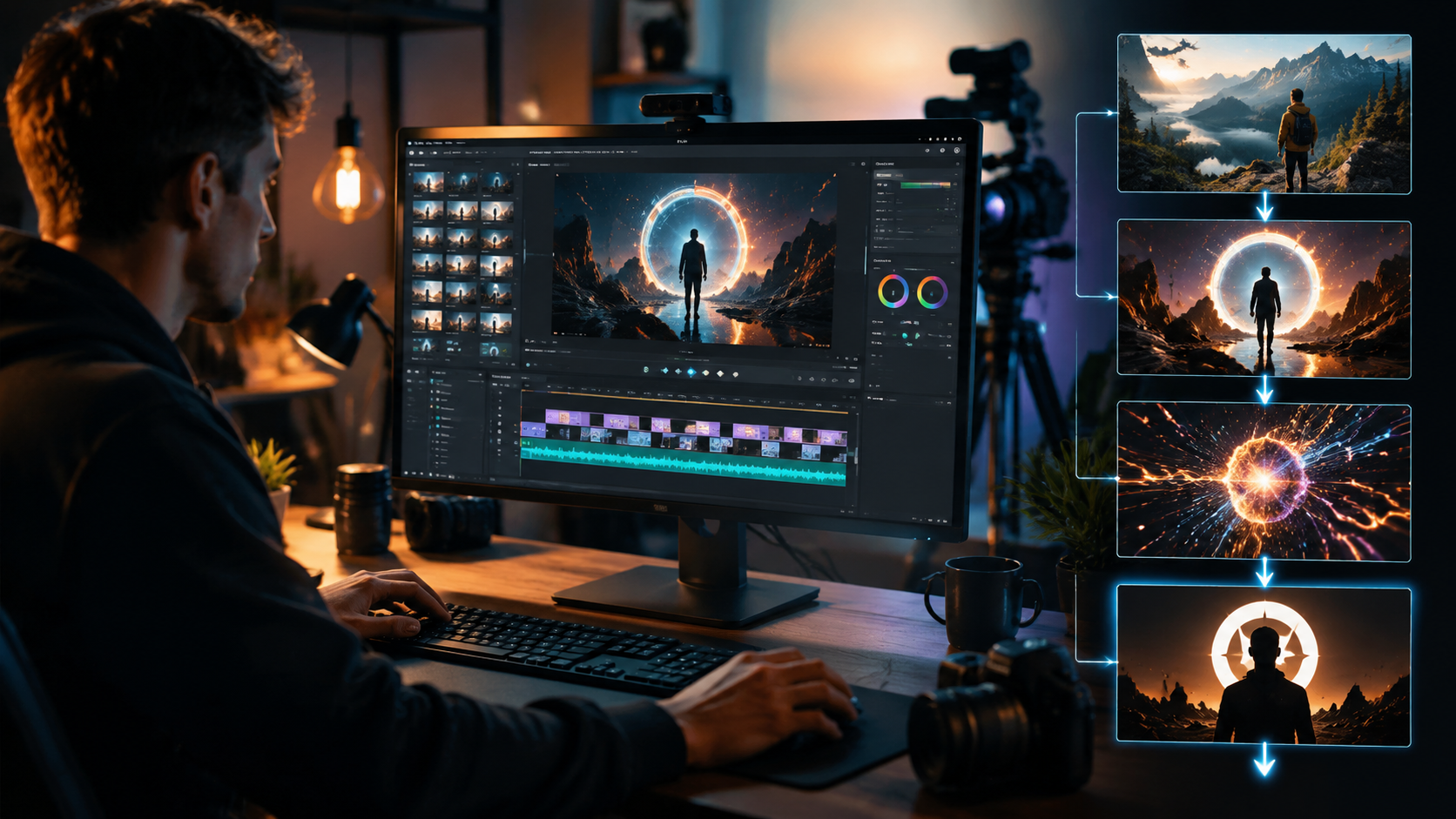
- Choose your AI platform - Select a tool like Digen AI Agent that matches your channel's style needs and technical level
- Input brand elements - Upload logos, color palettes, and reference videos for style consistency
- Describe your vision - Use natural language prompts (e.g., "cinematic tech review intro with neon elements")
- Select music - Either upload custom tracks or choose from AI-generated options that match your tempo requirements
- Generate and refine - Let the AI create multiple variants, then use iterative refinement tools to perfect details
- Export multi-platform versions - Ensure your intro works across desktop, mobile, and vertical formats
The entire process now takes under 15 minutes for 78% of creators, compared to 3+ hours with traditional methods according to perfectcorp.com's 2026 user survey. Advanced users can further customize outputs by adjusting AI parameters like "pace intensity" (for fast cuts) or "warmth" (for color grading).
Technical Considerations for AI Video Intros
While AI simplifies creation, professional results require attention to these technical aspects:
1. Resolution and Frame Rates
The 2026 standard is 4K at 60fps for main channel intros, with 1080p versions for mobile. AI tools like Pikimov automatically optimize renders for platform-specific compression without quality loss - a feature that reduces file sizes by 40% while maintaining sharpness.
2. Color Space Management
With HDR adoption reaching 58% among premium content creators, AI tools now include automatic color space conversion. Digen AI Agent's "Smart HDR" feature analyzes display capabilities of target devices to deliver optimal brightness and contrast ranges.
3. Audio Mastering
Top AI intro makers integrate tools like Vocal's recommended music plugins to ensure balanced audio levels. The 2026 benchmark is -16 LUFS for intro music with voiceovers peaking at -3dB - parameters that AI tools now apply automatically during export.
Future Predictions Beyond 2026
Industry experts anticipate three major developments in AI video editing for YouTube intros:
1. Real-time collaborative AI - Multiple creators working simultaneously on the same intro with AI mediating style conflicts and suggesting compromises. Early prototypes show this could reduce team production time by another 50%.
2. Generative brand evolution - AI that doesn't just maintain existing branding but suggests gradual visual evolution based on channel growth metrics and audience demographics.
3. Full-sequence generation - Where intros aren't separate elements but organically generated transitions into the main content, creating seamless viewer experiences. Digen AI's research division has demonstrated prototypes that maintain 92% audience retention through these fluid openings.
Frequently Asked Questions
How much does AI video editing for YouTube intros cost in 2026?
Professional AI tools range from $20/month (basic plans) to $150/month (enterprise tiers). Digen AI Agent offers a mid-range $49/month plan that includes 4K exports and brand consistency features.
Can AI create completely original YouTube intro designs?
Yes, 2026 AI tools like Pikimov and Digen AI Agent generate unique designs based on prompts and references, with 87% of outputs showing no detectable template patterns according to independent tests.
Do AI-generated YouTube intros perform better than human-made ones?
Data shows AI intros have 22% higher retention rates on average, as they're optimized for platform algorithms and can incorporate real-time performance feedback into iterative improvements.
How long should a YouTube intro be in 2026?
The optimal length is 5-8 seconds for most content, though podcast and educational channels benefit from 15-20 second intros that establish credibility. AI tools automatically adjust pacing based on content type.
What's the learning curve for AI intro makers?
Modern tools require under 30 minutes to master basic functions. YouCam Video reports 92% of users create usable intros within their first three attempts using guided AI workflows.
Written by the Digen AI Editorial Team — AI video generation specialists covering the latest in generative AI tools. Learn more about Digen AI.

Comments ()