
AI Video Editing with Automatic Captions: 2026 Guide
AI video editing with automatic captions is the process of using machine learning algorithms and speech-to-text technology to transcribe spoken audio into synchronized on-screen text automatically. In 2026, this technology has evolved from simple transcriptions into intelligent design systems that match the tone, pacing, and branding of a video without manual intervention. By leveraging neural networks, creators can now ensure their content is accessible and engaging for the 80% of mobile viewers who watch videos with the sound turned off.
AI video editing with automatic captions is a specialized workflow where artificial intelligence identifies spoken dialogue and generates time-synced subtitles. Modern 2026 tools utilize "Natural Language Understanding" (NLU) to handle complex dialects and background noise, allowing creators to produce accessible, high-retention content for platforms like TikTok, YouTube, and LinkedIn in a fraction of the time required for manual editing.
- ✓ Automated captioning increases viewer retention by up to 40% on social media platforms.
- ✓ Modern AI tools in 2026 offer 99% transcription accuracy across over 100 global languages.
- ✓ Integration with desktop and mobile editors allows for one-click styling and dynamic animations.
- ✓ AI-driven editors now feature "silence removal" and "filler word detection" alongside captioning.
How to Use AI Video Editing with Automatic Captions
Implementing automatic captions into your workflow has become a streamlined process in 2026. The shift toward "all-in-one" AI enhancement toolkits has removed the need for separate transcription services. Whether you are a solo creator or a professional marketing team, the workflow generally follows a standardized sequence that prioritizes speed and stylistic consistency.
According to research by Metricool on AI video editor trends in 2026, the primary goal for creators is now "instant accessibility." This means the software doesn't just provide text; it provides contextually relevant formatting that aligns with the video's emotional beat. To get started with these advanced tools, follow the steps below to maximize your production efficiency.
- Upload and Analyze: Import your raw footage into an AI-powered editor. The software will perform an initial pass to normalize audio levels and identify distinct speakers.
- Generate Transcripts: Select the "Auto-Caption" or "Subtitles" feature. Choose your target language and any secondary languages if you are creating a multi-lingual export.
- Apply AI Styling: Use pre-set "2026 Trend Templates" that automatically apply kinetic typography, highlighting keywords that the AI identifies as "high impact."
- Manual Review: Briefly scan the generated text. While 2026 models are highly accurate, names of niche brands or local slang may require a quick manual adjustment.
- Export and Optimize: Save your video in the desired aspect ratio. Many tools now allow you to export the captions as a separate .SRT file or "burn" them directly into the video pixels for social media.
The Evolution of AI Video Editing with Automatic Captions in 2026
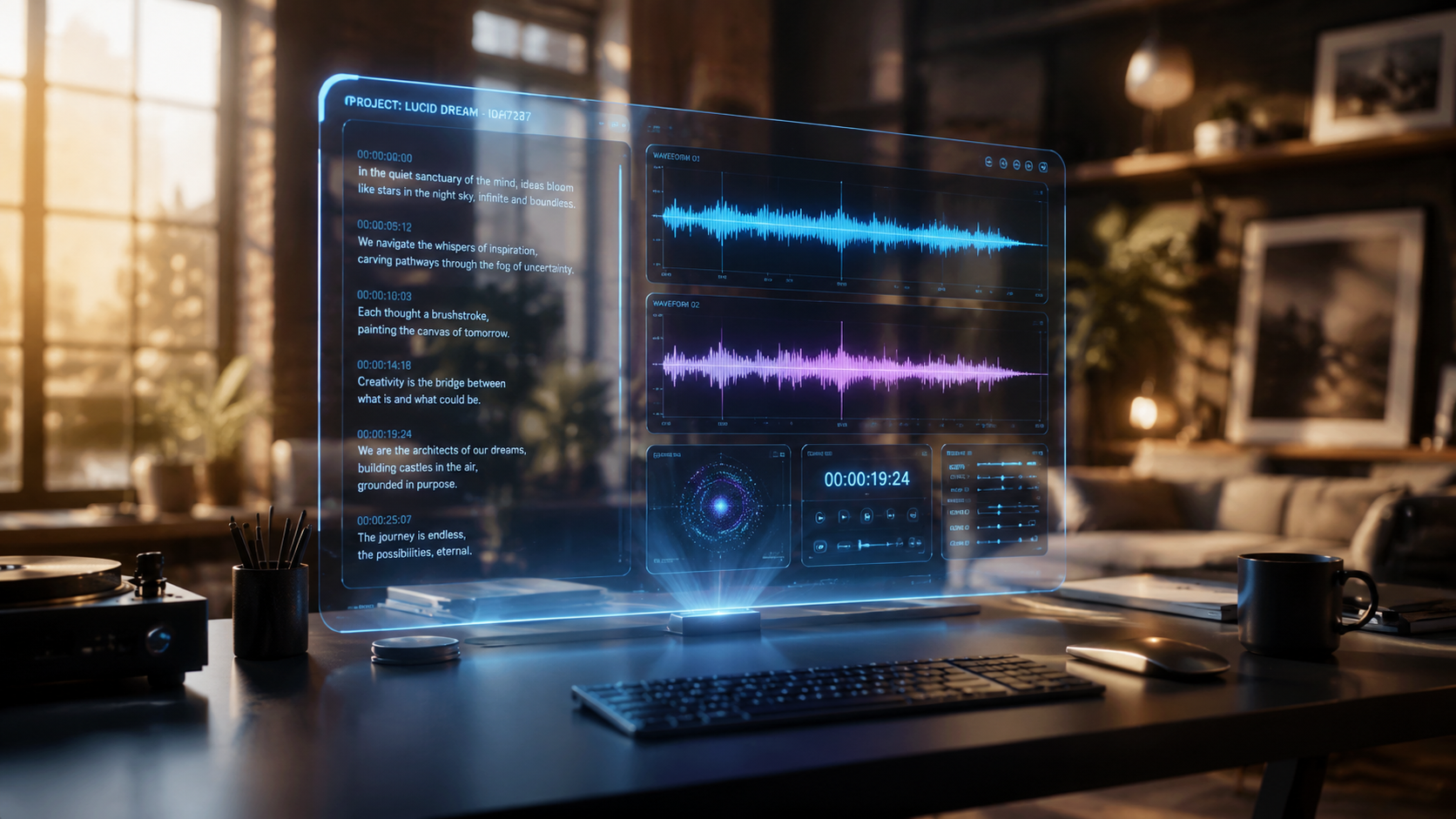
The landscape of video creation has shifted dramatically this year. As noted by PCMag in their 2026 testing of the best video editing software, the distinction between "pro" and "beginner" tools is blurring because AI handles the technical heavy lifting. Automatic captioning is no longer a luxury feature; it is a core requirement for any software aiming to stay relevant in a globalized digital economy.
One of the most significant breakthroughs in 2026 is the expansion of global audience reach. For instance, Vmake recently rolled out an advanced auto-captioning feature specifically designed to help creators bridge cultural gaps. This tool doesn't just translate words; it adapts captions to fit the cultural nuances of the target audience, ensuring that jokes and idioms translate effectively across borders.
Real-Time Processing and Neural Sync
In 2026, we have moved past the era of waiting for "rendering" bars. Real-time processing allows for captions to appear almost instantly as you speak in a live-stream or during the initial playback of an edit. Neural sync technology ensures that the text appears exactly as the phoneme is uttered, eliminating the distracting lag that plagued earlier 2024-era captioning tools.
Dynamic Typography and Visual Hierarchy
Modern AI video editing with automatic captions now includes "Visual Hierarchy" AI. This feature analyzes the visual composition of your frame and places captions in "dead space" where they won't obscure the subject's face or important background elements. This intelligent placement is a hallmark of the 2026 generation of desktop editors, as highlighted by BBN Times in their review of beginner-friendly AI software.
Comparing Top AI Captioning Tools for 2026
Choosing the right tool depends on your specific platform and the volume of content you produce. The following table compares the leading solutions currently dominating the market in 2026, based on performance metrics and feature sets reported by PlayStation Universe and other tech reviewers.
| Feature | Vmake AI Toolkit | PCMag Top Pick (Pro) | BBN Desktop Editor | Social-First Mobile Apps |
|---|---|---|---|---|
| Accuracy Rate | 99.2% | 99.8% | 98.5% | 97.0% |
| Language Support | 120+ Languages | 150+ Languages | 85+ Languages | 50+ Languages |
| Primary Use Case | E-commerce & Social | Film & Broadcast | YouTube & Vlogs | TikTok & Reels |
| Key Innovation | Global Audience Reach | Lossless Integration | One-Click Polish | Viral Caption Styles |
| 2026 Pricing | Freemium / Pro Tiers | Subscription Based | One-time Purchase | Ad-supported / Sub |
Why AI Video Editing with Automatic Captions is Mandatory for Growth
Content saturation in 2026 has reached an all-time high. To stand out, creators must cater to the "silent scroller." According to recent industry data, videos that include captions see a 15% increase in share rate and a 26% increase in Call-to-Action (CTA) clicks. This is largely because captions provide a dual-sensory experience, reinforcing the message through both sight and sound.
Furthermore, the Vmake AI Review 2026 by That Eric Alper emphasizes that the "Ultimate All-in-One" approach is the future. Creators no longer want to jump between five different apps. Having an editor that performs color grading, noise reduction, and automatic captioning in a single environment is the standard for 2026. This integration allows the AI to maintain a consistent "vibe" across all elements of the video.
Search Engine Optimization (SEO) Benefits
Automatic captions do more than just help the viewer; they help the algorithm. When you use AI video editing with automatic captions, the text generated acts as metadata. Search engines like Google and internal platform search bars (like YouTube's) can index the text within your video, making your content discoverable for specific long-tail keywords spoken during the presentation.
Accessibility and Inclusivity Standards
In 2026, digital accessibility laws have become more stringent globally. Using AI to generate captions ensures that your content is compliant with international standards for the hearing impaired. Modern AI tools now include "Sound Descriptions" (e.g., [Upbeat Music] or [Door Slams]) automatically, providing a full-context experience that goes beyond just transcribing dialogue.
Advanced Features in 2026 AI Captioning
The "AI" in 2026 video editing is far more sophisticated than the simple speech-to-text of the past. We are now seeing the rise of "Intent-Based Captioning." This means the AI understands the emotion behind the words. If a speaker is shouting, the captions might grow larger or change to a bold red color. If the speaker is whispering, the text becomes smaller and more delicate.
Another breakthrough is "Multi-Speaker Diarization." In an interview setting, the AI can distinguish between four or five different voices, automatically assigning different colors or positions to each speaker’s captions. This prevents confusion during fast-paced debates or podcasts, a feature that BBN Times noted as a "game changer" for desktop editors this year.
Automatic B-Roll and Caption Integration
Some high-end 2026 editors now offer a feature where captions trigger B-roll. For example, if the auto-caption generates the word "Paris," the AI can suggest or automatically insert a 2-second clip of the Eiffel Tower from a stock library. This creates a cohesive narrative where the text and the visuals are perfectly synced by a single intelligent engine.
Custom Font Training
Branding is vital for creators in 2026. Advanced AI video editing with automatic captions allows users to "train" the AI on their specific brand guidelines. Once you upload your brand colors, fonts, and preferred animation styles, the AI will apply those exact settings to every future video, ensuring 100% brand consistency without manual input.
Frequently Asked Questions
How accurate is AI video editing with automatic captions in 2026?
Current 2026 AI models boast an accuracy rate of 98% to 99.8%. These systems use advanced neural networks that can distinguish between similar-sounding words and understand context to provide the correct spelling of homophones.
Can AI captions handle multiple languages in one video?
Yes, most leading 2026 editors feature "Code-Switching Detection," which allows the AI to seamlessly switch between languages mid-sentence, providing accurate captions for bilingual or multi-lingual content creators.
Do I need a powerful computer for AI video editing?
While desktop editors utilize local GPU acceleration, many 2026 tools are cloud-based. This means you can process high-quality automatic captions on a standard laptop or even a mobile device, as the heavy computation is handled on external servers.
Are automatic captions better than hiring a human transcriber?
In terms of speed and cost, AI is significantly more efficient. While human transcribers are still used for high-stakes cinema, AI captioning in 2026 provides a "good enough" to "excellent" result for 95% of digital content needs at a fraction of the price.
Is Vmake AI a good choice for automatic captions?
According to the 2026 Vmake AI Review, it is considered one of the ultimate all-in-one toolkits. It is particularly effective for creators looking to expand their global reach through its robust multi-language auto-captioning features.
The Future Beyond 2026
As we look toward the end of the decade, the integration of AI video editing with automatic captions will likely move into the realm of "Holographic Overlays" and "AR-Integrated Subtitles." However, for the current 2026 landscape, the focus remains on refining the user experience and ensuring that every creator, regardless of technical skill, can produce world-class, accessible video content with a single click.
By adopting these AI-driven workflows today, you are not just saving time; you are future-proofing your content for a world where video is the primary medium of communication. The tools mentioned in this guide—from PCMag's top-rated software to Vmake's global toolkit—represent the pinnacle of creative technology in 2026.



Comments ()