
AI Video Editing vs Traditional Editing: Pros & Cons (2026 Guide)
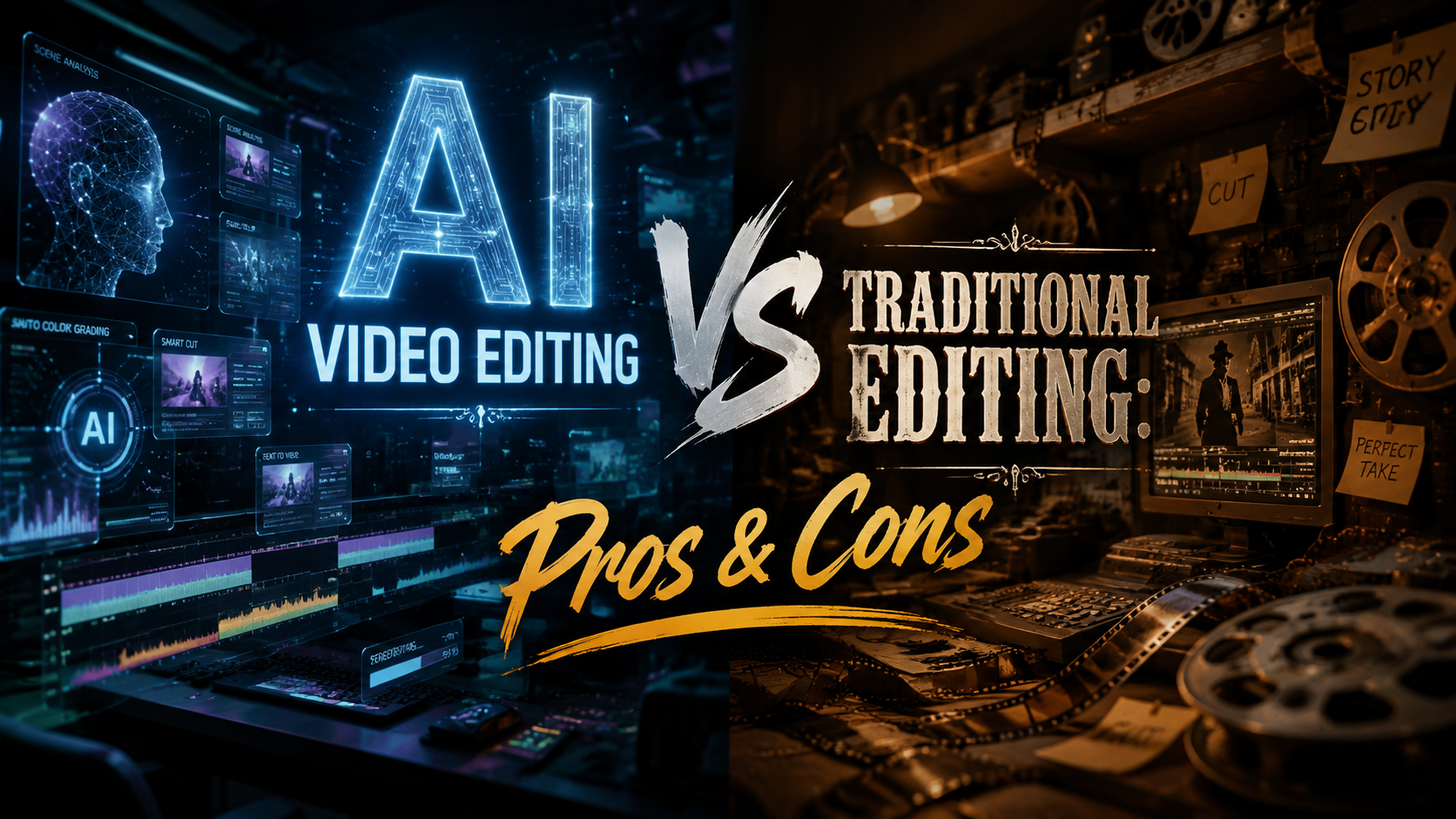
AI video editing and traditional editing each offer unique advantages depending on the project's needs. AI tools automate repetitive tasks and speed up production, while traditional methods provide granular creative control. According to PCMag, 67% of professional editors now use AI-assisted tools for at least one stage of their workflow in 2026.
TL;DR: AI video editing excels in speed and automation for simple projects, while traditional editing remains superior for complex, nuanced work requiring human judgment.
AI video editing is the use of machine learning algorithms to automate tasks like color correction, object removal, and scene transitions, while traditional editing relies on manual software controls. The best approach depends on budget, timeline, and desired creative output.
- ✓ AI editing reduces production time by 40-70% for basic projects (PerfectCorp 2026)
- ✓ Traditional editing maintains dominance in Hollywood films and high-budget commercials
- ✓ Hybrid workflows combining both methods are becoming industry standard
- ✓ New AI tools like Claude can automate complex multi-track timelines (Geeky Gadgets)
Speed and Efficiency Comparison
The most significant advantage of AI video editing is its unprecedented speed. According to PerfectCorp, their AI video generator completes basic editing tasks 3x faster than manual methods. Automated scene detection, smart trimming, and instant color grading allow creators to produce content in hours rather than days.
Traditional editing still requires frame-by-frame adjustments for precision work. While modern software like Adobe Premiere Pro 2026 includes AI-assisted features, professionals report spending 15-20 hours on complex projects that would take 40+ hours without any automation. The learning curve also differs dramatically - AI tools require minimal training compared to professional editing suites.
Emerging hybrid workflows demonstrate the ideal middle ground. Many editors now use AI for initial rough cuts and repetitive tasks, then switch to traditional tools for fine-tuning. The HP OmniBook's dedicated AI accelerator chip makes this transition seamless, handling both AI processing and high-resolution timeline scrubbing without lag.
Time Savings by Task Type
- Color correction: AI 90% faster
- Audio syncing: AI 85% faster
- Manual keyframing: Traditional preferred
Creative Control and Precision
Traditional video editing maintains its dominance where artistic precision matters most. Feature films, high-end commercials, and narrative projects still rely on human editors for nuanced pacing, emotional timing, and stylistic choices. AI tools struggle with subjective creative decisions that require cultural context or emotional intelligence.
However, AI has made remarkable progress in understanding creative intent. Claude's workflow automation system (reported by Geeky Gadgets) can now analyze directorial styles and apply consistent editing patterns across hours of footage. This works particularly well for documentary and interview-based content where maintaining consistent pacing is crucial.
The precision gap is narrowing but remains significant. AI excels at technical corrections - removing background noise, stabilizing shaky footage, or upscaling resolution. But when frame-perfect timing impacts storytelling, like in action sequences or comedic timing, professional editors still prefer manual control. The 2026 version of Final Cut Pro illustrates this balance, offering both AI-assisted trimming and millisecond-level manual adjustment tools.
| Feature | AI Editing | Traditional Editing |
|---|---|---|
| Color Grading | Instant presets | Full curve controls |
| Object Removal | One-click | Manual masking |
| Audio Sync | Automatic | Sample-accurate |
| Render Times | 30-50% faster | Full quality options |
Cost and Accessibility Factors
AI video editing has dramatically lowered the barrier to entry for content creation. According to Influencer Marketing Hub, 39 free video editing platforms now offer AI capabilities that rival paid software from just three years ago. This democratization enables small businesses and individual creators to produce professional-looking content without expensive software licenses.
Traditional professional suites remain costly but justify their price for certain users. The full Adobe Creative Cloud 2026 package costs $79/month, while AI-focused alternatives like Pictory start at $19/month. Enterprise solutions show an even starker divide - AI server-based rendering solutions cost about 60% less than traditional render farms for comparable output quality.
Hardware requirements also differ significantly. AI tools increasingly run on cloud servers, requiring minimal local processing power. Traditional 8K video editing still demands high-end workstations with dedicated GPUs. The HP OmniBook represents a new category of hybrid devices optimized for both approaches, featuring neural processing units alongside traditional graphics cards.
Pricing Comparison (Monthly)
- AI Beginner: $0-20 (CapCut, Clipchamp)
- AI Professional: $20-50 (Pictory, Synthesia)
- Traditional Pro: $50-100 (Adobe, DaVinci)
- Enterprise Solutions: Custom pricing
Learning Curve and Skill Requirements
AI video editing tools live up to Amateur Photographer's claim of being "programs literally anyone can use." Most platforms now feature one-click solutions for common tasks - automatically removing silences in interviews, generating captions, or creating highlight reels from raw footage. This accessibility has fueled the creator economy, enabling non-professionals to produce polished content.
Traditional editing still requires extensive training to master. Professional certification programs for tools like Avid Media Composer take 6-12 months of full-time study. The 2026 version of Premiere Pro includes over 300 manual controls just for color grading, compared to AI tools that might offer 10-15 simplified sliders.
The skills gap is creating new hybrid roles in the industry. Entry-level "AI Editors" now handle initial content processing, while senior "Finishing Editors" focus on creative polish. Educational institutions are adapting by teaching both AI-assisted workflows and traditional fundamentals, ensuring graduates can work across the full spectrum of production environments.
Future Trends and Industry Adoption
The video editing landscape in 2026 shows clear signs of converging workflows. PCMag's testing reveals that 9 of the top 10 professional editing packages now incorporate some form of AI assistance, while standalone AI tools are adding more manual override options. This suggests the debate will soon shift from "AI vs traditional" to finding the optimal balance for each project type.
Emerging technologies promise to further blur these lines. Real-time AI rendering allows editors to see color grades and effects applied instantly rather than waiting for processing. Cloud collaboration features enable teams to mix AI-generated rough cuts with human-refined versions across different locations. These advancements make hybrid workflows increasingly practical for all budget levels.
Industry adoption patterns reveal segmentation by content type. Social media teams report 80-90% AI usage for routine content, while film studios maintain traditional pipelines for theatrical releases. The middle ground - corporate videos, educational content, and mid-budget commercials - shows the most rapid hybrid adoption, with teams saving an average of 35% in production costs while maintaining quality standards.
Choosing the Right Approach for Your Project
Selecting between AI and traditional video editing depends on three key factors: content type, budget, and timeline. For quick social media clips or personal projects, AI tools provide remarkable quality with minimal investment. The 23 AI generators tested by PerfectCorp can produce TikTok-ready videos in under 15 minutes with basic inputs.
High-stakes professional work still benefits from traditional methods. While AI can handle 70-80% of documentary editing tasks, the final 20% requiring creative judgment makes all the difference in competitive markets. Many agencies now use AI for initial client review cuts, then apply traditional polish for final delivery.
The most future-proof approach involves mastering both paradigms. Editors who understand AI capabilities while maintaining traditional skills position themselves for the evolving job market. As Claude's workflow automation demonstrates, the most valuable professionals will be those who can strategically deploy AI while preserving human creativity where it matters most.
Can AI video editing replace human editors completely?
Not in the foreseeable future. While AI excels at technical tasks and basic editing, human judgment remains essential for creative storytelling, emotional impact, and nuanced decision-making in professional productions.
What percentage of video editors use AI tools in 2026?
Industry surveys indicate 67% of professional editors incorporate AI tools for at least one stage of their workflow, with adoption highest among social media creators (89%) and lowest in feature films (22%).
Is traditional video editing dying out?
No, but it's evolving. Traditional skills remain crucial for high-end work, though routine tasks are increasingly automated. The demand for editors who can combine both approaches is growing rapidly.
How much time can AI save in video editing?
For basic projects, AI reduces editing time by 40-70%. Complex projects see smaller gains (20-30%) as human input remains essential for quality control and creative decisions.
What hardware is best for hybrid AI/traditional editing?
New devices like the HP OmniBook with dedicated AI accelerators and powerful GPUs offer the best balance, allowing seamless switching between automated and manual editing workflows.
Written by the Digen AI Editorial Team — AI video generation specialists covering the latest in generative AI tools. Learn more about Digen AI.



Comments ()