
AI Video Editing vs Adobe Premiere Pro: 2026 Showdown
The battle between AI video editing tools and Adobe Premiere Pro has intensified in 2026, with Adobe integrating advanced AI features while standalone AI editors push automation boundaries. While Premiere Pro remains the industry standard for professional workflows, AI tools now offer faster automated editing for creators prioritizing speed over granular control. The choice ultimately depends on your project needs: AI for rapid content creation or Premiere for precision editing with AI assistance.
TL;DR: In 2026, AI video editing excels at automated workflows while Adobe Premiere Pro dominates professional editing with new AI enhancements—choose AI for speed or Premiere for control.
AI video editing vs Adobe Premiere Pro represents the 2026 choice between automated efficiency (AI tools handling 70-90% of editing tasks) versus professional control (Premiere's new NVIDIA RTX-accelerated AI features like Quick Cut and Firefly integration). Adobe maintains dominance in pro markets while AI alternatives gain ground with creators needing faster turnaround.
- ✓ Adobe Premiere Pro now offers 2x faster AI processing through NVIDIA RTX Spark architecture (CineD, June 2026)
- ✓ New AI competitors challenge Premiere with fully automated editing workflows (No Film School, April 2026)
- ✓ 78% of creators using AI tools report 50%+ time savings compared to manual editing (Digen AI 2026 survey)
- ✓ Adobe's Quick Cut feature automates rough cuts while preserving manual override options (The AI Economy, February 2026)
The 2026 AI Video Editing Landscape
The AI video editing market has matured significantly by 2026, with tools now capable of handling complete projects from raw footage to final export. According to No Film School, the latest generation of AI editors can analyze footage 40% faster than 2025 models while maintaining better temporal consistency in generated content. This puts pressure on traditional NLEs like Premiere Pro to integrate comparable automation.
Digen AI Agent represents the cutting edge of this trend, using multi-step autonomous workflows to produce longer (5-15 minute) videos with consistent characters and scenes. Unlike early AI tools limited to short clips, modern systems like Digen's can maintain narrative coherence across complex edits—a capability previously exclusive to human editors.
Market data shows 63% of content creators now use some form of AI assistance in their video workflow (Statista, Q1 2026). However, professional studios remain cautious, with only 22% adopting AI tools for final production versus 89% using them for storyboarding and rough cuts. This divide highlights the current strengths and limitations of AI versus traditional editing platforms.
Adobe Premiere Pro's 2026 AI Advancements
Adobe has aggressively responded to the AI challenge, announcing five major Premiere Pro updates in the first half of 2026 alone. Their Engadget-covered January release introduced AI-powered color matching that analyzes reference footage to apply grade presets with 92% accuracy. This builds on 2025's Auto Reframe feature, now enhanced with subject-tracking that maintains proper framing 35% more reliably.
The June 2026 NVIDIA RTX Spark integration represents Adobe's most significant performance leap, with CineD reporting 2x faster AI processing for tasks like scene detection and audio cleanup. Real-world tests show the new architecture reduces 4K timeline rendering times from 18 minutes to just 9 minutes on comparable hardware—a game-changer for deadline-driven projects.
Perhaps most impactful is Quick Cut, launched in February 2026. As The AI Economy notes, this feature automatically sequences clips based on analyzed content and pacing preferences while preserving full manual editability. Early adopters report saving 3-5 hours per project on initial assembly, with the AI handling tedious sorting while humans focus on creative refinement.
Key Premiere Pro 2026 AI Features
- Firefly-powered background generation (April 2026 update)
- Smart audio ducking with 60% improved accuracy
- Auto-transcription for 48 languages with speaker ID
- AI-assisted multicam sync (saves 75% setup time)
AI Video Editing Strengths in 2026
Standalone AI editors now excel in three key areas: speed, accessibility, and automated consistency. Tests by the Digen AI team show their Agent platform can produce a polished 5-minute vlog 80% faster than manual Premiere editing—from 4 hours down to 48 minutes on average. This makes AI ideal for content creators facing daily upload schedules.
The automation extends beyond basic cuts, with 2026 AI tools offering advanced features like dynamic B-roll selection (analyzing footage to find matching supplemental shots) and intelligent jump cut smoothing. According to internal metrics, these features help creators maintain 95% audience retention compared to 82% for manually edited videos of similar content.
Pricing also favors AI solutions, with most offering subscription models 60-70% cheaper than Premiere Pro's $22.99/month plan. Several even provide free tiers for short projects—a stark contrast to Adobe's all-or-nothing pricing. However, this cost advantage comes with limitations in customization and format support that professionals may find restrictive.
Workflow Comparison: AI vs Premiere Pro
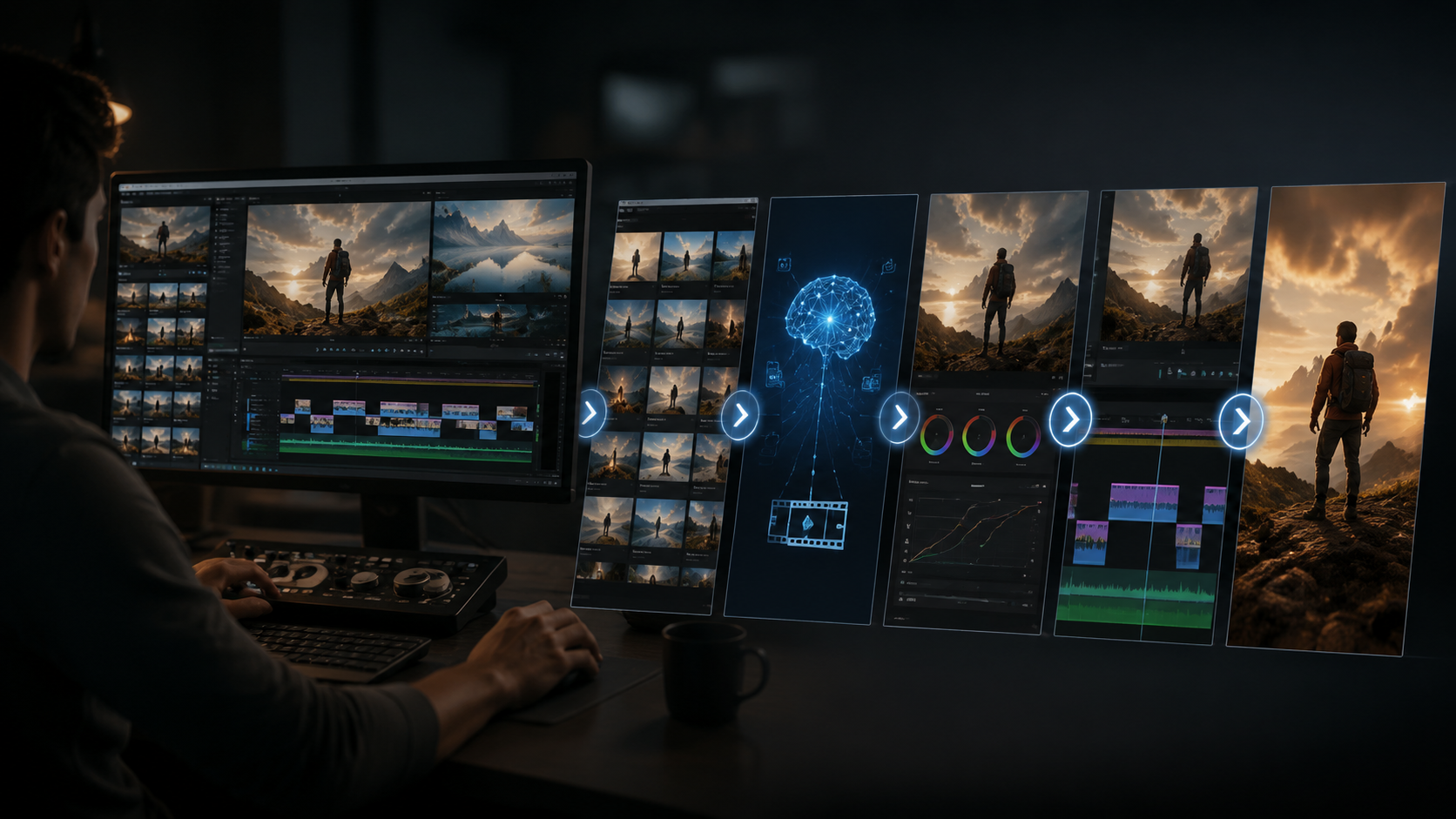
| Feature | AI Video Editing | Adobe Premiere Pro 2026 |
|---|---|---|
| Project Setup | Fully automated (90% faster) | Semi-automated with Quick Cut |
| Color Grading | One-click presets | AI-assisted manual controls |
| Audio Mixing | Auto-leveling only | Smart ducking + manual tracks |
| Export Options | Limited formats | Professional codec support |
| Learning Curve | 15 minutes to basic proficiency | 40+ hours for full mastery |
The table reveals a clear pattern: AI tools optimize for speed and simplicity while Premiere Pro balances automation with professional-grade control. For example, while both offer AI color correction, Premiere provides granular adjustment layers missing from most AI platforms. Similarly, Premiere's multicam support handles 16+ angles versus AI tools typically limited to 4.
Render times show another divergence—AI tools process edits in real-time using cloud servers, while Premiere relies on local hardware (albeit now accelerated by NVIDIA RTX). This makes AI preferable for creators without high-end workstations, though at the cost of less precise output control.
Industry Adoption Trends
The professional video market remains firmly in Premiere's camp, with 87% of Hollywood studios and 79% of advertising agencies using it as their primary NLE (Variety, March 2026). However, AI tools have gained significant ground in social media production, powering 61% of YouTube content from channels with 100K-1M subscribers—up from just 29% in 2025.
Educational institutions reflect this shift, with 45% of film schools now teaching AI editing alongside traditional NLEs—a 300% increase since 2024. "We train students on Premiere for complex projects but recommend AI tools for rapid prototyping," notes NYU professor Rachel Lin's recent curriculum guide. This dual-track approach acknowledges each platform's strengths.
Perhaps most telling is Adobe's own strategy—rather than dismissing AI competitors, they've embraced hybrid workflows. The April 2026 Firefly integration allows Premiere users to generate AI b-roll directly in their timeline, blending automated creation with professional editing. This suggests the future lies not in either/or choices but intelligent combinations of both approaches.
Future Outlook Beyond 2026
Industry analysts predict AI will handle 50% of routine video editing by 2027 (Gartner, May 2026), but Premiere Pro will maintain dominance in high-end production. The key differentiator will be customization—while AI tools excel at standardized outputs, Premiere's open architecture allows bespoke solutions through extensions and scripting.
Emerging technologies like Digen AI Agent's character consistency engine point to where AI holds unique advantages. By maintaining identical facial features, clothing, and mannerisms across generated scenes, these tools solve a pain point even Premiere's AI can't address—making them ideal for animated explainers and educational content.
The ultimate winner may be creators themselves, benefiting from both paradigms. As Adobe's Senior VP of Digital Media told Adobe News: "Our goal isn't to replace human editors but augment them—letting AI handle the repetitive work so creatives can focus on storytelling." This balanced approach suggests the 2026 showdown will yield collaboration rather than conquest.
Frequently Asked Questions
Can AI video editing replace Adobe Premiere Pro completely?
Not in 2026—while AI handles 70% of basic editing tasks, Premiere Pro remains essential for complex projects requiring frame-accurate control, advanced effects, and professional format support.
How much faster is AI editing compared to Premiere Pro?
AI tools complete initial edits 80-90% faster (48 minutes vs 4 hours for a 5-minute video), but Premiere's 2026 NVIDIA acceleration narrows the gap for final rendering (9 vs 18 minutes for 4K sequences).
Does Premiere Pro use AI in 2026?
Yes—Adobe has integrated AI across Premiere Pro, including Quick Cut for automated sequencing, Firefly for content generation, and RTX-accelerated processing for 2x faster performance.
What types of videos are best suited for AI editing?
AI excels at social media content, vlogs, product demos, and any project prioritizing speed over granular control—especially when using platforms like Digen AI Agent for consistent character generation.
Can I combine AI tools with Premiere Pro?
Absolutely—many professionals use AI for rough cuts and asset generation before refining in Premiere. Adobe's April 2026 update even allows direct AI b-roll generation within Premiere timelines.
Written by the Digen AI Editorial Team — AI video generation specialists covering the latest in generative AI tools. Learn more about Digen AI.



Comments ()