
AI Video Editing Tutorials for Beginners (2026 Guide)
AI video editing tutorials for beginners are step-by-step guides that teach you how to use artificial intelligence tools to edit videos faster and more creatively, without requiring years of technical experience. In 2026, these tutorials cover everything from automated scene detection and smart color grading to AI voiceovers and text-to-video generation, making professional-quality editing accessible to anyone with a computer or smartphone.
AI video editing tutorials for beginners are structured learning resources that walk you through using AI features like auto-captioning, one-click color correction, and AI voice generators. They reduce the learning curve by focusing on practical tasks such as trimming, transitions, and audio cleanup, letting you create polished videos in minutes, not hours.
- ✓ AI tools now automate repetitive tasks like syncing audio, removing silences, and applying color grades – perfect for beginners who want fast results.
- ✓ Popular beginner-friendly software in 2026 includes CapCut Desktop (free with built-in AI voice generator), Premiere Pro (with its revamped color grading engine), and DaVinci Resolve (AI-driven facial recognition).
- ✓ The biggest mistake new editors make is relying entirely on AI without reviewing output – as demonstrated by YouTube’s poorly received AI experiment in August 2025.
- ✓ Following expert YouTube channels (like those listed by AWISEE) can dramatically accelerate your learning curve.
- ✓ AI video editing tutorials are increasingly modular: you can learn just the features you need, from automated subtitles to AI script writing.
Why AI Video Editing Tools Are a Game-Changer for Beginners
For many newcomers, video editing feels overwhelming. But as Creative Bloq reported in February 2026, even seasoned editors who “had been avoiding AI tools” have changed their minds after seeing how modern AI assistants eliminate tedious steps. “I’ve been avoiding AI tools, but here’s what finally changed my mind” – that headline reflects a broader shift: AI is no longer a gimmick but a practical ally for beginners.
According to the article, the key turning point was the ability to let AI handle rough cuts and timing. Beginners can now drag in raw footage, let the software detect the best clips, and then refine the edit manually. This lowers the barrier to entry: you don’t need to learn complex timeline operations before creating something shareable. Instead, you learn by tweaking what AI builds, which is exactly what ai video editing tutorials for beginners should teach.
How AI Reduces the Learning Curve
Traditional editing required hours of practice on timeline navigation, keyframes, and effects. In 2026, AI tools in CapCut Desktop and Premiere Pro (with its “reset button” on color grading according to Digital Camera World, April 2026) offer one-click fixes. For example, the new color overhaul in Premiere Pro intelligently analyzes scenes and suggests balanced grades – a feature that previously took months to master. Beginners can now achieve professional-looking results in minutes, guided by ai video editing tutorials for beginners that walk through each AI prompt.
Best AI Video Editing Software for Beginners in 2026
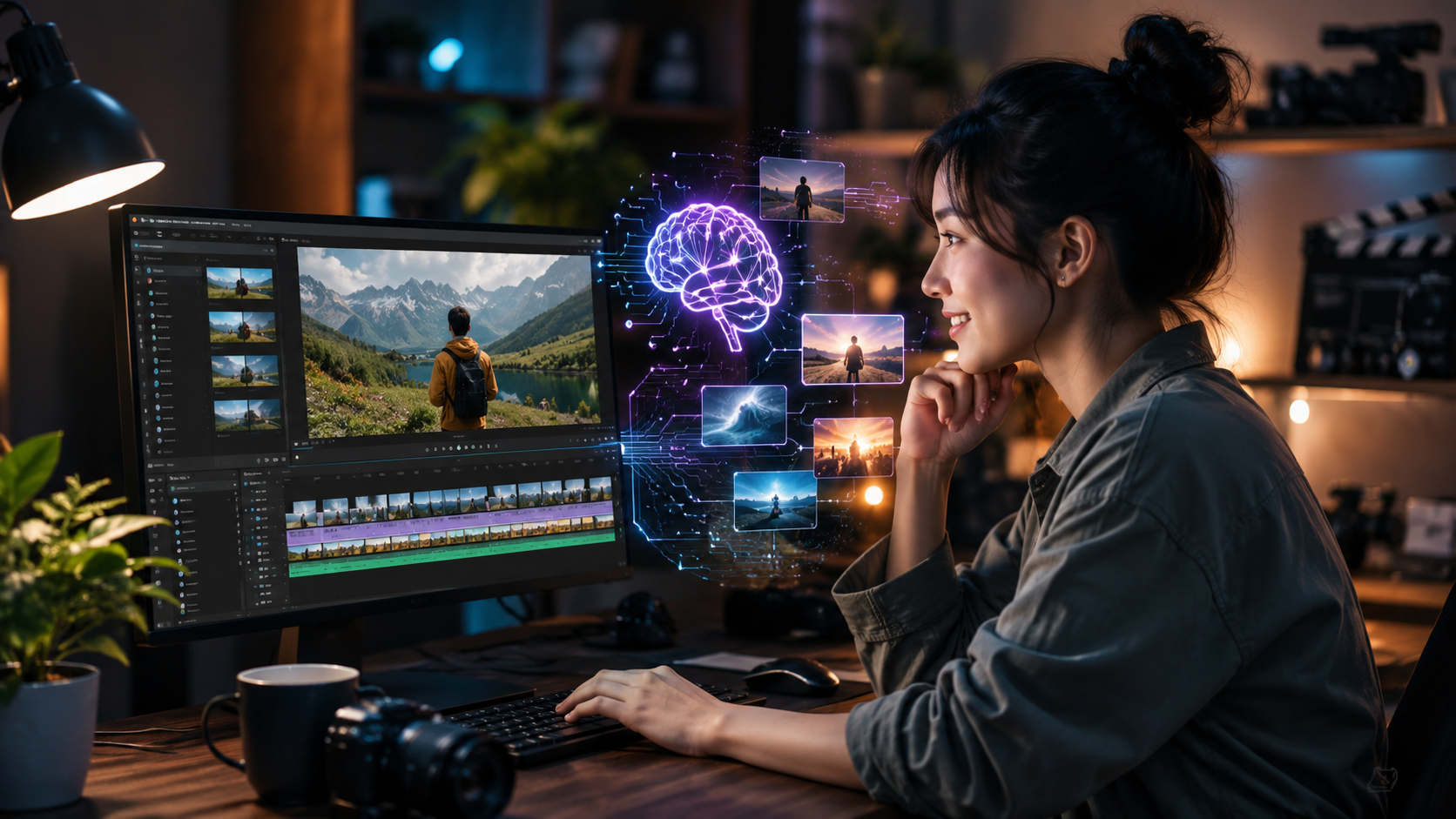
TechRadar’s February 2026 roundup of “Best video editing software for beginners” highlights three clear leaders: CapCut Desktop, Adobe Premiere Pro, and DaVinci Resolve. All three integrate AI features that simplify editing, but they cater to different budgets and workflows. Below is a comparison table to help you choose based on your specific needs.
| Software | Ease of Use | Key AI Features | Best For | Price |
|---|---|---|---|---|
| CapCut Desktop | Very intuitive (drag-and-drop) | AI voice generator, auto-captions, background removal, scene detection | Social media creators, quick tutorials | Free with optional cloud storage |
| Adobe Premiere Pro | Moderate learning curve (2026 overhaul helps) | AI color grading (new), auto-ducking, speech-to-text, scene edit detection | Serious beginners who plan to advance | $22.99/month (Creative Cloud) |
| DaVinci Resolve | Steeper but with AI assistants | AI facial recognition, voice isolation, auto color matching, neural engine effects | Beginners who want free professional features | Free (Studio paid version optional) |
When you follow ai video editing tutorials for beginners, start with CapCut if you want the fastest results. Its AI voice generator was recently used to create “Automotive Repair Tutorials with AI Voice Generator in CapCut Desktop Video Editor” (reported by Pickup Truck +SUV Talk in August 2025). That example shows how quickly non-professionals can produce polished content.
Step-by-Step: Your First AI Video Editing Tutorial
Below is a numbered, beginner-friendly workflow you can follow using any of the tools above. This structure is exactly what you’ll find in high-quality ai video editing tutorials for beginners.
- Import footage – Drag your raw video files onto the timeline. AI will automatically analyze the clips for scene changes.
- Use AI scene detection – Click “Auto Edit” or “Smart Trim” to let the software highlight the best moments. Most modern editors do this in seconds.
- Apply AI color grading – Choose a preset or let the AI match colors across all clips. In Premiere Pro, the new 2026 color engine suggests a base grade based on the mood of your video.
- Add AI voiceover – If you don’t want to record your own voice, use the built-in text-to-speech feature (like CapCut’s AI voice generator) to narrate your tutorial.
- Generate auto-captions – AI speech-to-text creates subtitles that sync perfectly. Edit the text for accuracy.
- Add transitions and effects – Use AI-recommended transitions (e.g., “smooth cut” or “fade”) to keep your video flowing.
- Export with AI optimization – The software will suggest the best export settings for your target platform (YouTube, TikTok, etc.).
This simple seven-step process is the core of many ai video editing tutorials for beginners available today. As you practice, you’ll learn to tweak each AI suggestion manually – a skill that sets you apart from those who let AI run completely unchecked.
Common Mistakes to Avoid When Using AI for Video Editing
BGR.com’s August 2025 article “YouTube's Latest Experiment Is A Great Example Of How Not To Use AI” serves as a cautionary tale. The experiment involved automatically generating entire videos with AI, which resulted in generic content that viewers rejected. The lesson for beginners: AI is a tool, not a replacement for creativity.
Here are three mistakes I see in many ai video editing tutorials for beginners that claim “just press one button”:
- Over-reliance on auto-captions without proofreading – AI often misinterprets accents or technical terms. Always review.
- Letting AI pick all B-roll – The tool may select irrelevant stock footage. Use AI suggestions as a starting point, then curate.
- Skipping manual color adjustments – Even the new Premiere Pro color overhaul needs human fine-tuning for branding consistency.
By following balanced ai video editing tutorials for beginners that emphasize human oversight, you’ll avoid these pitfalls and produce videos that feel authentic.
What the Experts Recommend
According to AWISEE.com’s list of “The Top 9 Video Editing YouTube Channels to Follow in 2026”, the best channels for beginners are those that explain both the AI shortcut and the manual alternative. Channels like “Editing with AI” and “Film Sensei” offer side-by-side comparisons that help you understand when to trust the AI and when to step in.
Structured AI Video Editing Tutorials for Beginners on YouTube
If you prefer free video-based learning, the channels cited by AWISEE are an excellent starting point. Many of them have series specifically called “AI Video Editing Tutorials for Beginners – 2026 Edition.” These playlists cover:
- Getting started with CapCut’s AI voice generator (including real-world examples like automotive repair tutorials).
- Mastering Premiere Pro’s new color grading AI (based on the Digital Camera World coverage).
- Avoiding AI blunders (referencing YouTube’s failed experiment).
Each video is typically 5–10 minutes long, which keeps the learning digestible. I recommend watching at least three complete tutorials before attempting your first project.
Frequently Asked Questions About AI Video Editing Tutorials for Beginners
What is the best AI video editing software for beginners in 2026?
For absolute beginners, CapCut Desktop offers the most intuitive interface with powerful AI features like voiceover generation and auto-captions – all for free. Premiere Pro is better if you eventually want professional-level control, while DaVinci Resolve provides the most advanced AI tools at no cost.
Do I need expensive hardware to run AI video editing tools?
Not necessarily. Most AI features in 2026 are cloud-assisted or optimized to run on mid-range laptops. CapCut Desktop works smoothly on a 2023 MacBook Air with 8GB RAM, and Premiere Pro’s AI color grading runs on GPU-accelerated systems but also has a fallback mode for integrated graphics.
Can AI completely replace manual video editing for beginners?
No. While AI can handle 70% of repetitive tasks (cuts, captions, color balance), creative decisions like story pacing, music sync, and branding still require human judgment. The best ai video editing tutorials for beginners teach you to use AI as a co-pilot, not an autopilot.
How long does it take to learn AI video editing?
With focused tutorials, most beginners create a short edit in under two hours. Mastering the subtleties – like understanding when to override an AI suggestion – takes about two to four weeks of regular practice. The learning curve is significantly shorter than traditional editing.
Are there any free ai video editing tutorials for beginners?
Yes. YouTube channels listed by AWISEE (2026) offer free playlists. Additionally, CapCut provides in-app tutorials. Many creators also share free resources on platforms like Skillshare and Udemy, though a structured course may cost $10–$30.
Is AI-generated voiceover good enough for my video?
Modern AI voices – like the CapCut voice generator used in automotive repair tutorials – sound natural and can be adjusted for tone and speed. For professional projects, consider recording your own narration, but for social media tutorials, AI voiceover saves time and works well.
How do I avoid the “generic AI look” in my videos?
Personalize each AI suggestion. Add your own intro, custom text overlays, and unique transitions. The YouTube experiment (BGR, 2025) failed because it used default AI settings. Always review and tweak – that’s the core lesson of every effective ai video editing tutorials for beginners.
By following the steps and resources outlined above, you’ll quickly move from curious beginner to confident AI-enhanced video editor. The key is to start small, use the ai video editing tutorials for beginners that emphasize hands-on practice, and always keep a human touch in your final output. The tools are ready – it’s time to create.



Comments ()