
10 Best AI Video Editing Tools for TikTok in 2026
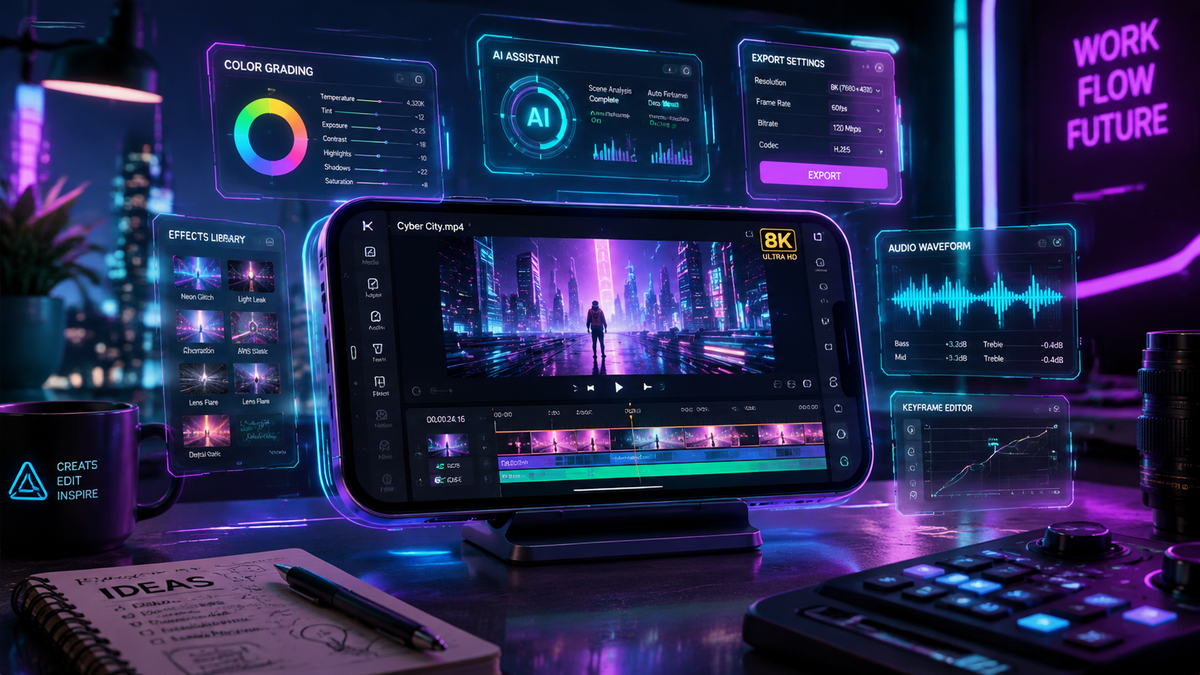
The best ai video editing tools for tiktok in 2026 are specialized software applications that leverage machine learning to automate complex tasks like smart-cutting, trend analysis, and motion graphics. By using these tools, creators can transform raw footage into viral-ready content in minutes, utilizing features like TikTok’s native Smart Split and AI Outline to maintain a competitive edge in the ever-evolving social media landscape.
AI video editing tools for TikTok are intelligent software platforms designed to streamline short-form content creation. These tools utilize generative AI to perform automated scene detection, subtitle generation, and stylistic enhancements. In 2026, the industry standard focuses on "one-click" virality, where AI models predict viewer retention and adjust pacing accordingly to maximize engagement on the For You Page (FYP).
- ✓ AI-driven "Smart Split" and "AI Outline" are now essential for high-retention TikTok storytelling.
- ✓ Automated subtitle generation and multi-language dubbing have become standard features for global reach.
- ✓ Real-time trend integration allows editors to sync video transitions with the latest viral audio automatically.
- ✓ Cloud-based AI rendering has significantly reduced the hardware requirements for high-quality 4K mobile editing.
- ✓ Ethical AI usage and transparency labels are increasingly integrated into the export workflow of major editing apps.
How to Use AI Video Editing Tools for TikTok Successfully
Navigating the world of automated editing requires a balance between technological efficiency and creative intuition. While the ai video editing tools for tiktok do much of the heavy lifting, the most successful creators use a structured approach to ensure their content feels authentic. In 2026, the focus has shifted from simple filters to deep structural edits that prioritize the first three seconds of a video—the critical "hook" period.
According to a 2025 report from the TikTok Newsroom, the introduction of native AI assistance tools has led to a 40% increase in creator consistency. By following a standardized workflow, you can leverage these advancements to scale your content production without sacrificing the personal touch that builds a loyal following. Here is the recommended step-by-step process for using modern AI tools to craft a viral video.
- Import and Analyze: Upload your raw footage into your chosen AI editor. Use the "Smart Analysis" feature to let the AI identify the most high-energy segments and key talking points.
- Apply Smart Split: Utilize the Smart Split tool (introduced in late 2025) to automatically divide your footage into rhythmic segments that match the beat of your selected background music.
- Enhance with AI Outline: Add visual depth by applying AI Outline effects. This feature uses computer vision to track subjects and apply stylized borders or glows that move perfectly with the action.
- Generate Captions and Metadata: Use the AI transcription engine to create accurate, stylized captions. Ensure the tool also generates SEO-friendly descriptions and hashtag suggestions based on current 2026 trends.
- Review and Export: Preview the AI-suggested "Viral Cut." Make minor manual adjustments to the pacing if necessary, then export directly to TikTok using the integrated API for optimal compression.
The Top 10 AI Video Editing Tools for TikTok in 2026
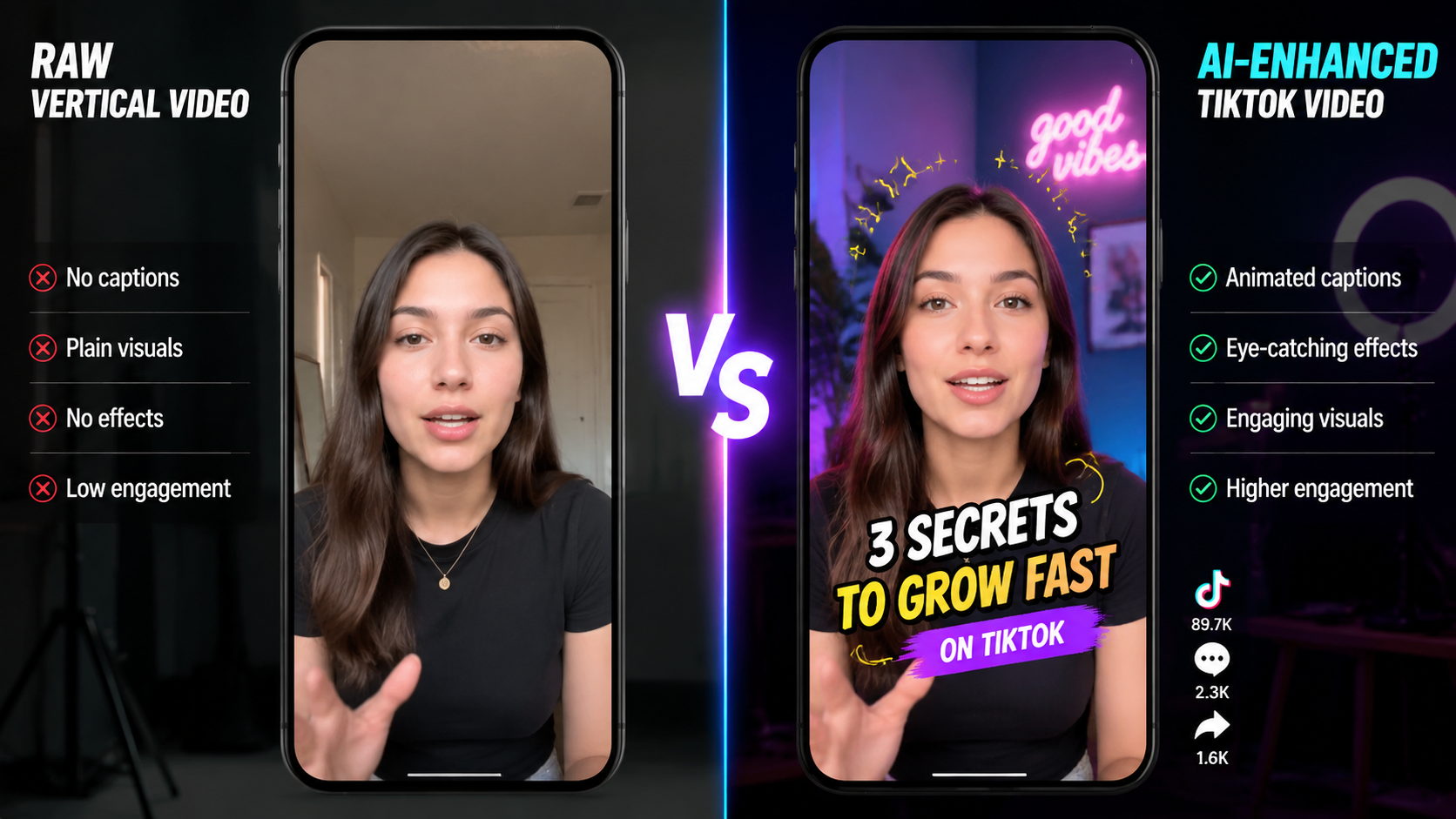
The landscape of video editing has been revolutionized by the integration of generative models. Whether you are looking for a mobile-first experience or a robust desktop suite, the following tools represent the pinnacle of ai video editing tools for tiktok available today. These platforms have been selected based on their processing speed, feature set, and integration with TikTok's latest 2026 updates.
1. TikTok Native Creative Suite (Smart Split & AI Outline)
In late 2025, TikTok significantly upgraded its in-app editor. As reported by Social Media Today, these new AI assistance tools are designed to lower the barrier to entry for new creators. The "Smart Split" feature is particularly revolutionary, as it uses acoustic analysis to cut footage precisely on the beat of trending sounds. Meanwhile, "AI Outline" provides a rotoscoping-style effect without the need for manual masking, allowing creators to highlight themselves against any background with professional precision.
2. AI Video Cut by Perfect Corp
Released in mid-2026, AI Video Cut has quickly become a favorite for creators who prioritize speed. According to perfectcorp.com, it is marketed as the easiest way to create videos in 2026. Its primary strength lies in its "one-tap" transformation, which can take a 10-minute vlog and condense it into a 30-second TikTok highlight reel using semantic understanding of the video's context.
3. CapCut Pro (2026 Edition)
CapCut remains a dominant force in the industry. The 2026 version features an advanced "AI Script-to-Video" engine that can generate high-quality B-roll and transitions based solely on a text prompt. It also includes "AI Eye Contact" and "Virtual Wardrobe" features, which allow creators to fix minor filming errors or change their outfit digitally after the video has been shot.
4. Adobe Premiere Rush with Firefly Integration
Adobe has integrated its Firefly generative AI directly into the mobile Rush experience. This allows for "Generative Extend," a feature that can add a few frames to the end of a clip if you cut it too short, and "Text-to-Color Grade," where you can describe the mood of your TikTok (e.g., "moody 1970s film") and the AI adjusts the color science instantly.
5. InShot AI Studio
InShot has evolved from a simple cropper to a full AI studio. Its 2026 updates include an "AI Background Remover" that works in real-time on 4K footage and an "Auto-Meme" generator that identifies funny moments in your clips and automatically adds relevant text overlays and sound effects.
6. Descript Underdub
Descript continues to lead in audio-centric editing. For TikTokers who do voiceovers, the "Underdub" feature allows you to replace specific words in your audio by simply typing the new text. The AI clones your voice perfectly, ensuring that your TikTok tutorials or commentary videos are flawless even if you stumbled over your words during recording.
7. Munch (Viral Segment Finder)
Munch is an essential tool for creators who repurpose long-form content for TikTok. It uses machine learning to scan podcasts or YouTube videos and identifies segments with the highest "virality potential" based on 2026 social media metrics. It automatically re-frames the video to a 9:16 aspect ratio, keeping the speaker centered at all times.
8. Wondershare Filmora 15
Filmora 15, released in early 2026, introduces "AI Copilot Editing." As you work, a chat interface suggests improvements, such as "Your intro is too long for the current TikTok trend; should I shorten it?" This real-time coaching makes it one of the best ai video editing tools for tiktok for beginners who want to learn while they create.
9. Luma Dream Machine (Mobile Integration)
While ByteDance put its own high-end AI video gen tool on ice in early 2026 (according to PCMag), Luma has filled the gap. Their mobile integration allows TikTokers to generate 5-second cinematic B-roll clips from text prompts to fill gaps in their storytelling, providing a high-production look without an expensive camera setup.
10. Splice AI Engine
Splice has focused on "AI Music Sync" and "Haptic Feedback Editing." In 2026, it offers a library of AI-generated, royalty-free music that adapts its length and intensity to the specific pacing of your video edit, ensuring you never run into copyright strikes while maintaining a professional soundscape.
Comparison of Top AI Editing Features
Choosing the right tool depends on your specific needs—whether that is speed, creative control, or advanced technical features. The following table compares the flagship capabilities of the leading ai video editing tools for tiktok in 2026.
| Tool Name | Standout AI Feature | Best For | Platform |
|---|---|---|---|
| TikTok Native | Smart Split / AI Outline | Trend Participation | iOS / Android |
| AI Video Cut | Auto-Highlight Extraction | Speed & Efficiency | Web / Mobile |
| CapCut Pro | Script-to-Video | Content Scaling | Mobile / Desktop |
| Descript | Voice Cloning (Underdub) | Educational/Talk Content | Desktop |
| Munch | Virality Prediction | Repurposing Content | Web-based |
The Impact of AI on TikTok Content Strategy in 2026
The shift toward ai video editing tools for tiktok has fundamentally changed how creators approach their strategy. It is no longer just about having a good idea; it is about how efficiently that idea can be packaged for the algorithm. Creative Bloq notes in their May 2026 review that the best apps now offer "predictive editing," which suggests cuts based on historical data of what has performed well in specific niches.
Studies show that videos utilizing AI-generated captions and smart-pacing have a 25% higher completion rate than those edited manually. This is because AI can detect "dead air" or repetitive frames that a human editor might overlook, ensuring that every second of the TikTok provides value or entertainment. Furthermore, the integration of AI allows for easier localization. A creator in New York can use AI dubbing to release their video in Spanish, Japanese, and French simultaneously, tapping into global audiences with minimal extra effort.
However, as PCMag highlighted regarding the pause on certain high-end generative tools, there is a growing emphasis on "Responsible AI." TikTok now requires creators to toggle an "AI-Generated" label if significant portions of their video are synthetic. The most successful creators in 2026 use AI to enhance their reality rather than replace it, using tools like AI Outline to add flair to their physical performances rather than generating entirely fake personas.
Future Trends: What’s Next for AI Editing?
As we move through 2026, the next frontier for ai video editing tools for tiktok is "Contextual Awareness." This means editors will not only see the pixels in a video but understand the culture behind them. We are already seeing the beginnings of this with tools that can suggest specific "reaction" clips or "duet" opportunities based on the subject matter of your footage.
Furthermore, the democratization of high-end visual effects (VFX) means that the gap between independent creators and big-budget studios is closing. Features that once required a team of specialists, such as 3D environment swapping or complex character animation, are now available as simple filters. This allows for a new era of "Hyper-Creativity" where the only limit is the creator's imagination, not their technical skill or budget.
What are the best ai video editing tools for tiktok in 2026?
The top tools include the TikTok Native Editor for trend-syncing, CapCut for comprehensive AI features, and AI Video Cut for rapid automated highlight creation. Each offers unique benefits depending on whether you need speed or deep creative control.
Is the TikTok Smart Split tool free to use?
Yes, as of 2026, the Smart Split and AI Outline tools are integrated directly into the TikTok mobile app for all users. These features are designed to help creators align their edits with viral audio tracks automatically.
Do I need a powerful computer to use AI video editors?
No, most modern AI editing tools like InShot and CapCut utilize cloud-based processing. This allows you to perform complex AI tasks, such as background removal and 4K upscaling, directly on a standard smartphone.
Are AI-edited videos penalized by the TikTok algorithm?
On the contrary, TikTok's algorithm often favors videos that use its native AI tools and features. However, you must accurately label content as "AI-Generated" if it uses synthetic media to comply with 2026 transparency guidelines.
Can AI tools help me find trending TikTok music?
Most ai video editing tools for tiktok now include trend-prediction engines. These tools analyze real-time data to suggest music and sounds that are currently gaining momentum, helping your video reach the FYP faster.



Comments ()