
Best AI Video Editing Tools for Podcasts in 2026
AI video editing tools for podcasts are software platforms that use artificial intelligence to automate tasks like trimming silences, adding captions, enhancing video quality, and generating show notes, enabling podcasters to produce polished episodes in a fraction of the time. In 2026, as video podcasting becomes the default format for creators and audiences alike, these tools have evolved from nice-to-have extras into essential production partners.
AI video editing tools for podcasts are specialized applications that leverage machine learning to streamline post-production workflows, from automatic scene detection and speaker identification to real-time transcription and AI-driven highlight reels. They help podcasters cut editing time by 50–80% while maintaining professional-grade output.
- ✓ AI video editing tools for podcasts now offer features like automatic silence removal, AI captioning, voice isolation, and one-click show notes.
- ✓ Riverside’s “Rewind” feature (praised by TechCrunch) lets podcasters instantly generate short clips from long recordings without manual cutting.
- ✓ The acquisition of Alitu and The Podcast Host by AI-focused Rocketable signals industry consolidation toward intelligent editing solutions.
- ✓ Legacy audio editors like Adobe Audition have not kept pace with the podcast boom, according to Forbes, creating a gap that AI tools are filling.
- ✓ Mobile AI video editors (including Apple’s 2026 top-picked iPhone app) are making professional editing accessible anywhere.
Why AI Video Editing Tools for Podcasts Are Booming in 2026
Podcasts are booming. According to Forbes (February 2026), the medium continues to grow rapidly, yet legacy tools like Adobe Audition have “stood still,” frustrating creators who need modern, video-first workflows. This stagnation has paved the way for a new generation of AI video editing tools for podcasts that automate the most time-consuming parts of production.
TechCrunch’s review of Riverside’s AI-driven “Rewind” feature (December 2025) captures the sentiment perfectly: “I hate that I love it.” The tool automatically identifies the best moments in a podcast recording and creates shareable clips—no more scrubbing through hours of footage. Meanwhile, the acquisition of Alitu and The Podcast Host by AI-focused Rocketable (announced May 2026) shows that even established audio-editing platforms are pivoting to incorporate intelligent video capabilities. The message is clear: if your editing tool doesn’t leverage AI, it will quickly become obsolete.
Top AI Video Editing Tools for Podcasts to Use in 2026
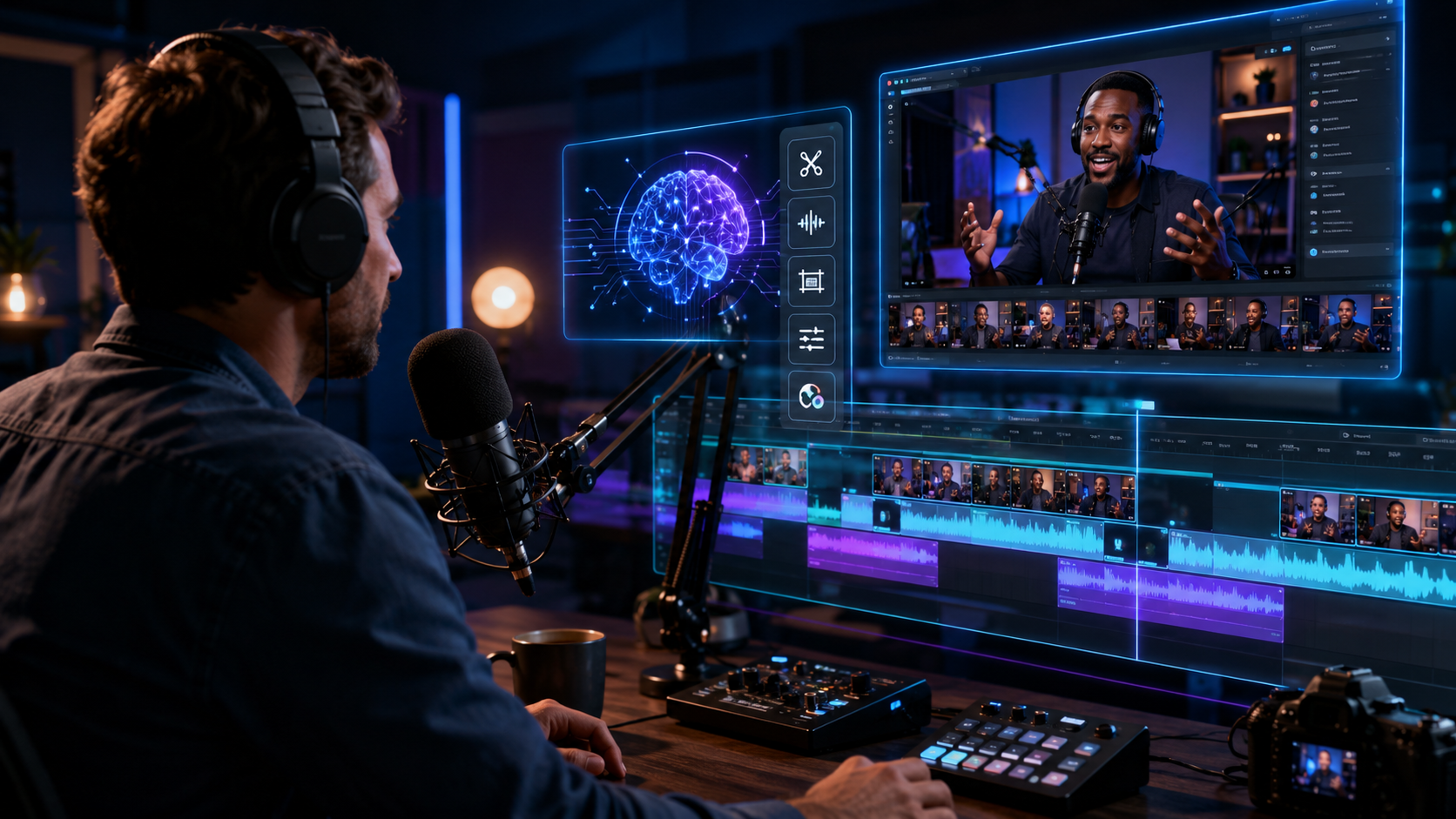
Riverside – Rewind AI
Riverside has long been a favorite for remote podcast recording, but its 2026 feature set revolves around Rewind. As described by TechCrunch, Rewind uses AI to analyze your recording, detect emotional peaks, interesting questions, and punchy replies, then automatically generates short, shareable clips optimized for social media. It also offers AI-powered silence removal, automatic captions with speaker labels, and studio-quality noise cancellation. This makes Riverside one of the most complete AI video editing tools for podcasts, especially for remote co-hosts and interviewers.
Apple’s Top Pick iPhone Video Editor (2026)
Inc.com reported in March 2026 that a specific iPhone app for video editing became one of Apple’s top picks of the year. Its standout feature is an AI assistant that learns your editing style, automatically applies color grading, trims dead air, and even suggests transitions based on the content’s tone. For podcasters who shoot on the go, this tool brings professional-grade AI video editing to a mobile device—no desktop required. While the exact app name wasn’t disclosed, its inclusion as an Apple Editors’ Choice highlights the trend toward lightweight, AI-first mobile editing.
AI-Powered Generators and All-in-One Platforms
The AI Journal’s “7 Best AI Podcast Generators in 2026” (April 2026) and TyN Magazine’s “Top AI video tools for marketers and creators in 2026” (May 2026) both point to a booming category: platforms that combine audio/video recording, AI editing, and even synthetic voice generation. Many of these tools now include video editing modules that automatically adjust aspect ratios for different platforms, generate captions in multiple languages, and produce highlight reels. While specific brand names vary, the common thread is that they are designed for podcasters who want a single subscription to handle everything from recording to distribution.
Key Features to Look For in AI Video Editing Tools for Podcasts
When evaluating AI video editing tools for podcasts, focus on capabilities that save real time and improve quality. Here are the must-have features in 2026:
- Automatic Silence and filler word removal – Tools like Riverside can detect “ums,” “uhs,” and awkward pauses and delete them without affecting audio sync.
- AI captioning and transcription – Essential for accessibility and SEO. The best tools now generate speaker-labeled captions with >99% accuracy.
- Voice isolation and noise reduction – AI separates background noise, keyboard clicks, and even overlapping speakers to deliver clear audio.
- One-click clip generation – As seen in Riverside’s Rewind, AI highlights the most engaging moments and exports them as vertical videos for TikTok, Reels, and Shorts.
- Multi-platform export presets – Tools that automatically resize and format for YouTube, Instagram, and Podcast hosting platforms.
According to Forbes, the podcast industry’s growth has not been matched by innovation from legacy audio editors—meaning that adopting AI video editing tools for podcasts is no longer optional for serious creators who want to stay competitive.
Comparison of Leading AI Video Editing Tools for Podcasts
| Tool | Core AI Feature | Best For | Starting Price (2026) |
|---|---|---|---|
| Riverside | Rewind: automatic highlight clip generation; AI silence removal; studio-quality noise cancellation | Remote interviews, multi-host podcasts, social media clip creation | Free tier available; Pro from $19/month |
| Apple’s Top Pick iPhone Editor (2026) | AI style-learning assistant; auto color grading; smart trimming; mobile-first workflow | Solo creators, on-the-go recording, quick edits from mobile footage | Free with in-app purchases (approx. $9.99/month) |
| AI Podcast Generator (from The AI Journal list) | All-in-one recording + AI editing + synthetic voice; automated show notes and chapter markers | Automated podcast production, text-to-speech episodes, educational content | $15–$30/month depending on features |
| AI Video Creator (from TyN Magazine roundup) | AI-driven scene detection; multi-aspect resizing; real-time collaboration with AI suggestions | Video-first podcasters, marketing teams, corporate podcast production | $25/month for individual plan |
Note: Prices and feature sets are based on the most recent publicly available information as of May 2026.
How to Choose the Right AI Video Editing Tool for Your Podcast
Selecting the best AI video editing tools for podcasts requires a structured approach. Follow these steps to match the tool to your workflow:
- Identify your primary recording setup. If you record remotely with guests, prioritize tools with strong multi-track AI management (like Riverside). If you shoot solo on an iPhone, the mobile AI editor is likely a better fit.
- List the AI features you need most. Do you need help generating highlights for social media? Or do you want automated captions and show notes? Different tools excel in different areas.
- Test free trials. Almost every AI video editing tool for podcasts offers a free tier or trial. Use it to evaluate accuracy of transcription, speed of rendering, and ease of use.
- Consider integration with your existing stack. If you use a specific hosting platform or social media scheduler, check that the editing tool can export directly to it.
- Look at the community and support. Tools that are frequently updated (like Riverside, which TechCrunch noted has a rapid iteration cycle) tend to stay ahead of the curve.
The Future of AI Video Editing for Podcasts
The acquisition of Alitu and The Podcast Host by AI-focused Rocketable in May 2026 underscores a major shift: even tools that started as simple audio editors are now racing to integrate video and AI. Meanwhile, Forbes’ critique of Adobe Audition suggests that large, established players may continue to lag unless they pivot aggressively. As AI video editing tools for podcasts become more affordable and accurate, we can expect to see features like real-time collaborative editing, generative AI for background music, and automatic translation into multiple languages become standard. For podcasters, the message is simple: adopt AI now or risk being left behind by creators who produce twice the content in half the time.
Frequently Asked Questions About AI Video Editing Tools for Podcasts
What are AI video editing tools for podcasts?
They are software applications that use artificial intelligence to automate video post-production tasks such as trimming silence, adding captions, removing background noise, and generating highlights. They help podcasters produce professional-looking videos with minimal manual effort.
Are AI video editing tools for podcasts expensive?
No, many offer free tiers or affordable subscriptions starting around $9–$25 per month. The value comes from time savings—some users report cutting editing time by 75%. Premium features like multi-track AI processing may cost more, but the ROI is significant for frequent podcasters.
Can I use AI video editing tools for podcasts on my phone?
Yes. In 2026, Apple’s top-picked iPhone video editor includes powerful AI features like automatic color grading and smart trimming, making mobile editing a viable option. Many cloud-based tools also have mobile companion apps for preview and quick edits.
Do these tools replace human video editors?
They reduce the need for heavy manual editing but may not fully replace creative decisions like pacing, storytelling, and visual style. Most podcasters use AI tools to handle repetitive tasks, then fine-tune the final cut themselves or with a part-time editor.
Which AI video editing tool for podcasts is best for beginners?
Riverside is widely recommended because of its intuitive interface and the Rewind feature, which requires almost no learning curve. The iPhone app (2026 Apple Editors’ Choice) is also excellent for solo beginners who already shoot on their phone.
How do AI video editing tools handle privacy and data security?
Most reputable tools process audio and video data on-device or in encrypted clouds. Riverside, for instance, offers end-to-end encryption for recordings. Always review a tool’s privacy policy before uploading sensitive content.



Comments ()