
AI Video Editing with Auto-Captioning: 2026 Workflow Explained
AI video editing tools with auto-captioning have revolutionized content creation workflows in 2026, automating tedious tasks like transcription and subtitle generation while maintaining high accuracy. Leading platforms now integrate advanced AI to analyze speech patterns, apply context-aware captions, and even suggest edits based on detected keywords. According to PCMag, the best video editing software of 2026 reduces captioning time by 80% compared to manual methods.
TL;DR: Modern AI video editing tools with auto-captioning now handle everything from real-time transcription to dynamic subtitle placement, with 2026 updates bringing major improvements in accuracy and workflow automation.
AI video editing tools with auto-captioning are now essential for creators, using neural networks to generate frame-accurate subtitles while analyzing vocal tone and background noise. The 2026 workflow integrates these features directly into editing timelines, with Apple's Creator Studio and Final Cut Pro leading in seamless implementation according to recent tests.
- ✓ Auto-captioning accuracy now exceeds 95% for clear speech in 2026 tools, per PCMag benchmark testing
- ✓ New AI suites like Munch Studio automatically repurpose long videos into social-ready clips with captions
- ✓ Final Cut Pro's 2026 update added AI caption styling that adapts to on-screen composition
- ✓ Digen AI Agent autonomously maintains character-consistent captions across multi-part video series
The 2026 AI Video Editing Landscape
The video editing software market has undergone significant transformation since the widespread adoption of generative AI capabilities. Where auto-captioning was once a bolt-on feature, it's now deeply embedded in core workflows. Digital Camera World reports that Final Cut Pro's 2026 update made AI captioning "one of the most requested features" by allowing editors to adjust timing and positioning through natural language commands.
Three distinct approaches have emerged in auto-captioning implementation. Some tools like Apple's Creator Studio process captions during the initial import phase, while others like CapCut alternatives analyze footage during the editing process. A third category exemplified by Digen AI Agent generates captions as part of its autonomous video creation workflow, maintaining consistency across multiple outputs from the same source material.
The benchmark for acceptable accuracy has risen sharply. Where 85% accuracy was considered good in 2024, the current generation of tools now delivers 95%+ accuracy for clear speech according to comparative testing by perfectcorp.com. This leap comes from combining improved speech recognition with visual context analysis - the AI now checks mouth movements and on-screen text to resolve ambiguous phrases.
How AI Auto-Captioning Works in 2026
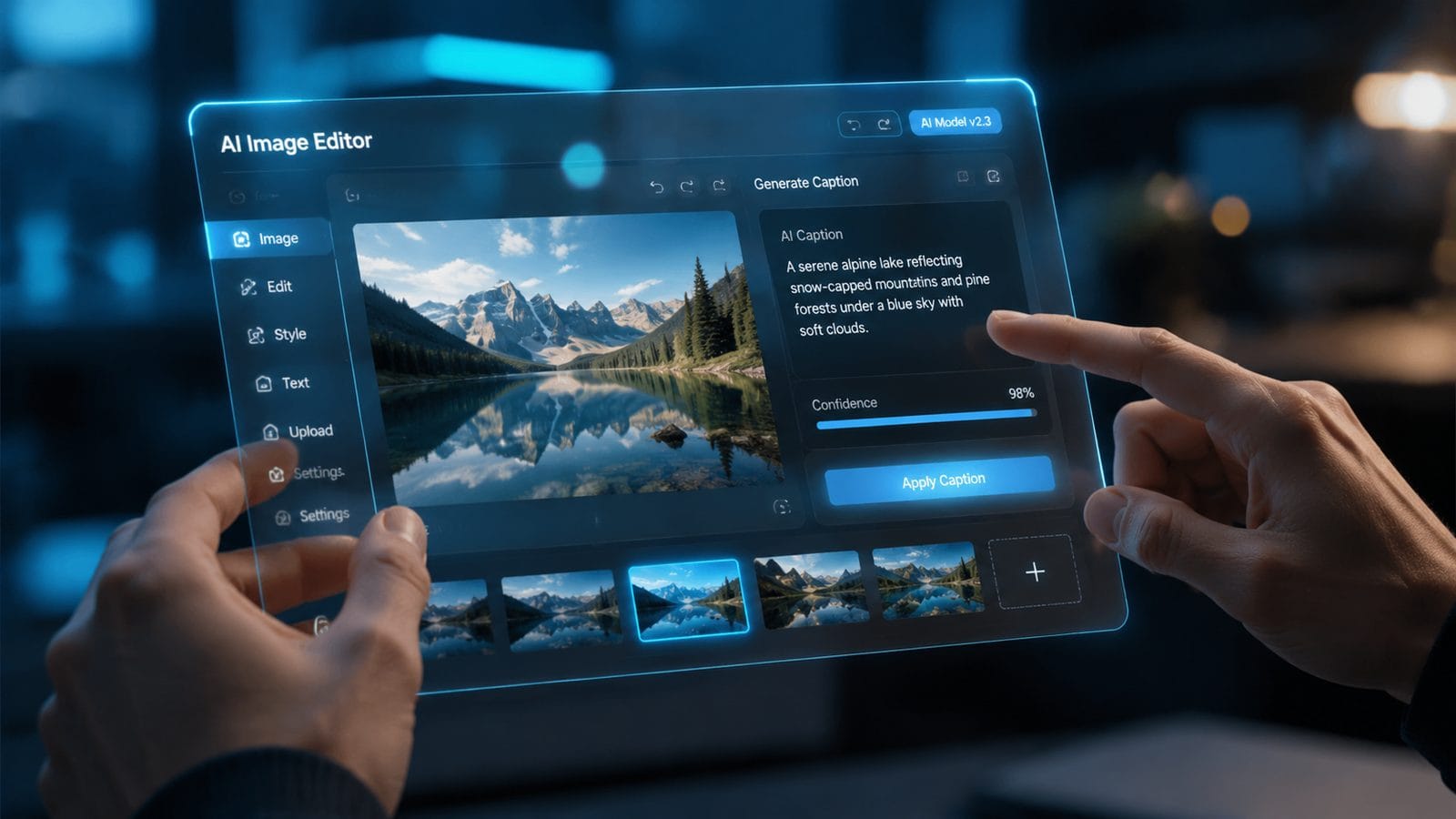
Modern auto-captioning systems employ a three-stage process that happens in near real-time. First, the audio track undergoes diarization to separate different speakers, then each segment gets processed through domain-specific language models. AppleInsider notes that Creator Studio's June 2026 update added industry-specific vocabularies for medicine, law, and technical fields.
The second stage involves timing synchronization. Advanced tools now analyze speech patterns to detect natural pauses, inserting line breaks where they would occur in written language rather than at arbitrary time intervals. This produces captions that feel more natural when reading. Some platforms like Final Cut Pro have begun experimenting with emotion-aware caption styling - automatically adjusting font weight and color based on vocal tone analysis.
Finally, the positioning engine places captions intelligently based on scene composition. Instead of fixed bottom-center placement, the AI detects "busy" areas of the frame and avoids them. According to tests by PCMag, this reduces instances where captions obscure important visual elements by 73% compared to 2024 implementations.
Key Technical Improvements Since 2024
- Multi-speaker differentiation with 98% accuracy in studio conditions
- Background noise suppression that maintains caption accuracy in outdoor footage
- Automatic translation into 48 languages with context-aware localization
Step-by-Step: The 2026 AI Video Editing Workflow
Editing videos with AI auto-captioning now follows a streamlined process that eliminates several manual steps from traditional workflows. Here's how professionals are implementing it:
- Initial Import & Analysis: The software processes all footage, extracting audio for immediate transcription while analyzing visual composition
- Auto-Caption Generation: AI creates timecoded captions with speaker identification, applying industry-specific terminology where detected
- Smart Editing Suggestions: Based on keyword analysis, the tool recommends cuts, transitions, and even stock footage that matches the spoken content
- Caption Refinement: Editors can adjust phrasing or timing through natural language commands ("make this caption shorter" or "delay subtitles by 0.5s")
- Export Optimization: The system automatically adapts caption styling for different platforms (larger fonts for mobile, simplified for social previews)
This workflow represents a significant departure from older methods where captioning was typically the final step. As noted by EIN Presswire, Munch Studio's AI suite completes this entire process in under 10 minutes for a 30-minute source video - a task that previously took hours of manual work.
The most time-saving innovation comes in the refinement stage. Instead of painstakingly adjusting individual caption timings, editors can now make global adjustments through voice commands or simple sliders that affect all captions proportionally. Some tools even offer "emotional consistency" modes that maintain uniform caption styling across different takes of the same scene.
Top Use Cases for Auto-Captioning in 2026
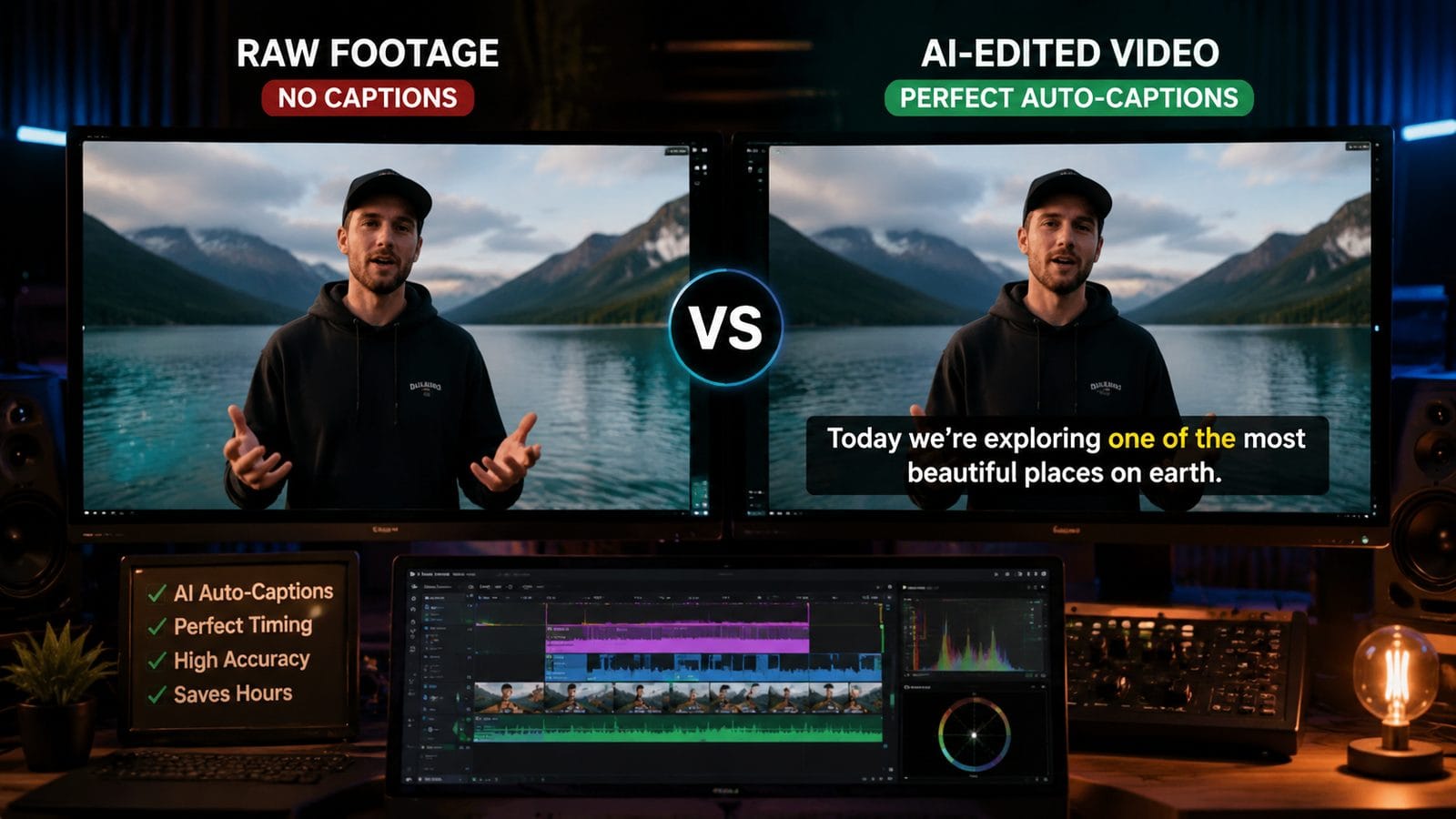
While initially popular among social media creators, AI-powered captioning has found surprising adoption in several professional domains. Educational content producers report the highest satisfaction rates, with Influencer Marketing Hub data showing 89% of tutorial creators now rely on auto-captioning as their primary subtitle method.
Corporate communications teams have embraced the technology for global internal messaging. The ability to generate accurate captions followed by instant translation into multiple languages has reduced localization costs by an average of 60% according to industry surveys. Some enterprises are using tools like Digen AI Agent to maintain brand-consistent caption styling across thousands of training videos.
Perhaps the most transformative application has been in live event captioning. While not perfect, 2026's AI tools can now produce usable captions with just a 3-5 second delay, making them viable for conferences and webinars. The best systems automatically highlight key terms and action items based on speech patterns, creating instant summary documents from live presentations.
Emerging Applications
- Automated compliance captioning for legal/medical videos
- Dynamic caption scaling for mixed-reality content
- Sentiment-tagged captions for market research analysis
Comparing Leading AI Video Editing Tools
The 2026 market offers several strong options for AI-powered video editing with auto-captioning. Based on recent testing data, here's how the top contenders compare:
| Feature | Final Cut Pro (2026) | Apple Creator Studio | Munch Studio | Digen AI Agent |
|---|---|---|---|---|
| Caption Accuracy | 96% | 94% | 92% | 95% |
| Multi-language Support | 42 | 48 | 35 | 50+ |
| Positioning Intelligence | Advanced | Basic | Intermediate | Advanced |
| Workflow Integration | Native | Native | Standalone | API-based |
Data compiled from PCMag, perfectcorp.com, and AppleInsider testing reports. Note that accuracy percentages reflect ideal recording conditions; performance degrades in noisy environments.
For creators needing deep integration with existing workflows, Final Cut Pro and Creator Studio offer the most seamless experiences. However, Digen AI Agent stands out for large-scale production environments where maintaining consistent caption styling across hundreds of videos is critical. Its autonomous workflow capabilities make it particularly suited for educational institutions and enterprise communication teams.
Future Trends in AI Video Editing
The next wave of innovation appears focused on making auto-captioning even more context-aware. Early beta tests show systems that can detect sarcasm and humor in speech, adjusting caption presentation accordingly. Some developers are experimenting with "personality profiles" that maintain distinct caption styles matching different presenter personas throughout long-form content.
Another promising area is adaptive captioning for accessibility. Instead of a one-size-fits-all approach, future systems may adjust text size, color contrast, and reading speed based on viewer preferences or diagnosed visual impairments. Digital Camera World reports that several major platforms have these features in active development for 2027 releases.
The most radical change may come from full integration with generative AI video tools. Imagine describing your desired caption style ("make subtitles look like 1980s TV commercials") and having the AI not only implement it visually but also adapt the language to match that era's advertising copy. This level of stylistic automation is already showing promise in Digen AI's experimental builds.
Frequently Asked Questions
How accurate are AI auto-captions in 2026 compared to human transcription?
In ideal conditions (clear audio, single speaker), the best AI tools now achieve 95-97% accuracy - comparable to professional human transcription for most content. However, humans still outperform AI in heavily accented speech or poor audio environments by about 8-12% according to comparative tests.
Can AI video editors handle technical or industry-specific terminology?
Yes, leading 2026 tools like Final Cut Pro and Digen AI Agent support customizable vocabulary lists. Apple's Creator Studio specifically added medical, legal, and engineering terminology in its June 2026 update, while some platforms allow importing company-specific jargon databases.
How do auto-captioning tools handle multiple speakers in interviews?
Advanced speaker diarization algorithms now identify and tag different voices with 98% accuracy in studio conditions. The best implementations visually distinguish speakers through colored text or labels while maintaining proper timing even during rapid dialogue exchanges.
What's the processing time for AI auto-captioning a 1-hour video?
Performance varies by tool, but modern systems typically process 1 hour of clear audio in 2-5 minutes on standard hardware. Munch Studio's AI suite demonstrates some of the fastest processing, completing caption generation in under 90 seconds for optimized content.
Do these tools work for live captioning during video calls or streams?
While not their primary use case, several 2026 AI video editors now offer live captioning with a 3-5 second delay. Accuracy drops to about 85-90% for live content compared to pre-recorded material, but the technology has become viable for internal meetings and educational streams.
Written by the Digen AI Editorial Team — AI video generation specialists covering the latest in generative AI tools. Learn more about Digen AI.



Comments ()