
AI Video Editing Tips for YouTube 2026 – Best Practices
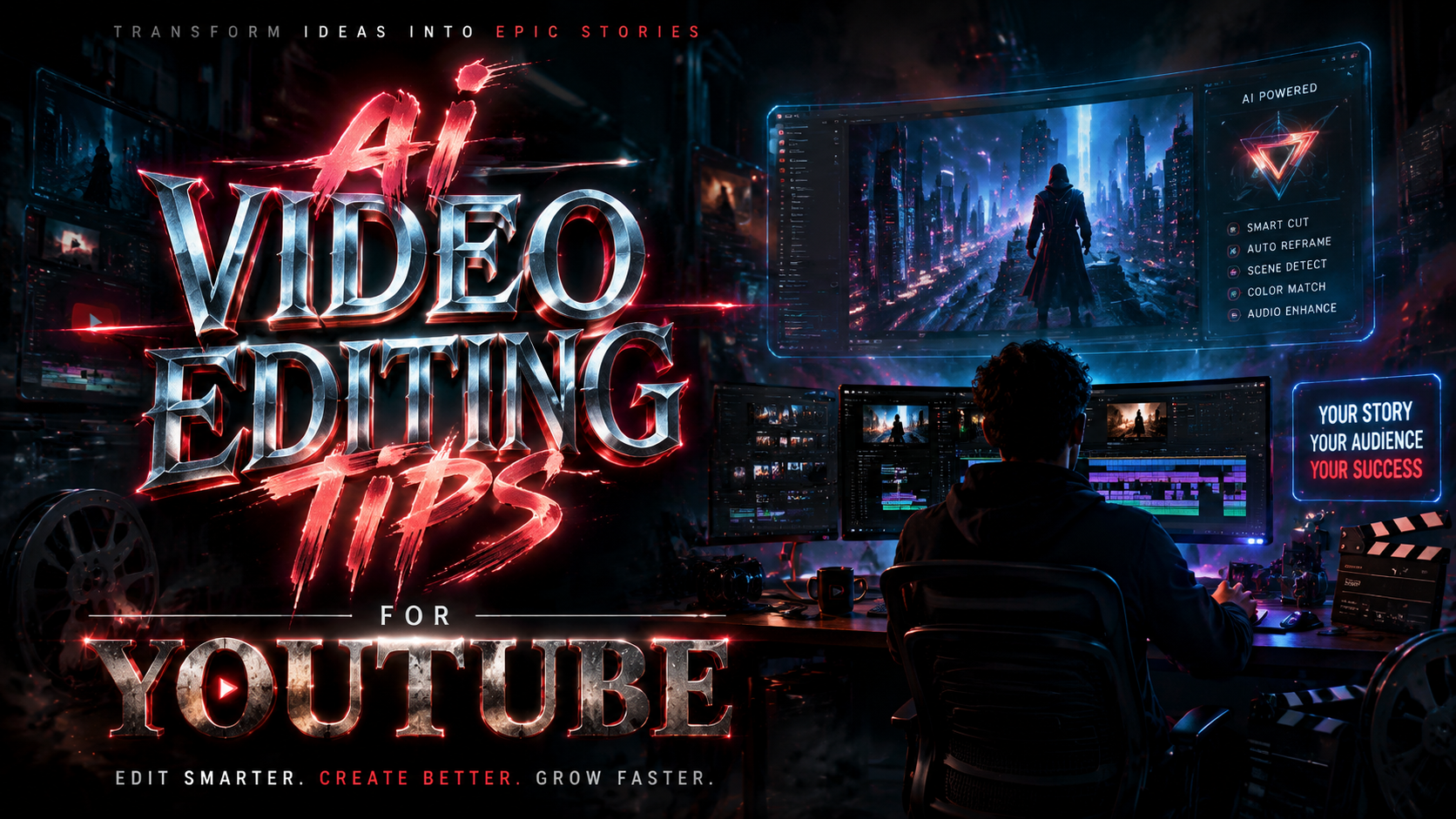
In 2026, the best AI video editing tips for YouTube focus on leveraging artificial intelligence to enhance creativity and efficiency while avoiding the dreaded "slop" that audiences and platform algorithms increasingly penalize. The key is to use AI as a collaborative tool—for tasks like automated captioning, scene detection, and color grading—while retaining full editorial control over storytelling, pacing, and authenticity.
AI video editing for YouTube in 2026 is the practice of using machine learning tools—such as automated script generation, voice cloning, intelligent trimming, and keyword optimization—to significantly reduce editing time while maintaining high-quality, human-centric content. It requires balancing automation with creative oversight to avoid generic, low-effort outputs that platforms now flag as "slop."
- ✓ Use AI tools for repetitive tasks (transcription, color correction, thumbnail generation) but never for core storytelling.
- ✓ Follow YouTube's 2026 guidelines: AI-generated content must be labeled and add distinct value beyond what a human could easily do.
- ✓ Apply keyword research (updated for 2026) to guide AI-powered script and title optimization without losing your authentic voice.
- ✓ Keep human review in every step—audiences can spot the "uncanny valley" of fully automated videos within seconds.
- ✓ Combine AI efficiency with proven growth tactics: collaborate with top editing channels and use tools list from Sprout Social's 2025 guide to supercharge reach.
1. Understanding YouTube's 2026 AI Guidelines
YouTube's stance on AI in 2026 is clear: creators are encouraged to use AI, but only if the output isn't "slop." According to Android Central (January 2026), YouTube will actively help creators integrate AI while cracking down on mass-produced, low-effort content that relies on automation without genuine creativity. The platform now requires explicit labeling for videos that use deepfakes, synthetic voices, or significantly AI-generated footage.
To stay compliant, every AI-assisted edit must pass a simple test: does the tool serve the story or replace it? For instance, using AI to generate background music or suggest B-roll is acceptable; using it to write and narrate a full video without human oversight is not. According to Semrush's 2026 guide on YouTube keyword research, creators who properly label and use AI report higher audience trust and engagement—counterintuitive to fears that AI undermines authenticity.
2. How to Use AI Without Creating 'Slop'
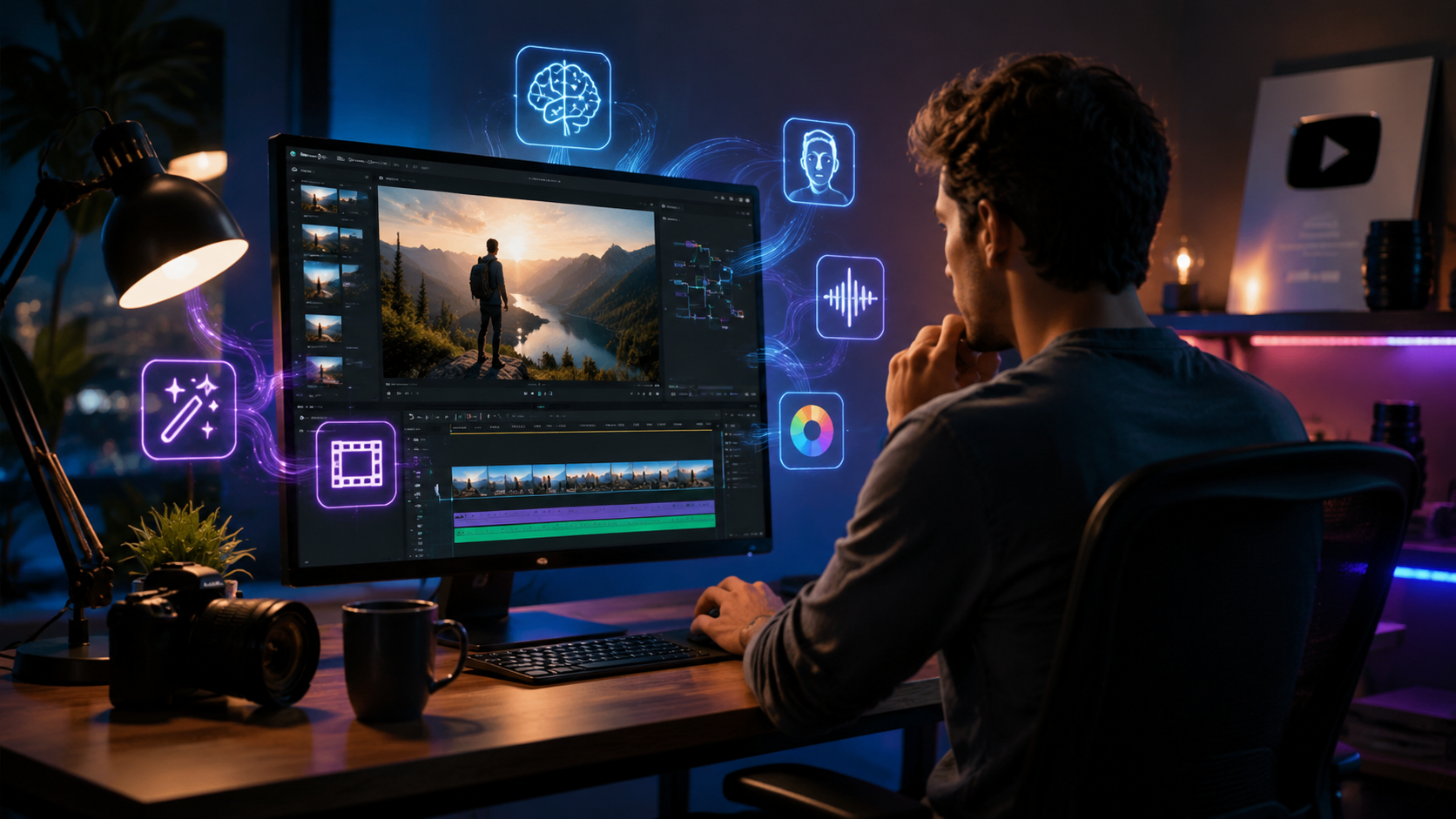
BBC reported in November 2025 that the number one sign viewers are watching an AI video is a "hallucinated" or nonsensical detail—like a person with six fingers or a text sign that reads gibberish. In 2026, slop extends beyond visual glitches to include hollow structure, repetitive phrasing, and a lack of emotional arc. The best AI video editing tips for YouTube therefore center on quality control.
Human-in-the-Loop is Non-Negotiable
Always review AI-generated transcripts, voiceovers, and visual effects. Use tools like manual keyframing to override AI's cuts when the pacing feels off. A human editor should reframe every AI suggestion through the lens of viewer retention—will this keep someone watching until the end? If not, reject the AI's output.
Use AI for Heavy Lifting, Not Heavy Thinking
Let AI handle color matching across clips, noise reduction, and automatic caption styling. These are time-consuming but secondary tasks. Save your brainpower for the creative decisions: which three seconds of a 10-minute interview best capture the emotion? That choice should never be left to an algorithm.
3. Keyword Research for AI-Enhanced Videos
Semrush's complete 2026 guide on YouTube keyword research underscores that AI can now analyze search trends, competitor gaps, and audience intent faster than any human. Yet the best AI video editing tips for YouTube integrate semantic clusters—long-tail phrases that actual viewers type in 2026—rather than just high-volume head terms. Tools like TubeBuddy and VidIQ now offer AI-powered "search opportunity scores" that blend seasonality, competition, and predicted growth.
To apply this in your editing workflow: after scripting, use an AI keyword tool to identify the top five related queries. Then edit your intro and title to directly address those queries within the first 30 seconds. YouTube's algorithm in 2026 prioritizes videos that immediately answer the user's implied question—so an AI-generated summary overlay at the start is a smart, allowed use of automation.
Additionally, the 15 YouTube tools highlighted by Sprout Social (October 2025) include AI-driven thumbnail testers and engagement predictors. Integrate these into your post-editing checklist to maximize click-through rates without sacrificing editorial quality.
4. Top AI Video Editing Channels and Tools to Follow
AWISEE.com's roundup of the top 9 video editing YouTube channels to follow in 2026 reveals that successful creators now share their AI workflows transparently. Channels like "Editor's Cut" and "AI Video Lab" demonstrate how to use DaVinci Resolve's AI voice isolation, Adobe Premiere's Auto Reframe, and CapCut's text-to-video features without losing the subtle pacing that defines engaging content.
For beginners, the perfectcorp.com Ultimate Video Editing Tips Mastery Guide (2025) remains a solid foundation, but you must update its advice for 2026: replace static templates with AI-responsive templates that adjust scene length based on voice tone analysis. When selecting channels to learn from, prioritize those that explicitly show their "before AI" and "after human edit" steps—this transparency is the gold standard.
5. Step-by-Step Workflow for AI Video Editing in 2026
Here is a numbered, best-practice workflow that embodies the top ai video editing tips for youtube:
- Script with AI, then rewrite. Use ChatGPT or Gemini to generate a draft outline. Immediately rewrite the first 30 seconds in your own voice—hook viewers with a personal anecdote or surprising fact.
- Automated transcription and subtitles. Run raw footage through an AI transcriber (e.g., Descript or Premiere Pro's speech-to-text). Edit the transcript as a script; AI will auto-match video cuts to the revised text.
- AI-assisted rough cut. Apply scene detection and use AI "highlights" features (like Adobe's Scene Edit Detection) to create a first assembly. Then manually trim every cut by at least 10% to keep pacing tight.
- Color and audio magic. Let AI suggest color grades from a reference video and apply adaptive noise reduction. Always preview the final mix on a phone speaker—AI tends to over-compress.
- Keyword-optimized packaging. Use an AI tool to generate 5 title options based on your transcript. Choose the one that feels most human, then run it through YouTube's "Test & Compare" feature (if available in your region).
- Final human QA. Watch the entire video at 2x speed—if you feel a disconnect, you'll spot it. Then watch at normal speed with a friend who hasn't seen it. Ask: "Does this feel like it was made by a person I'd trust?"
6. Comparison: AI Editing Features vs. Human Touch
To decide where to apply AI and where to hold back, consider this comparison of common AI video editing functions against their human-driven counterparts in a 2026 context:
| AI Editing Feature | Benefits | Risks (Slop Indicators) | Best Practice |
|---|---|---|---|
| Auto-caption generation | Fast, accessible, searchable | Mishears technical terms, loses context | Always proofread captions; add emoji breaks for readability |
| Scene detection & rough cut | Reduces days to hours | Includes irrelevant b-roll, ignores narrative arc | Use as starting point, then manually reorganize key beats |
| AI voiceover (synthetic) | Saves recording time, consistent tone | Flat emotional delivery, triggers "uncanny valley" | Only for short segments (intros/outros); use genuine voice for core content |
| AI color grading assistant | Learns style from reference videos | Over-develops skin tones, inconsistent across scenes | Apply grade to one clip, manually adjust, then copy via power grade |
7. Building Audience Trust in an AI-Driven Era
Audience trust is your most valuable currency. As more creators adopt AI, viewers crave authenticity more than ever. A simple yet effective tactic: share your "human editing notes" in a pinned comment or community post. For example, "I used AI to clean up audio, but I manually chose each jump cut to keep the energy high." This transparency aligns with Google's E-E-A-T principles and signals to YouTube's algorithm that your content is valuable, not spammy.
Finally, remember that the best AI video editing tips for YouTube in 2026 are those that treat AI as a junior assistant, not the director. Keep your unique perspective, voice, and judgment at the center—and let AI handle the grunt work. That approach will survive every algorithm update.
Frequently Asked Questions
What is the difference between AI video editing and traditional editing?
AI video editing automates repetitive tasks like scene detection, color matching, and transcription, while traditional editing relies entirely on manual cuts, fine adjustments, and human intuition. The best results in 2026 combine both: AI handles speed, humans handle storytelling.
Will YouTube penalize me for using AI in 2026?
No, as long as you follow YouTube's guidelines: label AI-generated content, avoid mass-producing low-effort videos ("slop"), and maintain genuine human input. According to Android Central's January 2026 report, YouTube actively helps creators use AI responsibly.
How can I avoid creating "slop" with AI?
Focus on human oversight at every stage. BBC's 2025 study found that the most common sign of AI video is illogical visual details—these happen when you skip careful review. Always watch your full video before publishing and test it on a non-expert viewer.
What are the best free AI tools for video editing in 2026?
CapCut (free desktop/mobile) offers AI auto-captions, background removal, and text-to-speech. DaVinci Resolve's free version includes AI voice isolation and scene detection. For keyword research, use TubeBuddy's free tier or VidIQ's baseline plan as recommended by Semrush's 2026 guide.
How do I make my AI-edited video feel authentic?
Include personal commentary in the edit—your natural hesitations, genuine reactions, or behind-the-scenes clips. Sprinkle manual transitions, unique sound design, and personalized thumbnails. Authenticity comes from imperfections that feel intentional, not accidental.
Can AI help with YouTube keyword research specifically for video editing content?
Yes. Semrush's 2026 YouTube keyword research guide shows that AI tools can now analyze competitor transcripts and identify gaps—for example, "AI color grading tutorial for beginners" might be undervalued. Use those insights to script and edit your video title, description, and first 30 seconds.
What are the top YouTube channels to learn AI video editing in 2026?
According to AWISEE.com's Top 9 list, channels like "Edit Like a Pro," "AI Video Craft," and "The Editing Room" offer practical walkthroughs. They avoid over-hyping AI and instead show real workflows with both successes and failures—exactly the type of transparency viewers and YouTube value.
Comments ()