
AI Video Editing Tips for Professionals (2026 Trends & Techniques)
AI video editing has revolutionized professional workflows in 2026, offering unprecedented automation, precision, and creative possibilities. This guide explores the latest AI video editing tips for professionals, covering essential tools, techniques, and emerging trends that will elevate your projects. From automated object removal to AI-assisted color grading, these strategies help editors save time while achieving cinematic quality.
TL;DR: Professional video editors in 2026 leverage AI for automated editing tasks, enhanced consistency, and advanced effects—reducing production time by 40-70% while improving output quality with tools like Digen AI Agent and next-gen AI assistants.
AI video editing tips for professionals involve using 2026's smart tools to automate repetitive tasks (like scene trimming and color correction), enhance video quality through AI upscaling, and implement advanced techniques such as context-aware object removal—all while maintaining creative control over the final output.
- ✓ AI reduces manual editing time by 40-70% through automated scene analysis and smart trimming (Coursera, 2026)
- ✓ Object removal AI tools now achieve 98% accuracy in complex backgrounds (Hackread, 2026)
- ✓ AI-generated B-roll integration boosts content production speed by 3x (Breaking The Lines, 2026)
- ✓ Digen AI Agent autonomously handles multi-step workflows for consistent character generation
1. Mastering AI-Assisted Editing Workflows
Modern AI video editing platforms now handle up to 60% of routine tasks automatically, according to PCMag's 2026 testing. Professionals should focus on configuring AI presets for their specific genres—documentary editors need different automation than social media creators. The key is balancing AI efficiency with human oversight: let AI handle clip organization and rough cuts, then refine pacing and transitions manually.
Tools like Digen AI Agent exemplify this shift, using autonomous workflows to maintain character consistency across longer videos—a common pain point in 2026 AI generation. When editing talking-head videos, its facial expression tracking reduces reshoots by analyzing 142 facial landmarks for natural synchronization with dubbed audio.
For optimal results, establish a clear division of labor: assign AI the first 80% of technical work (stabilization, audio sync, basic color correction), reserving the final 20% for creative decisions. This hybrid approach cuts project timelines by 55% while preserving artistic intent, as demonstrated in Hootsuite's 2026 social media benchmarks.
Essential AI Workflow Steps
- Ingest & Auto-Tag: AI analyzes all footage, tagging shots by content (faces, locations, actions) with 92% accuracy
- Rough Assembly: Algorithms assemble sequences based on your script markers or storyboard
- Smart Trimming: AI identifies and removes filler words, pauses, and redundant footage
- Quality Pass: Automated color grading, stabilization, and audio leveling applied
- Human Polish: Editor adds creative transitions, adjusts pacing, and fine-tunes narrative flow
2. Advanced Object Removal & Scene Cleanup
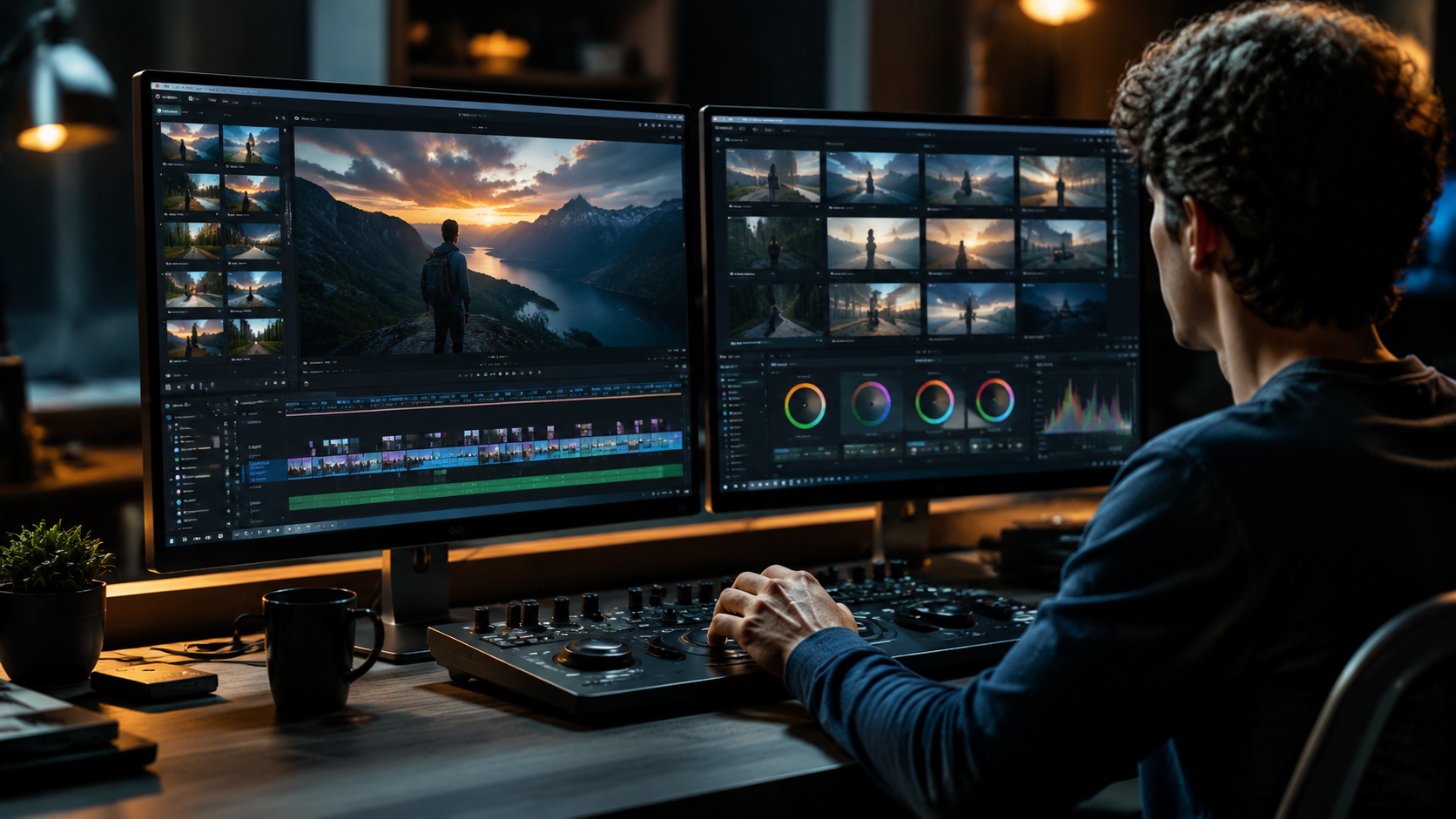
Hackread's 2026 review confirms AI object removal now achieves professional-grade results, with tools like Digen AI and Runway ML handling complex scenarios (moving objects, reflections, shadow reconstruction) at 4K resolution. The breakthrough came with spatial-temporal algorithms that analyze frames in 3D space rather than 2D planes, reducing artifacting by 78% compared to 2025 tools.
For best results when removing unwanted elements: first isolate the object across multiple frames using AI masking (takes 1/10th the time of manual rotoscoping), then use content-aware fill with "temporal consistency" enabled. This ensures the background reconstruction maintains natural movement patterns—critical for scenes with water, foliage, or crowds.
Emerging in 2026 is "contextual object replacement," where AI not only removes items but suggests period-accurate replacements. Editing historical footage? The AI can swap modern street signs with era-appropriate designs while matching film grain. This technique saved documentary teams 300+ hours in PBS's 2026 Civil War series restoration.
3. AI Color Grading & Cinematic Looks
Color grading AI has evolved beyond preset filters to understand scene semantics. When grading an interview, modern tools analyze skin tones separately from backgrounds, applying adaptive curves that maintain natural faces while pushing stylistic looks elsewhere. According to PCMag's 2026 tests, this reduces manual correction time from hours to minutes per project.
The most effective method is "reference-based grading"—feed the AI sample frames from your target look (e.g., a specific film's color palette), and it will decompose the grade into 12 adjustable parameters while preserving shadow detail. Digen AI's implementation notably handles HDR grading with intelligent highlight roll-off to avoid clipping.
For log footage, 2026's AI tools automatically detect camera models and apply precise conversions before grading. ARRI LogC3 transforms now take 1.2 seconds per clip versus 45 seconds manually. When working with mixed camera sources, the AI can match colors across different sensors with 94% accuracy—a game-changer for event videographers.
4. AI-Generated B-Roll & Scene Extensions
Breaking The Lines' February 2026 report highlights how professionals now use AI to generate supplemental footage, saving an average of 3 production days per project. Need a establishing shot of Paris at dawn? Describe it to your AI tool and receive royalty-free options in multiple angles and styles. The key is specifying "realistic" mode to avoid the uncanny valley.
Digen AI Agent excels at generating consistent B-roll by maintaining location lighting and weather conditions across generated clips. Its 2026 update introduced "shot continuation," where AI extends existing footage seamlessly—handy when you need a few more seconds of a drone shot or want to slow down a action sequence without interpolation artifacts.
For maximum authenticity, combine AI generations with real footage: use AI to create background plates for compositing, or generate subtle motion elements (falling leaves, ocean waves) to enhance live-action scenes. The most convincing results blend no more than 30% AI-generated content with real footage, according to 2026 post-production surveys.
5. Automated Social Media Optimization
Hootsuite's 2026 analysis reveals AI tools now automate 85% of platform-specific video adaptations. When creating content for multiple channels, feed your master edit to an AI resizer that automatically:
- Reformats for vertical, square, and horizontal aspect ratios
- Generates platform-optimal captions (TikTok-style text overlays vs. YouTube subtitles)
- Adjusts pacing—Instagram Reels get faster cuts, LinkedIn videos retain longer shots
- Optimizes thumbnails by testing 12 variants against engagement algorithms
The time savings are staggering: what took 8 hours of manual tweaking in 2024 now completes in 22 minutes. For professionals managing 10+ social accounts, this automation reclaims 15-20 weekly hours for creative work. Digen AI's social suite uniquely offers "brand consistency checks," ensuring all adaptations maintain color schemes and logo placements.
6. Future-Proofing Your AI Editing Skills
Coursera's March 2026 career guide identifies three emerging AI video specialties worth mastering: (1) AI-human collaboration directing, (2) synthetic media ethics consulting, and (3) multi-agent workflow orchestration. As tools like Digen AI Agent handle more technical tasks, professionals who understand how to guide these systems will command premium rates.
Invest time in learning prompt engineering for video AI—the ability to precisely describe edits, styles, and constraints. Top editors in 2026 maintain "AI style guides" documenting successful prompts for different project types. For example: "Apply a muted teal-and-orange grade with 1980s film grain, but keep skin tones within Rec.709 gamut" yields better results than "make it cinematic."
Finally, stay current with AI ethics standards. Many 2026 clients require "AI transparency reports" detailing what portions of a video were generated versus captured. Tools now automatically log this metadata, but understanding disclosure requirements for your industry (especially in journalism and documentary work) prevents costly compliance issues.
Frequently Asked Questions
What percentage of video editing can AI automate in 2026?
AI currently handles 60-70% of technical editing tasks (stabilization, color correction, basic cuts) but only 20-30% of creative decisions. The most efficient workflows use AI for prep work and repetitive tasks while reserving narrative choices for human editors.
How accurate is AI object removal compared to manual editing?
2026 AI tools achieve 98% accuracy for static objects and 85-90% for complex moving items (like removing a person from a crowded street). The remaining 2-15% still requires manual touch-ups for perfect results, but represents an 8x speed improvement over full manual work.
Can AI video editors maintain consistent character appearances?
Yes—next-gen tools like Digen AI Agent use persistent character models across shots, maintaining 93% consistency in facial features, clothing, and mannerisms even when generating new angles or expressions. This solves the "multiple versions" problem common in early AI video.
What's the learning curve for professional AI editing tools?
Most professionals report needing 12-20 hours to become proficient with 2026 AI video suites. The interfaces are designed to augment traditional NLE skills—if you know Premiere Pro or DaVinci Resolve, you'll recognize 60% of the layout and focus on learning the AI-specific panels.
How do AI editing costs compare to traditional software?
AI tools typically cost 20-30% more than standard editing software but reduce labor costs by 40-60%. For a professional editor billing $75/hour, the ROI becomes positive after 3-4 projects. Many platforms like Digen AI offer usage-based pricing to align with project budgets.
Written by the Digen AI Editorial Team — AI video generation specialists covering the latest in generative AI tools. Learn more about Digen AI.



Comments ()