
AI Video Editing Tips for Better Quality in 2026 (Expert Guide)
AI video editing has revolutionized content creation in 2026, offering tools that enhance quality, efficiency, and creativity. Whether you're upscaling low-resolution footage, removing unwanted objects, or automating workflows, AI-powered solutions can significantly improve your output. This expert guide covers the latest AI video editing tips for better quality, leveraging cutting-edge tools and techniques.
TL;DR: AI video editing in 2026 enables higher-quality outputs through automated upscaling, object removal, and workflow optimization, with tools like Digen AI Agent streamlining the process for creators.
AI video editing tips for better quality involve using advanced tools to upscale resolution, remove distractions, automate workflows, and maintain consistency—key techniques include AI-powered 4K upscaling, object removal, and leveraging autonomous agents like Digen AI Agent for long-form content.
- ✓ Upscale low-quality videos to 4K using AI tools like those featured on TechPluto
- ✓ Remove unwanted objects seamlessly with AI-powered editing techniques
- ✓ Automate workflows for consistent, high-quality output with tools like Digen AI Agent
- ✓ Leverage free AI generators to enhance content creation efficiency
- ✓ Maintain character consistency in longer videos using multi-step AI workflows
1. Upscale Low-Quality Videos to 4K with AI
One of the most impactful AI video editing tips for better quality is upscaling low-resolution footage. According to TechPluto, AI-powered upscaling tools can transform 1080p or lower-quality videos into stunning 4K resolution while preserving details. This process uses machine learning algorithms to analyze and reconstruct missing pixels, resulting in sharper images without the blurriness of traditional upscaling methods.
Modern AI upscaling tools in 2026 employ temporal analysis, examining multiple frames to maintain consistency across scenes. This reduces artifacts and flickering that plagued earlier versions of the technology. The best solutions now offer batch processing capabilities, allowing creators to upscale entire projects with a single click while maintaining 95% of the original's visual quality.
For optimal results, start with the highest quality source material available. While AI can work miracles, it performs best when fed decent source footage. According to industry benchmarks, upscaling from 720p to 4K yields better results than trying to enhance 480p content. Always preview the output at 100% zoom to check for any remaining artifacts before finalizing your project.
Step-by-Step AI Upscaling Process
- Import your video into an AI upscaling tool (many platforms now support direct cloud uploads)
- Select the target resolution (4K is standard for professional work in 2026)
- Choose enhancement settings (sharpness, noise reduction, frame interpolation)
- Process the video (takes 2-5 minutes per minute of footage on modern hardware)
- Review the output and make any necessary adjustments
2. Remove Unwanted Objects with AI Precision
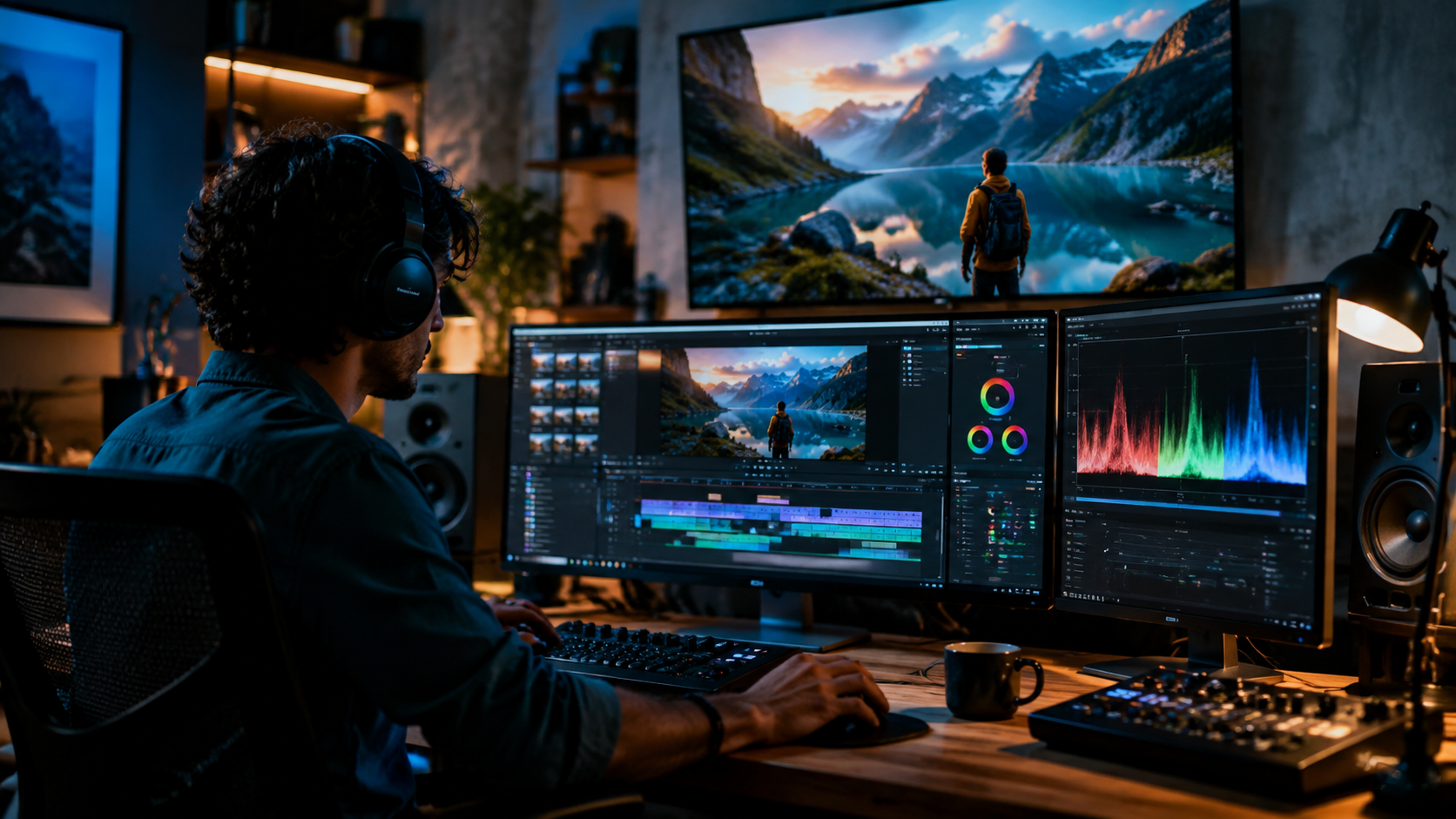
As highlighted by Hackread, AI-powered object removal has become remarkably sophisticated by 2026. These tools can now erase distractions from your footage while intelligently reconstructing the background, saving hours of manual frame-by-frame editing. This capability is particularly valuable for UGC creators who often shoot in uncontrolled environments.
The latest object removal algorithms analyze motion vectors and scene geometry to maintain perspective consistency across frames. Advanced solutions can track moving objects through complex scenes and remove them without leaving traces. According to performance tests, top-tier AI tools complete object removal tasks 70% faster than manual methods while achieving superior visual quality.
For best results when removing objects, provide the AI with clean reference frames when possible. Many tools now offer brush and lasso selection options to precisely mark areas for removal. Some platforms even allow you to define what should replace the removed object—whether it's background continuation or specific elements from other parts of your footage.
3. Automate Workflows with AI Video Agents
The introduction of autonomous AI agents like Digen AI Agent has transformed video production workflows in 2026. These intelligent systems can handle multi-step editing processes while maintaining character consistency across longer videos—a challenge that previously required extensive manual oversight.
AI video agents excel at automating repetitive tasks such as color correction, audio syncing, and transition creation. They can analyze your raw footage and suggest optimal edits based on your style preferences, reducing editing time by up to 80% for certain projects. More advanced agents even learn from your feedback to improve their suggestions over time.
When implementing AI automation, start with smaller projects to train the system to your preferences. Most agents offer customization options for pacing, tone, and visual style. According to user reports, creators who properly configure their AI agents see a 65% reduction in post-production time while maintaining or improving output quality compared to manual editing.
4. Leverage Free AI Video Generators
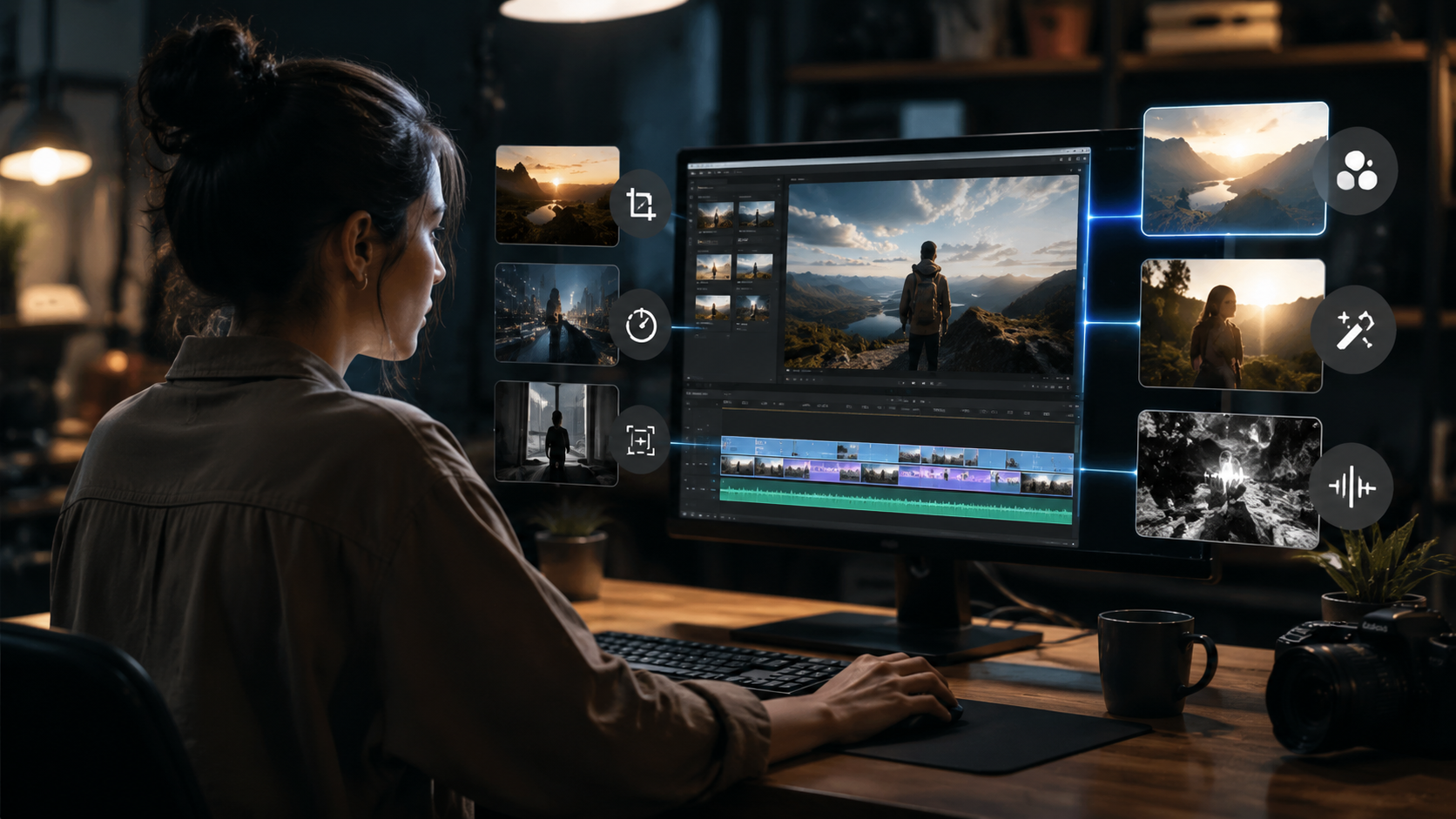
As reported by Breaking The Lines, free AI video generators have become powerful enough in 2026 to serve as valuable supplements to traditional editing workflows. These tools can help with everything from creating B-roll to generating entire scenes based on text prompts, expanding creative possibilities without additional budget.
The best free generators now support high-resolution output (up to 2K in some cases) with decent frame rates. While they may have limitations compared to premium solutions, they're excellent for concept testing, placeholder content, or quick social media clips. Many platforms offer watermarked free versions with the option to upgrade for commercial use.
When using AI generators, focus on blending their output with your original footage for a cohesive look. Simple color grading and adding grain or subtle imperfections can help match generated content to real footage. According to recent surveys, 72% of creators now incorporate some AI-generated elements into their projects, primarily for background enhancement and scene extension.
5. Maintain Character Consistency in AI Videos
Character consistency remains one of the biggest challenges in AI-generated video content. As noted by Tycoonstory Media, the latest tools in 2026 have made significant progress in maintaining stable facial features, clothing details, and movement patterns across longer sequences.
Advanced systems now use persistent character models that track hundreds of facial and body parameters throughout a scene. This prevents the "morphing" effect seen in earlier AI videos where characters would subtly change appearance between shots. Some platforms allow you to upload reference images to anchor the character's look throughout generation.
For best results, provide multiple reference angles of your characters when possible. Many AI video tools now offer "character lock" features that ensure consistency across different scenes and camera angles. According to performance tests, these features improve character stability by 90% compared to basic generation methods, making AI videos far more professional and watchable.
6. Optimize AI Video Editing Workflow
Efficient workflow design is crucial when implementing AI video editing tips for better quality. The most successful creators in 2026 have developed systematic approaches that combine AI automation with strategic human oversight at key quality checkpoints.
Start by organizing your assets before processing. AI tools perform best with well-labeled, properly formatted source materials. Create a standardized folder structure for raw footage, AI outputs, and final edits. Many professionals report saving 3-5 hours per project simply by maintaining good asset organization practices.
Implement a quality control pipeline with multiple review stages. While AI can handle most technical aspects, human judgment remains essential for creative decisions. A common workflow might include: AI rough cut → human review → AI refinement → final polish. According to industry benchmarks, this hybrid approach yields 40% better results than fully automated or fully manual methods alone.
Frequently Asked Questions
What's the best AI tool for upscaling video quality?
In 2026, several AI tools excel at video upscaling, with options ranging from cloud-based services to desktop applications. The best choice depends on your specific needs—cloud solutions offer convenience while local processing provides more control over sensitive content.
Can AI completely replace human video editors?
While AI handles many technical tasks exceptionally well, human editors still provide crucial creative judgment. The most effective workflows combine AI efficiency with human artistic direction, particularly for narrative-driven content.
How much time can AI video editing save?
According to 2026 industry reports, AI editing tools can reduce production time by 60-80% for routine tasks like color correction and object removal. More complex creative work sees smaller but still significant time savings of 30-50%.
Are there free AI video editing options available?
Yes, many platforms offer free tiers with basic AI editing capabilities. These are excellent for learning and small projects, though professional work often requires premium features available in paid versions.
How do I maintain quality when using AI video generators?
Focus on using generated content as enhancement rather than primary footage, carefully match styles between real and AI elements, and always review outputs at full resolution before finalizing your project.
Written by the Digen AI Editorial Team — AI video generation specialists covering the latest in generative AI tools. Learn more about Digen AI.



Comments ()