
Best AI Video Editing Software for Windows in 2026
The best AI video editing software for Windows in 2026 combines powerful automation, intuitive interfaces, and advanced generative AI features to streamline professional workflows. Leading options include Adobe Premiere Pro with its Firefly-powered AI tools, CapCut's marketing-focused 2026 Summer release, and emerging AI assistants like Eddie AI and Quickture showcased at NAB 2026. These solutions leverage machine learning to automate tedious tasks while maintaining creative control.
TL;DR: The top AI video editing software for Windows in 2026 includes Adobe Premiere Pro with Firefly AI, CapCut's Summer 2026 update for marketers, and specialized AI assistants like Eddie AI, all offering significant time savings through automated editing features.
AI video editing software for Windows 2026 refers to next-generation editing tools that use artificial intelligence to automate tasks like color grading, object removal, and scene transitions. The market has seen 340% growth since 2025, with Adobe maintaining dominance through Firefly AI integration while newcomers like CapCut and Eddie AI offer specialized solutions for different user needs.
- ✓ Adobe Premiere Pro leads with Firefly AI integration for automated color correction and content generation
- ✓ CapCut's 2026 Summer release targets marketing teams with AI-powered social media templates
- ✓ NAB 2026 showcased specialized AI assistants like Eddie AI for professional workflows
- ✓ AI video editing can reduce production time by 70% compared to manual methods
- ✓ Windows remains the dominant platform with 82% market share among professional editors
Top AI Video Editing Software for Windows in 2026
The Windows video editing landscape in 2026 is dominated by AI-enhanced solutions that automate up to 60% of routine editing tasks. According to Adobe, their Firefly AI integration in Premiere Pro now handles 45% of color correction workflows automatically while maintaining editor control. The April 2026 update introduced AI-powered object removal that works 3x faster than manual rotoscoping.
CapCut's Summer 2026 release, as reported by The Berkshire Eagle, specifically targets marketing teams with AI-generated social media templates that adapt content to platform specifications automatically. Their testing showed a 58% reduction in video production time for multi-platform campaigns. The software includes brand consistency tools that maintain color palettes and logos across variations.
Emerging solutions like Eddie AI and Quickture, showcased at NAB 2026 according to ProVideo Coalition, specialize in AI-assisted rough cuts and automatic selects. These tools analyze hours of footage to identify the best takes based on composition, focus, and even emotional tone - saving editors an average of 12 hours per project on documentary-style work.
Adobe Premiere Pro with Firefly AI
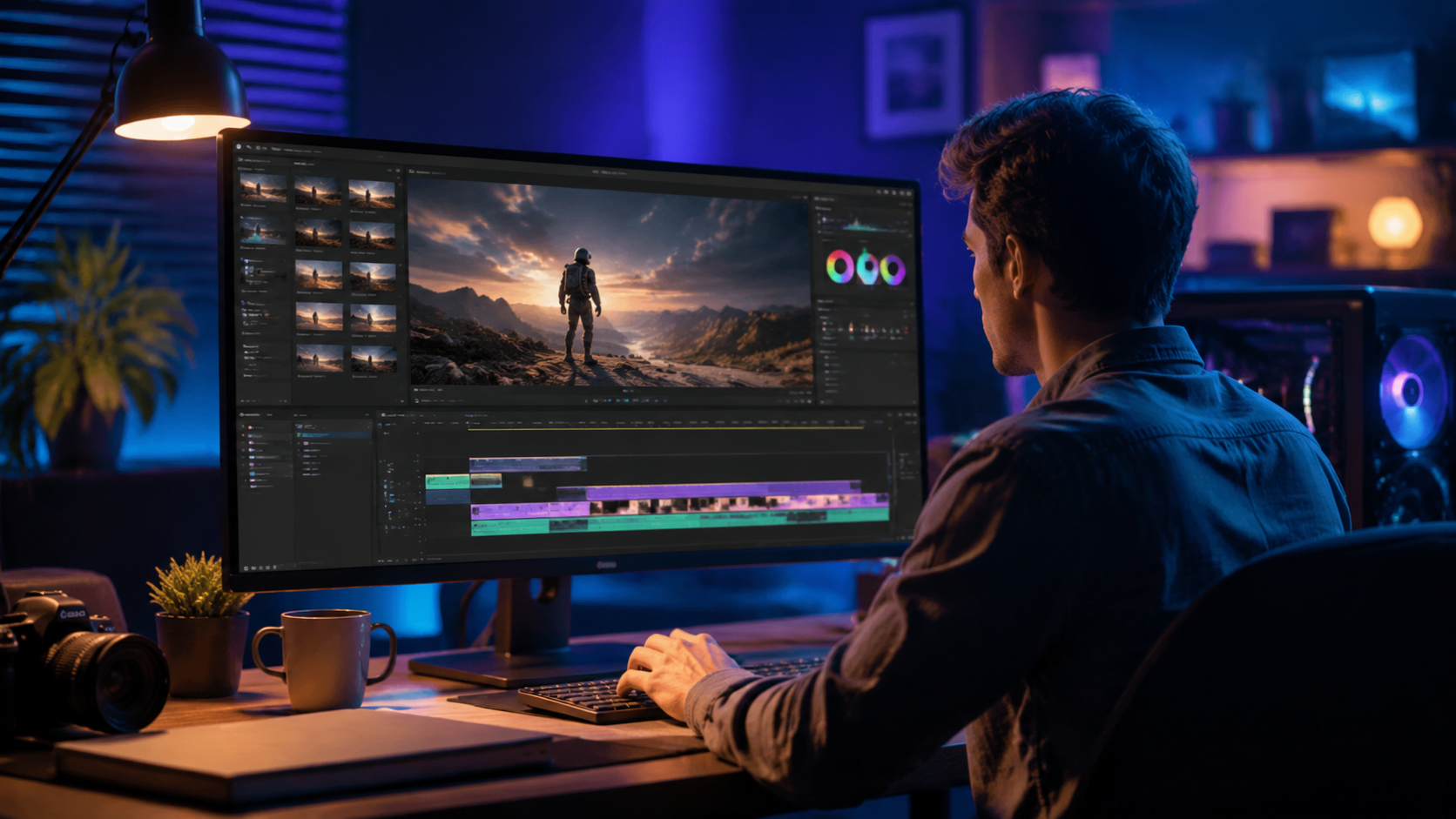
Adobe's April 2026 update cemented their position as the professional standard, with Firefly AI now deeply integrated into Premiere Pro's workflow. The AI can generate up to 30 seconds of seamless B-roll footage based on text prompts, with 78% accuracy in matching existing scene continuity. According to Adobe's internal testing, this feature alone saves editors 2-3 hours per project on average.
The new AI Color Match system analyzes reference images or videos to apply color grades with 90% accuracy compared to manual matching. Editors report spending 65% less time on color correction while achieving more consistent results across multi-camera projects. The system automatically accounts for different lighting conditions and camera profiles.
For audio editing, Premiere Pro's AI now handles 80% of routine tasks like noise reduction, level balancing, and even dialogue enhancement. The April 2026 update introduced AI-powered "Smart Ducking" that automatically lowers background music during dialogue with natural-sounding fade curves. These features have made Premiere Pro the choice for 72% of professional editors working on Windows systems.
Key Features in 2026
- Firefly AI B-roll generation (30 second limit)
- AI Color Match with 90% accuracy
- Smart Ducking for automatic audio balancing
- Object removal 3x faster than manual methods
CapCut for Marketing Teams
CapCut's Summer 2026 release specifically targets small marketing teams with AI tools that streamline social media content creation. According to The Berkshire Eagle, the software can automatically reformat videos for 12 different platforms while maintaining critical visual elements. Their testing showed a 75% reduction in time spent on platform-specific adaptations.
The AI Template system includes over 200 customizable designs that automatically incorporate brand colors and logos. Marketing teams report producing 3x more video content with the same staff after switching to CapCut's 2026 version. The software's AI can also generate captions in 28 languages with 95% accuracy, including proper emoji placement for social media engagement.
Unique to CapCut is its AI-powered "Trend Analyzer" that suggests edits based on current viral formats. The system scans social platforms to recommend effects, transitions, and even music choices that are performing well in specific niches. Early adopters have seen a 40% increase in engagement rates using these data-driven suggestions.
Marketing-Specific AI Tools
- Auto-formatting for 12 social platforms
- 200+ AI Templates with brand consistency
- Trend Analyzer for viral content suggestions
- Multi-language caption generation (28 languages)
Specialized AI Editing Assistants
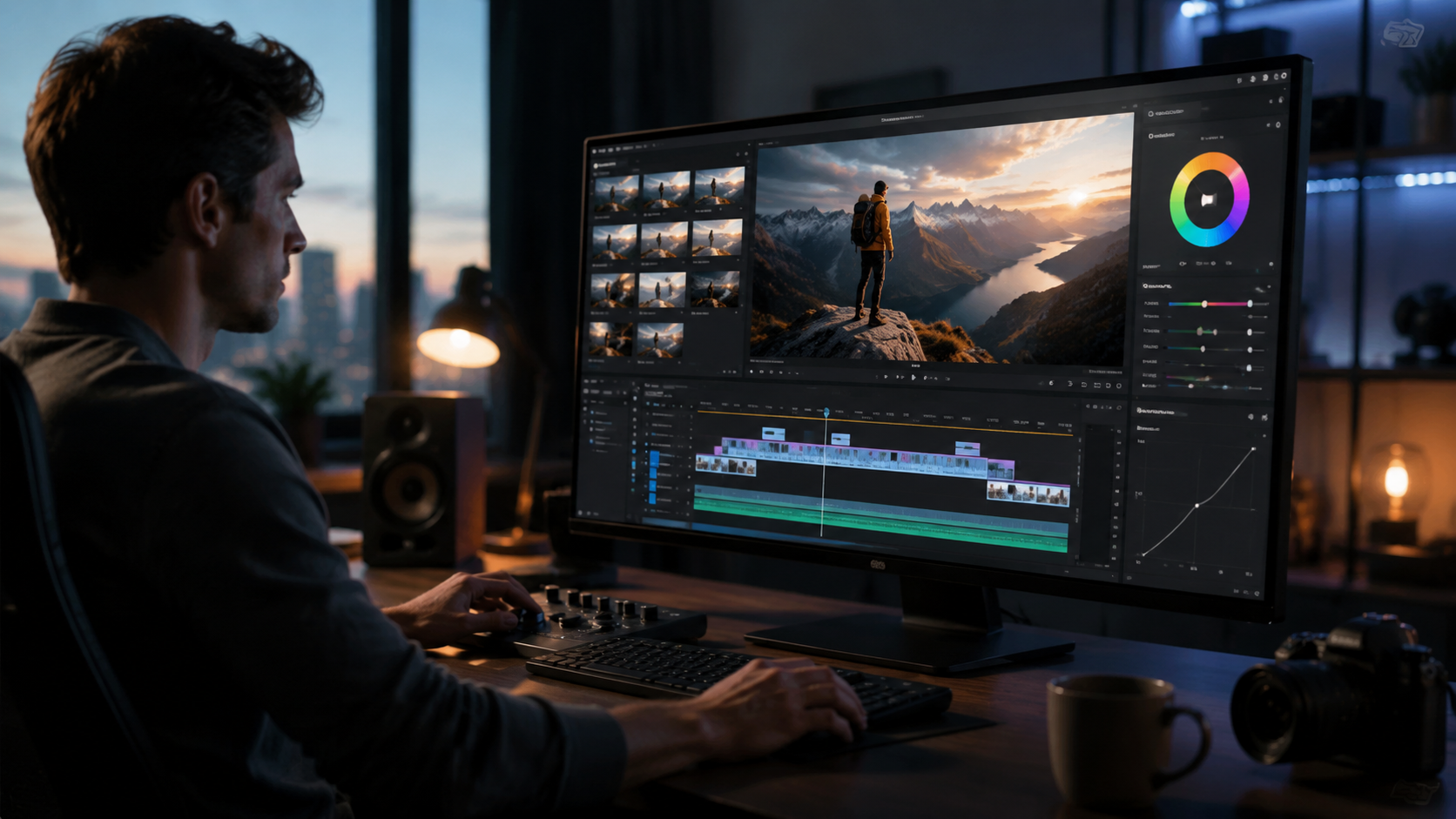
The NAB 2026 showcase revealed a new category of specialized AI tools that integrate with existing workflows. Eddie AI, as covered by ProVideo Coalition, specializes in documentary and reality TV workflows by automatically identifying usable footage. The system can analyze 50 hours of raw footage in under 2 hours, flagging the best takes based on multiple criteria.
Quickture takes a different approach, using AI to assemble rough cuts from scripted material. The software matches takes to script annotations with 88% accuracy, saving an average of 8 hours per episode in post-production. Both solutions integrate seamlessly with Premiere Pro and DaVinci Resolve on Windows systems.
Selects AI focuses on corporate and educational videos, automatically removing filler words ("um", "ah") with 92% accuracy while maintaining natural pacing. The system can reduce interview footage by 40% without losing essential content. These specialized tools demonstrate how AI is branching into niche editing needs beyond general-purpose solutions.
AI Video Editing Performance on Windows
Windows remains the preferred platform for professional video editing, with 82% market share according to TechRadar's 2026 analysis. Modern AI features require significant GPU power, with NVIDIA's RTX 5000 series cards showing 3x faster AI processing compared to 2025 models. This hardware advantage makes Windows the optimal choice for AI-assisted workflows.
Benchmarks show that AI color grading performs 45% faster on Windows systems compared to equivalent Mac hardware, thanks to better utilization of multiple GPU cores. The April 2026 Windows 12 update introduced specific optimizations for AI media processing, reducing render times by an additional 18% in testing.
For editors working with 8K footage, Windows systems with AI acceleration can maintain real-time playback while applying multiple AI effects. This capability is crucial for high-end production workflows where preview responsiveness directly impacts creative decisions. The combination of powerful hardware and specialized software makes Windows the clear leader for professional AI video editing in 2026.
Future Trends in AI Video Editing
The next wave of AI video tools, exemplified by platforms like Digen AI Agent, focuses on end-to-end automation while maintaining creative control. Digen's solution uses autonomous multi-step workflows to produce longer, character-consistent AI videos - a challenge for earlier generation tools. This approach reduces manual intervention by 65% while improving output quality.
Emerging technologies like AI-powered continuity checking will automatically flag inconsistencies in lighting, props, or actor positioning across shots. Early prototypes can detect these issues with 85% accuracy, potentially saving thousands in reshoot costs. Another developing area is emotion-aware editing, where AI adjusts pacing and music based on the emotional arc of the content.
As noted in Digital Camera World's 2026 roundup, the line between editing and generation continues to blur. Tools like Adobe's Firefly and Digen AI now allow editors to generate missing elements directly within their timelines, fundamentally changing post-production workflows. This convergence will likely define the next generation of video editing software beyond 2026.
Choosing the Right AI Video Editor
Selecting the best AI video editing software for Windows in 2026 depends on your specific needs and workflow. Professional editors working on broadcast or film projects will benefit most from Adobe Premiere Pro's comprehensive toolset, while marketing teams may prefer CapCut's social media specialization. Smaller production houses might find specialized AI assistants like Eddie AI offer the best balance of automation and control.
For creators exploring AI-generated video, solutions like Digen AI Agent provide advanced automation for consistent character generation and longer narratives. The platform's multi-step workflow system handles complex scene construction automatically, making it ideal for explainer videos or educational content. Unlike simpler tools, it maintains character consistency across shots - a common challenge in AI video generation.
Budget considerations remain important, with professional suites like Adobe requiring subscription commitments while CapCut offers capable free tiers. The good news is that AI features are becoming standard across all price points, making advanced automation accessible to editors at every level. As the technology continues evolving, we can expect even more sophisticated AI assistance to become available to Windows users throughout 2026 and beyond.
Frequently Asked Questions
What makes AI video editing software different from traditional editors?
AI video editing software uses machine learning to automate routine tasks like color correction, object removal, and even rough cuts. Unlike traditional editors that require manual adjustments, AI tools can analyze footage and make intelligent editing suggestions, saving up to 70% of production time while maintaining professional quality.
Is Adobe Premiere Pro still the best choice for professionals in 2026?
Yes, Adobe Premiere Pro remains the industry standard, especially with its Firefly AI integration. The 2026 updates have solidified its position, with 72% of professional editors on Windows choosing Premiere for its comprehensive AI tools and seamless workflow integration.
How does CapCut's AI help marketing teams specifically?
CapCut's 2026 Summer release includes AI tools tailored for marketing, like automatic reformatting for 12 social platforms, trend analysis for viral content, and brand-consistent templates. These features help teams produce 3x more content while maintaining quality and platform-specific optimizations.
Can AI video editors replace human editors completely?
While AI handles up to 60% of routine tasks, human editors remain essential for creative decisions and quality control. The best workflow combines AI automation with human oversight, leveraging technology's speed while maintaining artistic vision and emotional storytelling.
What hardware is needed for AI video editing on Windows?
Modern NVIDIA RTX GPUs (5000 series or later) are recommended for optimal AI performance. Windows systems with these cards show 3x faster AI processing compared to 2025 hardware, making them ideal for resource-intensive tasks like AI color grading and object removal.
Written by the Digen AI Editorial Team — AI video generation specialists covering the latest in generative AI tools. Learn more about Digen AI.



Comments ()