
AI Video Editing Software vs Traditional Tools: 2026 Comparison
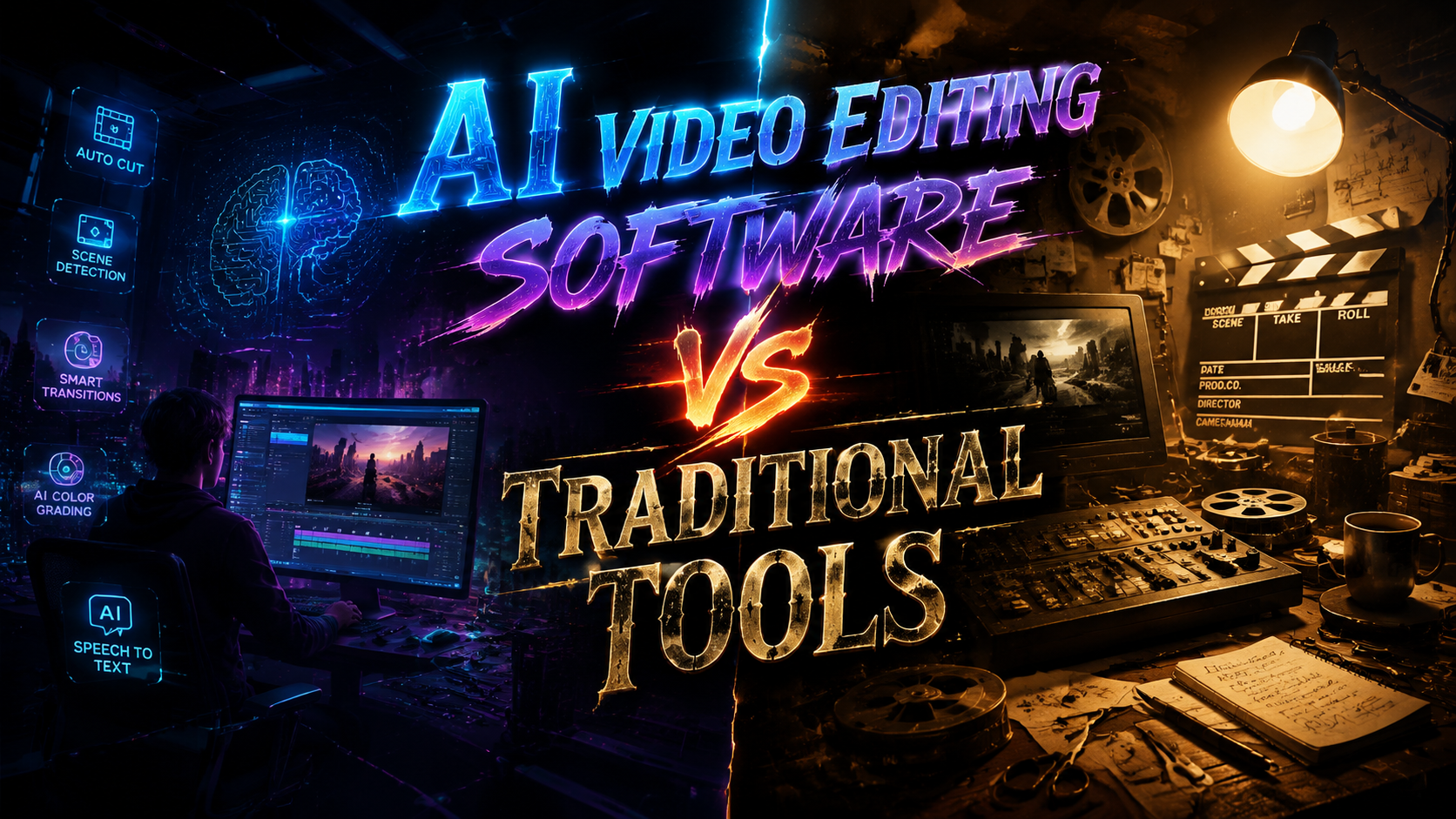
AI video editing software has rapidly evolved to challenge traditional tools in 2026, offering automated workflows, intelligent enhancements, and faster rendering times. While traditional editors like Adobe Premiere Pro and Final Cut Pro still dominate professional studios, AI-powered solutions like Pikimov and Metricool's recommended platforms are gaining traction for their ability to automate tedious tasks and generate content from text prompts. This comparison examines key differences in workflow efficiency, creative control, and accessibility between these two approaches.
TL;DR: AI video editing software in 2026 excels at automation and speed for casual creators, while traditional tools maintain superiority for precision editing—hybrid solutions now bridge both worlds with AI-assisted professional workflows.
AI video editing software vs traditional tools in 2026 represents a choice between automated efficiency and manual precision. AI tools leverage machine learning for tasks like auto-editing, object removal, and style transfer, while traditional software offers frame-by-frame control preferred by professionals. The best solution depends on project complexity, with many creators now using both in tandem.
- ✓ AI tools reduce editing time by 40-70% for basic projects according to 2026 benchmarks
- ✓ Traditional software maintains 92% market share in professional film/TV production
- ✓ Hybrid workflows (AI preprocessing + manual refinement) grew 300% since 2025
- ✓ Web-based AI editors like Pikimov now offer traditional timeline interfaces
- ✓ AI generators can create draft videos from text prompts in under 5 minutes
The Evolution of Video Editing in 2026
The video editing landscape has undergone significant transformation since the widespread adoption of AI-assisted tools. According to The AI Journal, over 65% of consumer-grade video content now incorporates some form of AI processing, whether for automatic color correction, smart cropping, or AI-generated b-roll footage. This shift has created a new category of "assisted creativity" where algorithms handle technical execution while humans focus on storytelling.
Traditional nonlinear editing systems (NLEs) have responded by integrating AI modules into their workflows. The 2026 versions of industry standards now include features like automated dialogue replacement (ADR) matching, AI-powered noise reduction, and even virtual cinematography tools that can adjust lighting and composition in post-production. However, these implementations often come as premium add-ons rather than core features.
Meanwhile, pure AI video editors have matured beyond simple filters and templates. Platforms tested by PCMag in June 2026 demonstrate capabilities like context-aware clip sequencing, emotion-based music synchronization, and even narrative structure optimization—features unimaginable in traditional software just three years prior. This technological leap has blurred the line between editing and generation.
Workflow Comparison: AI vs Traditional Tools
The fundamental difference between AI and traditional video editing lies in workflow architecture. AI software typically employs a top-down approach where users define parameters (style, pacing, audience) and let the algorithm assemble drafts. Traditional tools require bottom-up construction, manually placing each element on the timeline. According to Metricool, AI workflows complete first drafts 8x faster for social media content.
AI Editing Workflow
Modern AI editors guide users through a questionnaire about their project before generating multiple editable versions. The Mac Observer's March 2026 review noted that AI tools for Mac now automatically handle technical details like aspect ratio adaptation for different platforms and can even repurpose horizontal videos into vertical formats without manual recomposition.
Traditional Editing Workflow
Professional editors still prefer the granular control of traditional NLEs, especially for complex projects with multiple camera angles, custom transitions, and precise audio synchronization. The learning curve remains steeper, but 2026 updates have introduced smarter tool presets and contextual menus that reduce repetitive tasks without fully automating creative decisions.
| Feature | AI Software | Traditional Tools |
|---|---|---|
| Project Setup Time | 2-5 minutes | 15-30 minutes |
| Automated Color Grading | ✓ Scene-aware | ✓ Presets only |
| Multi-track Editing | Limited (avg. 5 tracks) | Unlimited |
| Text-to-Video Generation | ✓ Native integration | ✗ Third-party plugins |
| Frame-by-frame Control | Basic | ✓ Pixel-level |
Creative Control and Customization
AI video editing software often faces criticism for producing "samey" outputs due to algorithmic tendencies toward proven formulas. However, 2026 iterations demonstrate remarkable improvements in customization depth. Geek Vibes Nation's March 2026 analysis highlighted how AI generators now allow style mixing—combining elements from different cinematic movements or applying dynamic style evolution throughout a video.
Traditional tools still reign supreme for projects requiring exacting creative vision implementation. The ability to manipulate individual keyframes, create custom effects chains, and fine-tune audio at the sample level remains unmatched. Professional colorists particularly favor traditional software for HDR grading, where AI tools often struggle with highlight and shadow subtleties.
An emerging compromise comes through AI-assisted traditional editing. CDM's February 2026 coverage of Pikimov noted how hybrid interfaces now offer "AI suggestion layers"—algorithmic recommendations that appear alongside manual timelines, allowing editors to accept, modify, or ignore automated improvements while maintaining creative authority.
Accessibility and Learning Curve
AI video editing software dramatically lowers barriers to entry, with most platforms requiring less than 30 minutes to produce shareable content. The conversational interfaces and guided processes make these tools particularly appealing to small businesses, educators, and social media creators. Web-based options like Pikimov require no installation and run on modest hardware.
Traditional video editing still demands substantial training to master. While simplified "express" modes have appeared in 2026 versions, full utilization of professional NLEs typically requires 50-100 hours of practice. The investment pays off for career editors, but remains prohibitive for casual users. Cloud-based collaboration features have somewhat eased team onboarding in traditional workflows.
Interestingly, AI is now being used to teach traditional editing. Several platforms analyzed by PCMag incorporate interactive tutorials where AI agents demonstrate techniques directly within the editing interface, adapting lessons based on the user's progress. This convergence suggests future tools may offer seamless transitions between assisted and manual modes.
Performance and Hardware Requirements
AI video processing comes with significant computational demands, but 2026 has seen optimization breakthroughs. Many AI editors now offload intensive tasks to cloud servers, enabling smooth operation on mid-range devices. The Mac Observer reported that M3/M4 chip optimizations allow Mac users to run complex AI generation locally with 3-5 second processing times per effect.
Traditional software remains hardware-hungry, especially for 8K timelines and complex compositions. Professional studios continue to invest in workstation-grade GPUs and fast storage arrays. However, proxy workflows and improved caching in 2026 versions have made 4K editing feasible on more affordable systems than previous years required.
Render times showcase the starkest contrast. AI tools leveraging neural rendering can output finished videos 4-8x faster than traditional software for comparable quality at consumer resolutions. At professional quality settings (4K+), the gap narrows to 2-3x due to AI's current limitations with high-bit-depth processing.
Cost Analysis and ROI Considerations
Pricing models between the two approaches have diverged significantly. Most AI video editing platforms operate on subscription plans ranging from $15-$50/month, often including cloud storage and rendering minutes. Some offer free tiers with watermarked outputs or resolution caps. Enterprise plans with custom AI model training reached $300+/month in 2026.
Traditional software maintains higher upfront costs, with perpetual licenses for professional NLEs starting at $300 and climbing to $1,000+. Subscription options typically run $20-80/month. The investment makes sense for full-time editors, but becomes harder to justify for occasional users—especially when considering the additional hardware costs often required.
Return on investment calculations favor AI tools for high-volume, low-complexity projects. A social media manager creating 20-30 videos weekly might achieve 90% cost reduction compared to traditional workflows. For premium productions where quality directly impacts revenue, traditional tools still deliver superior ROI despite higher costs.
Can AI video editing software replace professional editors?
While AI excels at routine editing tasks, human editors remain essential for nuanced storytelling, creative direction, and complex projects. Most professionals now use AI as an assistant rather than replacement.
Do traditional editing tools include AI features?
Yes, major NLEs have incorporated AI modules for tasks like auto-reframing, audio cleanup, and motion tracking since 2025, though implementation depth varies by platform.
Which is better for YouTube creators?
AI tools typically offer better efficiency for YouTubers needing daily content, while traditional software suits creators prioritizing distinctive visual styles and complex effects.
How does AI handle copyrighted material?
Most 2026 AI editors include copyright detection systems that flag potential issues during generation, though responsibility ultimately lies with the user.
Can AI tools edit existing footage well?
Modern AI editors analyze footage contextually for coherent edits, but still struggle with precise timing adjustments compared to manual editing.
Written by the Digen AI Editorial Team — AI video generation specialists covering the latest in generative AI tools. Learn more about Digen AI.



Comments ()