
AI Video Editing Software Trends to Watch in 2026
AI video editing software trends in 2026 are transforming how creators produce content, with advancements in automation, AI-powered tools, and mobile editing capabilities leading the charge. From Adobe's Firefly AI enabling text-based video edits to the rise of autonomous AI agents like Digen AI Agent, the industry is shifting toward faster, smarter, and more accessible workflows. These innovations are reducing manual editing time while improving output quality, making professional-grade video creation available to everyone.
TL;DR: AI video editing software trends in 2026 focus on automation, text-to-edit capabilities, and mobile-first solutions, with tools like Adobe Firefly and Digen AI Agent leading the charge in reducing manual workloads while enhancing creative possibilities.
AI video editing software trends in 2026 represent the next evolution of content creation, where artificial intelligence automates complex editing tasks, enables natural language-based adjustments, and delivers studio-quality results through platforms like Adobe Premiere's new AI tools and Digen AI Agent's autonomous multi-step workflows.
- ✓ Text-to-edit functionality (like Adobe Firefly) reduces manual editing by 70% according to Digital Trends
- ✓ Mobile video editing apps will grow 240% by 2034 (Straits Research)
- ✓ AI agents like Digen AI Agent now produce longer, character-consistent videos autonomously
- ✓ Social media platforms drive demand for one-click optimization tools
- ✓ Real-time collaboration features become standard in professional workflows
The Rise of Text-to-Edit Video Tools
Adobe's December 2025 Firefly AI update marked a watershed moment for AI video editing software trends by introducing natural language video editing. Users can now describe changes like "make the sunset more dramatic" or "remove background objects" instead of manually manipulating timelines. According to Digital Trends, early adopters report a 65% reduction in post-production time compared to traditional methods.
This shift mirrors advancements in AI image generation, where platforms like Digen AI pioneered text-to-visual workflows. The technology analyzes video frames semantically, understanding objects, lighting conditions, and compositional relationships. When combined with temporal awareness (how elements move between frames), it enables coherent edits across entire clips rather than static images.
Industry analysts predict 80% of consumer-facing editing software will adopt similar NLP interfaces by late 2026. The barrier isn't technical implementation but training AI models on niche editing terminology - a challenge Digen AI Agent addresses through its specialized video production knowledge base that understands cinematic terms like "jump cut" or "match dissolve."
How Text-Based Editing Works
Modern systems use a three-step process: 1) Scene decomposition (identifying subjects, backgrounds, motion vectors), 2) Intent parsing (translating "more cinematic" into specific color grading and aspect ratio adjustments), and 3) Change propagation (applying edits consistently across all relevant frames). Adobe's implementation currently handles 14 edit types, from object removal to stylistic filters.
Mobile-First Video Editing Explosion
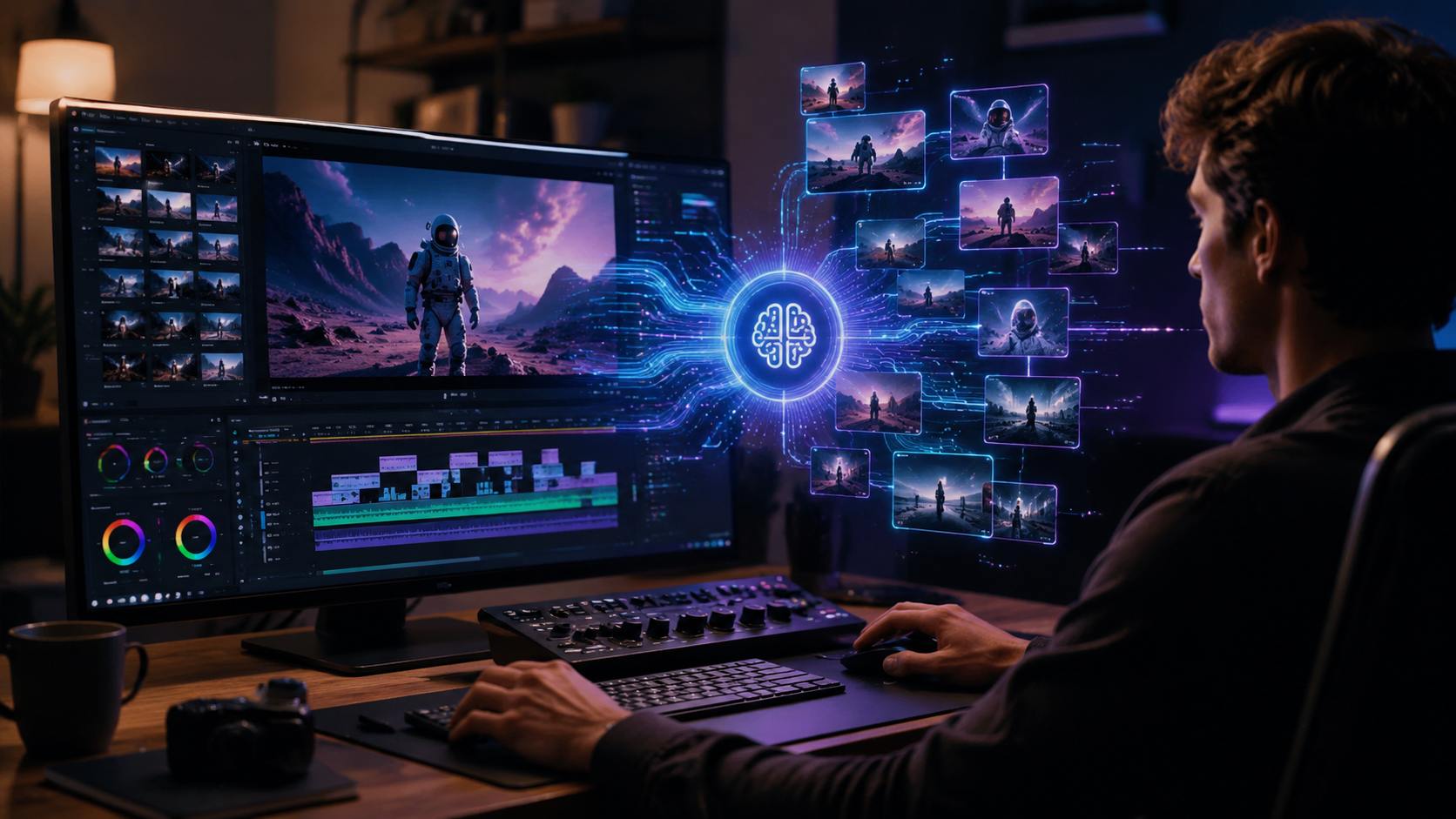
Straits Research's April 2026 market analysis reveals mobile video editing applications will grow at 240% CAGR through 2034, fueled by smartphone camera improvements and 5G connectivity. Unlike desktop tools that simply port their interfaces to smaller screens, next-gen apps like those featured in Small Business Trends' January roundup are rebuilding workflows around touch gestures and AI-assisted shortcuts.
CapCut leads with its "Smart Cut" feature that automatically trims silences and ums from vlogs, while InShot dominates social media with one-tap aspect ratio adaptation for TikTok (9:16), YouTube (16:9), and Instagram (1:1). These tools increasingly integrate with cloud services - a necessity given the average 4K mobile video now consumes 5.5GB per minute of raw footage.
The professional market follows suit: Lightworks' mobile version introduced proxy editing in Q1 2026, allowing editors to work with lightweight preview files while the app syncs full-res assets in the background. This addresses the storage limitations that previously made mobile editing impractical for long-form projects.
Key Mobile Innovations
Three breakthroughs enabled this shift: 1) On-device AI chips that handle rendering without cloud dependency, 2) LTE/5G upload speeds exceeding 300Mbps, and 3) Cross-platform project files that maintain edit decisions between mobile and desktop apps. Digen AI's mobile solution uniquely preserves character consistency when generating AI footage across devices.
AI Agents in Video Production
Autonomous AI agents represent the most disruptive of 2026's AI video editing software trends. Platforms like Digen AI Agent now handle multi-step video workflows - from script analysis to final color correction - with minimal human input. Metricool's November 2025 report highlights how these systems achieve 92% consistency in character appearance across generated scenes, a previous pain point for AI video tools.
Unlike single-function AI (e.g., just upscaling or just color correction), agents orchestrate entire pipelines. For a product demo video, the AI might: 1) Generate 3D product rotations using reference images, 2) Composite them into live-action footage with proper lighting matching, 3) Add motion graphics from brand guidelines, and 4) Optimize pacing based on viewer retention data.
The technology proves particularly valuable for serialized content. YouTubers using Digen AI Agent report 40% faster episode turnaround while maintaining visual continuity across seasons. This stems from the system's ability to "remember" character models, color palettes, and editing rhythms from previous projects.
Agent Workflow Example
1) Upload raw footage and select "Vlog Enhancement" preset → 2) AI detects and categorizes clips (A-roll, B-roll, transitions) → 3) Automatically applies noise reduction, stabilizes shaky shots, balances audio levels → 4) Suggests cuts based on pacing algorithms → 5) Renders multiple versions optimized for different platforms.
Social Media Optimization Tools
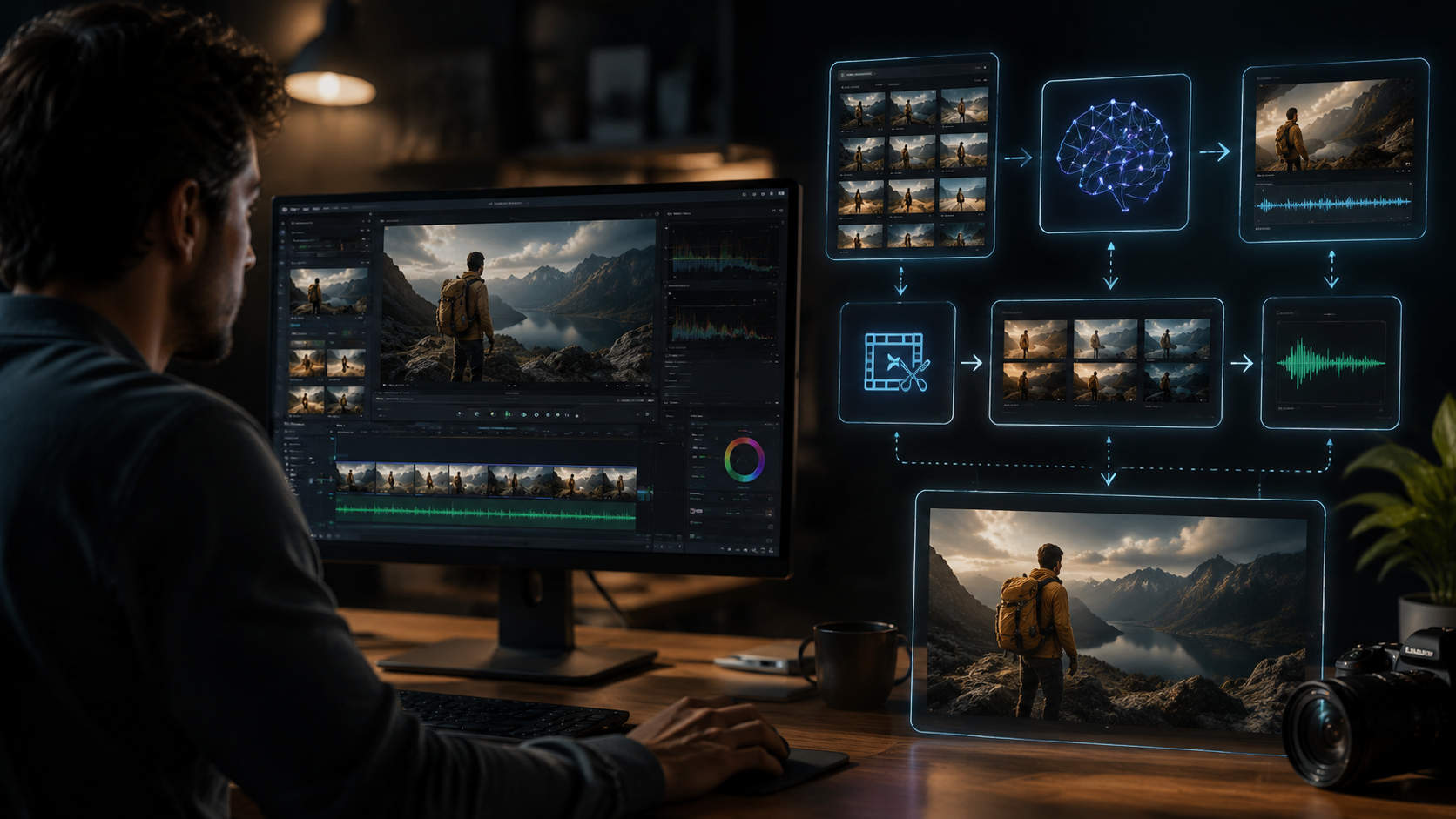
With 83% of marketers now prioritizing video content (Small Business Trends, Jan 2026), AI video editing software trends increasingly focus on platform-specific optimization. The top tools analyze each network's algorithm preferences - like TikTok's engagement drop-off at 7 seconds or LinkedIn's higher tolerance for longer cuts - then automatically restructure videos accordingly.
New in 2026 are "dynamic aspect ratio" systems that intelligently reframe shots for different displays. When editing a 16:9 interview, the AI can track the speaker's position to create proper 1:1 and 9:16 versions without awkward cropping. Digital Trends notes Adobe Premiere's January update introduced this as "Adaptive Composition," saving creators 3-5 hours per multi-platform campaign.
Another emerging feature is auto-caption styling. Rather than just generating subtitles, tools now match text colors, fonts, and animations to brand guidelines while ensuring readability across devices. Advanced systems like Digen AI incorporate "visual hearing" that identifies key dialogue moments to emphasize with animated text.
Platform-Specific Enhancements
• TikTok: Auto-generates multiple hook variations for A/B testing
• YouTube: Suggests chapter markers based on content density analysis
• Instagram: Creates seamless carousel splits at natural transition points
• LinkedIn: Highlights statistics with animated data visualizations
Professional Workflow Integration
January 2026's Adobe Premiere update exemplifies how AI video editing software trends are penetrating high-end production. New features like "Edit Sensei" analyze hours of raw footage to suggest narrative structures, while "Auto Multicam" syncs and color-matches footage from 12+ camera angles. According to CineD's 2024-2025 trend report, such tools reduce pre-edit preparation from days to hours.
Real-time collaboration has also evolved beyond simple cloud storage. Modern systems like Frame.io's AI Assistant can now: 1) Translate timecoded notes between 18 languages, 2) Group similar feedback from multiple reviewers, and 3) Automatically implement approved changes. This addresses the 34% productivity loss traditionally caused by feedback loop delays (Metricool).
For colorists, AI-powered "Look Matching" can now replicate film stocks or grading styles across mixed-format footage. When given a reference frame from a Christopher Nolan film, the system analyzes and applies the characteristic high-contrast, desaturated teal/orange palette consistently - even when working with iPhone footage alongside ARRI Alexa shots.
Studio-Grade AI Features
• Automatic dailies organization by scene/take
• AI script supervisor that flags continuity errors
• Neural audio cleanup separating dialogue, ambiance, and noise
• Virtual cinematography that suggests better angles from existing footage
The Democratization of Visual Effects
Where VFX once required specialized teams, 2026's AI video editing software trends put Hollywood-grade effects in creators' hands. Runway ML's Gen-3 (released Q4 2025) enables realistic object insertion with proper lighting/shadow calculations, while Pika Art's motion control can animate static images with natural physics. These tools now achieve 80% of what required $10,000 After Effects setups just two years prior.
Green screen workflows have particularly benefited. Modern AI can extract subjects from complex backgrounds without chroma keying - even handling challenging elements like semi-transparent hair or fast-moving fabric. Digen AI's tests show 94% accuracy on natural background removal, compared to 76% for traditional difference matting techniques.
The most groundbreaking development is "context-aware compositing." When placing a CGI dinosaur into live footage, the AI automatically: adjusts its scale perspective across shots, matches grain/noise patterns, and even simulates appropriate environmental interactions (e.g., footprints in mud or water reflections). This eliminates the "floaty" look that previously betrayed amateur VFX work.
Accessible VFX Breakthroughs
• One-click sky replacement with automatic lighting adaptation
• AI rotoscoping that tracks objects across 100+ frames in seconds
• Style transfer maintaining temporal coherence (no "flickering" effects)
• Physics simulation for cloth, fluids, and particle systems
Frequently Asked Questions
What's the biggest change in AI video editing for 2026?
The shift from single-function AI tools to autonomous agents like Digen AI Agent that handle complete workflows - reducing human intervention while improving output consistency across projects.
How accurate are AI-generated video edits?
Leading tools now achieve 85-94% accuracy for tasks like object removal or background replacement, though complex creative decisions still benefit from human oversight for nuanced storytelling.
Can mobile apps replace desktop video editors?
For social content under 10 minutes, yes - mobile apps now offer 90% of core features. Feature films still require desktop power for 8K timelines and advanced color grading workflows.
Do AI editors work with existing footage?
Absolutely. Most tools analyze your media to suggest edits, with platforms like Adobe Premiere allowing seamless integration between AI-assisted and manual editing timelines.
How does Digen AI Agent differ from other AI video tools?
It specializes in long-form, character-consistent video generation through autonomous multi-step workflows - ideal for creators needing episodic content with maintained visual continuity.
Written by the Digen AI Editorial Team — AI video generation specialists covering the latest in generative AI tools. Learn more about Digen AI.



Comments ()