
AI Video Editing Software Review 2026: Top Tools Tested
In 2026, the best AI video editing software combines powerful automation with intuitive interfaces, and the top tools tested include DaVinci Resolve 21, Movavi Video Editor, and emerging AI assistants like Eddie AI, Quickture, and Selects. This ai video editing software review 2026 evaluates each tool based on real-world performance, new features, and value for creators of all skill levels. Whether you're a professional colorist or a mobile content creator, the right AI-powered editor can dramatically speed up your workflow and enhance your final output.
The 2026 AI video editing landscape is defined by tools that automate tedious tasks — from scene detection and audio cleanup to color grading and even generating whole videos from product links. Leading the pack are DaVinci Resolve 21 (free, with a new Lightroom-style Photos tool), Movavi Video Editor (fast and affordable), and AI assistants such as Eddie AI, Quickture, and Selects showcased at NAB 2026.
- ✓ DaVinci Resolve 21 adds a groundbreaking Lightroom-style Photos tool for color-grading still images — a first for a video editor.
- ✓ Movavi Video Editor remains the go-to choice for budget-conscious creators in 2026, offering robust AI features at a low price point.
- ✓ New dedicated AI editing assistants (Eddie AI, Quickture, Selects) debuted at NAB 2026, promising to automate complex editing steps.
- ✓ Mobile video editing apps have matured significantly in 2026, with PCMag naming the best options for on-the-go creation.
- ✓ AI can now turn product links into full promotional videos in seconds, as highlighted by Business Review.
Overview of the 2026 AI Video Editing Landscape
The past year has seen explosive growth in AI integration across video editing software. According to TechRadar's review of DaVinci Resolve 21 (published June 5, 2026), the free version now rivals paid competitors thanks to a suite of intelligent tools. Meanwhile, Amateur Photographer (April 17, 2026) declared that "literally anyone can use" the best video editing software in 2026, emphasizing the democratizing effect of AI. The industry's latest innovations were on full display at NAB 2026, where ProVideo Coalition reported on three standout AI editing assistants: Eddie AI, Quickture, and Selects. These tools promise to handle scene matching, automatic transcription, and even narrative structuring, reducing editing time from hours to minutes.
Mobile editing also received a major boost in 2026. PCMag Middle East (May 22, 2026) released its annual roundup of the best mobile video editing apps, highlighting features like AI-driven background removal, real-time effects, and cloud-based collaboration. For businesses, the ability to turn product links into videos inside an AI video editor in seconds — as covered by Business Review (May 13, 2026) — opens up new possibilities for e‑commerce and marketing. This ai video editing software review 2026 examines these developments in depth to help you choose the right tool.
DaVinci Resolve 21 (2026) — The Free Powerhouse Gets Even Better
Major Improvements and the New Photos Tool
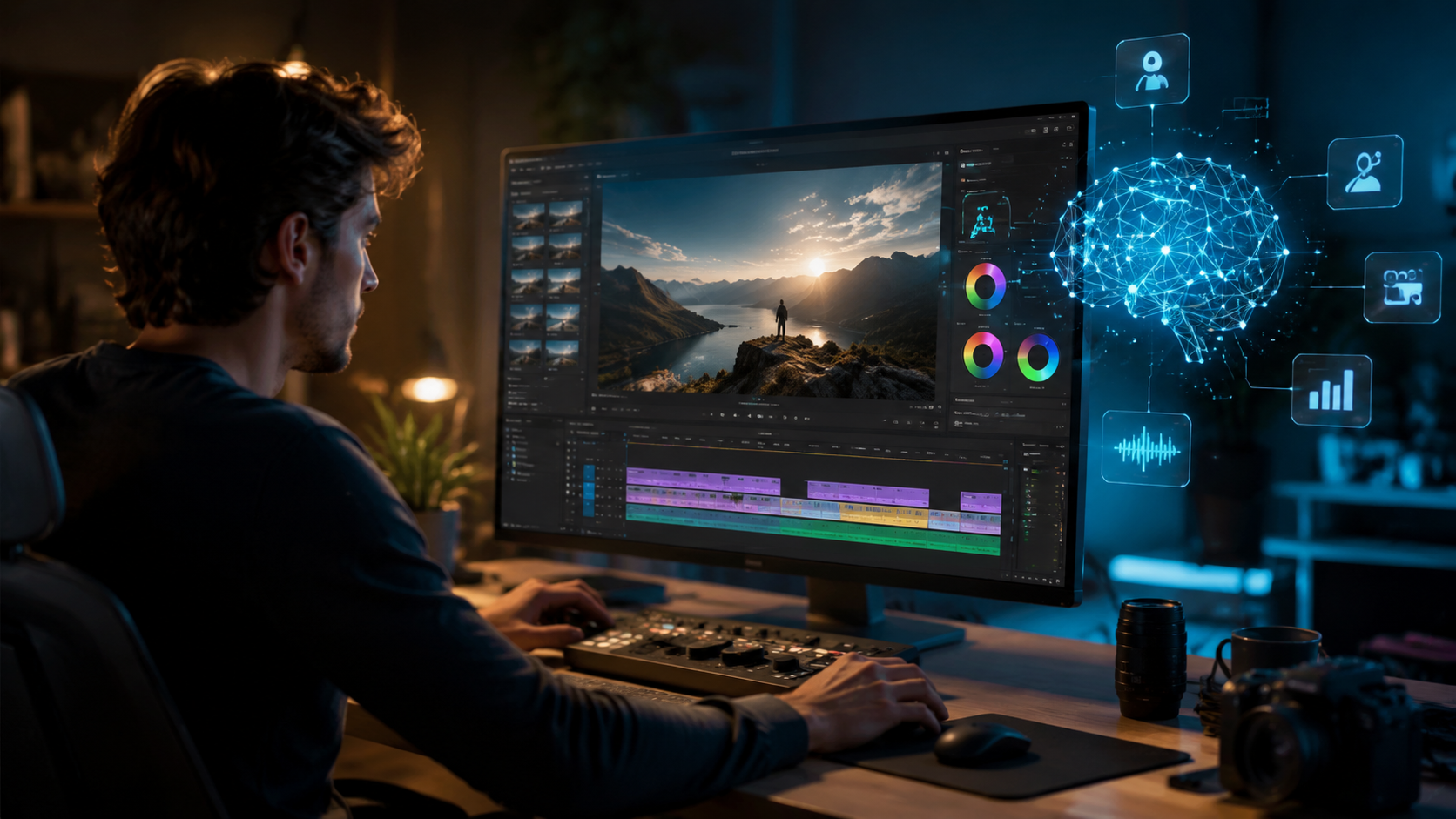
DaVinci Resolve 21, reviewed by TechRadar on June 5, 2026, retains its crown as the best free video editing app, but it's no longer just for video. The standout addition is a Lightroom-style Photos tool for color-grading still images. This integration means photographers and videographers can now work in a single ecosystem, applying identical color grades to both video clips and still frame grabs. According to TechRadar, "DaVinci Resolve 21 gets big improvements and a new Lightroom-style Photos tool for color-grading images," making it a versatile asset for any visual storyteller.
AI Features in DaVinci Resolve 21
Beyond the Photos tool, Resolve 21 expands its neural engine capabilities. AI-powered scene cut detection, voice isolation, and auto‑reframing are now faster and more accurate. The magic mask tool — which isolates subjects without a green screen — has been updated to handle complex hair and transparent objects. For colorists, the AI-driven color match and smart tone mapping simplify working with footage from multiple cameras. All these features remain free, making Resolve 21 a formidable competitor to paid suites.
Movavi Video Editor Review 2026 — Fast, Affordable, and Feature‑Packed
Movavi Video Editor was reviewed by SQ Magazine on May 24, 2026, and earned praise for its balance of speed, affordability, and AI integration. The 2026 version introduces an AI video enhancer that upscales low‑resolution clips, an intelligent noise reduction tool, and an auto‑captions feature that works offline. SQ Magazine asked, "Movavi Video Editor Review 2026: Fast, Affordable, and Feature-Packed?" — answering with a strong yes. Beginners will appreciate the streamlined interface, while power users can leverage timeline‑based editing with AI‑assisted transitions.
Movavi also supports hardware acceleration for AI models, resulting in real‑time previews even on mid‑range laptops. The pricing remains lower than most competitors, with a one‑time purchase option and a free trial that includes watermarked exports. For creators who need a capable editor without a subscription, Movavi is an excellent choice.
AI Editing Assistants: Eddie AI, Quickture, and Selects
At NAB 2026, as reported by ProVideo Coalition on May 1, 2026, three new AI editing assistants stole the spotlight: Eddie AI, Quickture, and Selects. These tools are not full video editors but rather intelligent plug‑ins or standalone services that automate specific editing tasks. Eddie AI focuses on dialogue‑driven edits — it can analyze a script and automatically arrange footage to match the spoken narrative. Quickture specializes in quick color grading, applying stylistic presets based on the mood of the scene. Selects is a smart media management tool that uses AI to identify the best takes from hours of raw footage, saving editors hours of review time.
Scott Simmons of ProVideo Coalition noted that these assistants represent a shift toward "co‑creative" workflows, where the AI handles repetitive decisions while the editor retains creative control. For professionals working on tight deadlines, integrating one or more of these assistants into a main editing suite (like DaVinci Resolve or Premiere Pro) can dramatically boost productivity.
Best Mobile Video Editing Apps for 2026
PCMag Middle East released "The Best Mobile Video Editing Apps for 2026" on May 22, 2026, testing over a dozen apps for performance, AI features, and export quality. Topping the list were apps that incorporate AI for background removal, automatic captioning, and one‑tap color grading. Notable mentions include LumaFusion (iPad), CapCut (with its new AI script‑to‑video feature), and Adobe Premiere Rush (now leveraging Adobe’s Firefly AI). Mobile editors increasingly support 4K export, multi‑track audio, and cloud sync, blurring the line between desktop and mobile workflows.
According to PCMag, the best mobile apps in 2026 allow users to "edit complex projects entirely on a phone or tablet" without sacrificing speed. AI features are particularly useful for social media content creators who need to produce short‑form videos quickly. The report emphasizes that even casual users can achieve professional results with minimal learning curve.
Turning Product Links into Videos in Seconds
Business Review (May 13, 2026) covered a new capability that is transforming e‑commerce marketing: AI video editors that can turn product links into complete promotional videos in seconds. By simply pasting a URL (e.g., from an online store), the AI automatically scrapes product images, descriptions, and reviews, then assembles a visually engaging video with background music, text overlays, and a call to action. This feature is now available in several mainstream editors, including the latest version of Movavi and a dedicated tool from Canva. For small businesses and marketers, it dramatically reduces the time and cost of video ad production.
Comparison Table — Top AI Video Editing Tools in 2026
| Tool | Key AI Features | Best For | Starting Price |
|---|---|---|---|
| DaVinci Resolve 21 | AI color match, voice isolation, scene cut detection, Photos tool | Professionals & free users | Free (Studio $295) |
| Movavi Video Editor 2026 | AI upscale, noise reduction, auto‑captions, product link‑to‑video | Beginners & budget creators | ~$49.95 one‑time |
| Eddie AI | Dialogue‑driven auto‑edit, script‑based assembly | Narrative editors | Subscription ~$15/mo |
| Quickture | AI color grading presets, mood‑based styles | Fast color grading | Subscription ~$10/mo |
| Selects | AI best‑take selection, media management | Large‑project editors | Subscription ~$12/mo |
| Adobe Premiere Pro (2026) | Firefly AI, auto‑reframe, text‑based editing | Professional suite users | ~$22.99/mo |
How to Choose the Right AI Video Editor in 2026
Selecting the best tool depends on your workflow, budget, and technical expertise. Follow these steps to make an informed decision:
- Assess your editing needs. Do you require advanced color grading (DaVinci Resolve 21), quick turnaround for social media (Movavi), or dedicated AI assistants (Eddie AI, Quickture, Selects)?
- Consider your platform. For mobile editors, PCMag's 2026 picks (e.g., LumaFusion, CapCut) are optimized for touchscreens. Desktop users get the full power of Resolve or Movavi.
- Test the AI features. Most tools offer free trials. Evaluate the speed and accuracy of auto‑captions, scene detection, and upscaling on your own footage.
- Factor in cost. DaVinci Resolve 21 is free; Movavi is a one‑time fee; AI assistants usually require subscriptions. Choose a model that aligns with your budget.
- Check compatibility. Ensure the software runs on your hardware (GPU requirements for AI models) and integrates with other tools you use (e.g., NLE timelines).
By following this process, you can confidently select an AI video editor that meets your creative and practical needs in 2026.
Is DaVinci Resolve 21 really free?
Yes, DaVinci Resolve 21 offers a full-featured free version that includes all the new AI tools and the Photos color‑grading module. The paid Studio version adds advanced noise reduction and 10‑bit color support for $295.
What AI editing assistants were shown at NAB 2026?
Three key AI assistants debuted: Eddie AI (dialogue-based auto editing), Quickture (automated color grading), and Selects (intelligent clip selection). As reported by ProVideo Coalition, these tools can be used alongside traditional editors.
Can AI video editors turn a product link into a video?
Yes, as Business Review noted in May 2026, several AI editors now accept product URLs and automatically generate a promotional video with images, text, and music. Movavi and Canva are leading this feature.
Which mobile video editing app is best in 2026?
PCMag Middle East's 2026 roundup names LumaFusion for iPad, CapCut for versatility, and Adobe Premiere Rush for cross‑platform editing. All three include robust AI features like background removal and auto‑captions.
How does Movavi Video Editor compare to DaVinci Resolve 21?
Movavi 2026 is faster to learn and more affordable (one‑time fee ~$50), with good AI upscaling and product‑link‑to‑video features. DaVinci Resolve 21 is free, more powerful for color grading and professional workflows, but has a steeper learning curve.
Do I need a powerful computer for AI video editing in 2026?
Many AI features rely on GPU acceleration. For DaVinci Resolve 21, a dedicated graphics card with at least 8GB VRAM is recommended. Movavi runs smoothly on most modern laptops. The standalone AI assistants (Eddie AI, etc.) often work via cloud processing, lowering local hardware demands.
The 2026 AI video editing market offers unprecedented choice and capability, from free, full‑featured suites like DaVinci Resolve 21 to affordable, beginner‑friendly tools like Movavi, and specialized AI assistants that plug into existing workflows. This ai video editing software review 2026 highlights that the best tool is the one that fits your specific creative process. We recommend trying a few options — most offer free trials — and letting the AI do the heavy lifting so you can focus on storytelling.



Comments ()